
While Firefox has always been the default web browser for Ubuntu, one of the most popular Linux distributions, there are many alternative and special-purpose browsers available to install on Linux. If you’re looking for a break from Firefox or need a browser to accomplish a particular task, there’s probably an alternative browser out there for you.
Here are 10 alternative browsers that you may find useful or interesting. This page is not a comprehensive list of Linux web browsers, just 10 that I found interesting. If you’re using Firefox or Chrome on Ubuntu, you can install these browsers by clicking on the “Install Now” button after each summary.
Chromium or Google Chrome

Since its release in late 2008, Google’s Chrome browser and its open source brother Chromium have quickly become the most popular replacement for Firefox on Ubuntu systems. Canonical includes Chromium in the Ubuntu repositories and it is installable via apt or as a snap. You can also download Chrome directly from Google. In the early days, you could install Chromium daily builds to test the latest features. Chromium has been considered by Canonical as a replacement for Firefox as the default browser in Ubuntu, but so far, Firefox is holding its ground.
Developed By: Google and the Chromium Project
License: Chromium: Multiple Open Source Licenses
Chrome: Proprietary with open-source components
Initial Release: September 2008
Layout Engine: Blink
Website: Chromium.org and google.com/chrome
Brave

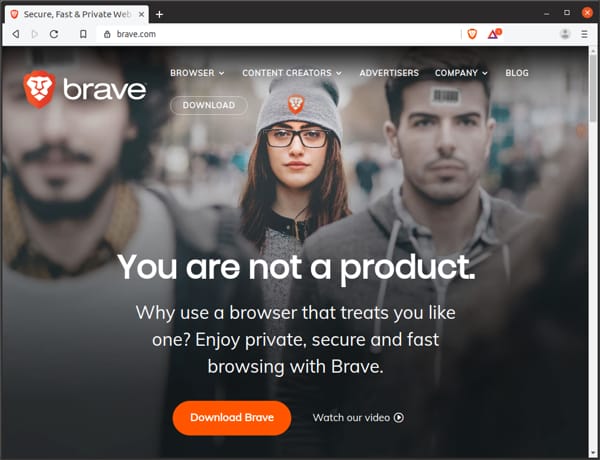
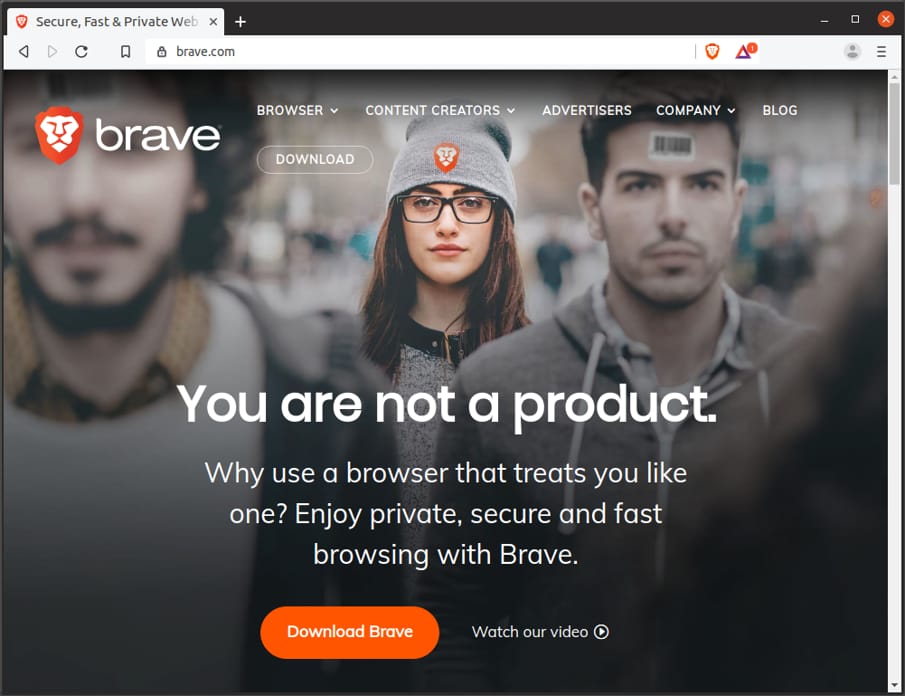
Brave entered the browser market in 2016 led by CEO (and former Mozilla co-founder) Brendan Eich. Brave is based on the open-source Chromium browser and features excellent ad and tracker blockers. Brave’s unique privacy features have led it to become one of the most popular alternative browsers in 2019.
Brave recently introduced a cryptocurrency called Basic Attention Token (BAT) that it uses to pay users for viewing ads delivered through Brave’s privacy-focused advertising network. User’s can “tip” websites with BAT, have Brave automatically divvy up BAT to the sites they visit or keep the BAT for themselves (theoretically trading them in for cash or gift cards).
While it’s possible that the company’s plan to disrupt online advertising may not work in the long run, it is good to see more innovation in the open source market and more browsers that support Linux. Installation instructions are available on brave.com.
Vivaldi

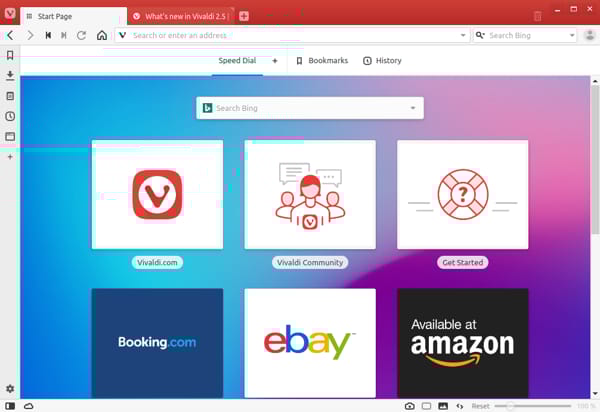
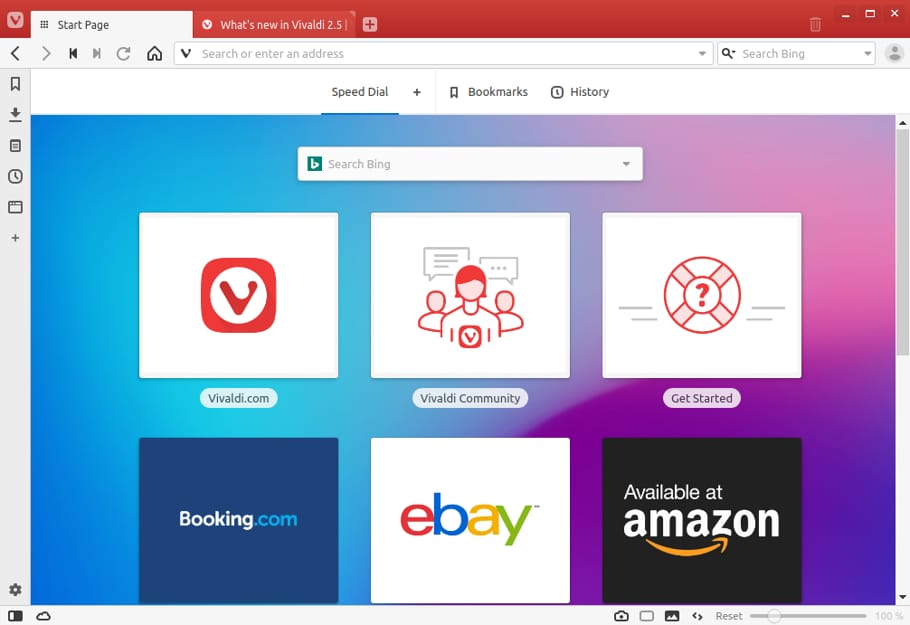
Vivaldi was one of the most talked about new browsers available for Linux when it debuted in 2016. Started by frustrated former Opera developers, Vivaldi aims to create a fast and flexible modern web browser. Like so many other modern browsers, it uses the Blink layout engine and the V8 JavaScript engine from the Chromium project. Vivaldi’s main selling points center around customizability and features that appeal to more technical users.
Some unique features of Vivaldi include Quick Commands that let you control the browser with text commands, built-in notes feature with sync, advanced tab management, and mouse gestures.
Vivaldi is not available in the default Ubuntu repositories, but you can download an Ubuntu compatible DEB package from vivaldi.com.
Developed By: Vivaldi Technologies
License: Proprietary with open-source components
Initial Release: April 2016
Layout Engine: Blink
Website: vivaldi.com
Opera

This popular closed-source browser debuted in 1995. Until recently, Opera used proprietary HTML layout and Javascript engines. Since 2013, Opera has used the Blink engine from the Chromium browser. Many people consider Opera to be the best browser on any platform while others would never install a browser that isn’t open source. Opera is a very mature and full-featured browser that works great on Ubuntu.
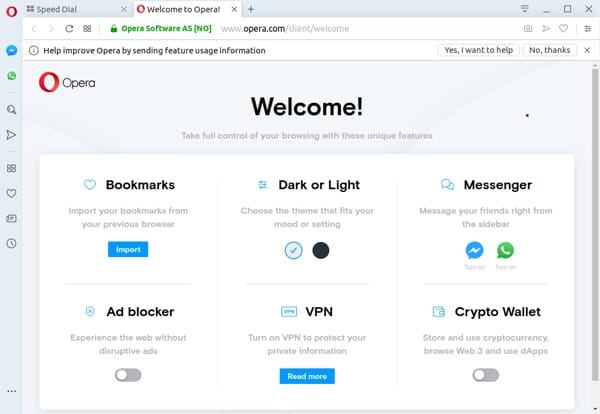
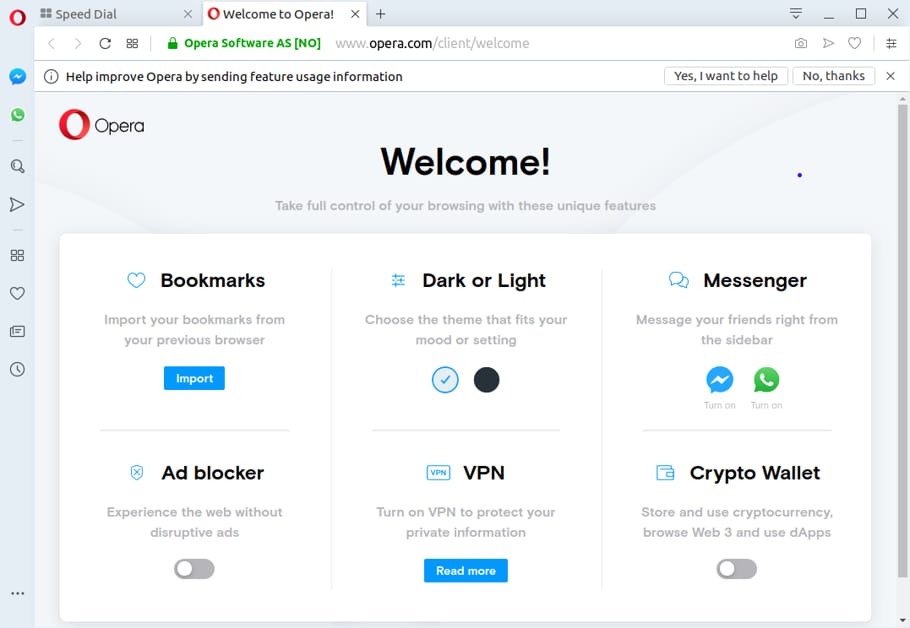
Opera has several unique features like an integrated VPN service, built-in ad blocking, a crypto wallet, innovative tab cycling, and the ability to integrate chat clients into the browser. You can download an Ubuntu compatible version directly from opera.com or via the Snap store.
GNOME Web (Epiphany)

GNOME Web (formerly Epiphany) is the official web browser of the GNOME desktop and elementary OS. GNOME Web is an easy to use Webkit based browser with a speedy and straightforward user interface. In fact, Web is like the granddaddy of simple web browsers, delivering a focused user interface years before Chrome came on the scene. The browser is very performant and polished, offering more features with each release. GNOME Web makes a great simple alternative to Firefox and Chrome.
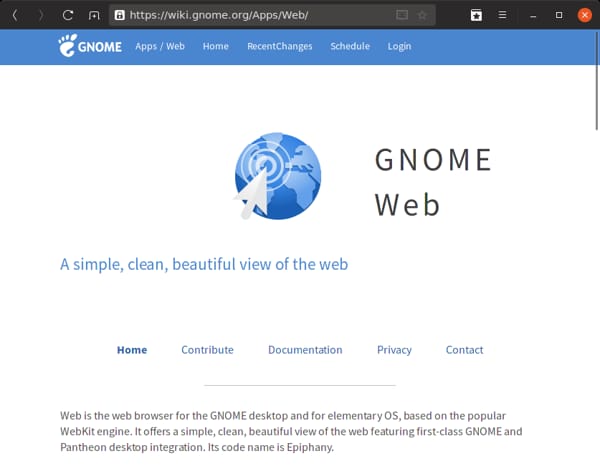
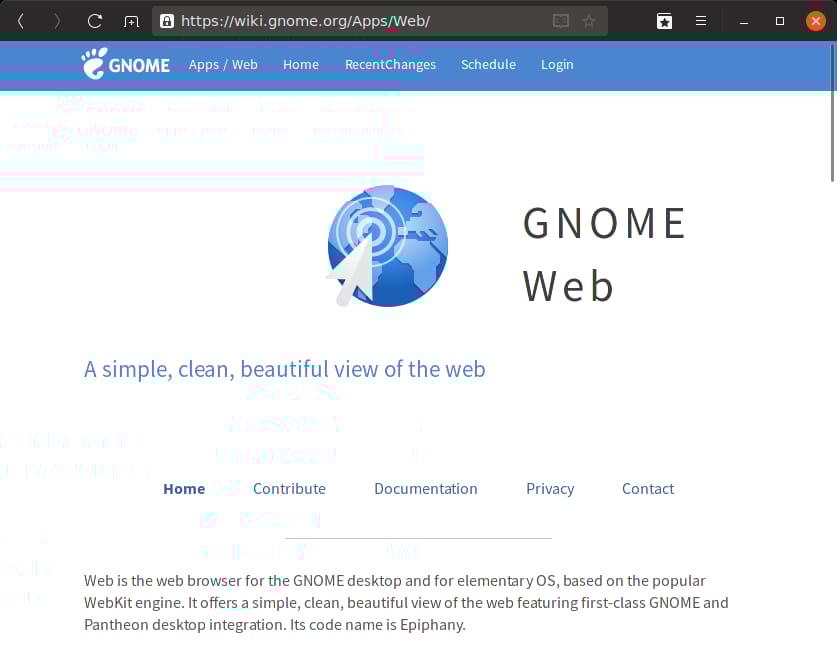
Developed By: The GNOME Web Browser Developers
License: GPL v3
Initial Release: December 2002
Layout Engine: WebKit
Website: wiki.gnome.org/Apps/Web
Falkon (formerly QupZilla)

Falkon is a KDE web browser that is available on Linux and Windows. Falkon uses QtWebKit, a Qt library for using Apple’s WebKit rendering engine. It features a reasonably minimalistic interface that should be familiar to new users. The browser has many options but offers nothing new or unique when compared to Firefox or Chromium. However, if you’re a KDE user and looking for a light and simple browser, you should give Falkon a try.
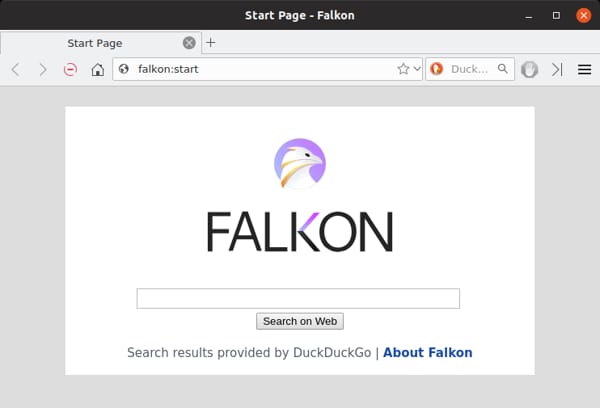
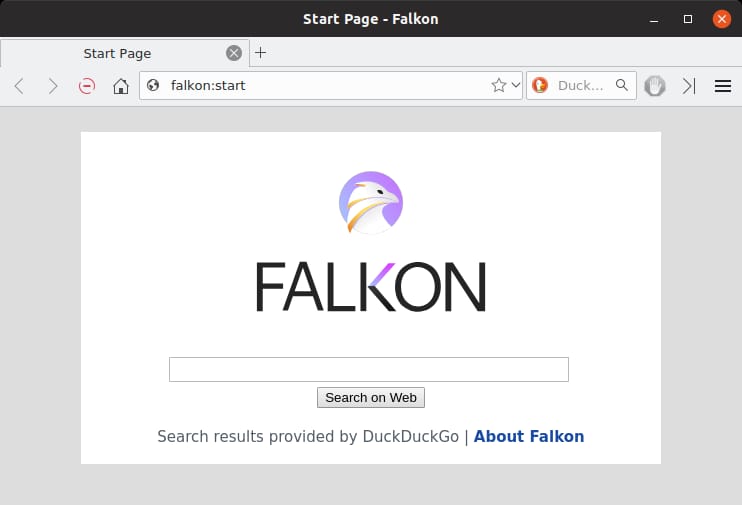
Developed By: David Rosca
License: GPL 3
Initial Release: December 2010 (as QupZilla)
Layout Engine: QtWebKit
Website: falkon.org
Links
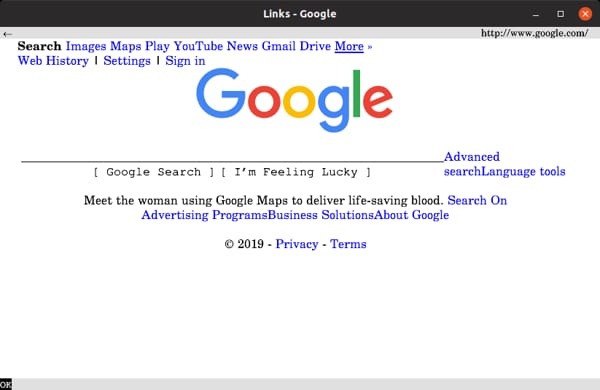
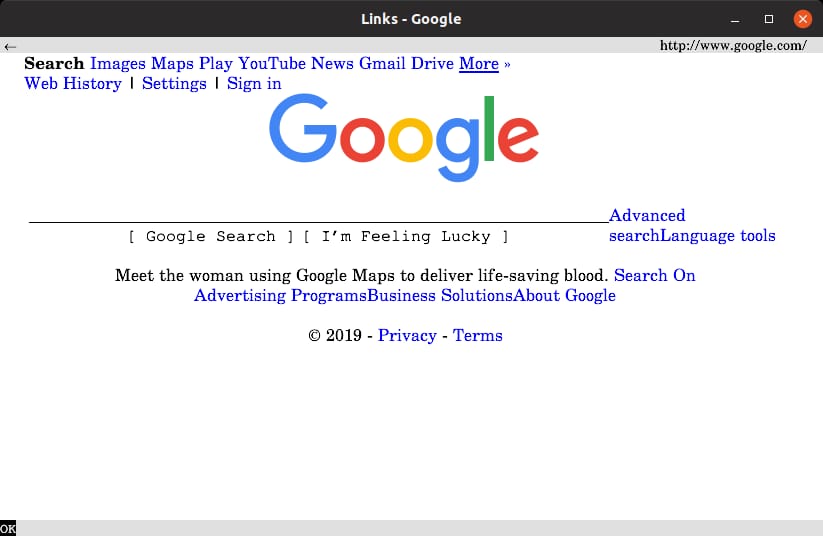
Links is a text-based browser with basic image and javascript support. It’s kind of like using the web in the Mosaic days. Text browsers can be useful when testing websites, for speedy surfing (usually ad-free), and lots of other geeky fun. If you install the “links” package from the Ubuntu repository, you’ll only be able to use Links in the Terminal. Installing the “links2” package also gives you access to Links in the desktop environment and its own window. If you’re looking for an advanced text-based browser with image support, Links is for you!
Developed By: Mikulas Patocka, Karel Kulhavy, Petr Kulhavy, and Martin Pergel
License: GPL 2+
Initial Release: 1999
Website: links.twibright.com
Beaker (Discontinued)

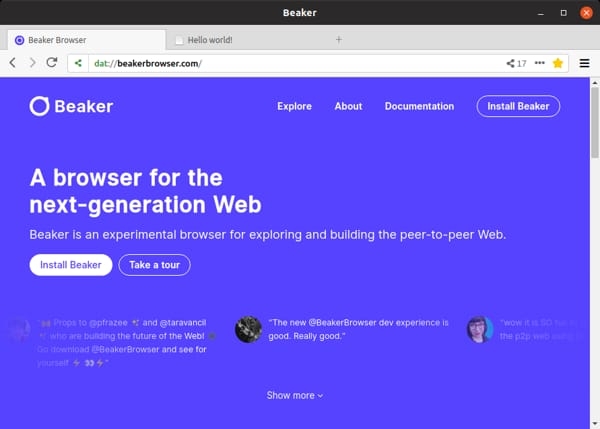
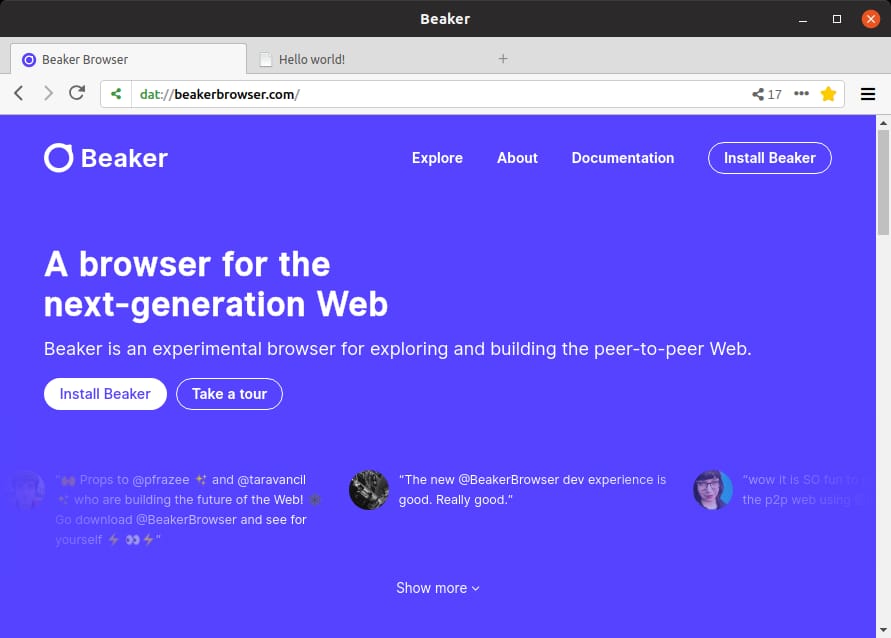
Note: Beaker Browser was discontinued in 2021 and is no longer maintained. Beaker was an experimental peer-to-peer web browser built on the Dat protocol (later Hypercore). It allowed users to create and host websites directly from the browser without a traditional web server, making it a unique entry in the browser landscape. Beaker was built on Electron and used the Chromium rendering engine. While the project is no longer active, it was an interesting experiment in decentralized web hosting and inspired other projects exploring peer-to-peer web technologies.
Developed By: Blue Link Labs
License: MIT
Initial Release: August 2017
Layout Engine: Blink
Website: beakerbrowser.com
Midori

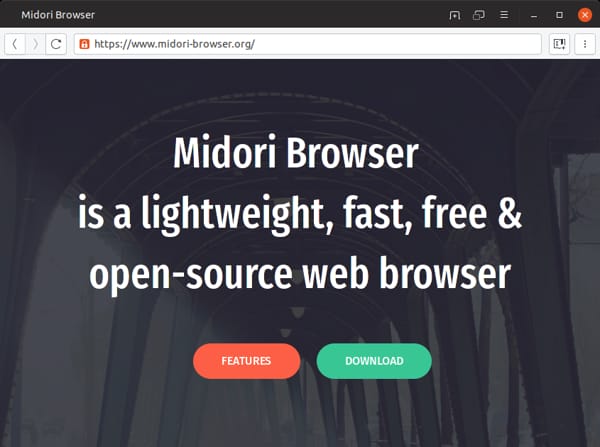
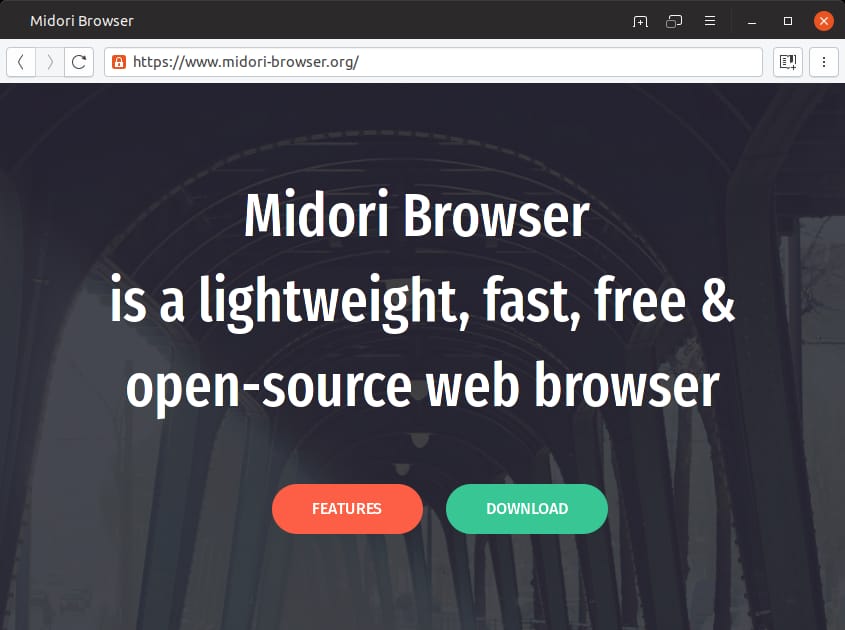
Midori is a cross-platform GTK browser based on Webkit. Midori is very lightweight and fast, but still has a lot of features. Midori is amazingly quick and can be useful for sites that tend to slow down Firefox. Midori features Duck Duck Go as the default search engine, but you’ll need to look elsewhere for ad blocking and more privacy controls.
While the project seemed dormant for quite a while, there have been several new releases of the Midori recently.
Developed By: Christian Dywan
License: GPL 2.1+
Initial Release: December 2007
Layout Engine: WebKit
Website: midori-browser.org
Yandex Browser

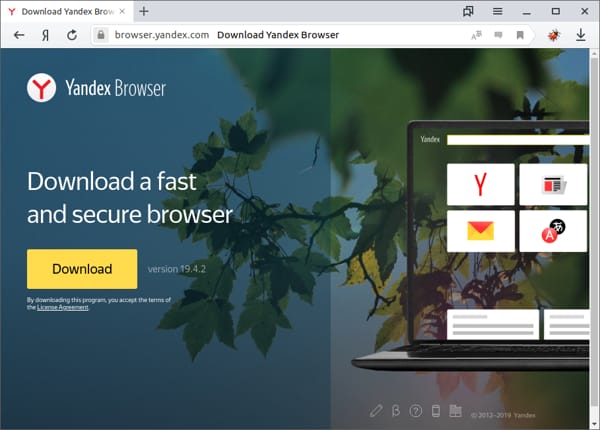
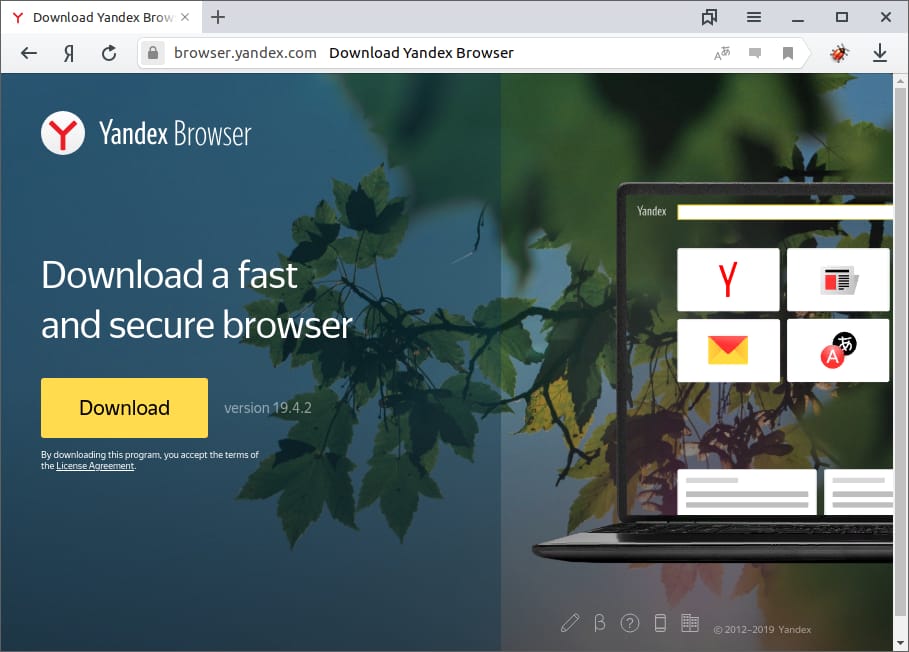
Russian search and online services giant Yandex has released their Yandex Browser for Linux, and it runs quite well on Ubuntu systems. Yandex Browser is based on Chromium but replaces Google services like search, sync, and security checks with Yandex services and virus scanning with Kaspersky antivirus. The browser also has nicely integrated translation features using Lingvo translation engine. Recently, Yandex Browser started offering Opera Turbo to speed up websites on slow connections.
While Yandex Browser mostly offers advantages for those living in Russia, it is good to see that they, and many others who are basing their browsers off of Chromium, are supporting Linux.
Developed By: Yandex
License: Proprietary with open-source components
Announced: October 2012 (Linux version in October 2014)
Layout Engine: Blink
Website: browser.yandex.com
Even more alternatives
Here are even more browsers you might want to check out for use on Ubuntu!

