Dell Inspiron 1420N with Ubuntu Unboxing
August 1st, 2007
Dell recently added the Inspiron 1420N to their lineup of Ubuntu Linux notebooks. I’ve been looking for a good notebook to run Linux on for some time and wanted to support Dell in their decision to offer consumer computers with Ubuntu pre-installed. I just received my new (and first) Dell today and decided to take some photos of the unboxing process.
Overall, the unboxing process and first few hours with the machine are going well. I’m writing this post and even edited and uploaded the photos from the Dell - all with no extra software installed. While Dell still has a long way to go to catch up with the style and elegance of an Apple unboxing, it seems like they’ve come a long way over the last year. I’m just happy to have a computer running Ubuntu out of the box. Ah, the smell of freedom is in the air!
Check back later for more reviews and info about this latest Dell Ubuntu offering. Update: The review is online now.
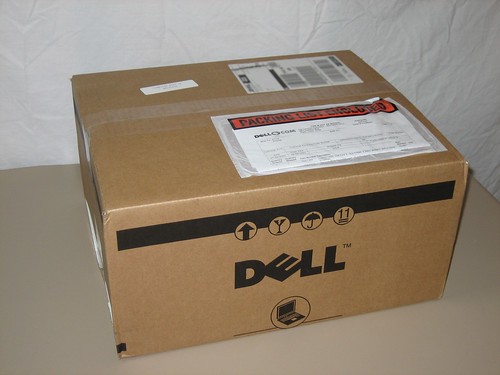
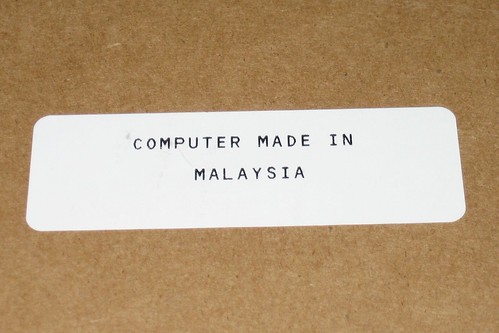
Looks like this one was made in Malaysia. Thanks for the info Dell.
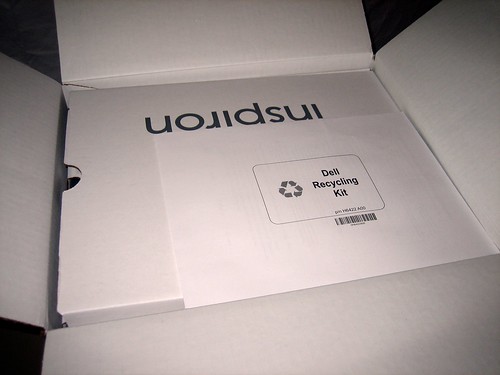
They made sure that the first thing you see is the recycling kit. That’s kind of cool.

So far, things are looking pretty nice.
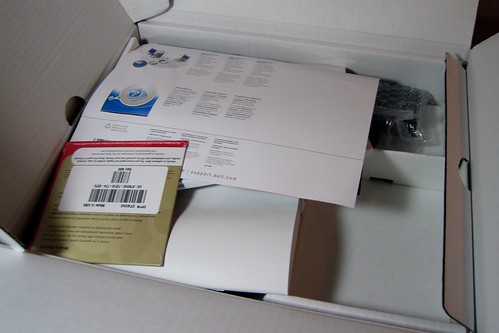
It seems like they just threw all the junk that comes with the computer in the box. It works, but it doesn’t look so great.
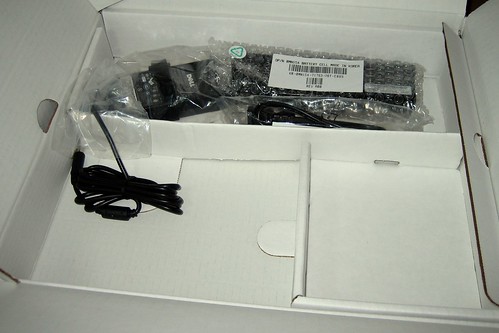
Of course, it doesn’t come with much but a power adapter (and an extra battery I ordered).
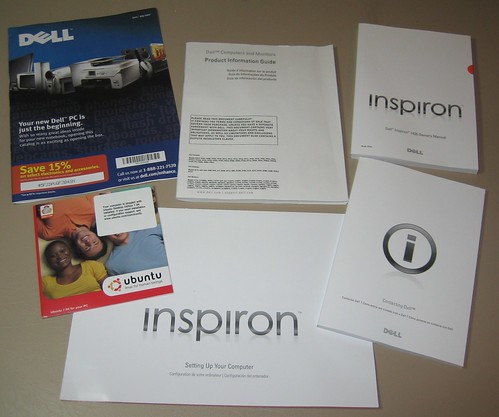
And a bunch of pretty much useless books. The only thing worth keeping here is the CD.

I didn’t order any OS support with this computer. Thankfully, they have a sticker on the disc pointing us to Ubuntu’s community support site.
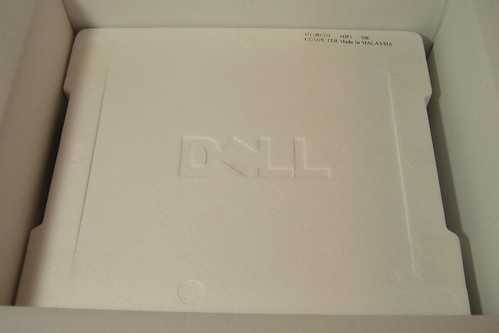
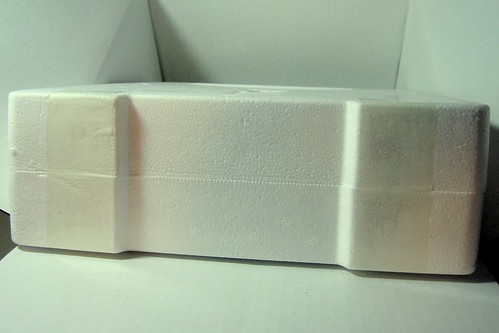
But they put so much tape on the styrofoam that I had to go get a knife to get it open. Not very classy.
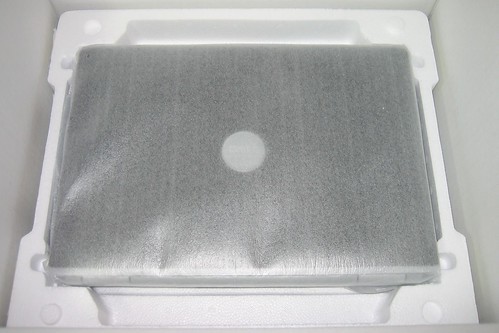
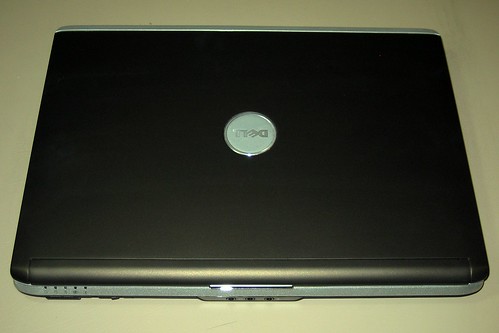
I ordered the “Expresso Brown” colored notebook. Looks black to me!
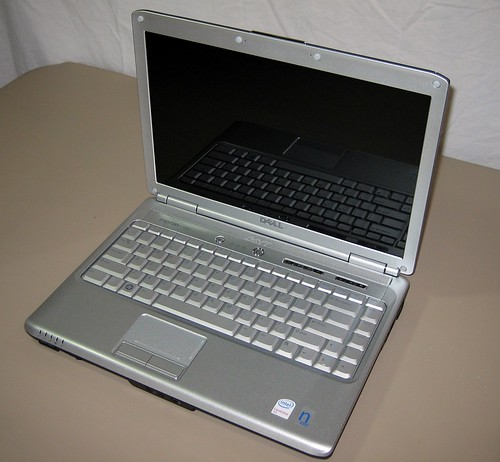
It doesn’t look too bad when opened up. And the screen doubles as a mirror!
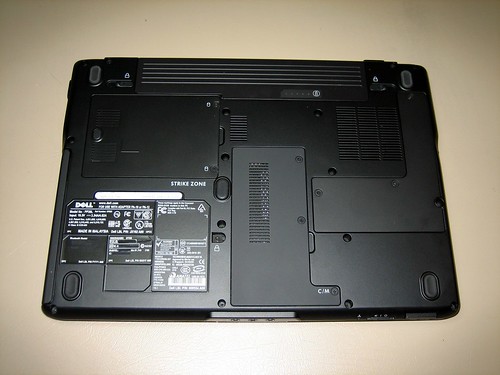
The bottom of the machine is functional but ugly.
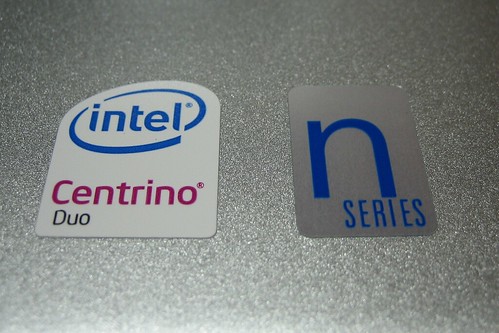
No Windows sticker! I could do without the extra “n series” logo.
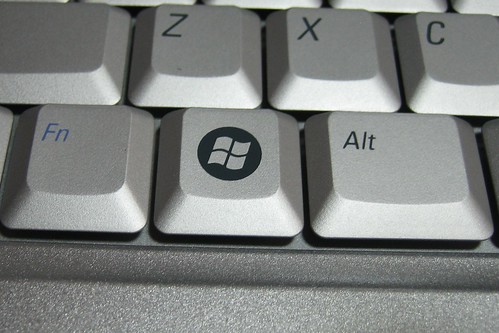
A Windows key on an Ubuntu machine, sort of a bummer.
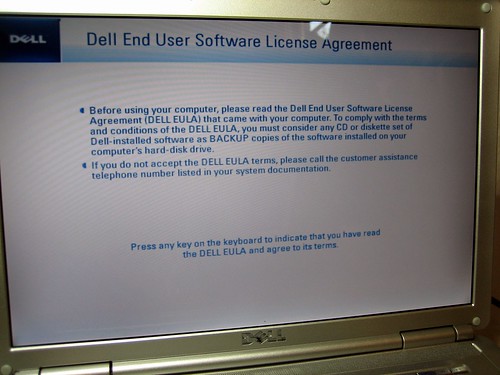
The machine boots up to the Dell EULA.




August 1st, 2007 at 6:17 pm
Wow thats commitment to the cause!
As a long time Mac user, this move to sell with Ubuntu is something i am looking hard at. I’d love to hear you’re thoughts on it.
August 1st, 2007 at 8:22 pm
No boot up screen? What a ripoff! Don’t stop at the EULA! (Crying….)
August 2nd, 2007 at 1:35 am
Not bad at all…and got the feedback on the graphics part, thanks! Of course, you know about the more regular updates etc on direct2dell through a special linux rss feed, if you are interested? Hope it keeps going well.
August 4th, 2007 at 7:56 pm
I bought the 1420 w/ Vista and was pissed off that Ubuntu would not install very easily. I am returning it for an “N” model but now I’m hearing there are problems with Compiz. Can you confirm that Compiz is working or not and your thaoughts now that you’ve had this for a while. As for the machine itself; I like it.
Gonzo
August 7th, 2007 at 7:18 am
It doesn’t work yet out of the box; I have a 1420n with 1440×950 screen, and it crashes if I attempt any 3D anything with it. If I switch to the new Intel driver, it works (but has a couple other problems). I kinda suspect I could fix this if I really cared–go find some experimental package or install from latest source–but haven’t had the time to play with it.
Intel’s been doing lots of work with their drivers, and I’ve had good experiences with them on other machines, so I’m not really worried. But if you must have 3D support out of the box, you may want to wait.
(Aside from that I like both this machine and the Ubuntu preinstall a lot.)
August 7th, 2007 at 8:53 pm
I ordered mine a few days ago… got the 1440×900 display, along with the 2GB RAM / 160 GB HDD… can’t wait till I get it in the mail!!!
I am wondering how they install the ram, if it is 2 banks, and if they will both be full, it would be nice if they put in 1×2GB stick, and I could order another 2GB stick in a few months as an upgrade…. anyone know?
August 8th, 2007 at 2:12 am
I am looking at getting one of these. Its great that they are selling machines with good specs instead of weird low power machines. Its too bad that you don’t get the option of the built in Webcam with this one.
August 19th, 2007 at 10:23 am
A good review. Thanks for the notes on what is good and what needs further attention.
September 2nd, 2007 at 3:50 pm
how long the battery life?
In your review, you get extra battery, 6 cells or 9 cells?
how it’s performance?
I am going to order one if it can work over 3 hours with wifi on.
September 4th, 2007 at 2:13 pm
Could you show a picture of the ports on the side? (Request not a question)
Thank you very kindly.
October 28th, 2007 at 7:07 am
The pictures put up here together with the note are quite helpful.. Even Dell website doesnt have such detailed images of the laptop!
I wanted to see the keys available with the 14inch one and could get an idea seeing the pic..
Thank you very much. Much appreciated.