

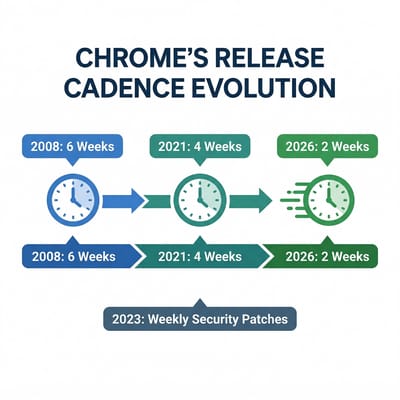
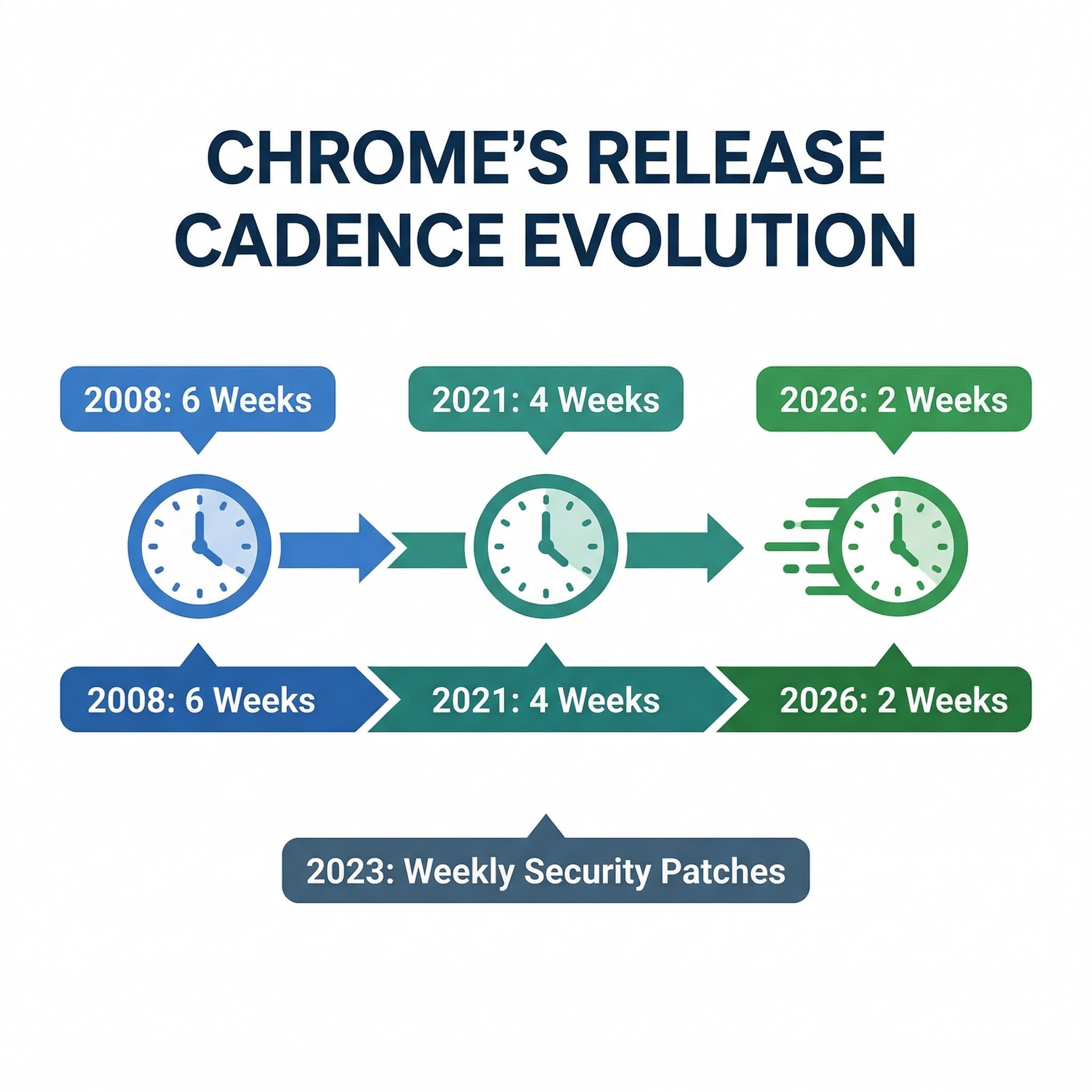
Google has been shipping new Chrome versions every four weeks since 2021. That was already a speedup from the original six-week cadence the browser launched with back in 2008. Now the company is doubling the pace again: starting September 8, 2026, with Chrome 153, new stable releases will arrive every two weeks. The change applies to Chrome on every platform, including desktop, Android, iOS, and yes, ChromeOS.
The official explanation is straightforward. Google says the web is evolving quickly and users deserve faster access to performance improvements, security fixes, and new features. Smaller, more frequent releases also mean each update carries fewer changes, which simplifies debugging when something goes wrong. It’s a reasonable argument, and one that aligns with the broader software industry’s shift toward continuous delivery. But the timing tells a more interesting story.
The Browser War Nobody Expected
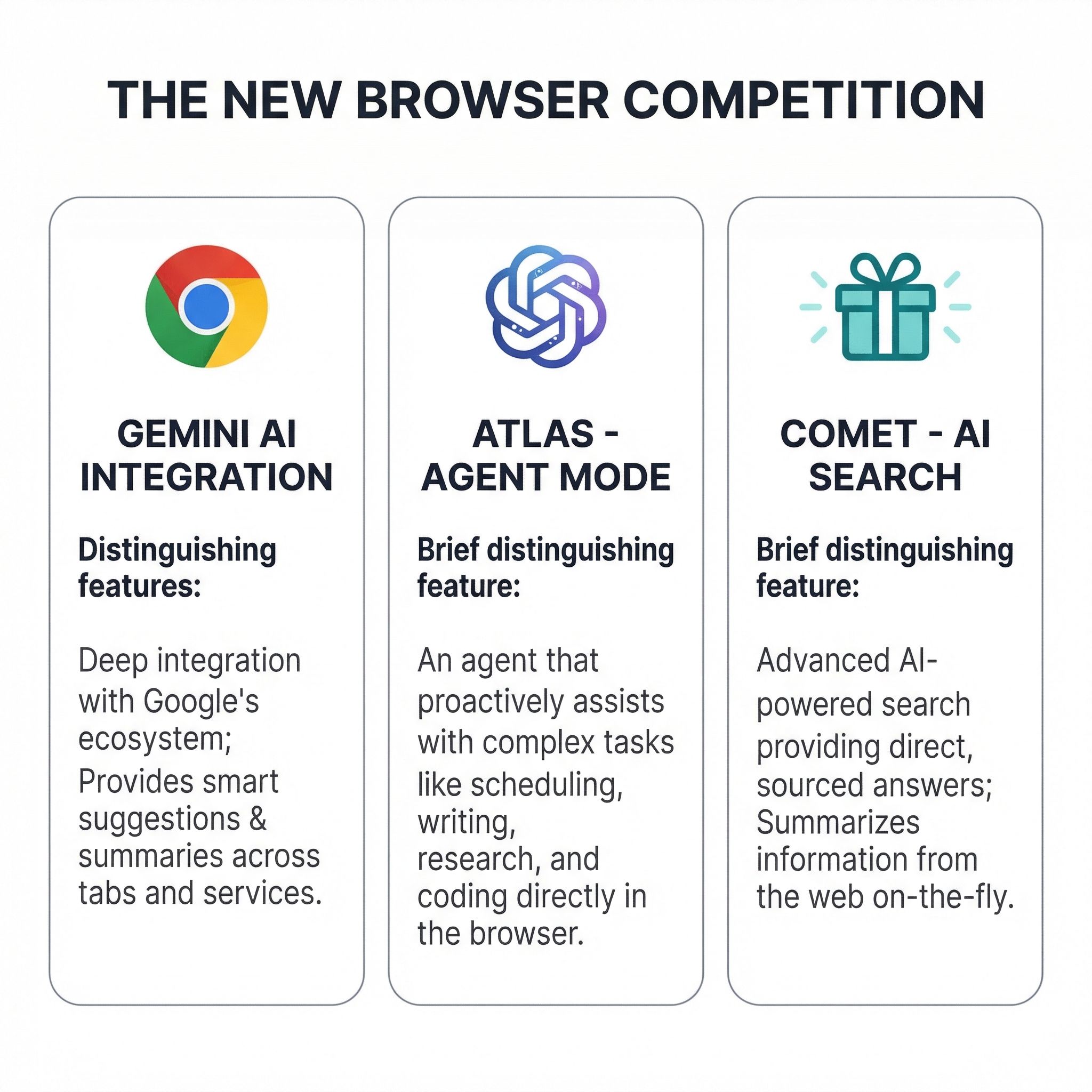
For the better part of a decade, Chrome’s dominance was so complete that “browser competition” felt like a historical curiosity. That changed in late 2025 when two AI companies launched dedicated browsers designed to rethink what a browser does. OpenAI released ChatGPT Atlas in October 2025, a macOS browser with an “Agent Mode” that can autonomously navigate the web, conduct research, and complete tasks on your behalf. That same month, Perplexity made its Comet browser free worldwide, built on Chromium but with an AI search engine woven into every tab.
Neither browser is a Chrome killer today. Atlas is still macOS-only, and both products struggle with complex interactive websites. But analysts project that AI-native browsers could capture 15 to 20 percent of the market by the end of this year, and the trajectory has clearly gotten Google’s attention. As TechCrunch reported, Google told the publication that the schedule change isn’t AI-related, but in the same breath acknowledged it has been rapidly rolling out deeper Gemini integrations into Chrome, including agentic features for autonomous browsing tasks. Draw your own conclusions.
The practical upshot is that Chrome’s new cadence isn’t just about shipping bug fixes faster. It’s about shipping AI features faster. If you’ve been using Gemini on your Chromebook Plus, imagine those capabilities improving twice as often. Writing assistance getting smarter every two weeks instead of every four. Summarization, translation, and the experimental “Help me do” features iterating at a pace designed to match what Atlas and Comet are delivering on their own platforms.
What Actually Changes for Chromebook Owners
For most people using a Chromebook at home or school, the honest answer is: you probably won’t notice the difference. Chrome already updates itself silently in the background, and most Chromebook users don’t pay attention to version numbers. Your browser will restart a little more often after updates, but Google says each update will be smaller in scope, so the restart-and-resume cycle should be quick.
The more meaningful change is what happens between the lines. With releases shipping every two weeks, new features and improvements that previously sat in the pipeline for a month will reach your Chromebook’s stable channel twice as fast. That includes everything from quality-of-life tweaks to major capabilities like improved Progressive Web App support or new browser APIs that make web apps feel more native. For a platform like ChromeOS, where the browser essentially is the operating system, faster Chrome releases directly translate to a faster-improving user experience.


Google was careful to note that Chromebooks will continue receiving “dedicated platform testing” before updates roll out, and extended release options will remain available. This is important context. ChromeOS doesn’t blindly adopt every Chrome release the moment it ships. There’s a separate validation process to ensure the update works properly with ChromeOS-specific features like the shelf, Android app compatibility, and Linux container integration. The company said it will “share more details soon” about exactly how managed Chromebook milestone updates will adapt to the new cadence, so school and enterprise administrators are still waiting on specifics.
What definitely doesn’t change is your Chromebook’s Auto Update Expiration date. Faster Chrome releases don’t extend or shorten your device’s support window. A Chromebook with a 2032 AUE date will still receive updates through 2032, it will just get more of them along the way. Think of it as getting the same meal delivered more frequently in smaller portions rather than in larger batches.
The Enterprise and Education Question
If you manage Chromebooks for a school district or business, this announcement likely triggered a different reaction than the one home users had. More frequent releases mean more frequent testing cycles, and IT teams that already struggle to validate updates against their managed app environments are understandably cautious about doubling the pace.
The good news is that Google’s Extended Stable channel isn’t changing. It stays on an eight-week release cycle, and it’s specifically designed for organizations that need more time to evaluate updates before deploying them. If your fleet is currently on Extended Stable, you’re insulated from this change entirely. If your fleet is on the regular stable channel, you’ll want to pay attention to Google’s forthcoming guidance on managed device milestone updates.
The timing of this announcement is also worth noting in the context of ChromeOS’s bigger picture. Court documents from Google’s antitrust case recently confirmed that ChromeOS will be phased out by 2034, replaced by Aluminium OS, a new platform built on the Android kernel. That transition introduces its own uncertainty about how Chrome updates will reach Chromebooks in the long term. For now, the two-week cadence applies to Chrome running on ChromeOS as it exists today. How updates will work on Aluminium OS devices is a question Google hasn’t answered yet.
A Quick History of Chrome’s Accelerating Pace
Chrome’s release cadence has been a one-way ratchet since the browser launched. The original six-week cycle, introduced in 2008, was revolutionary at the time. Internet Explorer was still shipping major versions years apart, and Firefox was on a similar timeline. Chrome’s rapid-fire updates normalized the idea that browsers could just quietly improve themselves without asking users to download and install anything.
In March 2021, Google shortened the cycle to four weeks, citing the same reasoning it’s using now: the web is advancing and users deserve faster access to improvements. That change also introduced the Extended Stable channel as a pressure valve for enterprises that couldn’t keep up with monthly releases. Then in 2023 came weekly security updates, filling the gaps between milestone releases with targeted patches for vulnerabilities. Each of these changes went relatively smoothly, which is likely why Google feels confident making the jump to two weeks.

The pattern is worth watching because it raises an obvious question: will Chrome eventually move to weekly or even continuous releases? Google hasn’t said anything to that effect, but the Canary channel already ships daily builds, and the Dev channel updates weekly. The gap between those experimental channels and the stable channel has been steadily shrinking. Whether that gap ever closes completely depends on whether Google can maintain the stability guarantees that enterprise and education customers depend on. For now, two weeks appears to be the floor that lets Google move fast without breaking things.
What You Should Do
If you’re a Chromebook owner who doesn’t think about Chrome versions, you genuinely don’t need to do anything. Updates will continue happening automatically, and the only visible difference might be a slightly more frequent “restart to update” prompt in your browser tab.
If you prefer stability over new features, consider switching to the Extended Stable channel. On a managed Chromebook, your IT admin controls this. On a personal Chromebook, you can check your current channel by navigating to chrome://settings/help and looking at the channel listed under your Chrome version. Google hasn’t yet detailed whether personal Chromebooks will get a simple UI toggle for Extended Stable, but the option has historically been available through Chrome’s more detailed settings.
And if you’re curious about what’s coming in each release, the Chromium Dashboard tracks upcoming milestones and the features they include. With releases now shipping biweekly, it’s worth bookmarking if you like staying ahead of what your Chromebook can do.
The browser wars are back, just not in the way anyone predicted. Instead of competing on speed benchmarks and tab management, Chrome is now racing to integrate AI capabilities before a new generation of browsers can establish themselves as the default way people interact with the web. For Chromebook users, that race means your device is about to get better, faster, and more frequently than ever before. Whether you notice those improvements arriving every two weeks or just enjoy them accumulating over time, the end result is the same: a browser, and by extension an operating system, that evolves at the pace of the web itself.


