

When we wrote about the Lobster Takeover in January, developers were scrambling to buy Mac Minis as dedicated machines for OpenClaw, the open-source AI agent formerly known as Clawdbot. Two months later, the movement has gone from grassroots to retail. Beelink just announced the first pre-installed OpenClaw mini PC series, complete with an exclusive “Lobster Red” chassis finish, three distinct product tiers, and plug-and-play SSD upgrade kits for people who already own a Beelink machine.
It’s a significant milestone for the AI agent movement. No hardware manufacturer had shipped a machine with OpenClaw pre-configured until now. But it also raises a question that Beelink’s marketing materials don’t address: OpenClaw installation is already a single terminal command. So who, exactly, needs a dedicated pre-installed machine?
What Beelink Is Actually Selling
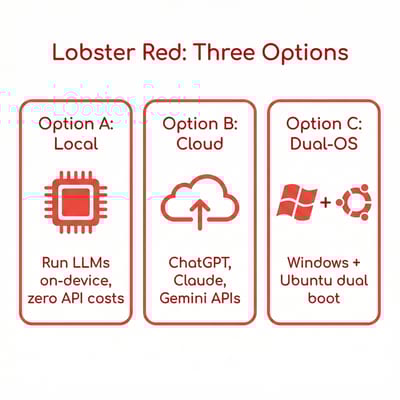
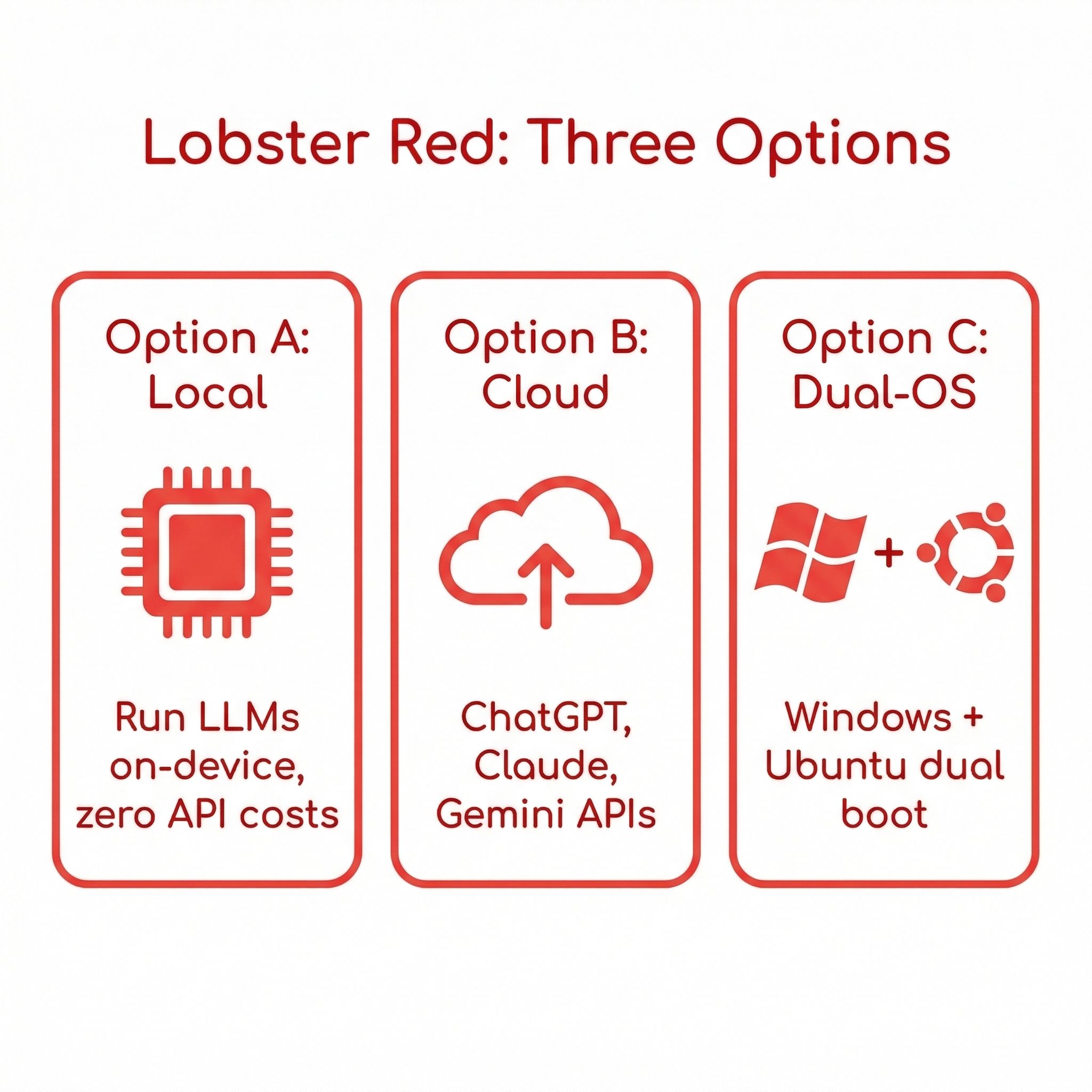
The Lobster Red series splits into three tiers, each targeting a different kind of buyer. All models come in that distinctive red aluminum chassis that has become synonymous with the OpenClaw community’s crustacean branding.
Option A is for users who want to run everything locally. These machines ship with Ubuntu, OpenClaw, and local LLM models pre-configured so that inference happens entirely on-device. The lineup includes the GTR9 Pro with AMD’s AI Max+ 395 processor, the SER10 MAX with Ryzen AI Max 470, the SER9 Pro with Ryzen AI 9 HX 370, the GTi15 Ultra with Intel Core Ultra 9 285H, and the GTi14 Pro with Core Ultra 7 185H. Beelink claims the GTR9 Pro can achieve roughly 52 tokens per second on GPT-OSS 120B, though that figure comes from their marketing materials and independent benchmarks haven’t been published yet.
Option B targets users who are comfortable relying on cloud APIs. The SER9 Pro 255, EQR7 Pro, and EQi12 Pro ship with OpenClaw pre-configured for direct API access to ChatGPT, Claude, and Gemini. These are less powerful machines at lower price points, since the heavy reasoning work happens on remote servers.
Option C offers dual-boot configurations with both Windows and Ubuntu, letting users switch between a standard Windows desktop and an OpenClaw-ready Linux environment. This tier includes five models from the GTR9 Pro down to the SER9 Pro 255.
Then there’s the sleeper hit of the lineup: plug-and-play SSD upgrade kits featuring Crucial-branded drives in 1TB, 2TB, and 4TB capacities. These ship pre-loaded with Ubuntu, OpenClaw, and local LLMs where the hardware supports it. Swap the drive into any compatible Beelink machine, boot from it, and you have a working OpenClaw setup without buying new hardware. For the roughly 30 Beelink models we track on this site, that’s a compelling proposition.
The Creator Has Already Moved On
There’s an important piece of context that Beelink’s announcement doesn’t mention. Peter Steinberger, who created OpenClaw (originally Clawdbot), joined OpenAI on February 14, roughly a month before this launch. Sam Altman personally announced the hire, calling Steinberger “a genius with a lot of amazing ideas about the future of very smart agents.” OpenClaw has been transitioned to a foundation and remains MIT-licensed open source, but the original architect is now building the next generation of personal agents at OpenAI.
Steinberger did reply to Beelink’s announcement on X with a playful “can I have one?” — to which Beelink immediately responded with “Please check your DMs!” It’s a fun exchange, but it reads more like friendly curiosity from someone who still cares about the ecosystem than a formal endorsement. Beelink is making an independent bet on OpenClaw’s future, not executing a partnership with its creator.
That distinction matters. The OpenClaw foundation is now responsible for the project’s direction, and its governance structure is still forming. If you’re buying hardware specifically for OpenClaw, you’re betting on the foundation maintaining the project’s momentum without its most prominent contributor. The project’s 180,000 GitHub stars and active community suggest that’s a reasonable bet, but it’s not a certainty.
Three Paths to OpenClaw: Which One Makes Sense?
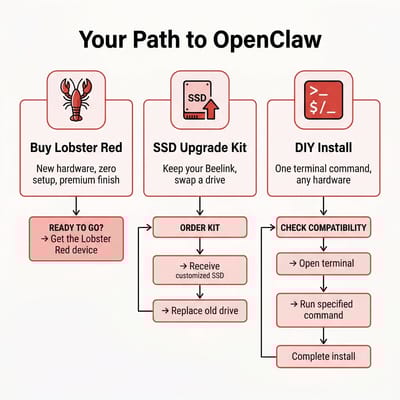
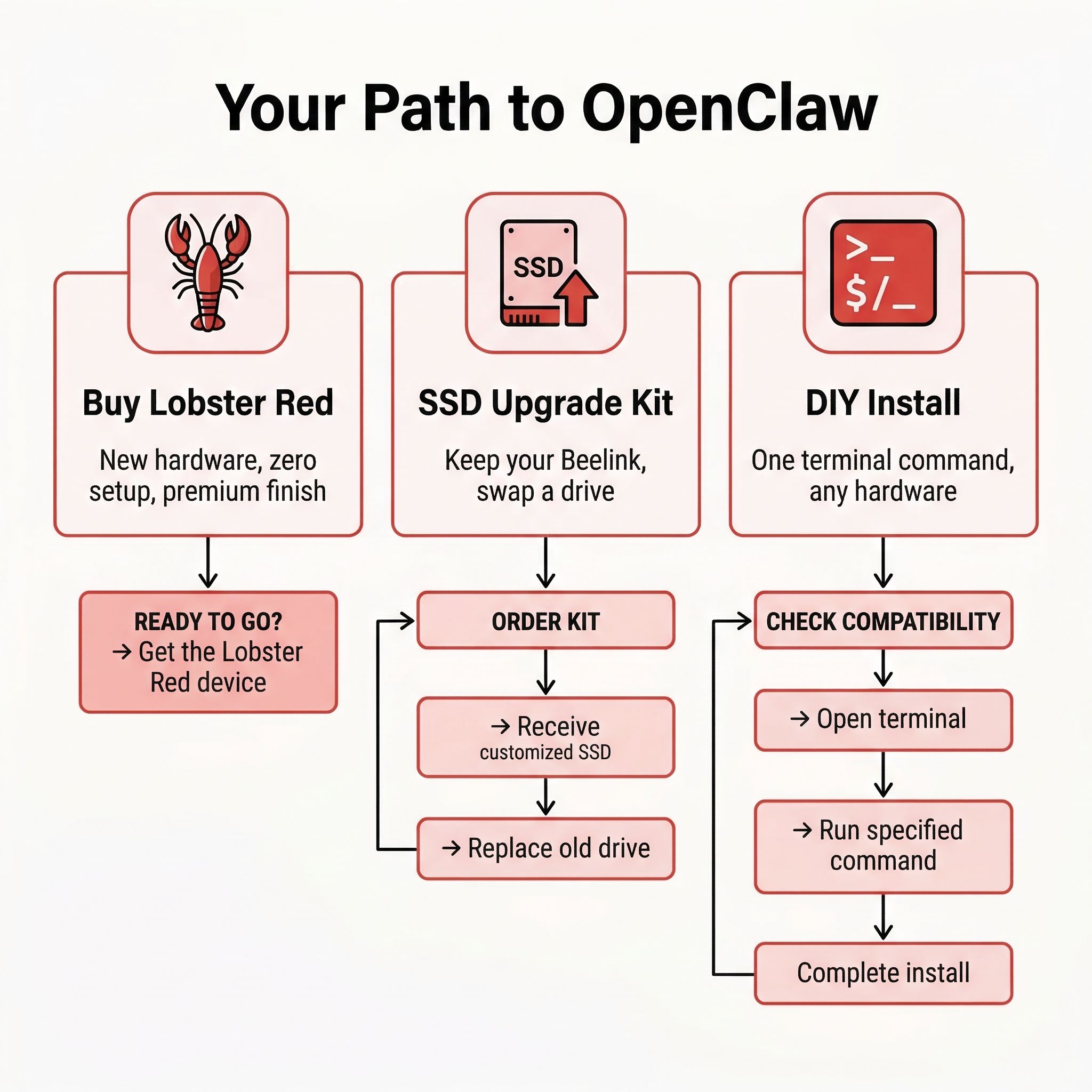
The real question isn’t whether Beelink’s Lobster Red machines are good hardware. Beelink makes solid mini PCs, and we’ve reviewed dozens of them. The question is whether buying a pre-installed OpenClaw configuration is worth the premium over the alternatives. There are three distinct paths here, and the right one depends on your comfort level with Linux and your existing hardware situation.
Path 1: Buy a Lobster Red machine. This is for people who want a dedicated AI agent box, don’t already own a Beelink, and don’t want to touch a terminal. You get Ubuntu pre-configured, OpenClaw installed, and local LLMs ready to run. The Lobster Red finish is genuinely appealing if you want your AI server to look distinct from the generic black boxes cluttering your desk. Pricing hasn’t been announced yet, but if the premium over a standard Beelink is modest, this is the most friction-free path to a working OpenClaw setup.
Path 2: Get the SSD upgrade kit. If you already own a Beelink mini PC, this is almost certainly the smarter move. For the price of a Crucial SSD (which you’d probably buy anyway if you needed more storage), you get a pre-configured Ubuntu drive with OpenClaw ready to go. Pop it in, change your boot order, and you have a working setup without wiping your existing Windows installation. You can even reformat the drive later if you decide OpenClaw isn’t for you. For the Starryhope audience — people who already own or are shopping for mini PCs — this is the option worth watching.
Path 3: DIY install. OpenClaw’s installation is a single terminal command. On any machine running Ubuntu (or macOS, for that matter), you can be up and running in under ten minutes. The onboarding wizard walks you through connecting messaging apps and configuring permissions. If you’re comfortable opening a terminal and typing curl -fsSL https://openclaw.ai/install.sh | bash, there is no technical barrier to doing this yourself on any hardware you already own.
The honest assessment is that Path 3 is sufficient for most technically inclined buyers. OpenClaw’s installation isn’t like the old days of compiling kernels or debugging dependency conflicts. It’s a polished one-liner. The value of the pre-installed options is convenience and confidence — knowing that the hardware, drivers, and software stack have been tested together. Whether that’s worth a price premium depends on how you value your time versus your money.
The Security Question Nobody’s Asking
Here’s where the conversation gets uncomfortable. While Beelink is positioning these machines as turnkey AI assistants, the security track record of OpenClaw itself has been genuinely alarming.
In January 2026, researchers discovered CVE-2026-25253, a one-click remote code execution vulnerability. OpenClaw’s local server wasn’t validating WebSocket origin headers, meaning any website you visited could silently connect to your running agent and execute arbitrary commands on your machine. The vulnerability has been patched, but it illustrates the fundamental tension in OpenClaw’s design: the agent needs broad system access to be useful, but that access creates an enormous attack surface.
The numbers tell the story. Between late January and early March 2026, security firm Bitsight identified over 30,000 publicly exposed OpenClaw instances, with roughly 5,200 confirmed as actively vulnerable. Koi Security found 824 malicious skills on ClawHub, the community’s plugin marketplace, most traced to a single coordinated attack campaign. And OpenClaw stores API keys, passwords, and credentials in plaintext configuration files — a design choice that has already attracted the attention of malware authors.
Microsoft’s security team recommended that OpenClaw “should be treated as untrusted code execution with persistent credentials” and deployed only in fully isolated environments. Southern Methodist University banned it from campus devices entirely.
None of this means you shouldn’t use OpenClaw. But it does mean you should take precautions, especially if you’re setting up a machine that will run 24/7 on your home network. Run it on an isolated VLAN if your router supports it. Don’t store sensitive credentials in OpenClaw’s configuration. Vet any ClawHub skills before installing them. And keep the software updated — the project has been patching vulnerabilities quickly once they’re reported, which is exactly what you want from an open-source project under active development.
The question for Beelink’s pre-installed machines is whether any of these security hardening steps are included out of the box. The announcement doesn’t say. If Beelink ships these with default-insecure configurations — no network isolation, no credential encryption, full system access enabled — then the “turnkey” pitch starts to feel irresponsible, regardless of how pretty the Lobster Red finish looks.
What About the Mac Mini?
Our original Lobster Takeover article positioned the Mac Mini M4 as the default choice for OpenClaw, and that hasn’t changed. Apple Silicon’s unified memory architecture remains the most efficient platform for local LLM inference, and macOS is a first-class platform for OpenClaw. If you’re choosing purely on technical merit and don’t mind the Apple tax, the Mac Mini is still the safer bet.
But Beelink’s Option A machines with AMD’s AI Max+ processors offer something the Mac Mini can’t: raw memory bandwidth at lower price points. The Ryzen AI Max+ 395 in the GTR9 Pro pairs its GPU and CPU with a large shared memory pool, similar in concept to Apple’s unified memory but built on AMD’s architecture. Community benchmarks of the standard (non-Lobster Red) GTR9 Pro have shown it competitive with Apple Silicon for certain local inference workloads, particularly when running quantized models through Ollama or LM Studio.
Beelink GTR9 Pro
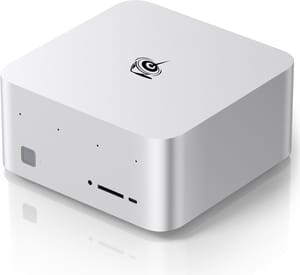
- +AMD AI Max+ 395 with massive shared memory
- +strong local LLM inference
- +competitive with Mac Mini for AI workloads
- -Higher power draw than Mac Mini
- -Linux-only for OpenClaw
- -new Lobster Red version not yet priced
The cloud-focused Option B machines are a different proposition entirely. These are budget mini PCs that relay all reasoning to cloud APIs, which means the hardware itself doesn’t need to be powerful. For that use case, you’re essentially paying for a pre-configured Linux box — and the EQi12 or EQR7 would get the job done even without the Lobster Red treatment.
Beelink EQi12
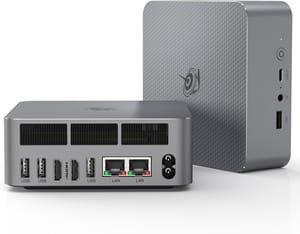
- +Efficient Intel processor
- +silent operation
- +tiny footprint
- +very affordable
- -Too weak for local LLM inference
- -requires cloud API subscriptions for AI reasoning
What This Signals for the Market
Beelink’s move is less about selling mini PCs and more about validating a market category. When a hardware OEM with Beelink’s volume (they’re one of the largest mini PC brands globally) decides that “AI agent hardware” deserves its own product line with custom finishes and dedicated support teams, it signals that the demand has moved beyond early adopters.
The SSD upgrade kits are particularly telling. Beelink is effectively creating an aftermarket for AI agent capability — a plug-and-play module that transforms existing hardware. That’s a model we’ve seen succeed in other categories (external GPU enclosures, NAS expansion drives) and it suggests Beelink expects a sustained market, not a flash-in-the-pan trend.
Whether other OEMs follow depends on how these sell. GEEKOM already has an OpenClaw setup guide on their site, and GMKtec’s community has been active with OpenClaw benchmarks. If Beelink’s Lobster Red machines gain traction, expect red-tinged competitors within months.
The deeper question is whether pre-installed AI agent hardware becomes a durable product category or whether it gets absorbed into the operating system layer. Microsoft has been integrating agent capabilities into Windows (Copilot Vision, Recall), and Apple’s Intelligence features push in the same direction. If OpenClaw’s core value proposition — a personal AI agent that controls your computer — gets baked into the OS, dedicated hardware becomes redundant.
For now, though, OpenClaw remains an open-source project that runs best on Linux, and Beelink is the first OEM willing to bet on that. All products come with a three-year warranty and dedicated AI technical support, which is a notable commitment for what amounts to a Linux-based appliance. Pricing and availability haven’t been announced, but Beelink says they’ll be on both their website and Amazon “soon.”
If you’re already in the market for a Beelink mini PC, the SSD kit is the no-brainer option to watch. If you’re buying specifically for OpenClaw and want local inference, compare the Lobster Red GTR9 Pro pricing against the standard version — the hardware is the same, and you might prefer to save money and run the installer yourself. And if you’re considering any of these options, take the security warnings seriously. A Lobster Red case doesn’t make your home network any safer.

