

Short Answer:
Yes! You can install the Apple Music app from the Google Play Store on Chromebooks that are compatible with the Play Store.
Long Answer:
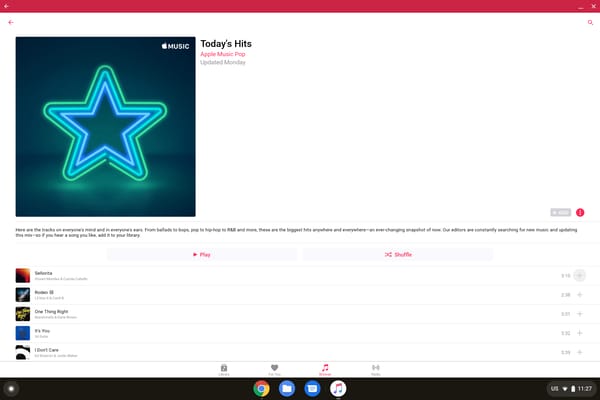
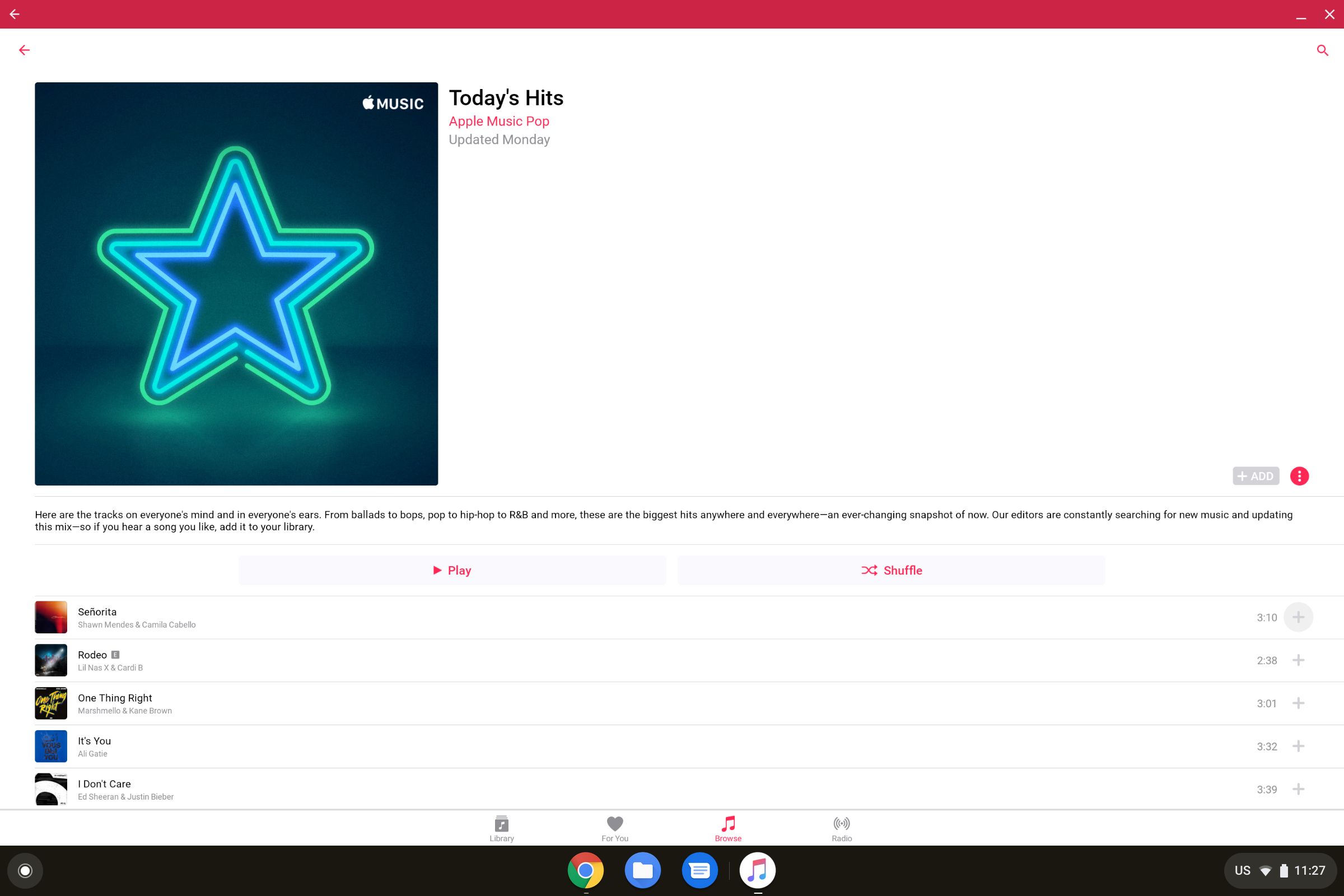
Apple now allows the installation of Apple Music on Chromebooks, and they’ve optimized the Android version of the app for Chromebooks and other large screen devices. If you’re an Apple Music subscriber, you can enjoy your music from the comfort of your Chromebook.
You also have the option to use Apple Music’s web player at music.apple.com, which works in any modern browser without requiring the Android app. The web player offers full access to your library, playlists, and recommendations, which is useful if your Chromebook doesn’t support Android apps or if you prefer a browser-based experience.
So which should you use? The two methods are closer than you might expect, but they are not identical. The web player is the simpler path: open the page, sign in with your Apple Account, and you are listening in seconds, with nothing to install and nothing to update. The Android app, installed from the Google Play Store, adds the things a browser tab cannot do well, namely downloading songs and albums for offline playback when you are away from Wi-Fi and a more app-like interface that pins to your shelf. Nearly every Chromebook sold in the last several years supports the Play Store, so the app route is open to most people; if you are unsure, you can check under Settings > Apps > Google Play Store. Either way, an Apple Music subscription is required, the free trial included. One thing the web player does not handle is the Classical companion experience, so if you live in Apple Music Classical, lean on the Android app instead. If your library still lives in iTunes rather than Apple Music, our guide to using iTunes on a Chromebook covers the slightly different workarounds there.
Recommended Chromebook for Apple Music
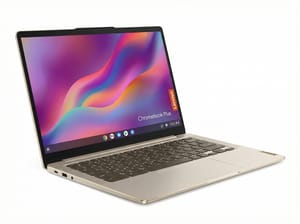
If you’re looking for a Chromebook for music streaming, consider the Lenovo Chromebook Plus 14” OLED. Its OLED display pairs beautifully with Apple Music’s interface, while the fanless design means you can enjoy your music in complete silence. With up to 17 hours of battery life, you can stream Apple Music all day without worrying about finding a charger.
Lenovo Chromebook Plus 14" OLED
For more affordable options that still provide great performance with Apple Music and other Android apps, check out any Chromebook Plus model, which all guarantee smooth Android app performance with at least 8GB of RAM and powerful processors.
For more ways to get the most out of your Chromebook, explore our Chromebook FAQ for answers to common questions about apps, features, and compatibility.


