

A handful of current Chromebooks ship with a fingerprint reader, and the table below lists what each maker publishes about them. Several of these models are sold both with and without the sensor, so the answer lives in the exact configuration you order. And because ChromeOS does not support add-on fingerprint readers, a wrong guess cannot be fixed later.
What each maker publishes in 2026
Every row is what the manufacturer publishes for that machine, checked on August 26, 2026. Prices are list prices for the configurations named. None of these vendors lets you filter or search by fingerprint reader.
| Model | What the manufacturer’s own document says | Sensor location | List price |
|---|---|---|---|
| ASUS ExpertBook CX54 Chromebook Plus | Security row: “Titan C2 security chip, Kensington Nano Security Slot™(6x 2.5mm) Fingerprint sensor” | Not stated by ASUS | From $699.99 |
| ASUS Chromebook Plus CM34 Flip | Security row: “Titan C Security Chip, Kensington Nano Security Slot™(6x 2.5mm) Fingerprint sensor” | Not stated by ASUS | $499 |
| Lenovo Chromebook Plus 14 | ”Touch style fingerprint reader on palm rest, match-on-chip” or “No fingerprint reader” | Palm rest, when fitted | $649 to $749 |
| Lenovo Chromebook Plus 2-in-1 14 | ”Touch style fingerprint reader on palm rest, match-on-chip” or “No fingerprint reader” | Palm rest, when fitted | $579 to $640 |
| Lenovo IdeaPad Flex 5i Chromebook Plus | ”Touch style fingerprint reader on palm rest” or “No fingerprint reader” | Palm rest, when fitted | $499 |
| Acer Chromebook Plus Spin 514 | Acer’s product page carries no fingerprint line at all | Not published | $549 to $630 |
| HP Dragonfly Pro Chromebook (discontinued) | HP’s spec sheet lists security as “H1 secure microcontroller” and omits the sensor the machine has | Power button | Discontinued |
The two ASUS machines are the cleanest buys here because ASUS states the sensor with no per-configuration strings attached. The ExpertBook CX54 pairs it with an Intel Core Ultra processor and ChromeOS updates through June 2034; the CM34 Flip puts the same unqualified line on a $499 convertible. The three Lenovo machines are good laptops sold both ways, so check the configuration before you buy one.
Other roundups are no substitute for that check. One roundup badged “August 2026” fills half its ten slots with USB fingerprint dongles and a replacement sensor board for a Dell laptop, none of which ChromeOS supports. Another mixes three Windows laptops into a Chromebook list and gives its top two spots to precisely the models where a flat yes is unsafe.
The same model is sold both ways
Lenovo is the clearest example because it documents the split. Its public spec-sheet library, PSREF, keeps a datasheet for every model it sells, and the sheet for the Chromebook Plus 14 lists two bullets under the heading “Fingerprint Reader”: “Touch style fingerprint reader on palm rest, match-on-chip” and “No fingerprint reader.” Which one you get depends on which configuration you buy, and the same pair of bullets appears on the sheets for the Chromebook Plus 2-in-1 14 and the IdeaPad Flex 5i Chromebook Plus.
Lenovo’s per-configuration grid for the Chromebook Plus 14 listed thirty configurations, some with the sensor and some without. On the 2-in-1 14, twenty-three of its thirty configurations carry no sensor at all. The Chromebook Plus badge does not settle it either: Google’s requirements cover the processor, memory, storage, display, and webcam, and say nothing about biometrics.
How to confirm the sensor before you order
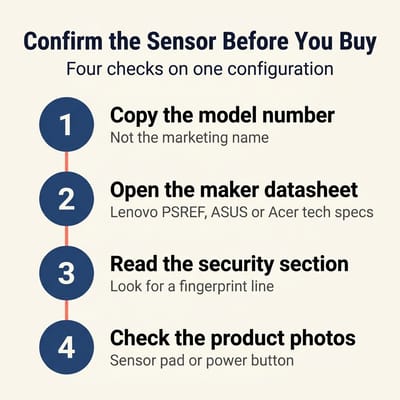
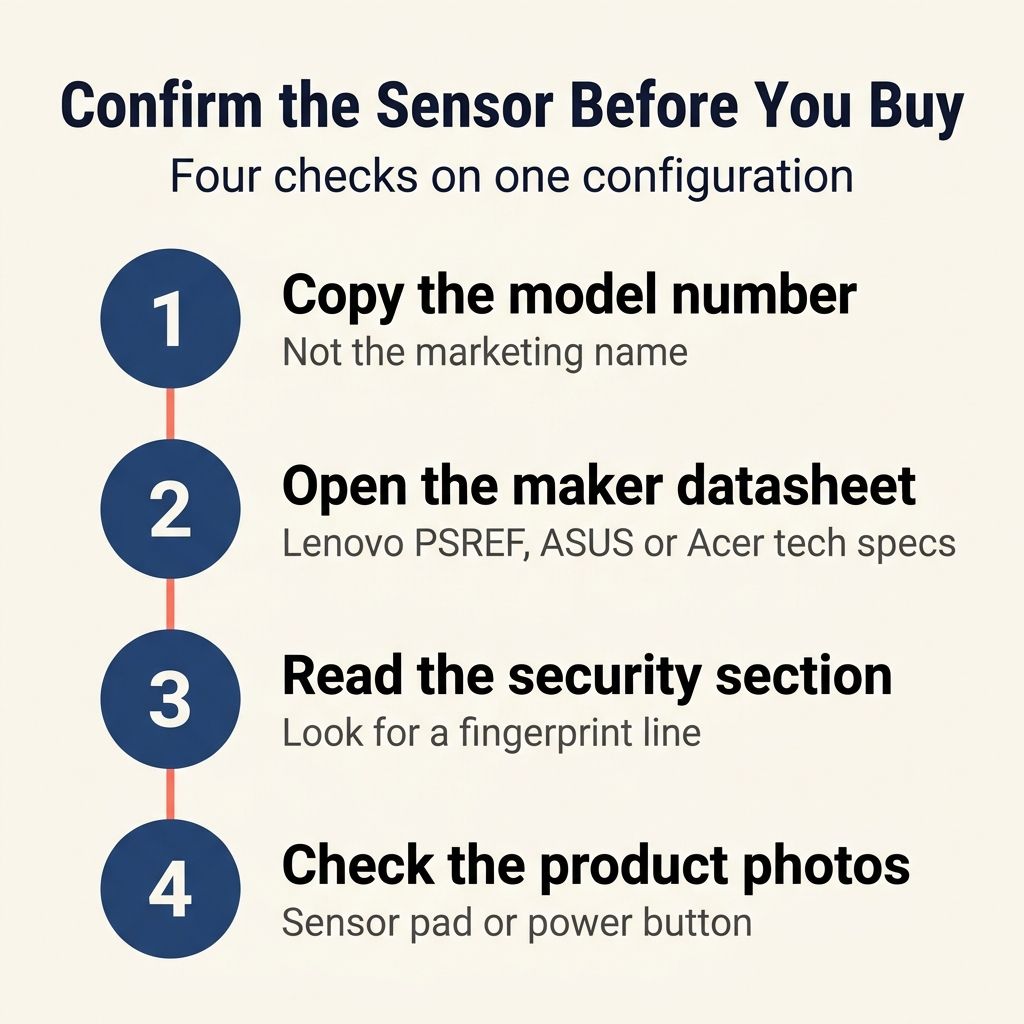
Find the full model number on the listing. It is longer than the marketing name, looks something like 83MY0000US on a Lenovo, and usually hides in the specifications block or the listing title. Then take it to the maker’s own site. Lenovo’s spec sheets answer per configuration, so you can look up your exact machine and read the fingerprint line off. ASUS lists the sensor in the Security row of its spec tab with no caveats. Acer publishes the least of the group, and a missing line on an Acer page does not mean the sensor is absent.
HP’s own sheet for the discontinued Dragonfly Pro Chromebook never mentions the fingerprint reader sitting in its power button. So check the product photos too: look for a small square sensor pad near the keyboard or a squared-off power button, and see whether the retailer’s own specifications name the feature. Two sources agreeing is about as much certainty as this question allows before the box arrives. And unlike a backlit keyboard, which an external keyboard can stand in for, a missing sensor is permanent.
What the sensor does, and what it will not do
Google’s fingerprint documentation says: “External fingerprint readers aren’t supported.” If the sensor is not in the chassis when it leaves the factory, that machine will never do fingerprint login. The sensor also never fully replaces your password. ChromeOS still asks for it after a restart, after a few failed attempts, and on a timer: every 48 hours on personal Chromebooks and every 12 on managed ones. The sensor buys you a faster unlock during the day. On the security side, Google’s biometrics page says fingerprint data is encrypted and never leaves a dedicated secure chip on the device, and it states the tradeoff plainly: “A fingerprint may be less secure than a strong password or PIN.”
What to buy if fingerprint login is the deciding factor
The ASUS ExpertBook CX54 Chromebook Plus is the safe answer, because ASUS lists the sensor with no per-configuration qualifier. If you are willing to check a model number before you order, the Lenovo below is the stronger laptop.
Lenovo Chromebook Plus 14" OLED
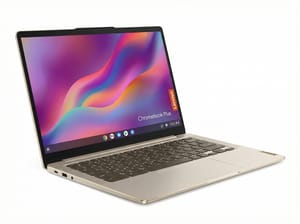
- ✓Lenovo publishes a per-configuration answer so you can verify before ordering
- ✓Palm-rest sensor when fitted
- ✓OLED touchscreen
- ✓Fanless
- ✓Updates through June 2035
- ✗Sold in configurations with no sensor at all under the same model name
- ✗Requires checking the full model number against Lenovo's spec sheets
- ✗The 128GB configuration also steps down to a slower storage interface
Copy the model number off the listing, open the maker’s own sheet, and read the security section before you click buy. If a listing does not name the configuration it is selling, buy from one that does.


