
HP Chromebook 14a
Updated on

The HP Chromebook 14a delivers exactly what budget-conscious buyers need: a reliable 14-inch laptop for everyday computing tasks at an accessible price point. With its Intel Celeron processor, up to 13.5 hours of battery life, and fanless design for silent operation, this Chromebook targets students, casual users, and anyone who needs a dependable machine for web browsing, document editing, and streaming. The HP Chromebook 14a has been a consistent seller in the budget Chromebook market, available in multiple color options including Mineral Silver, Ceramic White, and Forest Teal. While it won’t win any performance awards, it excels at doing the basics well without breaking the bank.
| Pros | Cons |
|---|---|
| Excellent keyboard with satisfying clickiness and well-spaced keys (Laptop Mag, TechRadar) | 1366x768 display feels cramped on 14-inch screen (Chrome Unboxed) |
| Outstanding 13.5-hour battery life outlasts most competitors | Intel Celeron N4000/N4020 struggles with heavy multitasking |
| Fanless design ensures completely silent operation | No keyboard backlighting makes typing in dim conditions difficult |
| Attractive design with premium-looking finish in multiple colors | Only 4GB RAM limits number of open browser tabs |
| Quality trackpad with smooth, responsive gesture support | 32GB base storage fills up quickly without cloud storage |
| Lightweight at 3.24 lbs for easy portability | TN panel on some variants has poor vertical viewing angles |
Related Videos
HP Chromebook 14a Comparison Chart
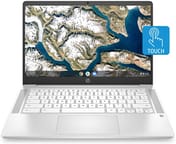 HP Chromebook 14a | 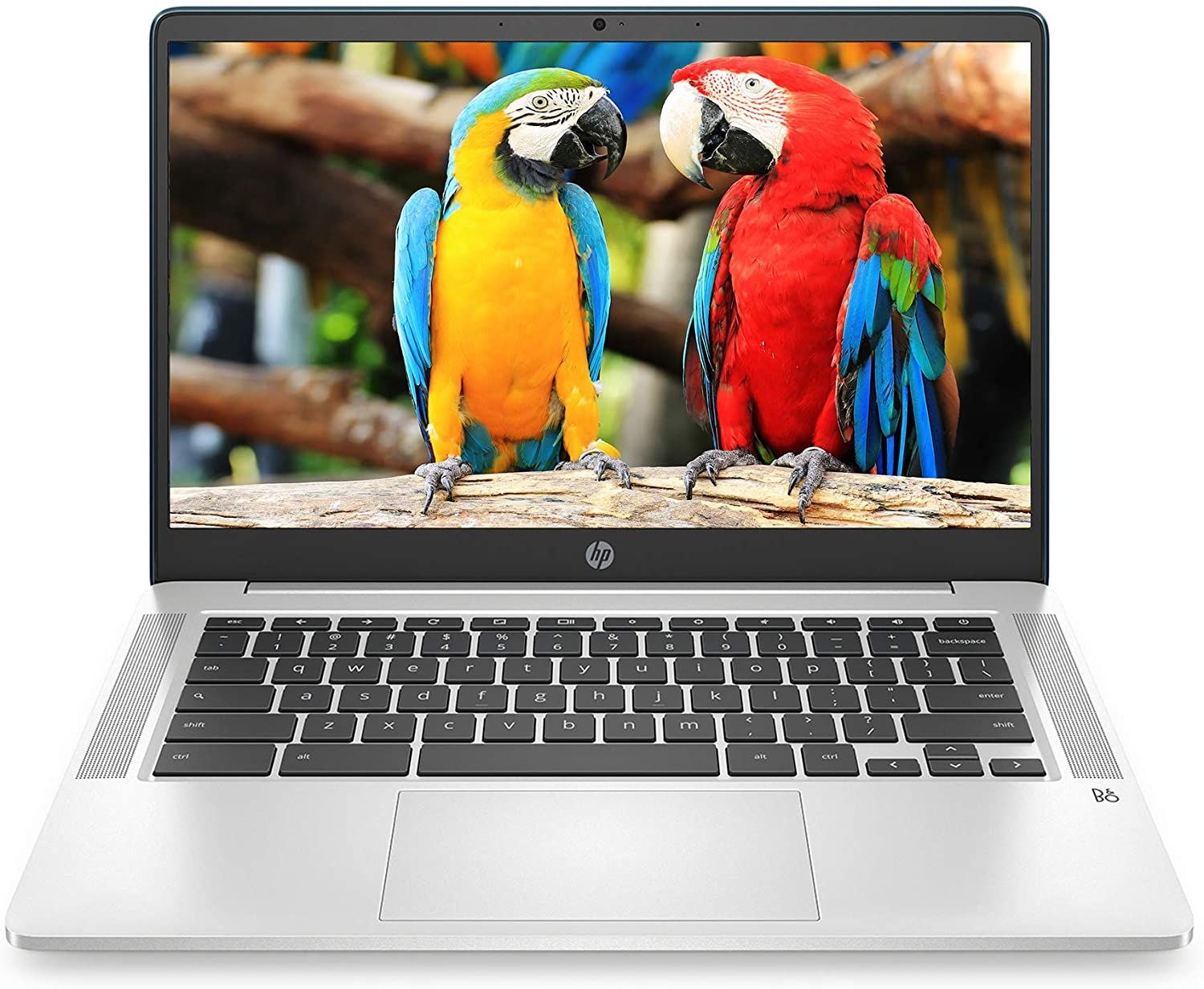 HP Chromebook 14a | HP Chromebook 14a | 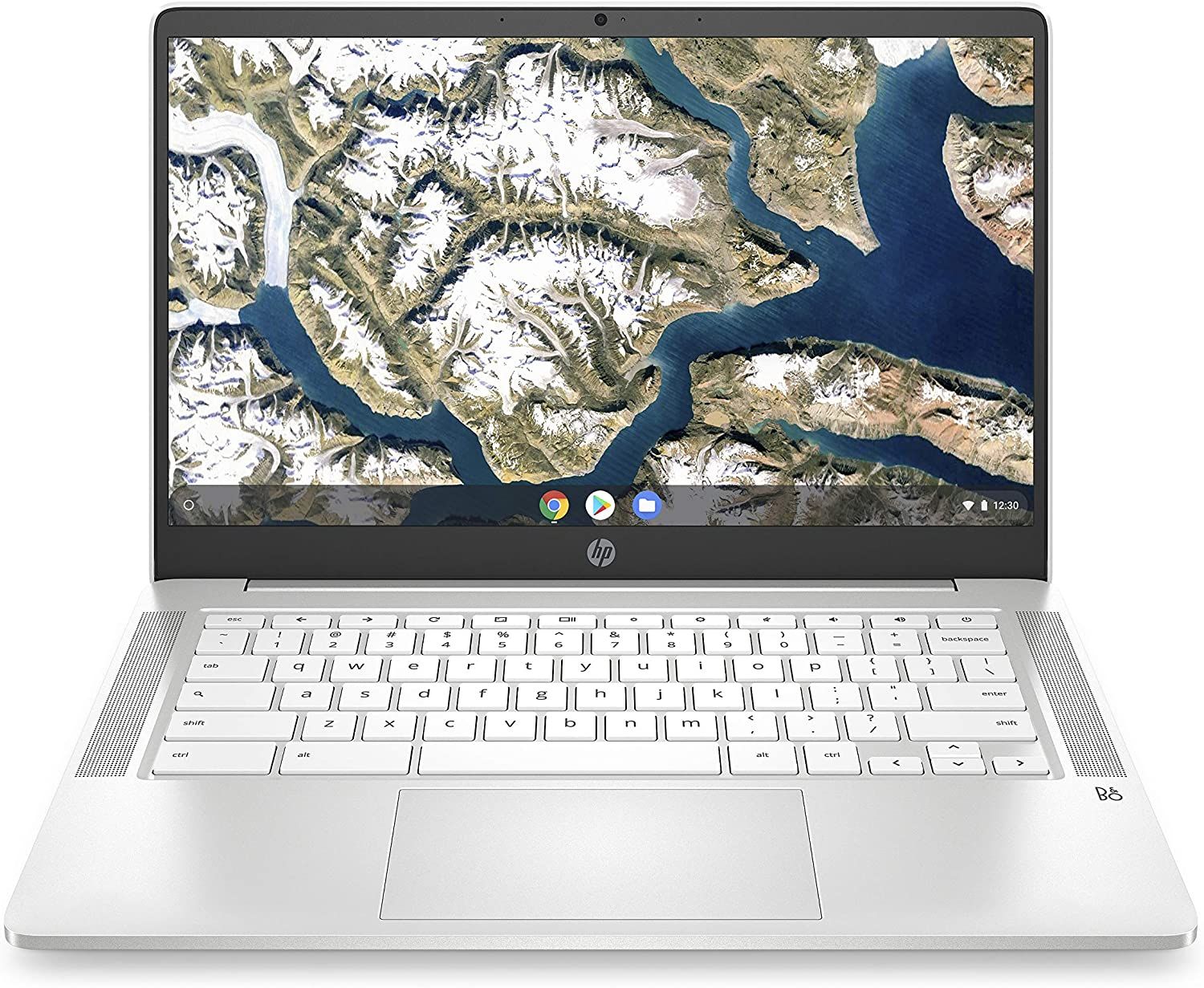 HP Chromebook 14a | 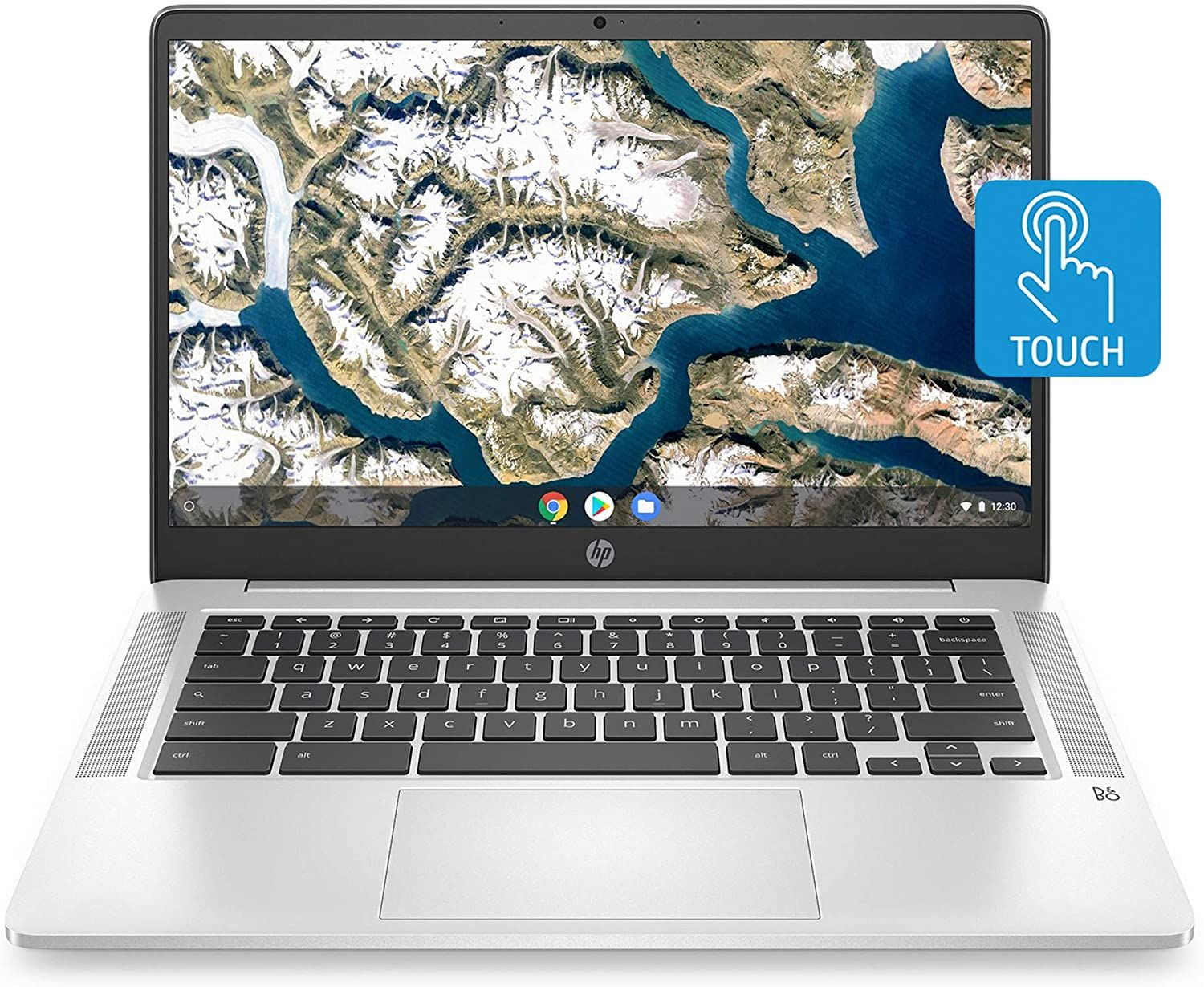 HP Chromebook 14a | HP Chromebook 14a | HP Chromebook 14a | HP Chromebook 14a | HP Chromebook 14a | HP Chromebook 14a | HP Chromebook 14a | HP Chromebook 14a | 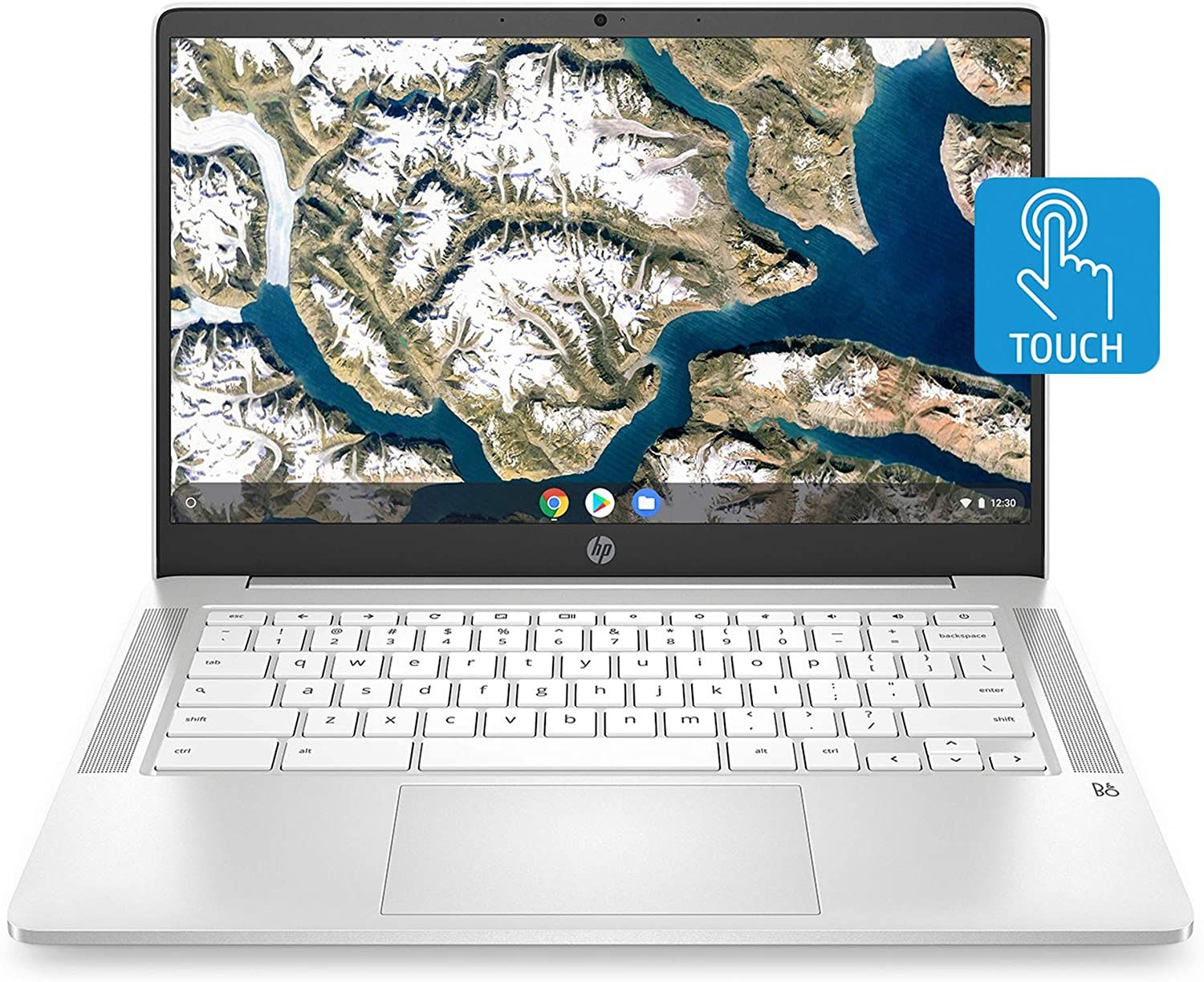 HP Chromebook 14a | HP Chromebook 14a | |
| Price | List Price: $299.99 Amazon Prices: Loading prices... | List Price: $269.99 Amazon Prices: Loading prices... | List Price: $339.99 Amazon Prices: Loading prices... | List Price: $269.99 Amazon Prices: Loading prices... | List Price: $299.99 Amazon Prices: Loading prices... | List Price: $269.99 Amazon Prices: Loading prices... | List Price: $269.99 Amazon Prices: Loading prices... | List Price: $309.99 Amazon Prices: Loading prices... | List Price: $299.99 Amazon Prices: Loading prices... | List Price: $299.99 Amazon Prices: Loading prices... | List Price: $289.99 Amazon Prices: Loading prices... | List Price: $249.99 Amazon Prices: Loading prices... | List Price: $299.99 Amazon Prices: Loading prices... | List Price: $158.39 Amazon Prices: Loading prices... |
| Model number | 14a-na0050nr | 14a-na0070nr | 14a-na0090nr / 3G378UA | 14a-na0021nr | 14a-na0030nr | 14a-na0010nr | 14a-na0020nr | 14a-na0024nr | 14a-na0060nr | 14a-na0031wm / 9FY38UA | 14a-na0061dx / 2J9N1UA | 14a-na0023cl / 1G128UA | 14a-na0040nr | 14a-na0226nr |
| Performance Rating | 4.0 | 3.1 | 3.1 | 3.1 | 3.1 | 3.1 | 3.1 | 3.1 | 3.1 | 3.1 | 3.0 | 3.1 | 3.1 | 4.0 |
| Chromebook Plus | No | No | No | No | No | No | No | No | No | No | No | No | No | No |
| Processor | Quad-core 1.10 Ghz (max 2.60 Ghz) Intel Celeron Processor N4120 | Dual-core 1.10 Ghz (max 2.60 Ghz) Intel Celeron N4000 Processor | Dual-core 1.10 Ghz (max 2.60 Ghz) Intel Celeron N4000 Processor | Dual-core 1.10 Ghz (max 2.60 Ghz) Intel Celeron N4000 Processor | Dual-core 1.10 Ghz (max 2.60 Ghz) Intel Celeron N4000 Processor | Dual-core 1.10 Ghz (max 2.60 Ghz) Intel Celeron N4000 Processor | Dual-core 1.10 Ghz (max 2.60 Ghz) Intel Celeron N4000 Processor | Dual-core 1.10 Ghz (max 2.60 Ghz) Intel Celeron N4000 Processor | Dual-core 1.10 Ghz (max 2.80 Ghz) Intel Celeron Processor N4020 | Dual-core 1.10 Ghz (max 2.60 Ghz) Intel Celeron N4000 Processor | Quad-core 1.10 Ghz (max 2.70 Ghz) Intel Pentium Silver N5000 Processor | Dual-core 1.10 Ghz (max 2.60 Ghz) Intel Celeron N4000 Processor | Dual-core 1.10 Ghz (max 2.60 Ghz) Intel Celeron N4000 Processor | Quad-core 1.10 Ghz (max 2.60 Ghz) Intel Celeron Processor N4120 |
| RAM | 4 GB | 4 GB | 4 GB | 4 GB | 4 GB | 4 GB | 4 GB | 4 GB | 4 GB | 4 GB | 4 GB | 4 GB | 4 GB | 4 GB |
| Internal Storage | 32 GB eMMC | 32 GB eMMC | 32 GB eMMC | 32 GB eMMC | 32 GB eMMC | 32 GB eMMC | 32 GB eMMC | 32 GB eMMC | 32 GB eMMC | 64 GB eMMC | 32 GB eMMC | 64 GB eMMC | 32 GB eMMC | 64 GB eMMC |
| Screen Size | 14" | 14" | 14" | 14" | 14" | 14" | 14" | 14" | 14" | 14" | 14" | 14" | 14" | 14" |
| Screen Resolution | 1366x768 | 1920x1080 | 1366x768 | 1920x1080 | 1366x768 | 1366x768 | 1366x768 | 1366x768 | 1366x768 | 1920x1080 | 1366x768 | 1920x1080 | 1920x1080 | 1366x768 |
| Screen Type | WLED-backlit | Anti-glare, WLED-backlit | WLED-backlit | IPS | WLED-backlit | WLED-backlit | WLED-backlit | WLED-backlit | WLED-backlit | IPS | WLED-backlit | IPS | IPS | WLED-backlit |
| Touch Screen | No | No | No | No | No | Yes | No | No | No | No | No | No | No | Yes |
| Stylus / Pen | No Stylus Support | No Stylus Support | No Stylus Support | No Stylus Support | No Stylus Support | No Stylus Support | No Stylus Support | No Stylus Support | No Stylus Support | No Stylus Support | No Stylus Support | No Stylus Support | No Stylus Support | No Stylus Support |
| Dimensions width x length x thickness | 12.82 x 8.6 x 0.7 inches (325.63 x 218.44 x 17.78 mm) | 12.82 x 8.6 x 0.7 inches (325.63 x 218.44 x 17.78 mm) | 12.82 x 8.6 x 0.7 inches (325.63 x 218.44 x 17.78 mm) | 12.82 x 8.6 x 0.7 inches (325.63 x 218.44 x 17.78 mm) | 12.82 x 8.6 x 0.7 inches (325.63 x 218.44 x 17.78 mm) | 12.82 x 8.6 x 0.7 inches (325.63 x 218.44 x 17.78 mm) | 12.82 x 8.6 x 0.7 inches (325.63 x 218.44 x 17.78 mm) | 12.82 x 8.6 x 0.7 inches (325.63 x 218.44 x 17.78 mm) | 12.82 x 8.6 x 0.7 inches (325.63 x 218.44 x 17.78 mm) | 12.82 x 8.6 x 0.7 inches (325.63 x 218.44 x 17.78 mm) | 12.82 x 8.6 x 0.7 inches (325.63 x 218.44 x 17.78 mm) | 12.82 x 8.6 x 0.7 inches (325.63 x 218.44 x 17.78 mm) | 12.82 x 8.6 x 0.7 inches (325.63 x 218.44 x 17.78 mm) | 12.82 x 8.6 x 0.7 inches (325.63 x 218.44 x 17.78 mm) |
| Weight | 3.24 lbs (1.47 kg) | 3.24 lbs (1.47 kg) | 3.24 lbs (1.47 kg) | 3.24 lbs (1.47 kg) | 3.24 lbs (1.47 kg) | 3.24 lbs (1.47 kg) | 3.24 lbs (1.47 kg) | 3.24 lbs (1.47 kg) | 3.24 lbs (1.47 kg) | 3.24 lbs (1.47 kg) | 3.24 lbs (1.47 kg) | 3.24 lbs (1.47 kg) | 3.24 lbs (1.47 kg) | 3.24 lbs (1.47 kg) |
| Backlit Keyboard | No | No | No | No | No | No | No | No | No | No | No | No | No | No |
| Webcam | HP Wide Vision HD | HP Wide Vision HD | HP Wide Vision HD | HP Wide Vision HD | HP Wide Vision HD | HP Wide Vision HD | HP Wide Vision HD | HP Wide Vision HD | HP Wide Vision HD | HP Wide Vision HD | HP Wide Vision HD | HP Wide Vision HD | HP Wide Vision HD | HP Wide Vision HD |
| WiFi | Wi-Fi 5 (802.11ac) (2x2) | Wi-Fi 5 (802.11ac) (2x2) | Wi-Fi 5 (802.11ac) (2x2) | Wi-Fi 5 (802.11ac) (2x2) | Wi-Fi 5 (802.11ac) (2x2) | Wi-Fi 5 (802.11ac) (2x2) | Wi-Fi 5 (802.11ac) (2x2) | Wi-Fi 5 (802.11ac) (2x2) | Wi-Fi 5 (802.11ac) (2x2) | Wi-Fi 5 (802.11ac) (2x2) | Wi-Fi 5 (802.11ac) (2x2) | Wi-Fi 5 (802.11ac) (2x2) | Wi-Fi 5 (802.11ac) (2x2) | Wi-Fi 5 (802.11ac) (2x2) |
| Bluetooth | Bluetooth 5.0 | Bluetooth 5.0 | Bluetooth 5.0 | Bluetooth 5.0 | Bluetooth 5.0 | Bluetooth 5.0 | Bluetooth 5.0 | Bluetooth 5.0 | Bluetooth 5.0 | Bluetooth 5.0 | Bluetooth 5.0 | Bluetooth 5.0 | Bluetooth 5.0 | Bluetooth 5.0 |
| Ethernet | No | No | No | No | No | No | No | No | No | No | No | No | No | No |
| Cellular Modem | No | No | No | No | No | No | No | No | No | No | No | No | No | No |
| HDMI | No HDMI | No HDMI | No HDMI | No HDMI | No HDMI | No HDMI | No HDMI | No HDMI | No HDMI | No HDMI | No HDMI | No HDMI | No HDMI | No HDMI |
| USB Ports | 1 USB 3, 2 USB-C (with DisplayPort 1.2) | 1 USB 3, 2 USB-C (with DisplayPort 1.2) | 1 USB 3, 2 USB-C (with DisplayPort 1.2) | 1 USB 3, 2 USB-C (with DisplayPort 1.2) | 1 USB 3, 2 USB-C (with DisplayPort 1.2) | 1 USB 3, 2 USB-C (with DisplayPort 1.2) | 1 USB 3, 2 USB-C (with DisplayPort 1.2) | 1 USB 3, 2 USB-C (with DisplayPort 1.2) | 1 USB 3, 2 USB-C (with DisplayPort 1.2) | 1 USB 3, 2 USB-C (with DisplayPort 1.2) | 1 USB 3, 2 USB-C (with DisplayPort 1.2) | 1 USB 3, 2 USB-C (with DisplayPort 1.2) | 1 USB 3, 2 USB-C (with DisplayPort 1.2) | 1 USB 3, 2 USB-C (with DisplayPort 1.2) |
| Thunderbolt Ports | No | No | No | No | No | No | No | No | No | No | No | No | No | No |
| Card Reader | microSD Card Reader | microSD Card Reader | microSD Card Reader | microSD Card Reader | microSD Card Reader | microSD Card Reader | microSD Card Reader | microSD Card Reader | microSD Card Reader | microSD Card Reader | microSD Card Reader | microSD Card Reader | microSD Card Reader | microSD Card Reader |
| Battery | 2 cell, 47.36 WHr, Lithium-ion | 2 cell, 47.36 WHr, Lithium-ion | 2 cell, 47.36 WHr, Lithium-ion | 2 cell, 47.36 WHr, Lithium-ion | 2 cell, 47.36 WHr, Lithium-ion | 2 cell, 47.36 WHr, Lithium-ion | 2 cell, 47.36 WHr, Lithium-ion | 2 cell, 47.36 WHr, Lithium-ion | 2 cell, 47.36 WHr, Lithium-ion | 2 cell, 47.36 WHr, Lithium-ion | 2 cell, 47.36 WHr, Lithium-ion | 2 cell, 47.36 WHr, Lithium-ion | 2 cell, 47.36 WHr, Lithium-ion | 2 cell, 47.36 WHr, Lithium-ion |
| Battery Life | 13.5 hours | 13.5 hours | 13.5 hours | 13.5 hours | 13.5 hours | 13.5 hours | 13.5 hours | 13.5 hours | 13.5 hours | 13.5 hours | 13.5 hours | 13.5 hours | 13.5 hours | 13.5 hours |
| Fanless | Yes | Yes | Yes | Yes | Yes | Yes | Yes | Yes | Yes | Yes | Yes | Yes | Yes | Yes |
| Auto Update Expiration Date | June, 2029 | June, 2029 | June, 2029 | June, 2029 | June, 2029 | June, 2029 | June, 2029 | June, 2029 | June, 2029 | June, 2029 | June, 2029 | June, 2029 | June, 2029 | June, 2029 |
Related Chromebooks
-
 HP Chromebook 14 G6The HP Chromebook 14 G6 offers a 14-inch anti-glare TN display, Wi-Fi 5 connectivity, and up to…
 -
 HP Chromebook 14 G7The HP Chromebook 14 G7 packs a 14-inch anti-glare WLED screen, Wi-Fi 6, a 720p HD webcam, and…
 -
 Acer Chromebook 314The Acer Chromebook 314 offers a crisp 14-inch FHD IPS display, 12.5 hours of battery life, and a…
 -
 ASUS Chromebook C425The ASUS Chromebook C425 boasts a crisp 14-inch 1080p IPS display, a backlit keyboard, and fanless…
 -
 Lenovo IdeaPad Slim 3 ChromebookLenovo IdeaPad Slim 3 Chromebook offers a vibrant 14-inch FHD touchscreen, MediaTek Kompanio 520…
 -
 Acer Chromebook 314The Acer Chromebook 314 combines a crisp 1920x1080 IPS display with a robust 12.5-hour battery life…
Detailed Insights into the HP Chromebook 14a
The HP Chromebook 14a strikes a careful balance between affordability and functionality that makes it a standout in the budget Chromebook segment. The build quality exceeds expectations for this price range, with HP employing a textured plastic finish that resists fingerprints and feels surprisingly premium to the touch. Available in Mineral Silver, Ceramic White, and Forest Teal color options, the Chromebook 14a brings some visual personality to an otherwise utilitarian category. The chassis measures 12.82 x 8.60 x 0.70 inches and weighs just 3.24 pounds, making it easy to slip into a backpack or carry between classes without fatigue.
Performance centers around Intel’s Celeron N4000 dual-core processor in most variants, with some newer models stepping up to the quad-core N4120. While these chips won’t compete with Intel Core processors, they handle Chrome OS with surprising competence. Web browsing with multiple tabs, Google Docs, YouTube streaming, and even light photo editing in web apps all work smoothly. The 4GB of RAM does impose limitations though, particularly when juggling more than 10-15 Chrome tabs simultaneously or running demanding Android apps. The 32GB or 64GB eMMC storage fills up faster than you might expect, so cloud storage becomes essential for anything beyond basic documents and a few offline apps.
The 14-inch display offers sufficient screen real estate for productivity tasks, though the 1366x768 resolution on base models does show its age. HP also offers Full HD (1920x1080) variants that significantly improve the visual experience, adding sharpness to text and making content consumption more enjoyable. The WLED-backlit panel delivers adequate brightness for indoor use, though outdoor visibility suffers. Some models use TN panel technology with narrow vertical viewing angles, meaning colors wash out when you’re not looking directly at the screen. This matters more for shared viewing or if you frequently adjust your seating position. The touchscreen variants (models ending in “-30nr”) add welcome versatility for navigating Chrome OS with finger gestures.
Connectivity options cover the essentials without excess. Two USB-C ports handle charging and data transfer while also supporting DisplayPort 1.2 for external monitors. A single USB 3.0 Type-A port provides compatibility with legacy peripherals, and the microSD card slot expands storage for photos and media. There is no built-in Ethernet, so a USB Ethernet adapter is needed for wired connections. Wi-Fi 5 (802.11ac) with 2x2 MIMO antennas delivers reliable wireless performance, while Bluetooth 5.0 enables connections to wireless mice, headphones, and other accessories. The HP Wide Vision HD webcam handles video calls competently, producing a clear image with decent dynamic range.
Reviewer Insights on the HP Chromebook 14a
Laptop Mag’s Assessment
Laptop Mag awarded the HP Chromebook 14 a 3.5 out of 5 stars, praising it as “a good all-rounder for basic tasks.” Phillip Tracy specifically highlighted the keyboard experience: “The reviewer had no complaints with the Chromebook 14’s keyboard, barring the lack of backlighting. The white, chiclet-style keys are well-spaced and large, apart from some undersized arrow keys.” He was particularly impressed that HP included a 1080p display option at this price point, calling it “a luxury” while noting the panel “isn’t particularly bright or vivid.” Battery life proved exceptional in testing, with the laptop lasting through a full day of mixed use without needing a charge. The main criticism centered on below-average performance compared to similarly priced Chromebooks.
TechRadar’s Perspective
TechRadar rated the HP Chromebook 14 at 4 out of 5 stars, describing it as “a well balanced Chromebook” that delivers strong value. Nick Mediati summarized: “If you just need a computer to get you online, check emails, do some basic work, and binge some Netflix, this extremely affordable device is more than up to the job.” The reviewer found the keyboard and trackpad to be standout features, offering a typing experience that belies the budget price. Chrome OS responsiveness received particular praise, with the system feeling “speedy” despite the modest hardware specifications. The screen earned compliments for being “crisp and vivid” on Full HD models. Battery life was described as “average” relative to other Chromebooks, though still sufficient for a full workday.
Chrome Unboxed’s Take
Robby Payne at Chrome Unboxed delivered a nuanced assessment, calling the Chromebook 14a “a very mixed bag.” He was effusive about the input devices: “HP consistently does a fantastic job with keyboards, and even on this more affordable model, that holds true. The keyboard has a great feel with excellent clickiness that is genuinely enjoyable to type on.” The trackpad received similar praise for its smooth, responsive performance. However, he was blunt about the display limitations: “The screen is, frankly, a major compromise.” The 1366x768 TN panel’s poor vertical viewing angles and washed-out colors when viewed off-axis drew criticism. His final verdict tied value to price point: “For under $300, a Chromebook with this keyboard, trackpad, and speaker setup becomes a very compelling option, even with that screen.”
Customer Reviews of the HP Chromebook 14a
Amazon customers have consistently awarded the HP Chromebook 14a ratings between 4.0 and 4.3 stars across its various model numbers, reflecting broad satisfaction with this budget laptop. The most common praise focuses on value for money, with reviewers frequently mentioning how capable the Chromebook feels given its sub-$200 street price. Students and parents buying for students dominate the positive reviews, appreciating the simplicity of Chrome OS and the device’s ability to handle homework, research, and basic productivity without issue.
Battery life stands out as a recurring positive theme, with many customers reporting they easily achieve 10+ hours of mixed use before needing to recharge. Several reviewers specifically noted using the Chromebook throughout full school or work days without plugging in. The lightweight design also earns frequent mentions, with users appreciating the portability for commuting or moving between classes.
Negative reviews most commonly cite the limited storage as a pain point, particularly for users unfamiliar with Chrome OS’s cloud-first approach. Some buyers expected Windows-like local storage capabilities and felt frustrated by the 32GB constraint. Display quality generates mixed feedback, with users of the HD (1366x768) models wishing for sharper text, while those with Full HD variants expressed satisfaction. A smaller subset of reviewers noted the Celeron processor can feel sluggish when multiple apps are running simultaneously, though most acknowledge this is expected at this price point.
Conclusion
The HP Chromebook 14a delivers exactly what budget-conscious buyers should expect: reliable everyday performance, exceptional battery life, and a comfortable typing experience at an accessible price point. It’s not trying to be everything to everyone. Instead, it focuses on doing the basics exceptionally well. For students completing assignments, families sharing a secondary computer, or anyone needing a dependable machine for web browsing and streaming, the Chromebook 14a represents genuine value. The keyboard quality alone sets it apart from many competitors, while the variety of color options and occasional touchscreen availability add flexibility. Just go in with realistic expectations about display quality and multitasking headroom, and this HP will serve you well through its June 2029 Auto Update Expiration date.
Frequently Asked Questions
How long will the HP Chromebook 14a receive Chrome OS updates?
The HP Chromebook 14a (14a-na0 series) will receive Chrome OS updates until June 2029, according to Google’s official Auto Update Expiration database. This means you’ll continue getting security patches, new features, and Chrome browser updates for several more years. After the AUE date, the Chromebook will still function but won’t receive new updates.
Can I upgrade the RAM or storage in the HP Chromebook 14a?
No, the HP Chromebook 14a does not support RAM or storage upgrades. The 4GB RAM is soldered to the motherboard, and the eMMC storage (32GB or 64GB depending on model) is also not user-replaceable. However, you can expand storage using a microSD card or USB drive, and Chrome OS is designed to work efficiently with cloud storage services like Google Drive.
Does the HP Chromebook 14a have a touchscreen?
Some variants of the HP Chromebook 14a include touchscreen capability, while others do not. Models with “-30nr” in the model number (like 14a-na0030nr) typically feature touchscreens. The base models without touch are more common. Check the specific model number and Amazon listing to confirm touchscreen availability before purchasing.
Is the HP Chromebook 14a good for students?
Yes, the HP Chromebook 14a is well-suited for students, particularly for K-12 and basic college coursework. It handles Google Docs, research, video calls, and educational web apps smoothly. The 13.5-hour battery life means students can use it throughout the school day without charging. Professional reviewers specifically noted its popularity among students and parents. However, students needing specialized software (like Adobe Creative Suite) or heavy multitasking should consider a more powerful option.
Can I connect an external monitor to the HP Chromebook 14a?
Yes, the HP Chromebook 14a supports external monitors through its USB-C ports, which include DisplayPort 1.2 capability. You can connect a monitor using a USB-C to HDMI or USB-C to DisplayPort adapter. This allows you to extend or mirror your display, making the Chromebook more versatile for home office or classroom presentation use.
What’s the difference between the various HP Chromebook 14a model numbers?
The HP Chromebook 14a comes in numerous variants with different model numbers (like 14a-na0020nr, 14a-na0070nr, etc.), which primarily differ in color options, touchscreen availability, storage size (32GB vs 64GB), and regional availability. Some newer variants like the 14a-na0226nr use the faster quad-core Intel Celeron N4120 processor instead of the dual-core N4000. Display resolution can also vary between HD (1366x768) and Full HD (1920x1080) models. The core design and build quality remain consistent across variants.