

For years, the Linux desktop has had one of the most fragmented cloud-storage stories in personal computing. The polished consumer services either skipped Linux entirely or shipped a second-class client, the privacy-respecting options tended to mean running your own server, and the rest of us cobbled together rclone mounts, web uploads, and the occasional rsync cron job. So when Proton, the Swiss company behind Proton Mail and Proton VPN, brought Proton Drive to Linux in June 2026, it landed as a notable moment: a vendor a lot of people already trust finally showing up on the platform. The catch is that what shipped is narrower than the headlines suggest, and getting the most out of it means understanding exactly what it does before you reshape your backup plan around it.
The Proton Drive CLI is available now, but the desktop app is still coming
The thing you can install today is the Proton Drive CLI, a single command-line binary that It’s FOSS walked through on Fedora Workstation 44 the week it appeared. It runs on Linux, macOS, and Windows from one codebase, and on Linux it ships as both an x64 and an arm64 build, so it covers Intel and AMD machines as well as Arm boards. You download the binary for your platform, mark it executable, verify the build, and sign in through your browser; your session is then stored through libsecret rather than a password sitting in your shell history. It carries the same end-to-end encryption as the rest of Proton Drive, which is the part that makes it interesting next to the mainstream alternatives.
What is not here yet is the graphical desktop app. Proton confirmed it is building a native Linux client “from the ground up” on a new shared Drive SDK, as OMG! Ubuntu reported from the June platform update, and It’s FOSS notes Proton expects to ship that graphical client before the end of 2026. Proton has not committed to a firm beta date, so treat that timeline as the company’s stated goal rather than a promise. The same SDK rebuild is what makes the existing Windows, macOS, and mobile apps faster, with Proton citing uploads up to three times quicker and file encryption up to four times faster. For Linux users, the practical reading is simple: the terminal tool is real and usable now, and the friendly sync folder is a roadmap item.
The CLI is for automation, not for sync
This is the distinction that decides whether Proton Drive belongs in your setup yet. The CLI lets you upload, download, and browse files, manage your trash, and handle sharing and invitations, and passing --json makes any command’s output machine-readable for scripting. What it deliberately does not include is a continuous sync engine. There is no background daemon watching a folder and pushing changes the moment you save, and the current CLI exposes no mount command, so there is no drive letter or folder that behaves like local storage. It’s FOSS is explicit on this point: the CLI has no built-in continuous sync, and the way you approximate that behavior is to schedule it yourself.
In practice that means a small wrapper script invoked on a timer. A systemd user timer or an old-fashioned cron entry that runs proton-drive to push your ~/Documents or a Pictures folder every night turns the tool into a perfectly good scheduled encrypted backup. That is a real, useful pattern, and for a lot of people it is exactly what they want from offsite storage anyway. It is just not the same thing as opening a file manager, dropping a file into a synced folder, and watching it appear on your phone thirty seconds later. If your mental model of “cloud storage” is the second one, the CLI will feel like a backup tool that happens to live in the cloud, because that is precisely what it is until the graphical client arrives.
How the price compares, tier for tier
Proton Drive starts free with 5 GB, which is enough for documents and a modest photo set but not a full media library. The first paid step, Drive Plus, runs $3.99 a month on annual billing for 200 GB, and Proton Unlimited at $9.99 a month bundles 500 GB of Drive storage with Proton VPN, Mail, and Pass. Those figures are current as of June 2026 and Proton runs frequent intro discounts, so check the live Proton Drive pricing page before you commit.
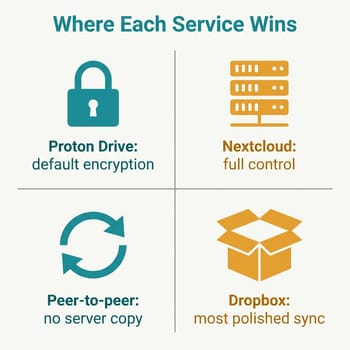
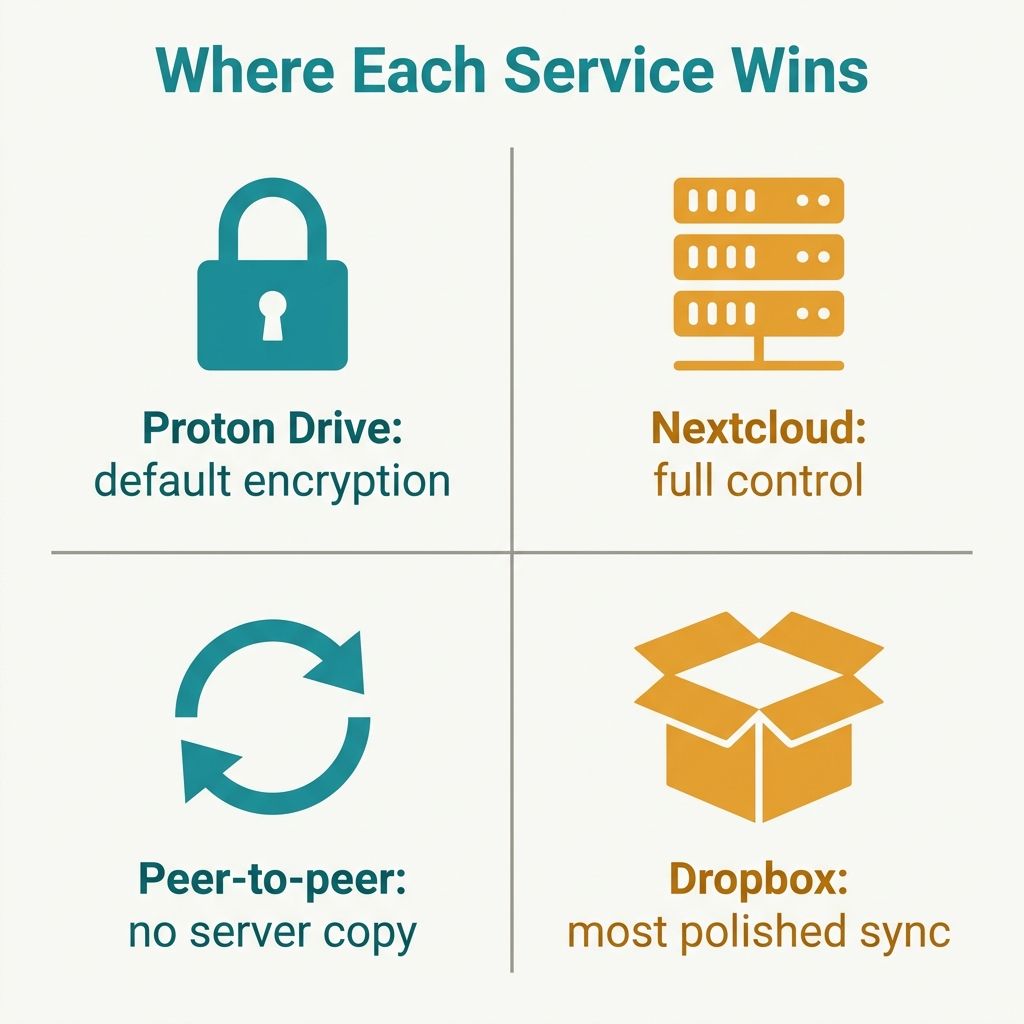
Set those against the mainstream services and the shape of the trade becomes clear. The closest matched tier is iCloud+, which charges about $2.99 a month for 200 GB, so Proton’s 200 GB tier carries roughly a dollar-a-month premium. Google One skips 200 GB entirely, jumping from 100 GB at about $1.99 to 2 TB at around $9.99, and Dropbox Plus also lands near $9.99 a month for 2 TB, the same headline price as Proton Unlimited, except Unlimited folds in a VPN and an encrypted mailbox the others do not. What you are paying the premium for, at every tier, is default end-to-end encryption: with Proton, the provider cannot read your files, which is structurally different from the big three, where the convenience comes partly from the provider holding keys it can use. Whether that dollar is worth it depends entirely on which of the three profiles below you fall into.
Three Linux users, three different answers
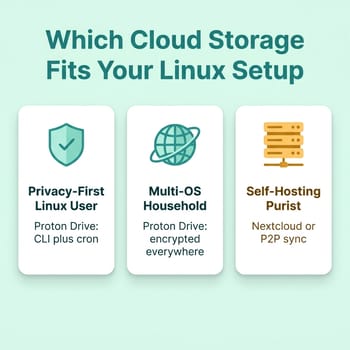
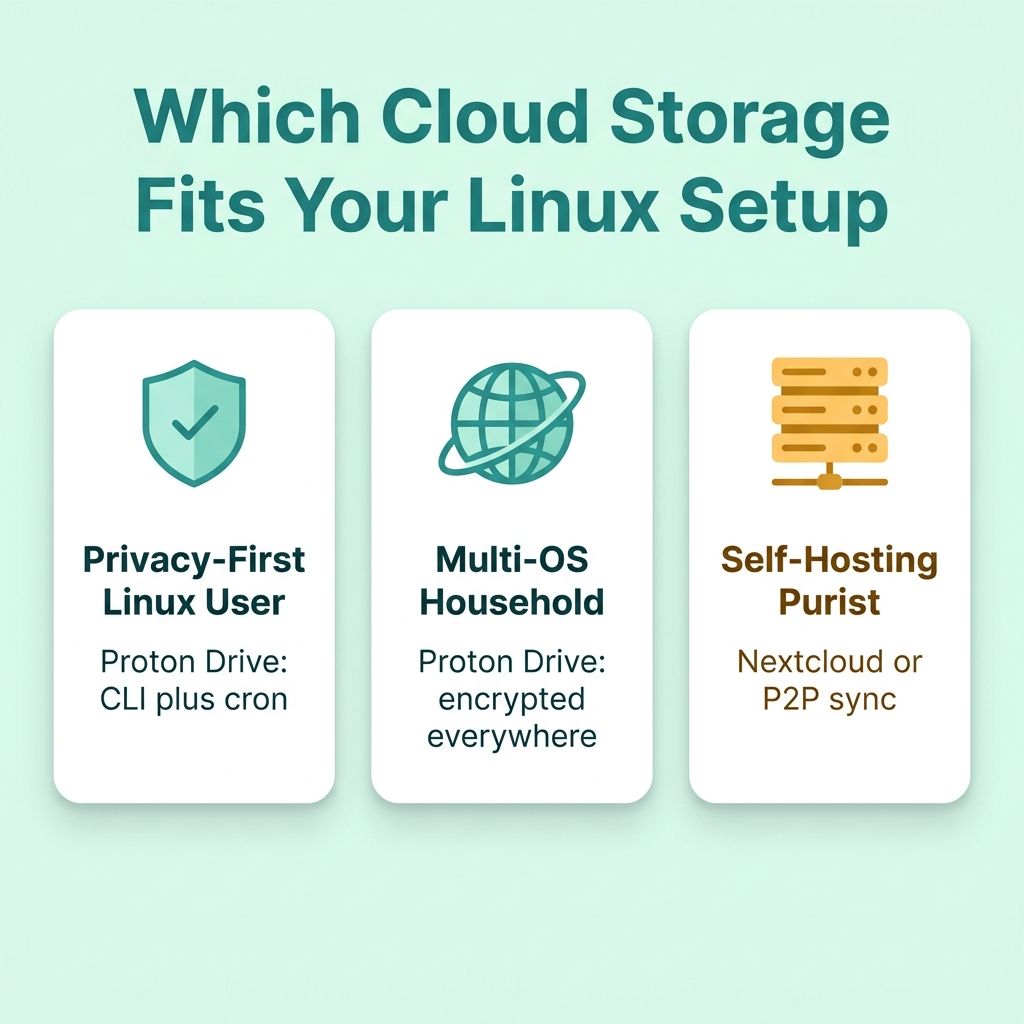
The reason a single verdict does not work here is that “a Linux user who needs cloud storage” describes at least three different people with different priorities. The privacy-first desktop user cares most about who can read the files. The multi-OS household cares most about whether the same service works everywhere without a separate tool per device. The self-hosting purist cares most about who physically holds the data. Proton Drive lands very differently for each.
The privacy-first Linux desktop user gets the clearest win, with one caveat. If you run Ubuntu, Fedora, Mint, or Arch and you already pay Proton for VPN or Mail, the Drive CLI slots straight into your existing trust relationship and your existing bill. Driven by a timer, it gives you encrypted, offsite, versioned backups from a vendor whose business model is privacy rather than advertising. The caveat is the one from earlier: if what you actually want is a live sync folder rather than a scheduled push, the CLI is not that yet, and you should either build the backup workflow deliberately or wait for the graphical client. This is the natural successor to the era of cobbled-together tools we covered in our roundup of online backup solutions for Ubuntu, and it is a meaningfully better foundation than most of what came before.
The multi-OS household gets the strongest practical case. This is where Proton’s cross-platform reach matters more than any single client. A family running a Linux desktop, a couple of Macs, a Chromebook, and a pile of phones has, until now, had no privacy-respecting service that works natively on all of them. Proton Drive has polished graphical apps on Windows, macOS, iOS, Android, and the web, and the new CLI fills the Linux gap for scripted backups today. Everyone shares the same encrypted account, and the encryption is the same on every device. Chromebook users in that household have an especially neat option: because Crostini gives a Chromebook a real Debian Linux container, you can run the matching Linux CLI binary inside it, picking the x64 build on Intel and AMD Chromebooks or the arm64 build on Arm models. Two things are worth flagging. The CLI stores its login session through libsecret, so it needs a working secret-service running inside the Crostini container, which a minimal container may not have until you install and start one. And the binary is not wired into the ChromeOS Files app, so even once it runs this is terminal-driven backup, not a folder that shows up natively in the file manager.
The self-hosting purist still has better tools. If your priority is that nobody else, Proton included, ever holds your data, an encrypted vendor cloud is the wrong shape of answer no matter how good the encryption is. This is where Nextcloud still wins outright: you run the server, you own the disk, the storage ceiling is whatever hardware you bought, and the data never leaves infrastructure you control. The cost is that you are now the administrator, responsible for updates, security, and backing up the backup. If your aim is sync without any server at all, Syncthing wins on a different axis: it moves files peer-to-peer directly between your own devices with no cloud copy in the middle, which is a stronger privacy guarantee than even an encrypted cloud, with the trade-off that there is no offsite copy unless you keep an always-on node running. We made the broader case for owning your stack in the self-hosting renaissance, and a small low-power box is all it takes to start.
Beelink ME Mini

- +Six M.2 slots for up to 24TB
- +dual 2.5Gb Ethernet
- +7 to 9 watts at idle
- -12GB of RAM is soldered
- -SSDs are extra on the 64GB eMMC model
- -Intel N150 is modest
- -five of the six M.2 slots run at PCIe 3.0 x1
So should Proton Drive replace your cloud stack?
For most privacy-minded Linux users the fair framing is that Proton Drive earns a place in your stack rather than replacing all of it. As a scheduled, end-to-end encrypted offsite backup from a vendor you already trust, the CLI is a strong addition today, and the coming graphical client should make it competitive with Dropbox for everyday sync once it lands. For a multi-OS household it is the closest thing to a single encrypted service that works everywhere, with the Chromebook caveat noted above. And for the self-hosting purist, it is a useful complement, an encrypted offsite copy of the data your own server already holds, rather than a reason to tear that server down.
The thing to avoid is reshaping your whole workflow around the launch headline before checking which tool actually shipped. What landed in June 2026 is a capable command-line client and a credible roadmap, not a finished Dropbox replacement. Start on the free tier, wire the CLI into a timer, see how a week of encrypted scheduled backups feels, and let the graphical client prove itself when it arrives. That is the path that gets you Proton’s privacy benefits now without betting your data on a feature that is still being built.


