

Listen to this article:
Posts in communities like r/selfhosted and r/homelab used to be dominated by experienced sysadmins sharing complex Kubernetes deployments and arguing about the finer points of ZFS. Now there’s a steady stream of excited newcomers posting their first successful Immich installations, asking beginner questions without getting roasted, and sharing photos of their compact home server setups. The self-hosting market is projected to reach $85.2 billion by 2034, growing at 18.5% annually, and regular people who never wanted to become sysadmins are driving that growth.
For the past decade, self-hosting required either significant technical expertise or a willingness to spend weekends debugging configuration files. You needed to understand networking well enough to set up port forwarding, know enough Linux to troubleshoot when things broke at 2am, and have the patience to translate cryptic error messages into actionable fixes. For most people, even tech-savvy ones, paying $10 a month for Google One was easier than learning how to run your own photo backup server.
2026 is different, for three reasons that happened to converge at the same time. AI assistants like Claude Code can now handle the configuration that used to require hours of documentation reading and forum searching. On the hardware side, Intel’s N100 and N150 processors created a new category of mini PCs that are quiet, cheap, and sip just 9-12 watts while running a dozen containerized services. And Tailscale eliminated the networking nightmare that scared off a lot of would-be self-hosters. Each of these developments would have made self-hosting easier on its own. Together, they’ve made it accessible to anyone who can follow instructions and isn’t afraid of a terminal window.
AI Assistants Killed Configuration Fatigue
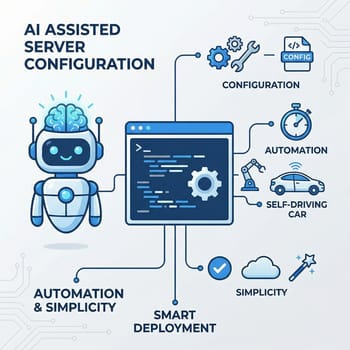
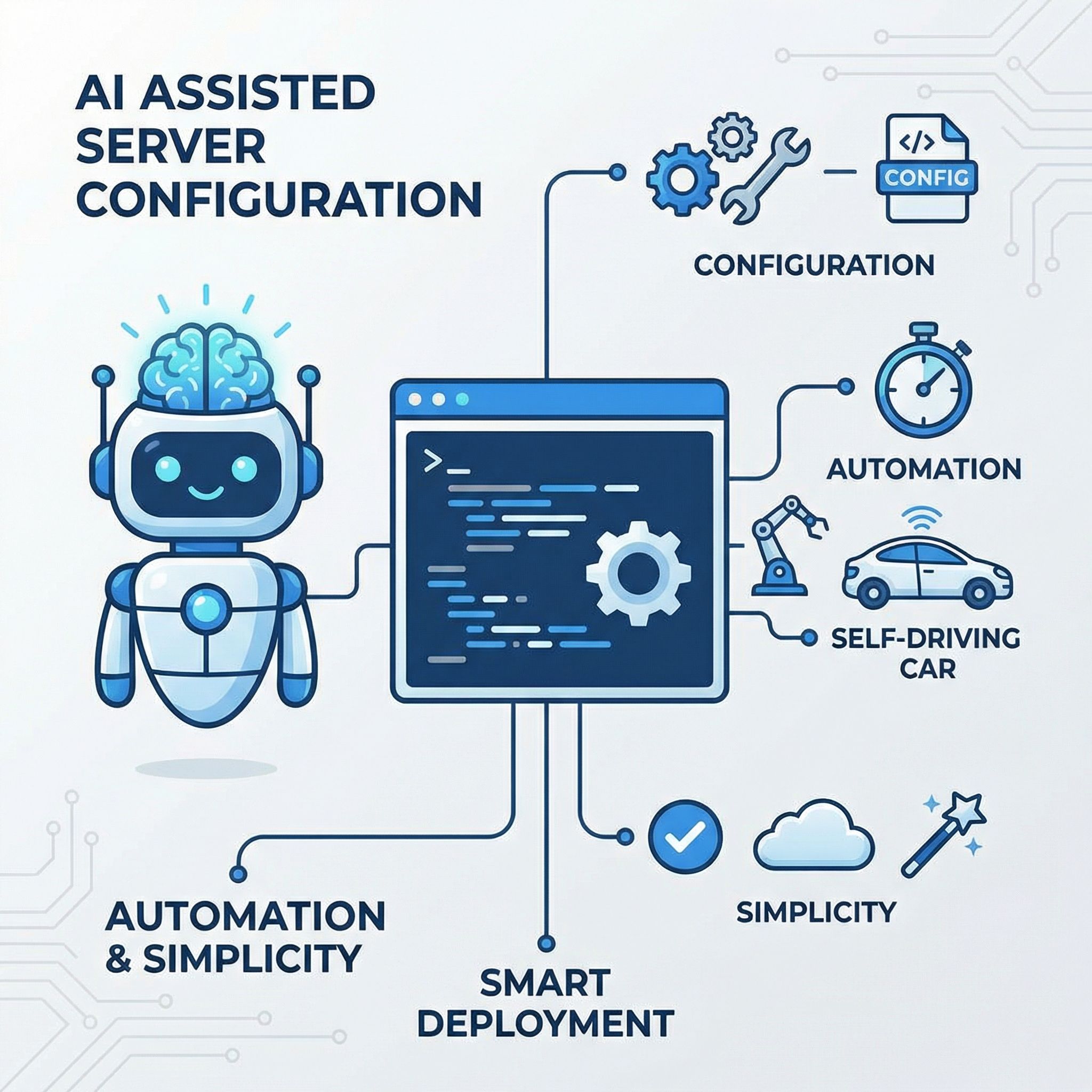
The traditional self-hosting experience went something like this: you’d find an interesting service, spend an hour reading the documentation trying to understand the installation process, copy some commands into your terminal, hit an error, spend another hour searching forums for someone who encountered the same problem, try the suggested fix, hit a different error, and eventually either succeed through sheer persistence or give up and go back to the cloud service you were trying to replace. This cycle repeated for every new service you wanted to run, and the complexity compounded as you added more services that needed to interact with each other.
CLI agents like Claude Code have changed this dynamic. You can ask one to set up your home server right now. As one self-hosting evangelist put it, this is “the first time I would recommend it to normie/software-literate people who never really wanted to sign up to become a sysadmin and stress about uptime of core personal services.” The hardware has been cheap for years. What changed is that you no longer need to become a sysadmin to make it work.
Ask an AI assistant to help you set up Docker and it can examine your current system configuration, suggest appropriate container images, help you understand what each parameter does, and troubleshoot errors as they occur. The feedback loop that used to take hours of forum searching now takes seconds. It can also explain why something went wrong in a way that helps you learn, rather than just giving you the magic incantation to make the error go away.
AI assistants aren’t magic. They get confused, hallucinate solutions that don’t work, and occasionally suggest configurations that are subtly wrong. The fulghum.io writeup still calls the experience “dramatically easier.” But even with these limitations, the bar has lowered enough that reasonably tech-literate people can now get a home server running in an afternoon rather than a weekend.
The N100 Changed the Mini PC Home Server Equation
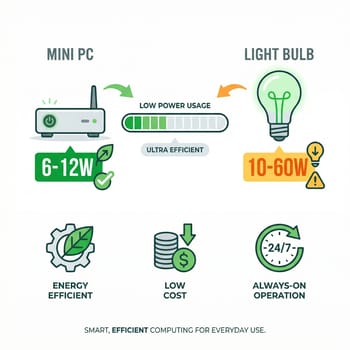
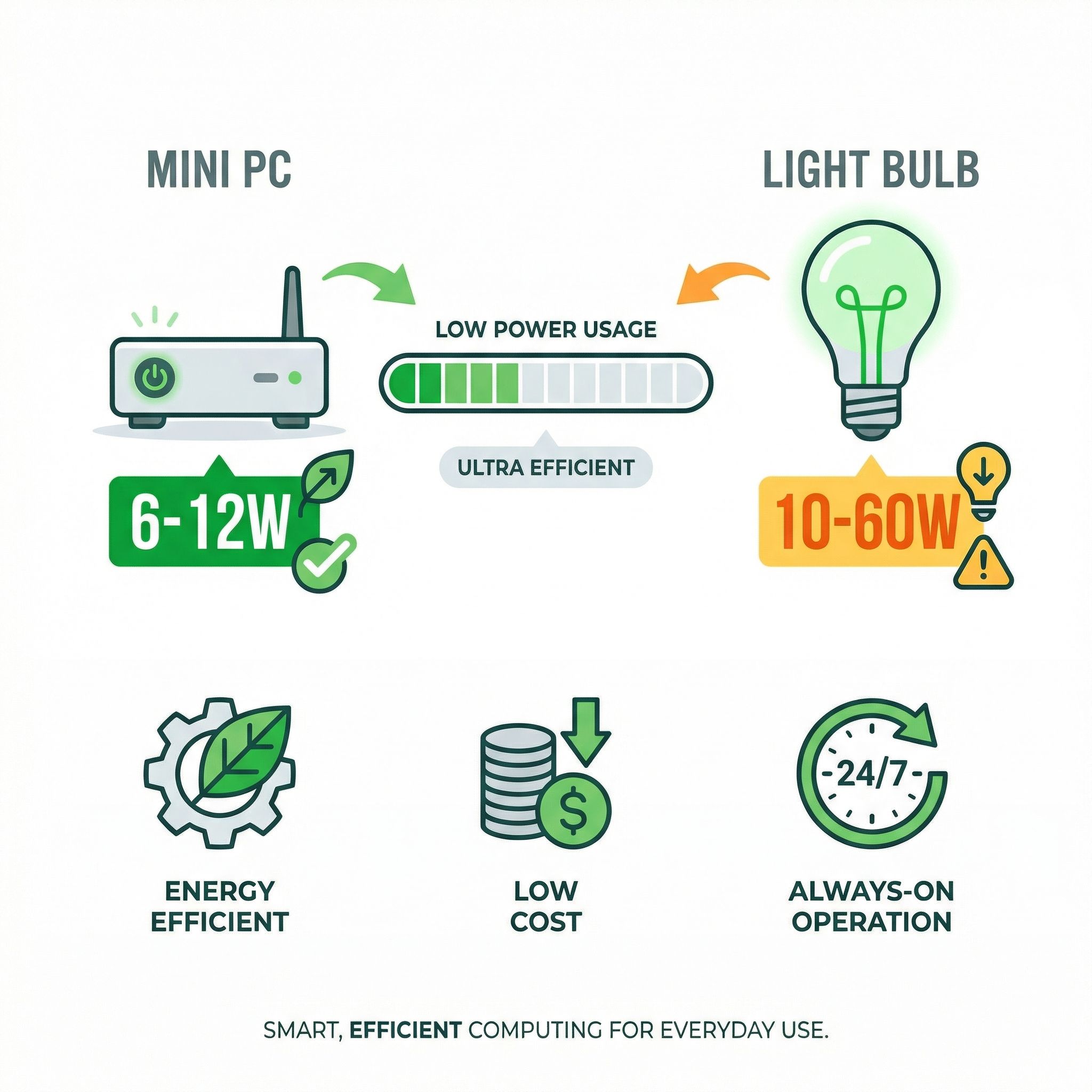
Before Intel’s N100 processor and its successors, your home server options were essentially: run a full desktop PC that sounds like a jet engine and costs $50 a year in electricity, repurpose an old laptop (or even an expired Chromebook) with thermal management issues, or set up a Raspberry Pi that’s underpowered for anything beyond the basics. The N100 created a fourth option: 6-12 watts at idle, complete silence with fanless designs, and enough x86 processing power to run a dozen Docker containers.
An Intel N100 mini PC typically consumes 9-12 watts with a dozen containers running, which translates to roughly $8-12 per year in electricity at US rates. Compare that to the cloud services you might replace: Google One for photos ($30/year for 200GB), a password manager subscription ($36/year), a VPN subscription ($60-100/year), cloud storage for backups ($100+/year depending on size).
The newer N150 offers about 6-10% better performance than the N100 while maintaining the same power efficiency, making it an even better choice for new builds. These processors support modern features like DDR5 RAM and have integrated graphics capable enough for basic hardware transcoding, so most home server builds need no dedicated GPU.
Beelink Mini S13
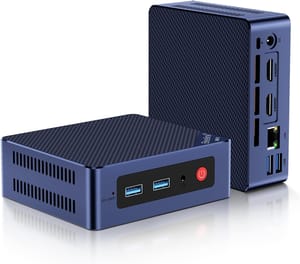
- +About 7W at idle
- +near-silent fan
- +two M.2 slots
- +$219 list price
- -Intel N150 is modest for heavy workloads
- -Gigabit Ethernet only
- -16GB RAM ceiling
For beginners, the choice is straightforward: pick up an N100 or N150 mini PC in the $150-250 range (though rising DRAM prices have pushed some models higher), install Proxmox or just run Docker on Ubuntu, and you’re ready to start. The Beelink ME Mini has six M.2 slots for those who plan to grow their setup, while still drawing 7 to 9 watts at idle, which keeps 24/7 operation practical.
Beelink ME Mini
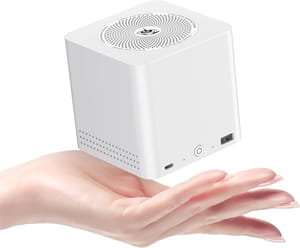
- +Six M.2 slots for up to 24TB
- +dual 2.5Gb Ethernet
- +7 to 9W at idle
- -12GB of soldered RAM caps how many services it can hold
- -only one 2TB SSD is included
- -PCIe 3.0 slots
- -no 10GbE
Tailscale Made Networking Trivial
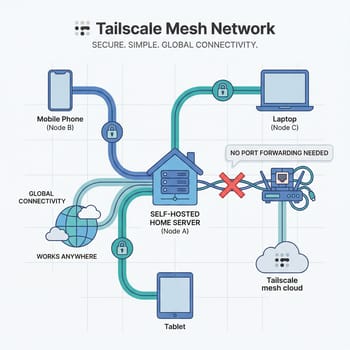
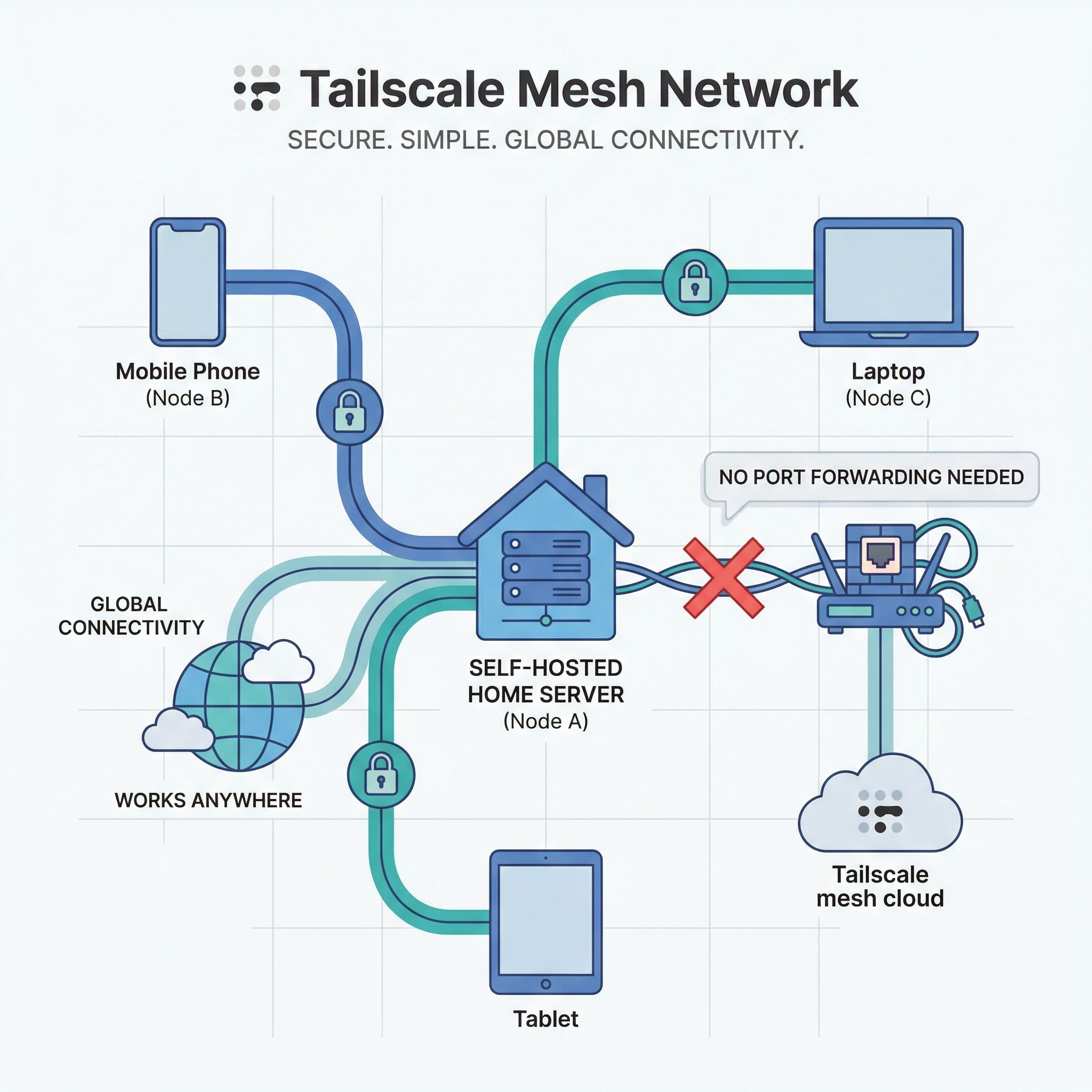
Networking is where a lot of self-hosting projects stall. People give up on port forwarding on a residential router, on dynamic IP addresses that change when you least expect it, on reverse proxies with SSL certificates, and on figuring out how to safely expose services to the internet without creating a security nightmare.
Tailscale solves essentially all of these problems by creating a private mesh network that works through NAT and firewalls automatically. No port forwarding required. No exposed services. No complex DNS configuration. You install the Tailscale client on your devices, join them to your network, and they can communicate with each other directly using WireGuard encryption, regardless of what ridiculous NAT situation your ISP or router has created. The free tier covers up to 100 devices, which is more than most home labs will ever need.
The experience of setting up remote access to a home server has gone from “spend a weekend learning about CGNAT, ddclient, nginx reverse proxies, and Let’s Encrypt certificates” to “install Tailscale on your server, install Tailscale on your phone, done.” When you’re on your tailnet, your home server is accessible as if you were on your local network, with the same simple URLs and without any of the security exposure that comes with opening ports to the public internet.
Tailscale’s MagicDNS feature adds automatic DNS names for every device on your network, so you can access your services at memorable addresses like homeserver.tailnet instead of IP addresses. They also provision TLS certificates automatically, securing your connections without any of the certificate renewal headaches that traditionally plagued self-hosted setups. For those who want to go deeper, Tailscale can act as a subnet router, letting you access your entire home network remotely, not just devices with Tailscale installed.
What People Run on These Mini PCs
The 2026 homelab stack has crystallized around a few key applications that offer compelling alternatives to cloud services.
Photos and Passwords You Own
Immich has emerged as the default Google Photos replacement, offering automatic backup of phone photos with facial recognition, album sharing, and a mobile app. The setup is more involved than some simpler services, but AI assistants can walk you through it, and the result is a photo backup solution you own completely without monthly fees or storage caps beyond what your hard drives can hold.
Vaultwarden, the lightweight Bitwarden server implementation, gives you a self-hosted password manager that’s fully compatible with all the official Bitwarden clients. Your passwords never leave your network, and unlike the cloud-hosted version, you’re not dependent on someone else’s infrastructure staying online and secure.
Local AI, Media, and Home Assistant
Ollama has made running local language models easy, and homelabbers are integrating AI into everything. Combined with Open WebUI, you get a ChatGPT-like interface running entirely on your hardware, with Tailscale Serve providing secure access from anywhere on your network, including phones and tablets. Mac mini owners who want this same setup without the DIY tinkering can look at managed services like Hyperbox and Perplexity’s always-on Mac mini agents, which handle the orchestration for a monthly fee.
Plex or Jellyfin for media streaming, Home Assistant for home automation, Nginx Proxy Manager or Caddy for reverse proxy and HTTPS, and Uptime Kuma for monitoring round out the typical stack. Users report running 14+ containerized services simultaneously on N100 hardware, with the tiny servers idling at under 10% CPU. With the processor mostly idle, RAM is what decides how many of these you can stack on one box.
For those interested in local AI workloads beyond basic Ollama chat, a more powerful machine makes sense. The Beelink SER8 with its AMD Ryzen 7 processor can handle larger language models, dedicated AI agents, and multiple concurrent AI tasks that would overwhelm an N100.
Beelink SER8
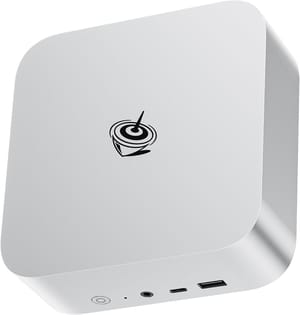
- +AMD Ryzen 7 performance
- +excellent for local AI
- +multiple display outputs
- -Higher power consumption than N100
- -costs more upfront
The Realistic Limitations
Mobile Apps and Uptime Lag Behind Cloud Services
Immich’s app is good, but it’s not quite Google Photos smooth. Paperless-ngx works, but it requires more manual intervention than commercial document management services.
Uptime is your responsibility. When your home internet goes down, or you accidentally break something during an update, your services go down with it. For services that matter, like password managers, having an offline fallback or a backup strategy becomes essential. Cloud services offer 99.9% uptime SLAs backed by professional operations teams. Your home server offers whatever reliability you can manage to engineer.
Maintenance and Backups Stay Your Job
AI assistants help with the setup phase, but ongoing updates, security patches, and troubleshooting when things break still require attention. You don’t need to be a sysadmin to run a home server in 2026, but you do need to be willing to spend a few hours a month on maintenance. Automatic updates can handle routine patches, but major version upgrades often require manual intervention, and the more services you run, the more maintenance surface area you create.
Your mini PC’s NVMe drive will eventually fail, and when it does, you need a recovery plan. At minimum, this means regular backups to an external USB drive or cloud storage, tested restoration procedures, and documentation of your configuration. The MINISFORUM MS-01 offers serious expandability for those building more resilient setups with redundant storage.
MINISFORUM MS-01
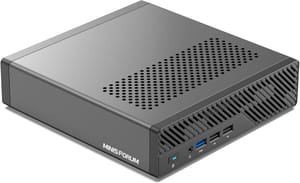
- +Dual 10Gb Ethernet
- +NVMe RAID support
- +Thunderbolt 4
- -Premium pricing
- -overkill for basic setups
The Cost Comparison
The financial case for self-hosting depends heavily on what services you’re replacing and how many years you plan to run your server.
Typical cloud subscription costs per year:
- Google One 200GB: $30
- Password manager: $36
- Cloud backup service: $100
- VPN service: $60-100
- Total: $226-266/year
Self-hosting costs:
- N100/N150 mini PC: $150-250 (one-time)
- External backup drive: $100 (one-time)
- Electricity: $8-12/year
- Time investment: Your hourly rate varies
If you value your time at zero dollars, self-hosting pays for itself within the first year. Even if you account for the learning curve and ongoing maintenance, the second year onward is essentially pure savings versus cloud subscriptions. The math becomes more favorable the more services you consolidate. The comparison only works if you actually cancel the cloud subscriptions you’re replacing. For a sense of the opposite extreme, our breakdown of Windows 365 Cloud PCs versus a local mini PC walks through the monthly-subscription math for a thin-client workstation, which is closer in spirit to renting a server than to running one.
Getting Your First Home Server Running in 2026
Pick up an N100 or N150 mini PC, install Proxmox or Ubuntu Server with Docker, set up Tailscale for remote access, and start with one or two services that solve real problems for you. Photo backup with Immich and password management with Vaultwarden are excellent first projects that offer immediate practical value.
Use an AI assistant to help with the setup, but don’t treat it as magic. Ask it to explain what each command does, not just to give you commands to copy. You’ll learn more and be better equipped to troubleshoot when something eventually goes wrong. Start small, add services gradually, and give yourself permission to break things.
Frequently Asked Questions
Can you use a mini PC as a home server?
An N100 or N150 mini PC draws 9-12 watts with a dozen Docker containers running, and self-hosters report 14 or more containerized services on that class of hardware with the CPU idling under 10%. Install Proxmox or Ubuntu Server with Docker, add Tailscale for remote access, and the box behaves like any other always-on machine on your network.
Do mini PCs make good servers?
For home use they do. A $150-250 box plus $8-12 a year in electricity costs less than the $226-266 of cloud subscriptions it replaces, and fanless models run silent. You take on the uptime, though: when your home internet drops, your server drops with it, and the machine needs a few hours of maintenance a month.
What is the best mini PC for a home server?
For a first build, the Beelink Mini S13 covers it, with 16GB of RAM and a 512GB SSD at a $219 list price. Past that the answer follows the workload. The Beelink ME Mini adds six M.2 slots and dual 2.5Gb Ethernet when you expect storage to grow, the Beelink SER8 has the Ryzen 7 headroom for larger local AI models, and the MINISFORUM MS-01 brings dual 10Gb Ethernet and NVMe RAID for redundant storage.


