
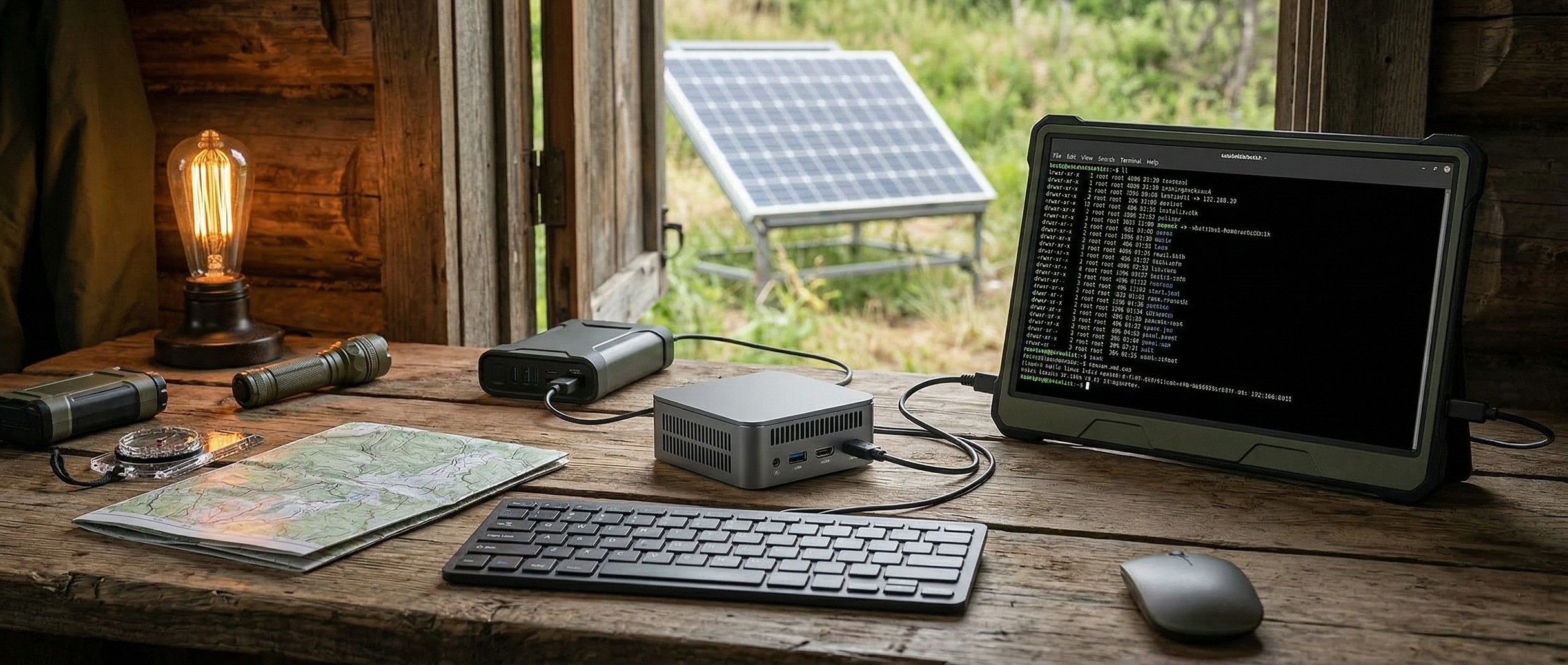
The idea of carrying the world’s knowledge in a box that doesn’t need the internet has been around for decades, but it’s always required either expensive proprietary hardware or deep Linux expertise. That changed in early 2026 when Project N.O.M.A.D. (Node for Offline Media, Archives, and Data) went viral on GitHub, racking up over 6,000 stars in its first weeks. Built by Crosstalk Solutions, the open-source project bundles offline Wikipedia, local AI via Ollama, OpenStreetMap navigation, Khan Academy courses, and a suite of data tools into a single Docker-based install that runs on any x86 Linux machine. One command turns your mini PC into a self-contained knowledge station that works without internet.
Several proprietary competitors like PrepperDisk ($199-$279), Doom Box ($699), and R.E.A.D.I. Console ($199) offer similar offline content. The difference is that those products lock you into Raspberry Pi hardware with no GPU acceleration, meaning AI is either absent or painfully slow. NOMAD runs on any PC you choose, supports NVIDIA GPU acceleration out of the box, and costs nothing. The rest of this piece covers which mini PC to buy and what performance to expect.
Offline Wikipedia, Manuals, and On-Device AI
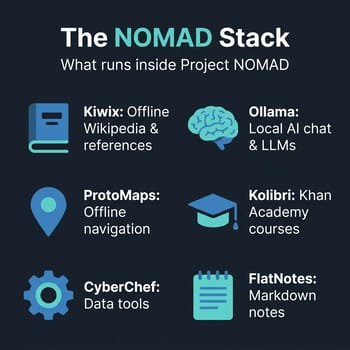
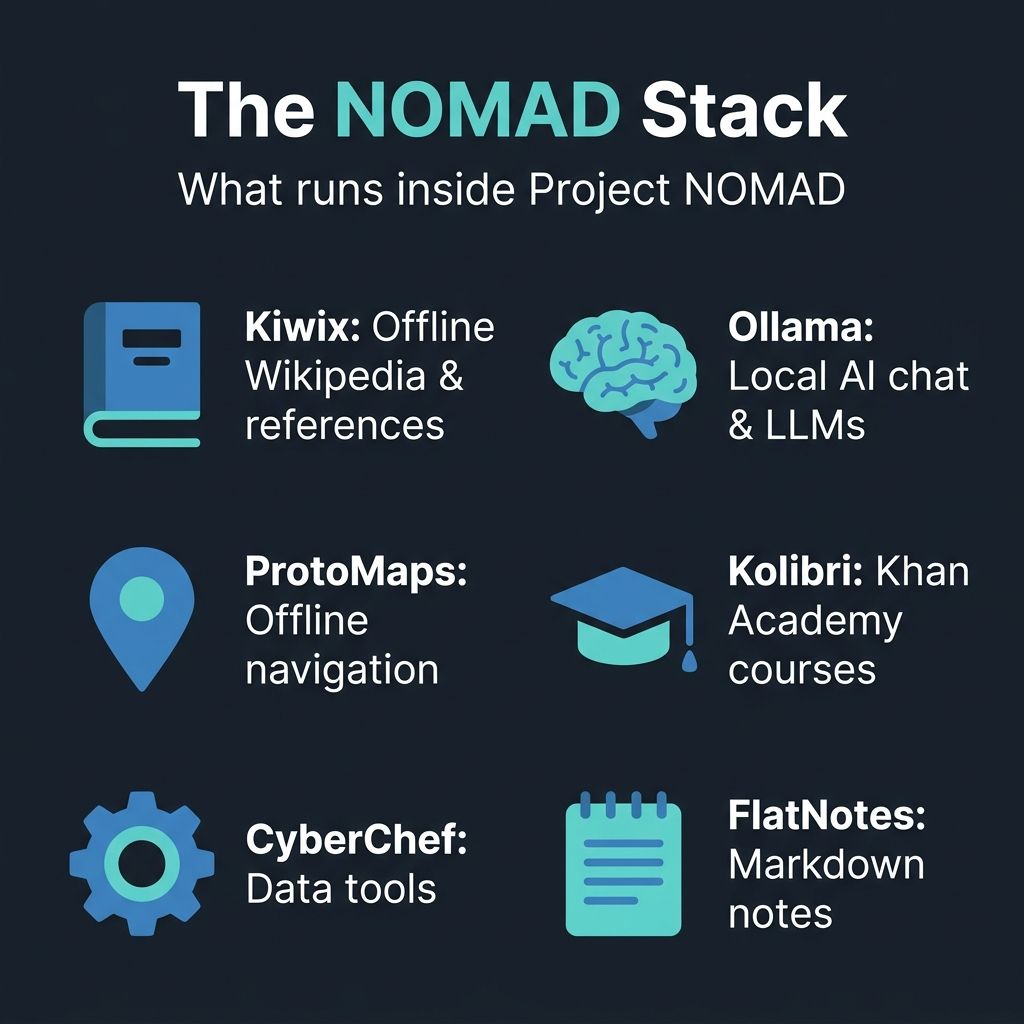
Kiwix handles the information library: you can download the complete English Wikipedia (around 100GB with images), Project Gutenberg’s entire book collection, medical references like WikiMed, repair guides from iFixit, and survival manuals. The content is compressed into ZIM files that Kiwix serves through a browser interface, so pages keep their formatting, search, and navigation.
The AI component runs through Ollama, which ships with a Qwen 2.5 3B model by default. On modest hardware without a dedicated GPU, that’s good enough for basic question-answering at 5-20 tokens per second. If you have an AMD APU with a capable integrated GPU or an NVIDIA card, performance jumps dramatically: the NOMAD community benchmark leaderboard shows users hitting 30-55 tokens per second on Ryzen 7/9 APUs and 100-800+ tokens per second with discrete NVIDIA cards. The project auto-detects NVIDIA GPUs, installs the NVIDIA Container Toolkit, and configures Ollama for hardware acceleration without manual setup, which is a nice touch. The community roadmap shows 60+ feature requests including AMD GPU support and expanded map regions, though deeper AI-document integration like RAG is still being discussed rather than formally planned. Worth knowing before you buy hardware specifically for that feature.
ProtoMaps powers the offline mapping, using OpenStreetMap data that you download by region. Kolibri handles the education platform, offering a complete Khan Academy curriculum with interactive lessons, progress tracking, and video content, all offline. The bundle also includes CyberChef for data encoding and analysis, and FlatNotes for local markdown note-taking. Everything runs in Docker containers managed through a web-based Command Center dashboard on port 8080, so you access it all from any device on the same network.
Choosing the Right Mini PC
NOMAD’s performance depends almost entirely on what you’re running it on. The project’s official hardware page breaks recommendations into three tiers, and here is how each tier maps to our mini PC catalog.
Budget Tier: $150-$300
For the budget tier, NOMAD recommends refurbished office mini PCs with 16GB RAM and a 500GB SSD. At this level you get the full knowledge library, maps, and education platform at full speed, but AI capabilities are limited to small 1-3B parameter models running on CPU only. That means basic question-answering at 5-20 tokens per second, usable but noticeably slow. The official recommendation to look at refurbished Dell OptiPlex Micro or Lenovo ThinkCentre Tiny units is sound advice, though we’d add that new N100/N150-based mini PCs often cost the same as refurbished units while drawing less power and offering better idle efficiency.
Beelink Mini S13
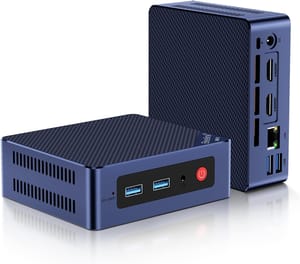
- +$219 list price
- +16GB RAM
- +two M.2 slots for a second drive
- +about 7W at idle
- -Intel N150 is modest for AI
- -Gigabit Ethernet only
- -no USB-C
- -16GB RAM ceiling
Storage fills fast at this tier. The full English Wikipedia with images takes around 100GB, Khan Academy courses add another 50-80GB depending on subjects, offline maps vary by region (the entire US is roughly 10GB), and AI models range from 2GB for the default Qwen 2.5 3B up to 40GB+ for larger models. A 256GB drive will feel cramped fast; budget for at least 500GB, and 1TB is worth the modest premium for breathing room.
Recommended Tier: $500-$800
The project specifically calls out AMD Ryzen 7/9 processors with integrated Radeon graphics as the sweet spot, and the community benchmark data backs this up. The Radeon 780M and 890M integrated GPUs can accelerate Ollama inference to 30-55 tokens per second on 3-8B parameter models, which is fast enough for real-time chat that feels responsive. This tier earned the highest concentration of “recommended build” ratings on the community leaderboard, with 32GB DDR5 and a 1TB NVMe SSD as the standard configuration.
Beelink SER8
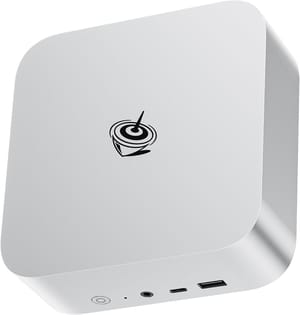
- +AMD Ryzen 7 8845HS
- +Radeon 780M iGPU
- +compact form factor
- +vapor chamber cooling
- -DDR5 RAM pricing premium
- -no VESA mount
The NOMAD hardware page mentions DDR5 pricing being “significantly inflated” at $360-$440 for a 32GB kit. That’s at the high end of what we’re seeing in early 2026, and buying a pre-configured mini PC with RAM included is often cheaper than purchasing components separately. That is an advantage of the mini PC form factor: manufacturers buy memory in bulk and absorb some of the pricing volatility.
Power Tier: $1,000+
If you want serious AI performance, a discrete NVIDIA GPU changes everything. The NOMAD project auto-detects NVIDIA hardware and configures GPU acceleration through the NVIDIA Container Toolkit, pushing token generation rates to 100-800+ tokens per second depending on the card. An RTX 3060 with 12GB VRAM can run 7B models at blazing speed, while an RTX 3090’s 24GB of VRAM handles 13B+ parameter models comfortably. Most mini PCs have no PCIe slot for a discrete GPU, so this tier typically means either a desktop build or a mini PC paired with an eGPU enclosure.
For readers interested in pushing local AI performance further, our coverage of Strix Halo mini PCs for local LLM inference covers what AMD’s unified memory architecture can do: 128GB of shared memory that both the CPU and GPU can access, which is overkill for NOMAD but fascinating for dedicated AI workloads.
The Off-Grid Angle
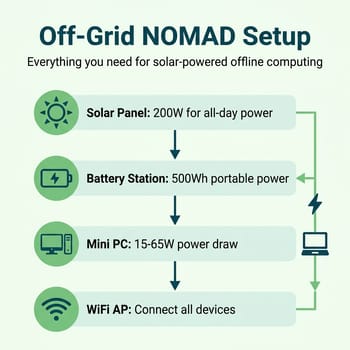
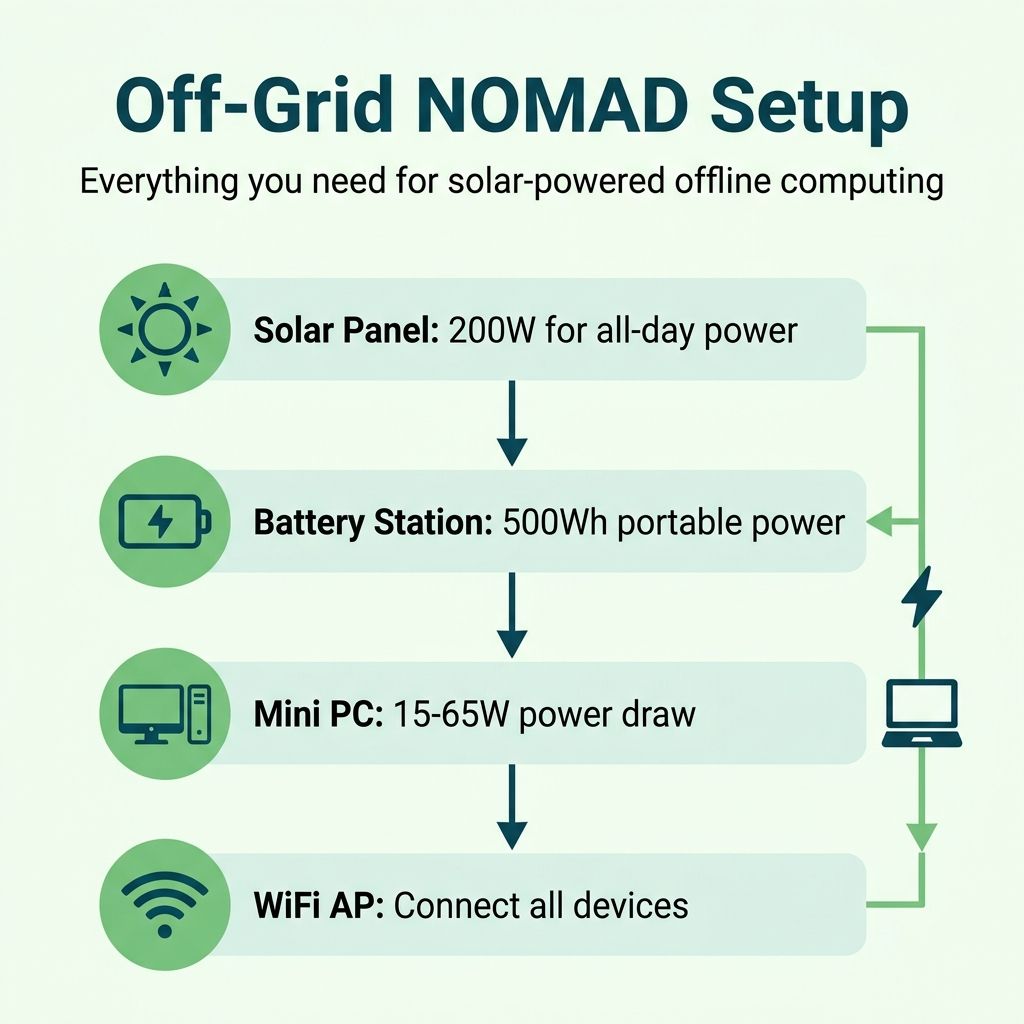
Off-grid operation is where mini PCs have an advantage over desktop builds. A typical mini PC draws 15-65W depending on load; at idle with the knowledge library serving pages, you’re looking at the lower end of that range. A 200W solar panel paired with a 500Wh portable power station can keep a budget mini PC running indefinitely during daylight hours and through several hours of darkness.
The setup for off-grid use is straightforward: connect a WiFi router or access point to the NOMAD machine, and any phone, tablet, or laptop on the network can access the full suite of tools through a browser. It needs no special apps or accounts, and no data leaves the local network. For families in rural areas with unreliable internet, parents wanting a distraction-free educational environment, or anyone building emergency preparedness infrastructure, this is compelling. The entire Khan Academy curriculum, offline Wikipedia, medical references, and navigation maps are accessible from any device, powered by a solar panel on the roof.
NOMAD still needs someone in the household who is comfortable enough with Linux to handle the initial setup and occasional maintenance. NOMAD runs on Ubuntu 22.04+ or Debian 12+, and while the Docker-based installer handles the heavy lifting, you’re still running a Linux server. Troubleshooting a container that won’t start or updating the system requires terminal comfort. If you’re new to Linux, our guide to running Linux on mini PCs covers the fundamentals of getting started.
Setting It Up
Installation is simple for anyone comfortable with a terminal. On a fresh Ubuntu or Debian system, two commands handle everything:
sudo apt-get update && sudo apt-get install -y curl
curl -fsSL https://raw.githubusercontent.com/Crosstalk-Solutions/project-nomad/refs/heads/main/install/install_nomad.sh -o install_nomad.sh && sudo bash install_nomad.sh
The installer sets up Docker, pulls the container images, and launches the Command Center. From there, the browser-based Easy Setup wizard walks you through choosing which content modules to download. You can start lean with just Wikipedia and maps, then add the AI assistant and education platform as storage allows. If you have an NVIDIA GPU, NOMAD’s installer detects it automatically, sets up the Container Toolkit, and configures Ollama for GPU acceleration.
The homelab community has already started extending the project. A homelab edition fork adds NAS integration and system monitoring, and the project’s active GitHub Discussions forum has threads on everything from custom AI model configurations to solar power setups. The project’s Apache 2.0 license means you can modify and redistribute freely.
When NOMAD Makes Sense (and When It Doesn’t)
Project NOMAD is at its best when you need reliable access to information and AI tools regardless of internet connectivity. Rural homes with spotty broadband, emergency preparedness kits, RVs and boats, field research stations, classroom environments where you want controlled content: these are scenarios where the offline-first approach solves a problem that cloud services can’t. For everyday use where connectivity is not the constraint, it is still worth weighing when local hardware earns its keep against a hosted service that runs far larger models for free. The self-hosting renaissance we covered earlier this year lowered the barriers to running your own services, and NOMAD takes that a step further by eliminating the internet dependency entirely.
Where it makes less sense is as a replacement for a general-purpose home server. If you have reliable internet and want to self-host services like Immich, Jellyfin, or Home Assistant, a standard Docker setup on the same hardware gives you more flexibility and a wider ecosystem of applications. NOMAD’s strength is its curation: it packages specific, high-value offline content into a cohesive system with a polished interface. If you’re already comfortable building custom Docker stacks, you could replicate most of what NOMAD does manually. But the project saves you from that work, and the integrated Command Center with its benchmark leaderboard and Easy Setup wizard adds value over a DIY approach.
The software is free and the hardware options are flexible. Whether you’re building an emergency preparedness kit or setting up an offline classroom, a $150-$300 mini PC running NOMAD is a self-contained knowledge and AI station that works without internet.


