

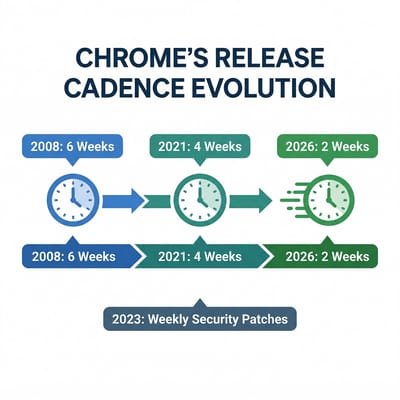
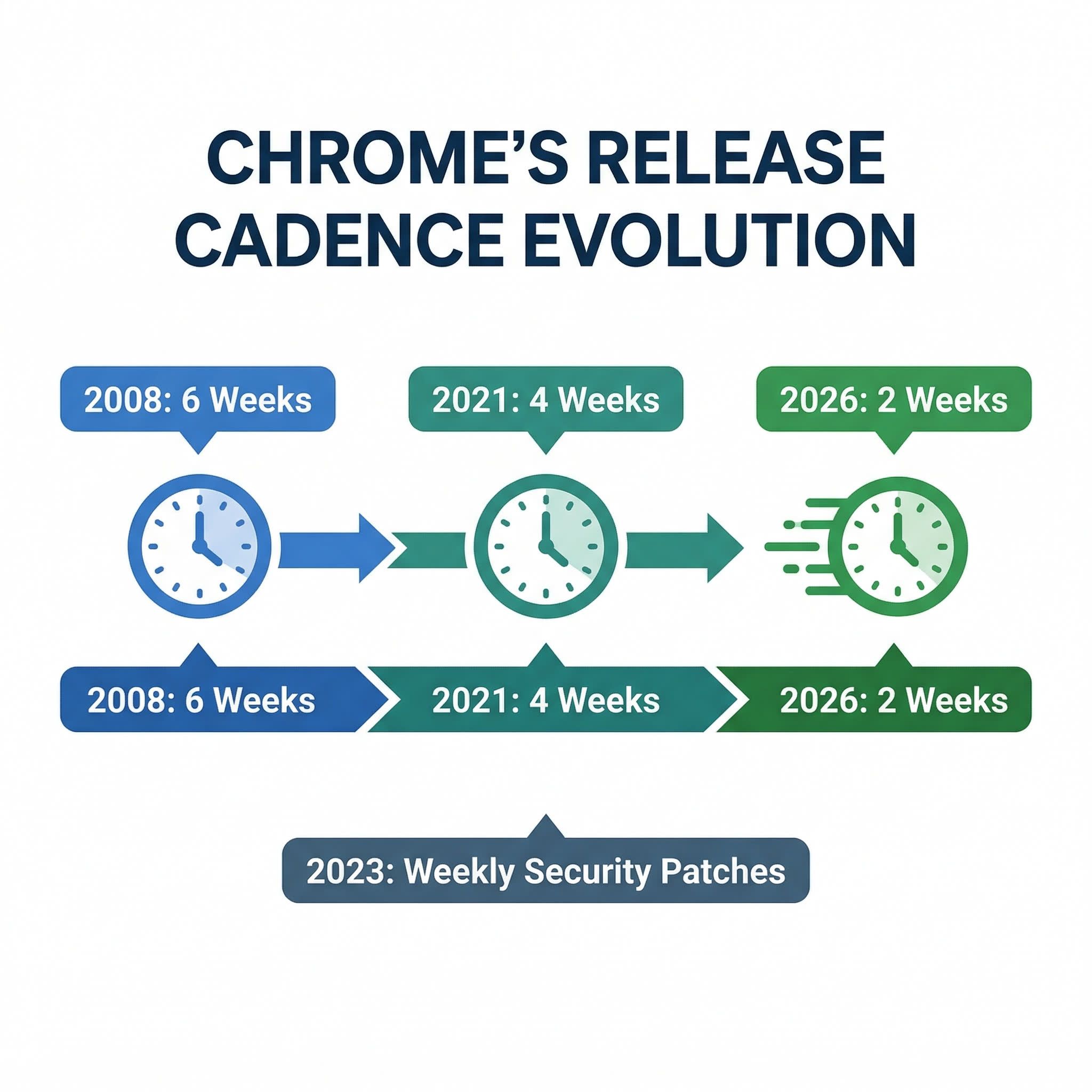
Google has been shipping new Chrome versions every four weeks since 2021. That was already a speedup from the original six-week cadence the browser launched with back in 2008. Now the company has doubled the pace again: since September 8, 2026, with Chrome 153, new stable releases arrive every two weeks. The change applies to Chrome on every platform, including desktop, Android, iOS, and yes, ChromeOS.
Google says the web is evolving quickly and users deserve faster access to performance improvements, security fixes, and new features. Smaller, more frequent releases also mean each update carries fewer changes, which simplifies debugging when something goes wrong.
AI Browsers Arrived in Late 2025
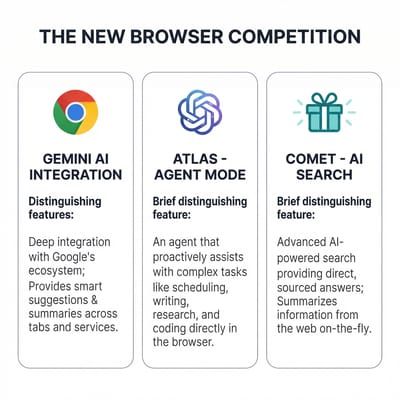
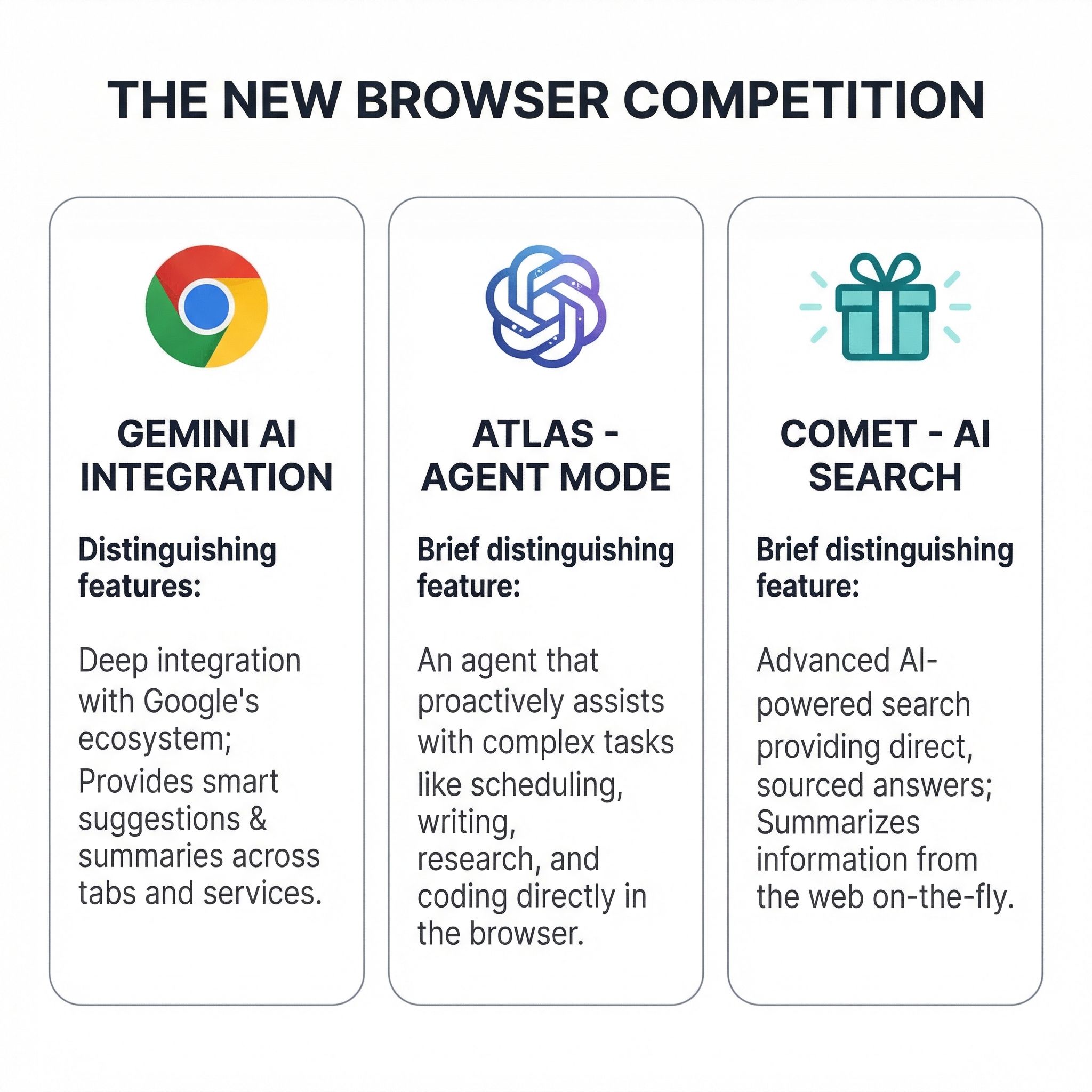
For the better part of a decade, Chrome’s dominance was so complete that “browser competition” felt like a historical curiosity. That changed in late 2025 when two AI companies launched browsers of their own. OpenAI released ChatGPT Atlas in October 2025, a macOS browser with an “Agent Mode” that can autonomously navigate the web, conduct research, and complete tasks on your behalf. That same month, Perplexity made its Comet browser free worldwide, built on Chromium but with an AI search engine woven into every tab.
Neither browser is a Chrome killer today. Atlas is still macOS-only, and both products struggle with complex interactive websites. But the category is growing fast enough to have gotten Google’s attention. As TechCrunch reported, Google told the publication that the schedule change isn’t AI-related, while also saying it has been rapidly rolling out deeper Gemini integrations into Chrome, including agentic features for autonomous browsing tasks.
Chrome’s new cadence ships bug fixes and AI features faster. If you’ve been using Gemini on your Chromebook Plus, imagine those capabilities improving twice as often. Writing assistance would get smarter every two weeks instead of every four. Summarization, translation, and the experimental “Help me do” features would iterate on the same two-week rhythm. If that steady stream of new AI behavior is more than you want, switching AI features off is still an option, and the controls exist today.
Chromebooks Will Receive Features and Updates Twice as Fast
If you use a Chromebook at home or school, you probably won’t notice the difference. Chrome already updates itself silently in the background, and most Chromebook users don’t pay attention to version numbers. Your browser will restart a little more often after updates, but Google says each update will be smaller in scope, so the restart-and-resume cycle should be quick.
With releases shipping every two weeks, new features and improvements that previously sat in the pipeline for a month will reach your Chromebook’s stable channel twice as fast. That includes quality-of-life tweaks, improved Progressive Web App support, and new browser APIs that make web apps feel more native. For a platform like ChromeOS, which ships Chrome as its primary app surface, faster Chrome releases directly translate to a faster-improving user experience.
Google says Chromebooks will continue receiving “dedicated platform testing” before updates roll out, and that extended release options will remain available. ChromeOS doesn’t blindly adopt every Chrome release the moment it ships. There’s a separate validation process to ensure the update works properly with ChromeOS-specific features like the shelf, Android app compatibility, and Linux container integration. The company said it will “share more details soon” about exactly how managed Chromebook milestone updates will adapt to the new cadence, so school and enterprise administrators are still waiting on specifics.
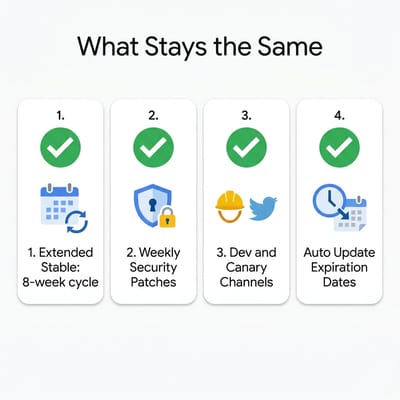
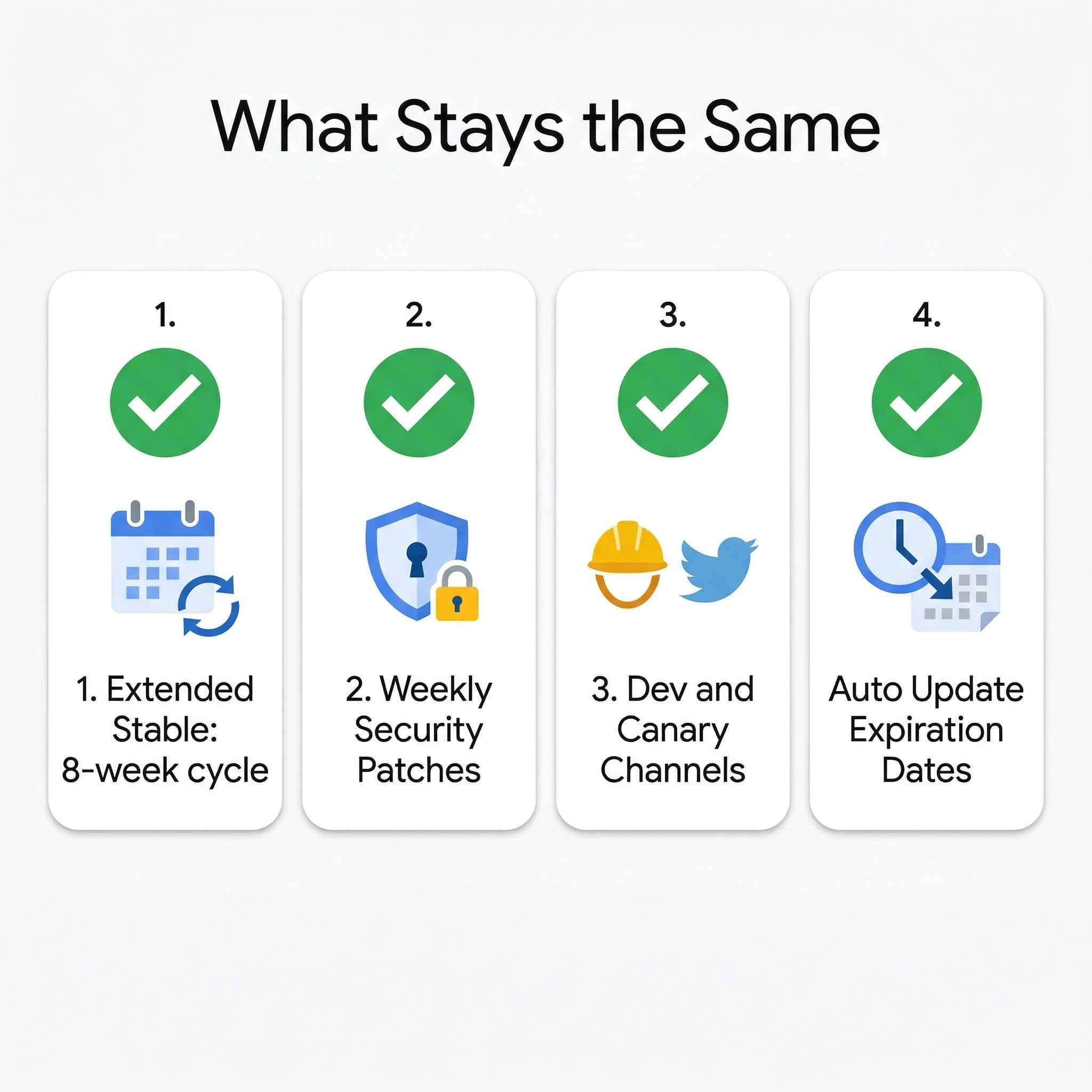
What doesn’t change is your Chromebook’s Auto Update Expiration date. Faster Chrome releases don’t extend or shorten your device’s support window. A Chromebook with a 2032 AUE date will still receive updates through 2032, it will just get more of them along the way.
Extended Stable Stays on Eight Weeks
The new cadence doubles the number of stable milestones that school and business IT teams validate against their managed app environments.
Google’s Extended Stable channel isn’t changing. It stays on an eight-week release cycle, and it’s specifically designed for organizations that need more time to evaluate updates before deploying them. If your fleet is already on Extended Stable, you’re insulated from this change entirely. If your fleet is on the regular stable channel, you’ll want to pay attention to Google’s forthcoming guidance on managed device milestone updates.
Court documents from Google’s antitrust case recently confirmed that ChromeOS will be phased out by 2034, replaced by Aluminium OS, a new platform built on the Android kernel. That transition introduces its own uncertainty about how Chrome updates will reach Chromebooks in the long term. For now, the two-week cadence applies to Chrome running on ChromeOS as it exists today. How updates will work on Aluminium OS devices, once the native Android app shift retires the translation plumbing Chromebooks rely on today, is a question Google hasn’t answered yet.
Chrome’s Earlier Release Schedule Changes Went Smoothly
Chrome’s release cadence has been a one-way ratchet since the browser launched. The original six-week cycle arrived in 2008. Internet Explorer was still shipping major versions years apart, and Firefox was on a similar timeline. Chrome’s rapid-fire updates normalized the idea that browsers could quietly improve themselves without asking users to download and install anything.
In March 2021, Google shortened the cycle to four weeks, citing the same reasoning it’s using now: the web is advancing and users deserve faster access to improvements. That change also introduced the Extended Stable channel as a pressure valve for enterprises that couldn’t keep up with monthly releases. Then in 2023 came weekly security updates, filling the gaps between milestone releases with targeted patches for vulnerabilities. Each of these changes went relatively smoothly.
Google hasn’t said whether Chrome will eventually move to weekly or even continuous releases. The Canary channel already ships daily builds, and the Dev channel updates weekly. The gap between those experimental channels and the stable channel has been steadily shrinking. Whether that gap ever closes completely depends on whether Google can maintain the stability guarantees that enterprise and education customers depend on. For now, two weeks appears to be the floor.
What You Should Do
If you’re a Chromebook owner who doesn’t think about Chrome versions, you don’t need to do anything. Updates will continue happening automatically, and the only visible difference might be a slightly more frequent “restart to update” prompt in your browser tab.
If you prefer stability over new features, consider switching to the Extended Stable channel. On a managed Chromebook, your IT admin controls this. On a personal Chromebook, navigate to chrome://settings/help and look under your Chrome version to see which channel you are on. Google hasn’t yet detailed whether personal Chromebooks will get a simple UI toggle for Extended Stable, but the option has historically been available through Chrome’s more detailed settings.
And if you’re curious about what’s coming in each release, the Chromium Dashboard tracks upcoming milestones and the features they include. With releases now shipping biweekly, it’s worth bookmarking if you like staying ahead of what your Chromebook can do.
If you are thinking about which Chromebook will benefit most from this faster update cadence, the Chromebook Comparison Chart lets you filter by specs and generation to see your options side by side.
Frequently Asked Questions
When does the new Chrome release schedule start?
Chrome 153 shipped on September 8, 2026, and it is the first release on the two-week cadence. Every platform switches at once, ChromeOS included.
How do I update Chrome on a Chromebook?
You do not have to. Chrome updates itself in the background, so the only visible change is a slightly more frequent restart prompt.
Does the faster release schedule change my Chromebook’s Auto Update Expiration date?
No. The Auto Update Expiration date sets your support window, and this change does not touch it. A Chromebook with a 2032 date still updates through 2032, just more often.
Where can I find upcoming Chrome release dates?
The Chromium Dashboard publishes the milestone schedule and the features in each release.


