

The Chromebook-versus-MacBook question used to be lopsided enough that it barely counted as a question. Chromebooks were cheap and cloud-bound; Macs were expensive and did everything. In 2026 the gap has narrowed from both ends. Apple now sells the MacBook Neo, its first budget laptop in years, launched at $599 in March and raised to $699 on June 25 when surging memory costs pushed prices up across Apple’s lineup. Even at $699, it brings a real Mac into territory Chromebooks used to own outright. Meanwhile Chromebooks have quietly grown up, adding Android apps, a full Linux environment, and a ten-year update guarantee that outlasts most laptops people keep.
So the decision is now a real decision, and it deserves a real answer rather than a reflex. The good news is that the answer is not that complicated once you stop comparing processors and start comparing how each machine fits into your day. A laptop is only as useful as the software you can run on it and the money you have to spend keeping it alive. Those two things, more than raw speed, decide which side of this comparison you belong on.
What each platform gives you in 2026
The first myth to clear away is that a Chromebook is “just a browser.” That framing was never fully accurate, and in 2026 it is simply wrong. Full ChromeOS runs web apps, installs Android apps from the Google Play Store, and includes a real Linux development environment with command-line tools and code editors. A modern Chromebook can run VS Code, edit photos in a Linux build of GIMP, install thousands of Android apps, and stream a console-quality game library. It is a cloud-first machine by design, and that shapes what it does best, but it is not a locked kiosk.
macOS sits at the other end of the spectrum. It is a full desktop operating system with decades of professional software behind it, the entire Mac App Store, and native versions of the heavyweight creative and developer tools that define serious computing work. That capability is the whole reason a Mac costs more, and it is real. The tradeoff is that a full desktop OS carries a full desktop OS’s complexity: more moving parts, more maintenance, and more that can slow down or go wrong over years of use. Neither approach is better in the abstract. They are answers to different questions.
Price and the cost of keeping each one running
Sticker price is where the two platforms separate most cleanly. Budget Chromebooks run roughly $200 to $400, and a Chromebook Plus, Google’s premium certification that guarantees at least 8GB of RAM, 128GB of storage, and a 1080p screen, typically lands between about $350 and $700. The cheapest Mac, the MacBook Neo, starts at $699 after the June increase, and the 13-inch MacBook Air now starts at $1,299. For the price of one mid-range MacBook you can buy a very good Chromebook Plus and still have several hundred dollars left over.
The purchase price is only the opening figure, though. Google guarantees ten years of automatic updates for Chromebooks released from 2021 onward, an explicit, published expiration date you can look up before you buy. Apple supports Macs well, usually for five to seven years of major macOS releases, but it does not publish a comparable guarantee. There is also a quiet catch on Apple’s entry Mac: the $699 MacBook Neo ships with 8GB of unified memory and no upgrade path, the same ceiling that limits many budget Chromebooks. ChromeOS is engineered to run light on 8GB; macOS with a browser, a few native apps, and Apple Intelligence features open will lean on that ceiling harder as the years pass.
Two costs pull in opposite directions and are worth naming plainly. Chromebooks are cheaper to repair and replace, which matters for a device that gets carried in a backpack every day, and every new Chromebook Plus currently includes twelve months of Google AI Pro (a plan that otherwise costs $19.99 a month, redeemable through January 31, 2027). Macs, on the other hand, hold their resale value far better than any Chromebook; a three-year-old MacBook still commands a real secondhand price, while a three-year-old Chromebook is worth little. If you replace machines often and cheaply, the Chromebook math wins. If you keep a premium laptop for years and sell it on, the Mac recovers more of its cost.
Software is the deciding factor
Everything above is context. The software you run is the decision. macOS is the clear winner for desktop-class creative and professional work: Logic Pro for music, Final Cut Pro and DaVinci Resolve for video, the full Adobe suite, Xcode for building iOS and Mac apps, and the long tail of Mac-only professional tools. No Chromebook at any price runs those natively, and pretending otherwise would waste your time. If your work or your ambitions depend on one of those programs, the comparison is already over and a MacBook is your machine.
For a large share of people, though, the day runs on a browser and a handful of apps that a Chromebook handles without complaint. Email, documents, spreadsheets, video calls, research across a dozen tabs, note-taking, and the entire Google Workspace ecosystem run natively and fast on ChromeOS. Add Android apps for the mobile-style tools people already use on their phones, a Linux environment for developers who work in the terminal, and cloud gaming through services like GeForce NOW and Xbox Game Pass on machines built for it, such as the Acer Chromebook Plus 516 GE. For that shape of work, a Chromebook is not a compromise; it is the more direct tool.
The edges have softened on both sides, which is worth saying plainly rather than picking a team. Mac gaming has improved with native Apple silicon titles and Apple’s Game Porting Toolkit, so a Mac is no longer the gaming dead end it once was. And a premium Chromebook like the discontinued-but-still-excellent HP Dragonfly Pro Chromebook proves ChromeOS hardware can feel every bit as nice in the hand as an aluminum MacBook. Where each platform hits a wall is specific: the Chromebook stops at heavyweight local desktop software, and the Mac stops at being inexpensive or maintenance-free.
Where Google’s own AI runs, as of July 2026
This is the one section of the guide with a shelf life, so treat the specifics as a July 2026 snapshot rather than permanent truth. Google’s most capable consumer desktop AI, an agentic assistant called Gemini Spark, launched first on the Mac, not on a Chromebook. Released July 1, 2026, Spark runs inside the Gemini desktop app for macOS and can, with your permission, organize local files on your Mac and turn documents already on your computer into Google Workspace files (Google’s own example is converting a folder of invoices into a budgeting spreadsheet). Google also announced a wave of connected-app workflows (Canva, Dropbox, Zillow, OpenTable, and others) and a feature to trigger the agent remotely from your phone, but those were described as arriving in the following weeks, not shipped at launch. Spark requires a paid Google AI Ultra subscription that starts at $100 a month, is US-only, limited to users 18 and over, and still labeled a beta.
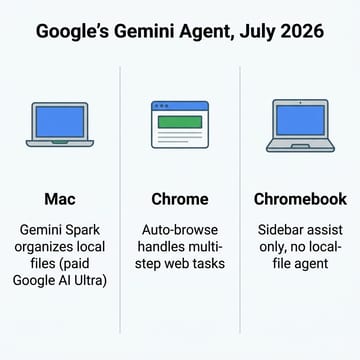
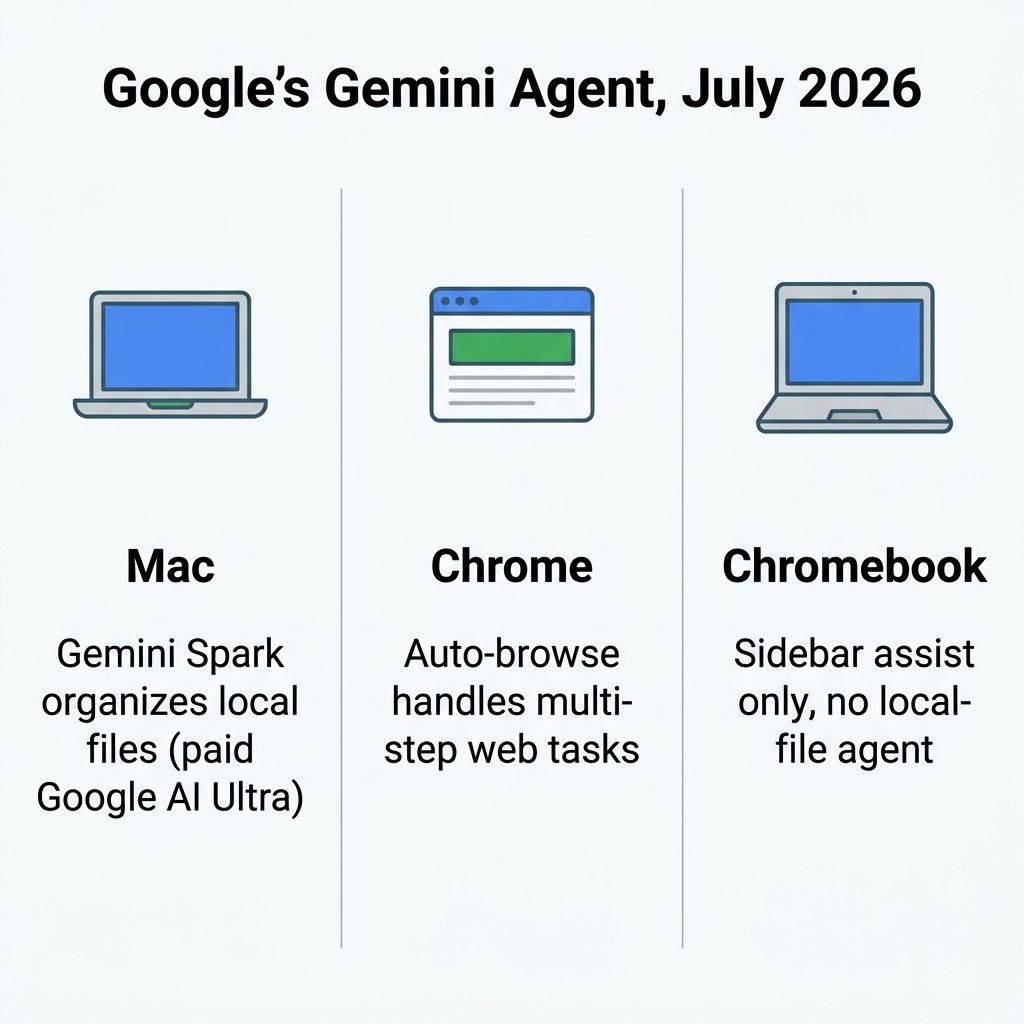
What does a Chromebook get instead? The everyday Gemini features are built in and free: the Gemini in Chrome sidebar that can read your open tabs, Help me write, Magic Editor in Google Photos, live translation, and the Quick Insert key. ChromeOS also has an agentic layer, but it lives inside the Chrome browser as “auto-browse,” which can navigate pages and fill forms across a multi-step web task while pausing for your confirmation on anything sensitive. What ChromeOS does not have, as of this writing, is an OS-level agent that reaches into your local files the way Spark does on the Mac, and Google has not publicly committed to bringing Spark to ChromeOS. The table below is the current snapshot.
| Google or AI capability (as of July 2026) | Chromebook Plus | MacBook |
|---|---|---|
| Gemini in Chrome sidebar (tab-aware) | Built in, free | Yes, inside Chrome |
| Help me write, Magic Editor, live translate | Built in, free | Google apps only |
| Agentic auto-browse inside Chrome | Yes | Yes, inside Chrome |
| Gemini Spark (OS-level local-file agent) | Not available | Yes, Google AI Ultra |
| Apple Intelligence writing tools and Siri actions | No | Built in |
| 12 months of Google AI Pro included with purchase | Yes | No |
Two things fall out of that table, and both cut against the easy narrative. First, the most capable Google desktop agent right now runs on a Mac, not a Chromebook, which is an odd outcome for anyone who assumed the Google ecosystem would show up best on Google’s own operating system. Second, it is a paid, US-only, adults-only beta add-on, not an Apple feature and not something a MacBook does out of the box. Apple’s own on-device AI, meanwhile, is real but narrower: Apple Intelligence handles systemwide writing tools, image generation, notification summaries, and discrete in-app actions through a rebuilt Siri, but it is not a cross-app agent that automates your local files the way Spark is. And there is a tradeoff Spark’s capability invites you to weigh: an assistant that reads your local folders on a schedule is exactly the kind of access some people will not want to hand a cloud AI, however useful it is. None of this should move your hardware decision by itself. It is one row in the comparison, and a volatile one.
Battery, build, and how long each one lasts
Away from software, the hardware story is closer than the price gap suggests. Apple silicon still sets the standard for battery life and sustained performance in a thin laptop, and a MacBook Air will generally outlast and outrun a similarly-sized Chromebook under heavy load. But mainstream Chromebooks routinely deliver all-day battery on far cheaper hardware, because ChromeOS is a lighter operating system with less to power. For everyday work, streaming, and writing, a good Chromebook Plus feels just as instant as a Mac, and it boots and updates without the maintenance rituals a Mac occasionally asks for.
Longevity is where the platforms trade blows in an interesting way. A Chromebook’s guaranteed decade of updates means the software stays current and secure long after the hardware feels dated, and because ChromeOS refreshes itself on every restart, it resists the gradual slowdown that afflicts other laptops. A Mac ages more like a traditional computer: excellent for years, then slowly left behind as macOS versions move on. If you want to know where Chromebook hardware is heading next, our look at the Nova Lake silicon coming to future Chromebooks sketches the roadmap. For a buyer today, the practical read is simple: a Chromebook you buy in 2026 will still receive updates into the mid-2030s, and a Mac probably will not carry a written promise that far out.
Which one to buy
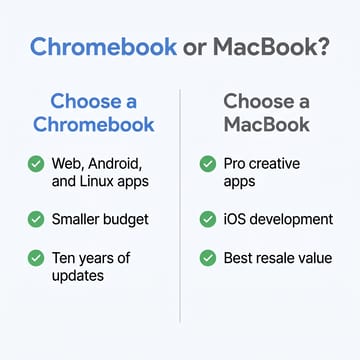
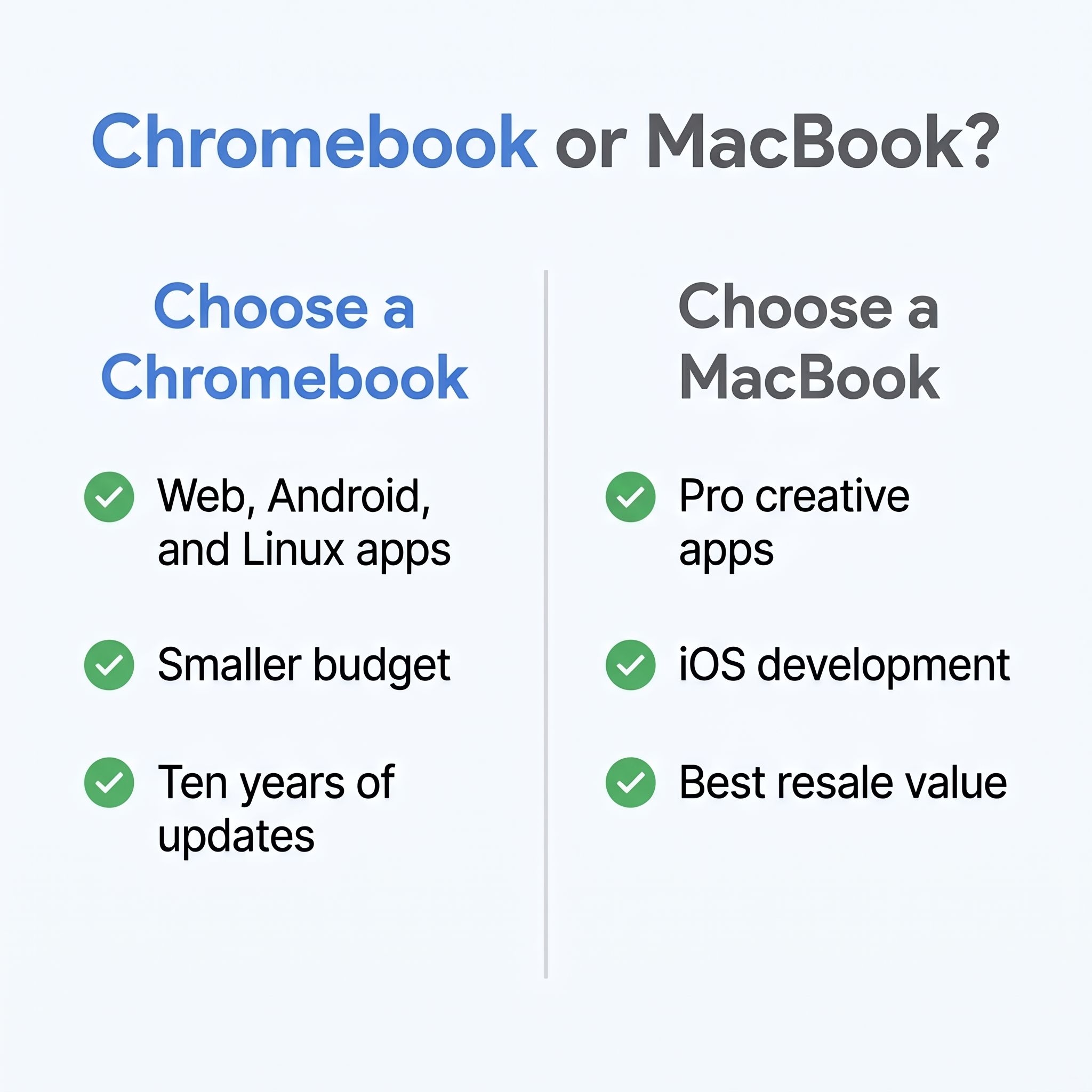
If your day runs on Google Workspace, web apps, Android apps, and maybe a Linux tool or two, buy a Chromebook, and buy a Chromebook Plus if you can stretch to it. You will spend less, get a decade of updates, pick up a year of Google AI Pro in the box, and never miss the heavyweight desktop suites you were not going to use anyway. This is the right call for students, cloud-first professionals, families who want a low-maintenance shared laptop, and anyone whose daily software list has no macOS-only program on it.
If a specific macOS program sits at the center of what you do, buy a MacBook and do not overthink it. Music producers, video editors, iOS developers, photographers working in the full Adobe suite, and anyone building a creative portfolio need what only macOS runs, and the MacBook Neo at $699 finally makes that ecosystem reachable without a four-figure outlay. The compromises on the cheapest Mac (8GB of memory, a limited port selection) are real, so if the Mac is going to be your main creative machine for years, budget for a step up rather than the base model.
The Gemini Spark situation is worth watching, and it may nudge a Google-ecosystem power user who was already leaning Mac and already willing to pay for Google AI Ultra. But it is a thin reed to buy a whole laptop on, especially a beta feature behind a $100-a-month subscription that could change or expand at any time. Buy the hardware for the hardware and the software you run every day. Know exactly what each platform gives you, let the durable differences in price, software, and longevity make the call, and treat this month’s AI headline as the tiebreaker it is, not the reason.


