

Windows 10 went out of support in October 2025, and the machines that cannot upgrade to Windows 11 are exactly the ones people want to keep out of the shredder. Microsoft’s consumer Extended Security Updates page says enrolled PCs keep getting security patches through October 12, 2027 (free if you sync your PC settings, or a one-time $30). ESU originally ran one year. That buys time on the old system. The two ChromiumOS-based alternatives, Google’s ChromeOS Flex and Fyde Innovations’ FydeOS, both changed in 2026: Flex tightened its graphics floor and FydeOS shipped a new Android runtime. The dates and prices below are current as of late August 2026.
We have covered reviving an old PC with Flex and running Flex as a daily driver; this piece covers the cases where the machine is off Google’s list, the Play Store matters, or you want no Google sign-in.
What each system is
ChromeOS Flex is Google’s own build of ChromeOS for ordinary PCs and Macs, free, installed from a USB stick, and updated on the same release cycle as ChromeOS. Google individually certifies exact models: if your exact model number is on the list, the essentials (display, Wi-Fi, keyboard, touchpad, sleep, webcam) are expected to work, and each model carries a published end-of-support year. Flex also runs ChromeOS’s Linux development environment on certified models (support varies by model, per Google), so many certified machines get a terminal and Linux packages.
FydeOS comes from Fyde Innovations, and it began life as Flint OS, whose parent was acquired by Neverware, which Google later bought to build ChromeOS Flex itself. The newest release, v23, shipped August 20, 2026 as an alpha build on the ChromiumOS r150 platform. FydeOS for PC is free to download; FydeOS publishes a $3.19 fee for major-version updates delivered over the air (the page prices it in several currencies), while minor updates are free and reinstalling a new major version manually costs nothing. Instead of a certified list, FydeOS ships four images keyed to your CPU and graphics generation, and asks you to pick the right one.
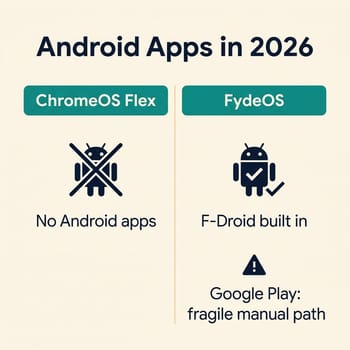
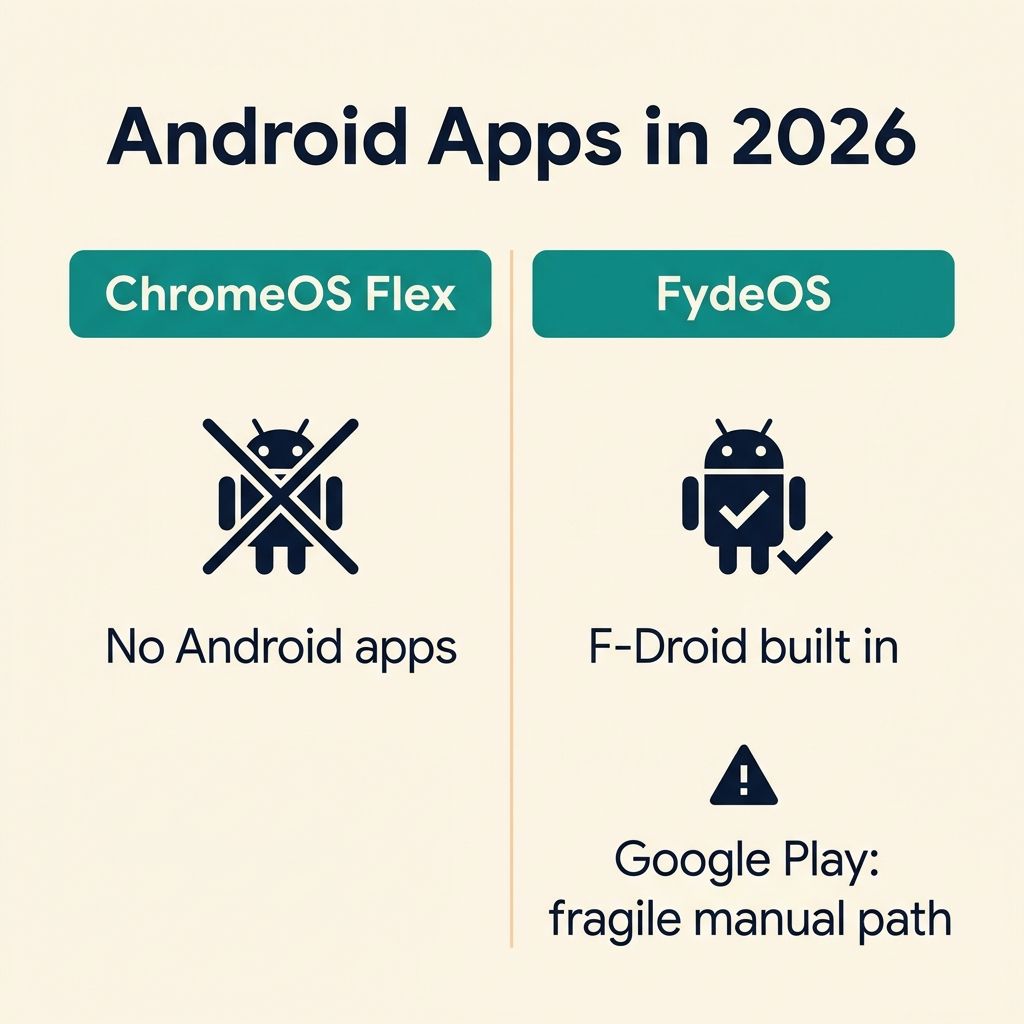
FydeOS ships an alpha Android runtime with F-Droid, and neither ships Google Play
Google is blunt about the Flex side: “While Google supports Android apps on many Chromebooks, they’re not supported on ChromeOS Flex devices.” No Play Store and no consumer Android runtime; the only exception Google documents is admin-deployed Android VPN apps.
FydeOS does ship an Android runtime, and as of the v23 alpha it is fyDroid, running Android 13, enabled by default, with the open-source F-Droid store included. If the apps you want live on F-Droid, that is the supported path, with the alpha label attached. FydeOS does not ship Google Play. Its own documentation says the Play Store requires licenses from Google that FydeOS does not have, and the manual route to it means enabling Developer Mode, disabling the system’s rootfs verification (which weakens the security the OS ships with), and running an experimental extraction that FydeOS supports on exactly one PC image variant plus three Surface models. Their own troubleshooting pages add that a routine system update afterward can break the Play Store outright, on precisely the variants where removing the modification is not supported.
ZDNET’s Jack Wallen, testing FydeOS on a 2019 laptop in August 2026, wrote that Android support “was nowhere to be found” on his install. XDA’s João Carrasqueira got the full Play Store working, but only after the manual GApps route, and Virtualization Review’s Tom Fenton, testing the VM preview edition, could download Android apps but “couldn’t launch any of them.” Across these hands-on tests, the outcome depends heavily on which image and hardware you have. So if Play Store apps are the goal, buy a Chromebook, which runs them natively with Google’s support. A used one with years left on its update clock costs less than the time this workaround consumes; our used Chromebook worksheet shows how to read the expiration date before buying, and the under-$200 picks carry current recommendations.
Accounts are FydeOS’s cleanest win
Flex sets up the way a Chromebook does: the setup flow puts a Google account on the front path as the device owner (guest browsing exists, but a guest session does not make the machine yours). FydeOS lets you finish setup three ways: a Google account, a FydeOS account, or a purely local account with no provider attached. The Register ran Liam Proven’s August 2025 review under the headline “FydeOS offers ChromeOS without the Google strings attached.” Google removed Chromium’s bookmark-and-history sync for third-party builds in 2021, so even signing in to FydeOS with a Google account does not bring your Chrome sync data along.
Flex certifies exact models, and FydeOS makes you pick the right image
Flex’s certified list is the closest thing this niche has to a guarantee. As of the August 2026 list, the 2015 to 2017 business fleet, the exact machines stranded by Windows 10, mostly runs to 2027 or 2028. A ThinkPad T460 is certified through 2027, and a T470 and an EliteBook 840 G4 through 2028. When a model’s date passes, it leaves the list, stops being tested, and is no longer eligible for support, but “some devices might still continue to receive updates,” without guarantees. The minimums are modest (x86-64, 4GB RAM, 16GB storage). Platform age is the stricter cutoff: below them, Intel and AMD platforms from 2012 and earlier are unlikely to work, and Google has announced that ChromeOS version 150 restricts updates for 2010-and-older Intel and AMD graphics, and for NVIDIA hardware from 2014 and older. Uncertified machines can still install Flex; Google makes no promises.
FydeOS’s answer to the same problem is choosing among the four PC image variants by CPU generation, and a wrong choice can cost you the display or the trackpad. Wallen’s first pick gave him a black screen and his second booted with a dead trackpad; a Reddit user in r/ChromeOSFlex reported staying on Flex because “fydeos does not enable trackpad” on their laptop. NVIDIA graphics are unsupported across the OS, Android requires a Ryzen-or-newer chip on the AMD side, and at the old end, the Intel Legacy download covering 3rd to 5th generation Core machines is marked “No longer supported,” frozen at version 19.0 from October 2024. FydeOS drops the oldest hardware first; a 4th generation Haswell laptop from 2013 or 2014 has a better-maintained path in Flex, which still certifies many of those models through the end of 2026, or in a conventional Linux distro.
Both systems boot live from USB before installing anything, which turns all of this risk into an evening of testing. Try the one your hardware suggests; if the trackpad is dead in the live session, you have lost nothing.
Neither gives you Chromebook-grade security
Google’s own comparison page says Flex machines lack the security chip that makes ChromeOS verified boot possible; a Microsoft-approved bootloader supports UEFI Secure Boot as a substitute, firmware updates become the owner’s job rather than the OS’s, and disk encryption falls back to software protection on machines without a supported TPM. FydeOS inherits the same constraints on the same hardware, and the Play Store path lowers the bar further, since it requires disabling rootfs verification, one of the protections a ChromiumOS system ships with. These gaps do not make either system unsafe for a browsing machine, but neither matches a Chromebook’s hardware-backed verified boot.
The decision, machine by machine
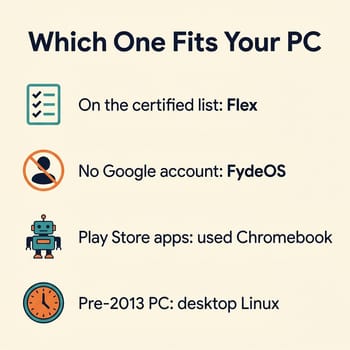
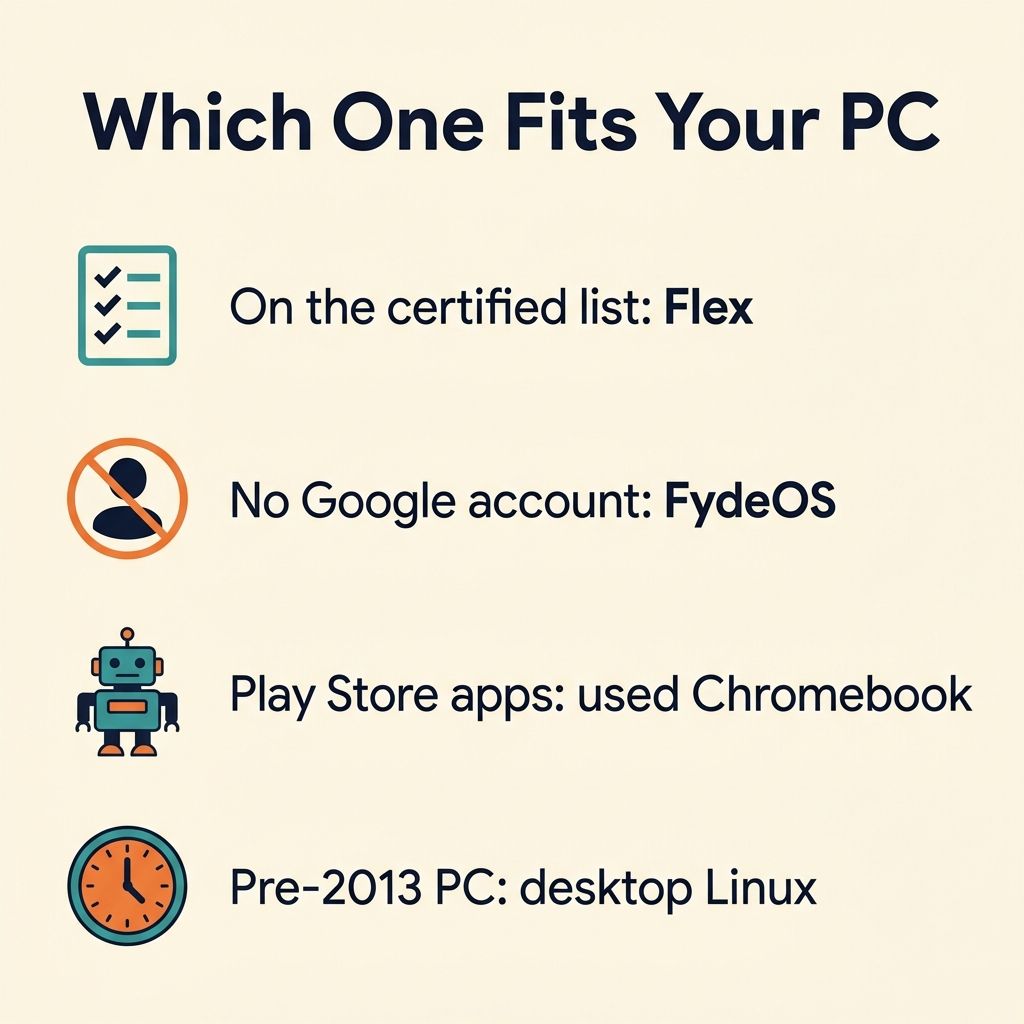
A certified-list machine whose owner lives in web apps, mail, and video calls should run Flex, with the Linux environment there on many models when needed. It is free, it updates itself on Google’s schedule, and the certification means the boring parts work. Off the list, or unwilling to put a Google account on the device, you want FydeOS, chosen with eyes open about the image-variant lottery and tried from USB first. If Play Store apps are the goal, buy the used Chromebook; the workaround path is a maintenance commitment that FydeOS’s own documentation tells you can break on update. A 3rd generation Core machine from the early 2010s is frozen out of FydeOS and was decertified by Google at the end of 2025, so the durable answer is a lightweight Linux distro or replacing the machine with a used business laptop that will outlive all of these deadlines. A 4th generation Haswell machine has a few months left, with its certified window running only through the end of 2026.
FydeOS runs two domains with different service and data handling. Since v17 in 2023, downloads and services from fydeos.io are administered by Fyde’s UK entity with data stored in the UK and EU; fydeos.com is a separate edition with its own services and data handling. Use the domain that matches where you are, and read their data collection policy if the account question matters to you.


