

If your Windows 10 laptop cannot upgrade to Windows 11, Microsoft’s consumer Extended Security Updates keep security patches coming through October 12, 2027 (free if you sync your PC settings or spend 1,000 Rewards points, otherwise a one-time $30), and then that door closes too. Meanwhile the used market is full of retired corporate fleet laptops with socketed RAM, mainline-kernel Wi-Fi, and keyboards built for eight-hour days, for less than anything new. With cheap new Linux hardware getting thinner on the ground (Pine64 paused its entire Linux device line in August over memory prices), the used business laptop is the value play.
All prices below are ranges. The eBay figures are asking prices (completed-sale data now sits behind a login), and the Back Market figures are what refurbishers charge with a warranty attached, typically 1.3 to 2 times the eBay number for the same generation.
RAM sets the floor, and 8GB is the minimum
Every distro publishes a minimum and a recommended figure, and the recommended one is the number to buy against. Linux Mint 22.3 says 2GB minimum, “4GB recommended for a comfortable usage.” Fedora Workstation 44 says 2GB, then immediately suggests a lighter desktop for machines at that minimum. Ubuntu 26.04 LTS skipped the coyness and now puts 6GB of RAM in its baseline “for a comfortable experience.” Even Google, whose ChromeOS Flex is the lightest system on this page, sets its floor at 4GB and says Intel or AMD processor and graphics components from 2012 or earlier are unsupported and unlikely to work.
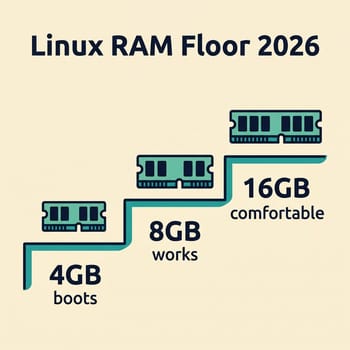
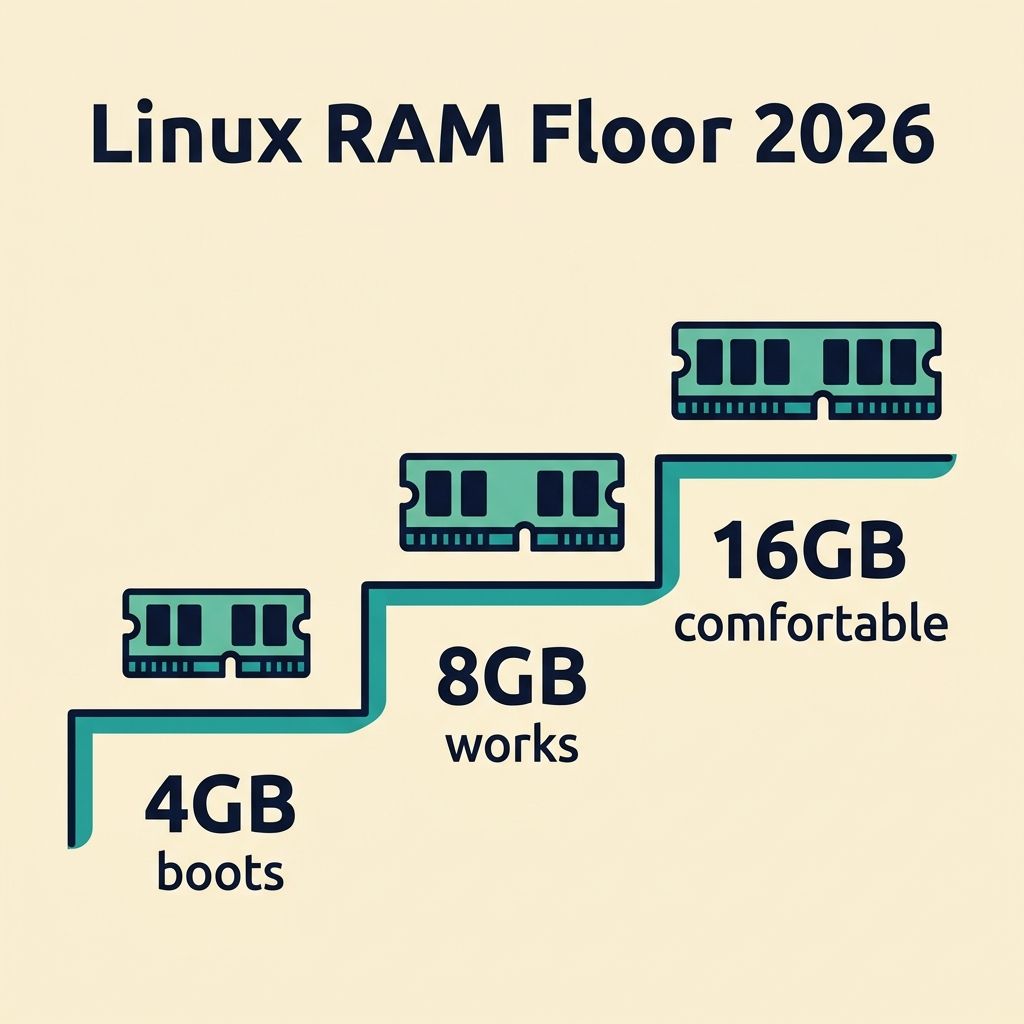
The browser is what eats the memory. A current Firefox with twenty tabs open holds around 1.5GB by itself, Chrome nearly double that, and the desktop environment sits on top. That is why the practical advice from memory vendors like Kingston draws the line at light use with fewer than six tabs versus heavy use with more: 8GB is the sensible minimum for a daily driver, and 16GB buys you the right to stop thinking about it. On the machines below, a secondhand 16GB SO-DIMM kit is the cheapest upgrade here that changes how the machine feels.
If a listing still has a spinning hard drive, budget for a cheap SATA or NVMe SSD before anything else. On old 2.5-inch laptops the jump to a SATA SSD is a 10 to 15 times improvement in overall system feel, and it routinely does more for a used machine than any CPU difference between two candidate models.
Suspend behavior cannot be fixed after you buy
The older machines here support classic S3 suspend, where the machine powers down to RAM and a full battery survives a week of standby. Machines designed from 2020 onward increasingly ship Microsoft’s Modern Standby instead (s2idle in Linux terms), which keeps parts of the platform awake. Recent kernels handle it far better than the horror stories from 2021 suggest, but some models still show faster overnight drain and occasional wake trouble, and there is no firmware switch to get S3 back.
The ThinkPads below expose S3 outright (on the T14 it is a BIOS setting under Config and Power that switches sleep to the Linux S3 mode). The EliteBook 840 G7 ships without an S3 option, and owner threads on the sibling 845 G7 report the same firmware behavior; that is a drawback you cannot fix in firmware, and it only matters if the laptop travels between charges.
Wi-Fi and graphics work, except CNVi cards and Kepler NVIDIA
Every laptop here was offered with Intel wireless, three of the four shipped nothing else, and Intel’s drivers live in the mainline kernel with firmware in every distro’s installer. The cards in these laptops stopped receiving new firmware features years ago, but the kernel documentation is explicit that bug fixes continue on the final firmware release, and in practice they connect and stay connected. The install fights of that era came from cheap consumer laptops of the same era with Broadcom chips, where the BCM43142 class of cards needs a proprietary driver compiled at install time against headers you fetch over the network you do not have yet. That circular dependency is a reason to prefer this shortlist over a random $120 consumer machine.
Intel sells two families of cards that look identical in the same M.2 slot: normal PCIe cards (8265, 9260, AX200, AX210) that work anywhere, and CNVi cards (9560, AX201) whose radio logic lives inside a matching Intel chipset. A CNVi card pulled from one laptop seats perfectly in a machine without the matching Intel chipset and never works there. If you plan to add Wi-Fi 6 to a T480, the card to buy is an AX210; if a seller lists the Wi-Fi card, the model number tells you which family you are dealing with.
In their common configurations every pick runs Intel integrated graphics on the mature i915 driver (the AMD T14 variant runs equally mature amdgpu), though T480 and Latitude 5490 units with the optional MX150 or MX130 exist, and those Maxwell and Pascal parts sit inside the Maxwell and Pascal support window described below. The bucket to walk away from on eBay is the Kepler-era NVIDIA mobile workstation (Quadro K-series, GTX 600/700M), whose proprietary driver was abandoned in 2024 and whose packages distros are now removing. Maxwell and Pascal workstations get security updates through October 2028, so a Maxwell or Pascal workstation bought today has about two years of driver support left.

Two ThinkPads with classic S3 suspend
The ThinkPad T480 (2018, 8th-gen Intel) is the default answer. It has two full SO-DIMM sockets to 32GB, nothing soldered, a 2.5-inch drive bay plus an M.2 2242 slot in the WWAN position, and Lenovo’s dual-battery design with a hot-swappable external pack, so a tired battery is an accessory swap rather than a teardown. The Debian wiki reports sleep and hibernation working without configuration. Two documented quirks are minor. The fingerprint reader needs an out-of-tree driver, and the Arch wiki notes a firmware throttling bug with a packaged workaround. Stock units ask $140 to $375 on eBay; the listings above that band are often coreboot conversion builds priced for a different buyer. Refurbishers start around $390.
The ThinkPad T14 Gen 1 (2020) is the same idea two years newer, sold in two versions: the Intel version (Comet Lake, Thunderbolt 3, Wi-Fi tied to the CNVi AX201) or the AMD version (Ryzen 4000, no Thunderbolt, a normal replaceable Wi-Fi card). Both take one soldered memory bank plus one SO-DIMM, so the ceiling depends on what was soldered at the factory: ask, because sellers list both variants as just “T14 Gen 1.” The AMD version pairs a six- or eight-core Ryzen with a fingerprint reader that works with current fwupd firmware; the Intel version has more documented installs. Either way, switch the BIOS sleep setting to its Linux mode and you have S3. On the AMD model, BIOS 1.30 introduced heavy standby drain, so check the installed version before relying on suspend. Asking prices cluster tightly around $180 to $220, with refurbished units from about $345.
The Latitude 5490 and the EliteBook 840 G7
The Dell Latitude 5490 (2018, 8th-gen Intel) is the price floor of the laptops on this list at roughly $100 to $150 asking, with two open SO-DIMM slots to 32GB, a 2.5-inch bay, and an M.2 slot. The caveat is a parts lottery: Dell shipped it with either an Intel 8265 or one of two Qualcomm Atheros cards, so this is the machine where “what is the exact Wi-Fi card” belongs in your message to the seller (the Qualcomm cards work, but the Intel card is the one with the boring, excellent track record). The Arch wiki documents kernel-parameter fixes for a screen flicker and a suspend panic on some units, and the fingerprint reader is best treated as nonfunctional under Linux. At this price, none of that stings.
The HP EliteBook 840 G7 (2020, 10th-gen Intel) is tied with the T14 for the newest silicon here, and one of two on this list that Canonical certified for Ubuntu (the T14 Gen 1 is the other). It also has the best RAM ceiling on the list: two accessible slots to 64GB, and iFixit’s guide puts a memory upgrade at 15 to 20 minutes. It is the Modern Standby machine on this list; the HP thread linked above shows it advertises no S3 state and sleeps via s2idle only, with the standby-drain caveats that come with that. It also has a single M.2 slot and no 2.5-inch bay, so the storage you buy is the storage you get, and its AX201 is CNVi-locked. As a desk machine on Ubuntu it has the fewest rough edges of the four. Asking prices run $160 to $210 with refurbished units from about $266.
If it does not need to be a laptop at all
If your old machine lives permanently on a desk, skip the laptop premium entirely. The Dell OptiPlex 7050 (2017) sells for $90 to $140 asking in Micro, small form factor, and tower shapes, sidesteps both the battery question and the suspend question by having neither, and in tower or SFF trim takes four DIMMs to 64GB plus a PCIe slot. Dell shipped this generation with Ubuntu preloads. The Micro version is the interesting one for a bookshelf, but note it may arrive with no Wi-Fi card fitted at all (wireless was a factory option), so budget for a cheap Wi-Fi card, or run Ethernet. Our mini PC home server guide covers what a box like this can do after it finishes being a desktop.
Five questions that vet a listing in one message
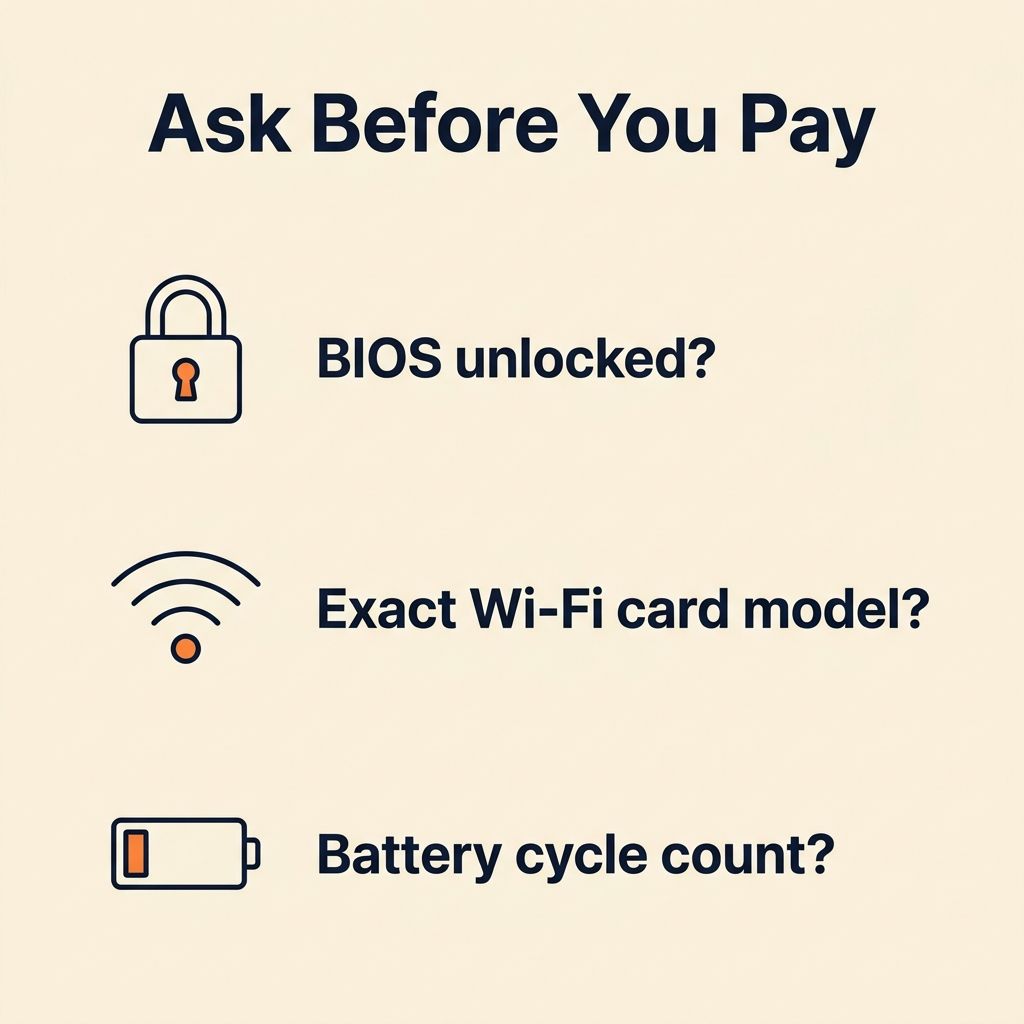
Ex-corporate laptops fail in predictable, checkable ways, so ask before paying. First, is the BIOS free of a supervisor or administrator password? Fleet machines sometimes escape with one still set, and on these vendors a locked BIOS is effectively unfixable for a private buyer. Second, what is the exact Wi-Fi card model? This catches both the Latitude’s card lottery and any CNVi surprise in one question. Third, what is the battery cycle count, and on a T480, which batteries are included? Any battery this age is degraded; you are negotiating over how much.
Fourth, was the drive wiped, and is it included? Fleet recyclers sometimes pull drives entirely. Fifth, which exact CPU is inside? Both the T480 and the Latitude 5490 were also sold with dual-core 7th-gen chips, and on a T14 the Intel and AMD variants are different machines, so make the listing name the processor. While you wait for answers, check the vendor’s support page for your exact model to see whether BIOS updates still ship; all three laptop vendors here distribute them in Linux-friendly formats through fwupd or bootable images.
The kernel’s old-CPU cleanup does not touch any of these machines
You may have seen posts this August claiming Linux dropped support for CPUs from before 1993. Both removals are narrow. Kernel 7.1 removed i486 support, with the patch author, Ingo Molnar, noting that no mainstream 32-bit distribution still shipped a 486 kernel to be affected. Kernel 7.2 finished the job by requiring two CPU features, the timestamp counter and the CMPXCHG8B instruction, which sets the floor at the original 1993 Pentium and also removes a handful of mid-to-late-1990s clones (AMD K5, Cyrix 6x86, IDT WinChip) that lacked one or both.
The boundary is a feature test that lives entirely in the 32-bit build path. Every 64-bit x86 processor ever made has both features, so no machine that can run a 64-bit kernel is affected, and everything in this guide is a decade past that line. 32-bit-only machines did lose future kernel releases, but they keep booting the kernels they have: Debian 13 ships the 6.12 long-term kernel into 2028, years away from any of this. The trap on hardware this old is different: some 2013-era Bay Trail netbooks pair a 64-bit CPU with 32-bit UEFI firmware, which many installers handle badly (Debian’s amd64 media detects it and installs a matching bootloader). None of the machines above have it.
Where ChromeOS Flex fits instead
If the machine you already own is on Google’s certified list and you live in the browser and a few web apps, ChromeOS Flex on a $3 USB stick is a legitimate alternative to buying anything. Flex has no Play Store, so none of the Android apps a regular Chromebook runs, and its Linux container support is limited on many certified devices. Our guide to running Flex as a daily driver on used laptops walks through the decision. A full Linux distro on a used ThinkPad costs more up front and gives you native Linux applications.
If you would rather buy new hardware with Linux support promised on the box, our Linux laptop buyer’s guide covers that market, and the Framework 13 Pro piece covers the certified premium path. And if you are coming from Windows 10 and still deciding whether to switch at all, start with the migration guide.


