
These five Omarchy plugins put an AI tool on the desktop, a shortcut or a top bar click away, so you can ask a question without opening a browser. Keystroke replaces the main menu with a search box that understands plain English. omaSearch and Ask send a typed question to your coding agent, Agent Chat holds a back-and-forth conversation with it, and Agent Activity turns the agent’s logs into charts. The last section adds ELIZA to the top bar.
All of them come from the Omarchy plugin marketplace. This guide has every step from our video, embedded above, with the install commands, the keybinding lines, and the cleanup for each one. Of the five, only Keystroke works on its own. The next three need a coding agent that is installed and signed in, and Agent Activity needs that agent’s session logs to draw anything. Everything here ran on Omarchy 4.0.4 on October 9, 2026, with Keystroke 1.5.1, omaSearch 1.1.1, Ask 0.8.3, Agent Chat 1.0.0, Agent Activity 1.0.0 (commit 2e837b4), and ELIZA 0.3.3, and the Keystroke notes marked 1.5.0 come from an earlier test of that version.
What each tool needs
| Tool | What it does | What it needs | Install command from |
|---|---|---|---|
| Keystroke | Search box in place of the Omarchy menu, with a local model for plain-English matches | Nothing; downloads an 8 MB model on first use | Marketplace page |
| omaSearch | Glass search bar that asks your agent, or Google | A default agent, signed in | GitHub README |
| Ask | App launcher and question box in one | Codex or Claude Code, signed in; Node.js and npm | Marketplace page, then README |
| Agent Chat | Chat window with your agent | pi, Oh My Pi, or the Antigravity CLI, signed in | Marketplace page |
| Agent Activity | Dashboard of what your agents worked on | Session logs from pi, Claude Code, Codex, or OpenCode | Marketplace page |
None of the five needs a paid API key. A ChatGPT account signs in to both Codex and pi. Codex works with omaSearch and Ask, and Agent Chat, which does not support Codex yet, works with pi.
Read the source before you install a plugin
A plugin runs inside omarchy-shell, the long-lived program that draws the Omarchy desktop, with your user account’s access to your files and the network. There is no sandbox around it. When you run an install command, Omarchy warns you first: “Plugins run as arbitrary, unsandboxed code inside your long-lived omarchy-shell process. Only add repos you trust, and review the code before you enable it.” Then it asks Clone and add this plugin?
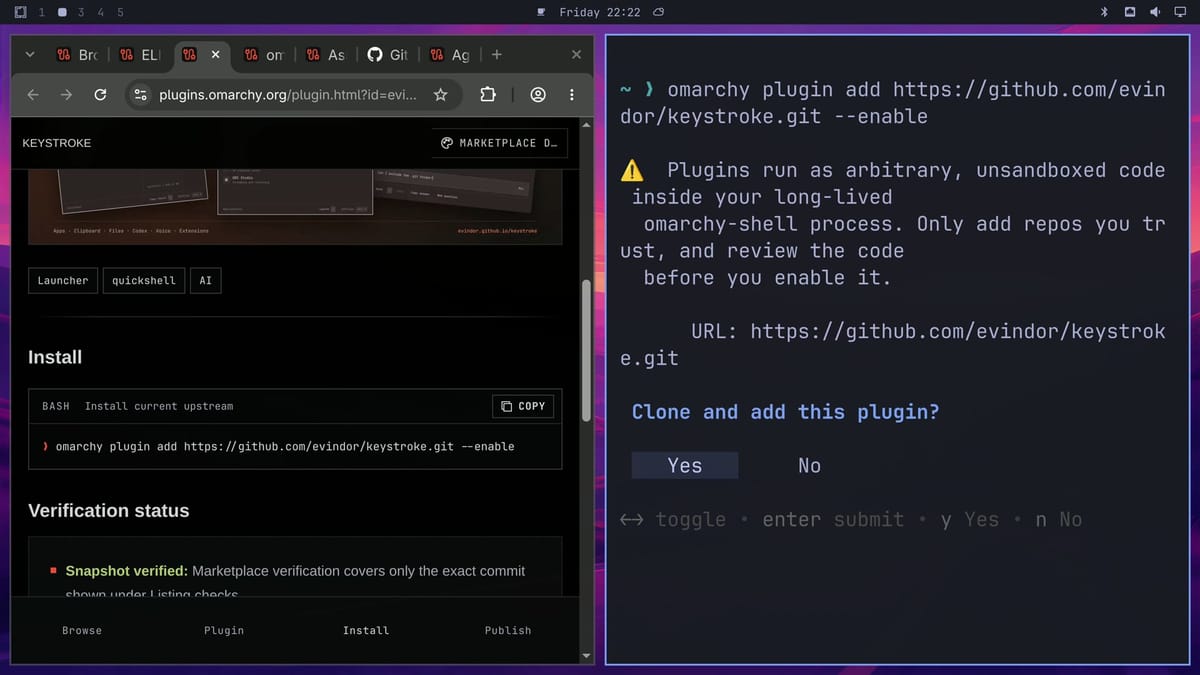
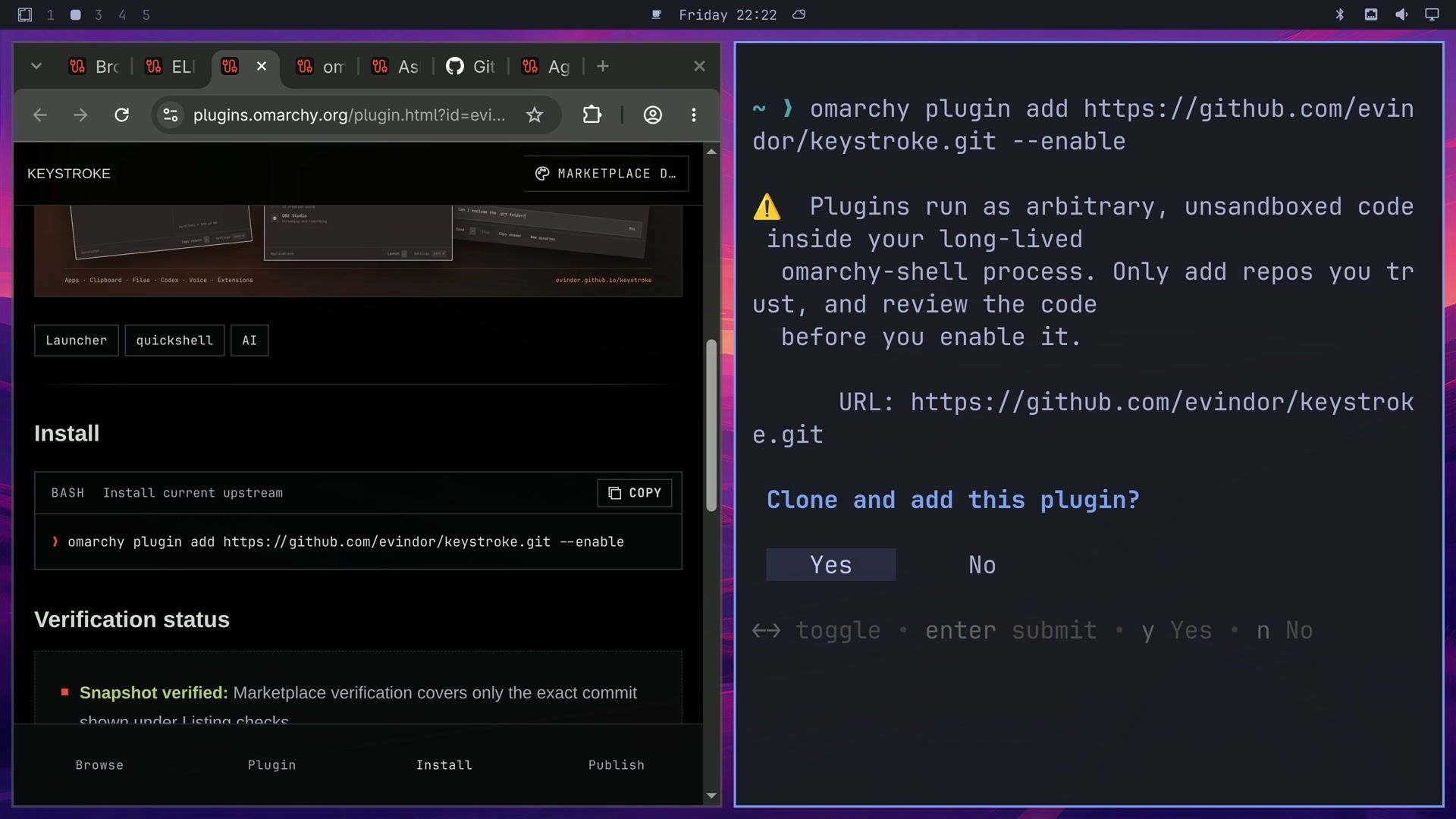
Each plugin page links to its source code at the bottom, under View source. The marketplace checks a plugin at one commit, and the install command clones the newest code, which can be newer. On October 9, 2026, three of these pages said the newest code had not been checked yet: Keystroke (checked at 1.5.0, now 1.5.1), Ask (checked at 0.7.1, now 0.8.3), and Agent Activity (checked at an earlier commit of 1.0.0). Their pages show a red Update unverified line, and their cards in the plugin grid say Unverified. Our guide to finding, checking, and installing Omarchy plugins walks through reading a plugin’s code before you add it.
Omarchy’s own agent shortcuts do not stop to ask before an agent acts. The Omarchy manual says agents started from the default-agent shortcut, super shift ctrl a , and from the terminal shortcuts a, c, cx, and cy, “run unattended in their respective don’t-stop-to-ask modes”. In Keystroke 1.5.0, pressing enter on the Codex row opens that same launcher, with Codex in its auto-approve mode.
omaSearch, Ask, and Agent Chat hand your words to a coding agent, and a coding agent can run commands on your computer. omaSearch and Ask each have an approval setting that is on by default, and Agent Chat leaves approvals to pi’s own settings. Keep those defaults on.
Agents and plugins keep sign-ins and keys in ordinary files in your home folder. pi saves its sign-in tokens and API keys in an auth.json file in its agent folder, and its documentation says to keep that file private. Some AI plugins in the marketplace store API keys the same way: Jimaku saves an OpenAI key as plain text in ~/.config/jimaku/openai-key. If a plugin asks for a key, give it a separate one with a low spending limit.
Each marketplace install below follows the same steps. Open the plugin’s page, click Copy in the Install section, paste the command into a terminal with ctrl shift v , and press enter . Read the warning, then choose Yes. A plugin with a top bar button then asks which part of the bar it goes in.
Sign in to an agent and pick the default
omaSearch, Ask, and Agent Chat each ask Omarchy which agent is the default, so set one before you install them. Omarchy ships every major coding agent as a small launcher that downloads the real program the first time you run it. Run codex or pi in a terminal and sign in when it asks; in pi, type /login and pick your provider. pi also lets you choose its model, and the Agent Chat window shows the one it uses.
Then set the default agent. This command installs the agent if it is missing and opens it in a terminal, so you can sign in there too:
omarchy default agent codexThe Omarchy menu has the same choice under Setup, Defaults, Agent. Agent Chat needs pi as the default, so switch to it before you use that plugin:
omarchy default agent piKeystroke finds actions from plain English
Keystroke, written by Arseniy Zarechnev (@evindor on X), replaces the Omarchy menu with a search box: apps, every menu item, your keybindings, a calculator, unit conversions, clipboard history, and files all show up in one list. Its Smart Match feature uses a small model that runs on your own computer to match what you mean when your words do not match an action’s name.
omarchy plugin add https://github.com/evindor/keystroke.git --enableAfter the warning, Keystroke asks which bar section its menu button goes in; left is the default. From then on, super space opens Keystroke instead of the Omarchy menu, and the old menu is still there as one of its rows. (Super is the Windows key on a PC keyboard.)
The first search downloads the Smart Match model, about 8 MB, and the README says matching works offline after that. Type make screen dimmer and Brightness minimum comes up first, though the word brightness was never typed. change the wallpaper finds Background the same way.
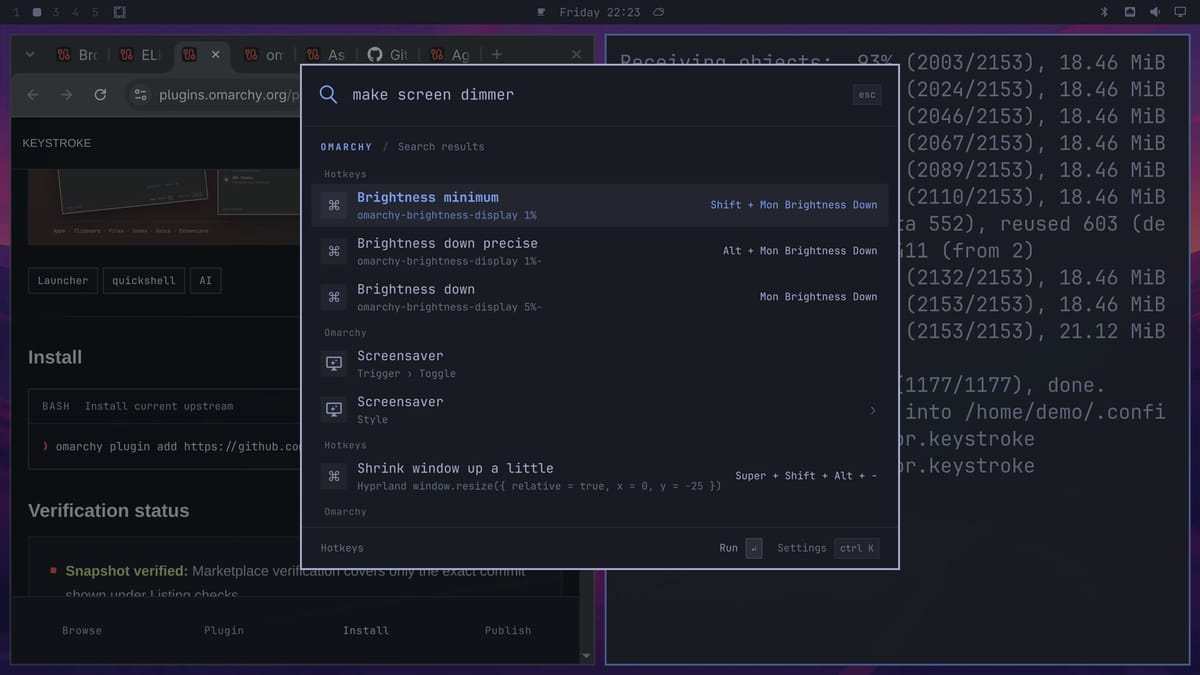
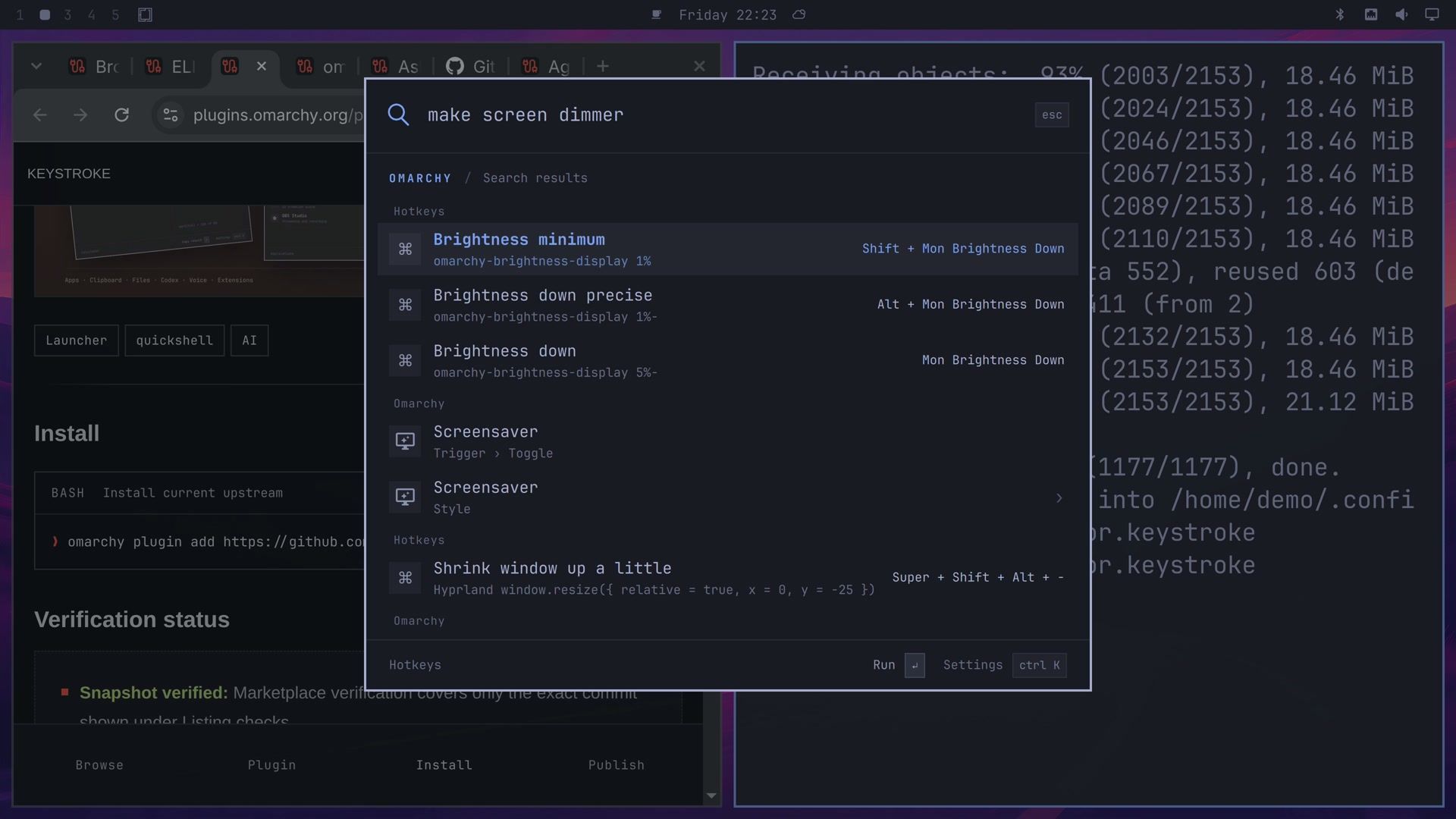
Smart Match has three settings: Off, Only voice, and Voice and text. To see what it adds, type smart match in Keystroke, pick Off, and type the same words again. Nothing matches now, and Keystroke offers to hand the words to Codex, ChatGPT, or Claude, or to search Google, instead. Pick Voice and text, the default, to turn it back on.
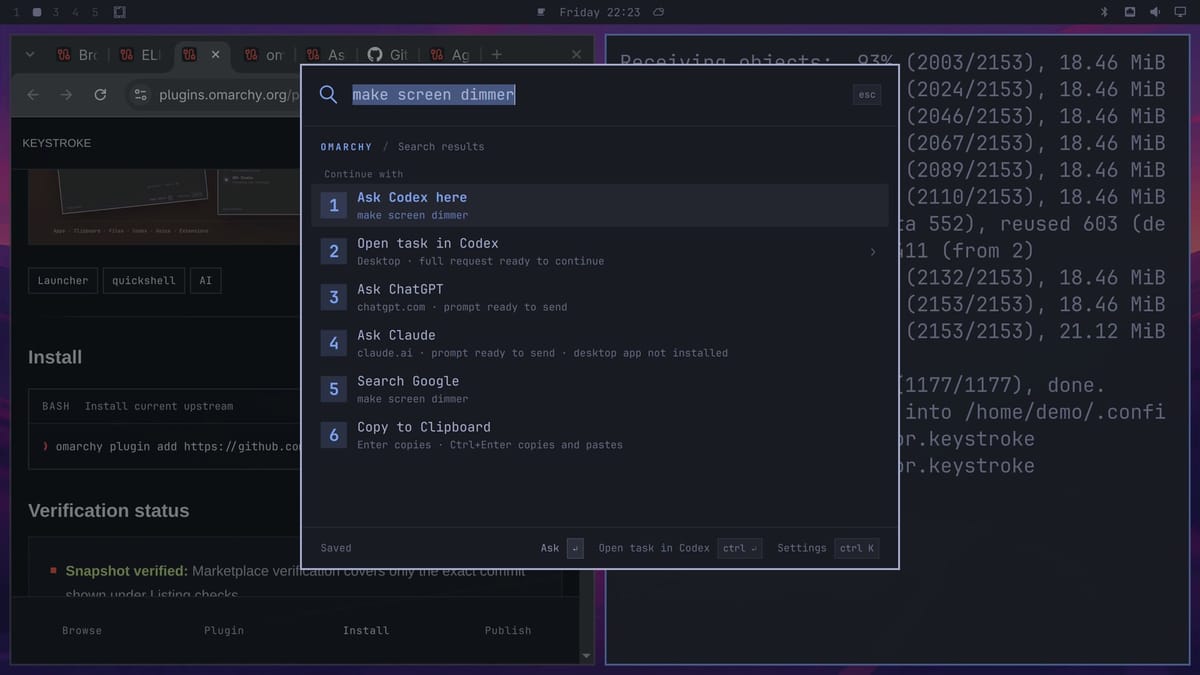
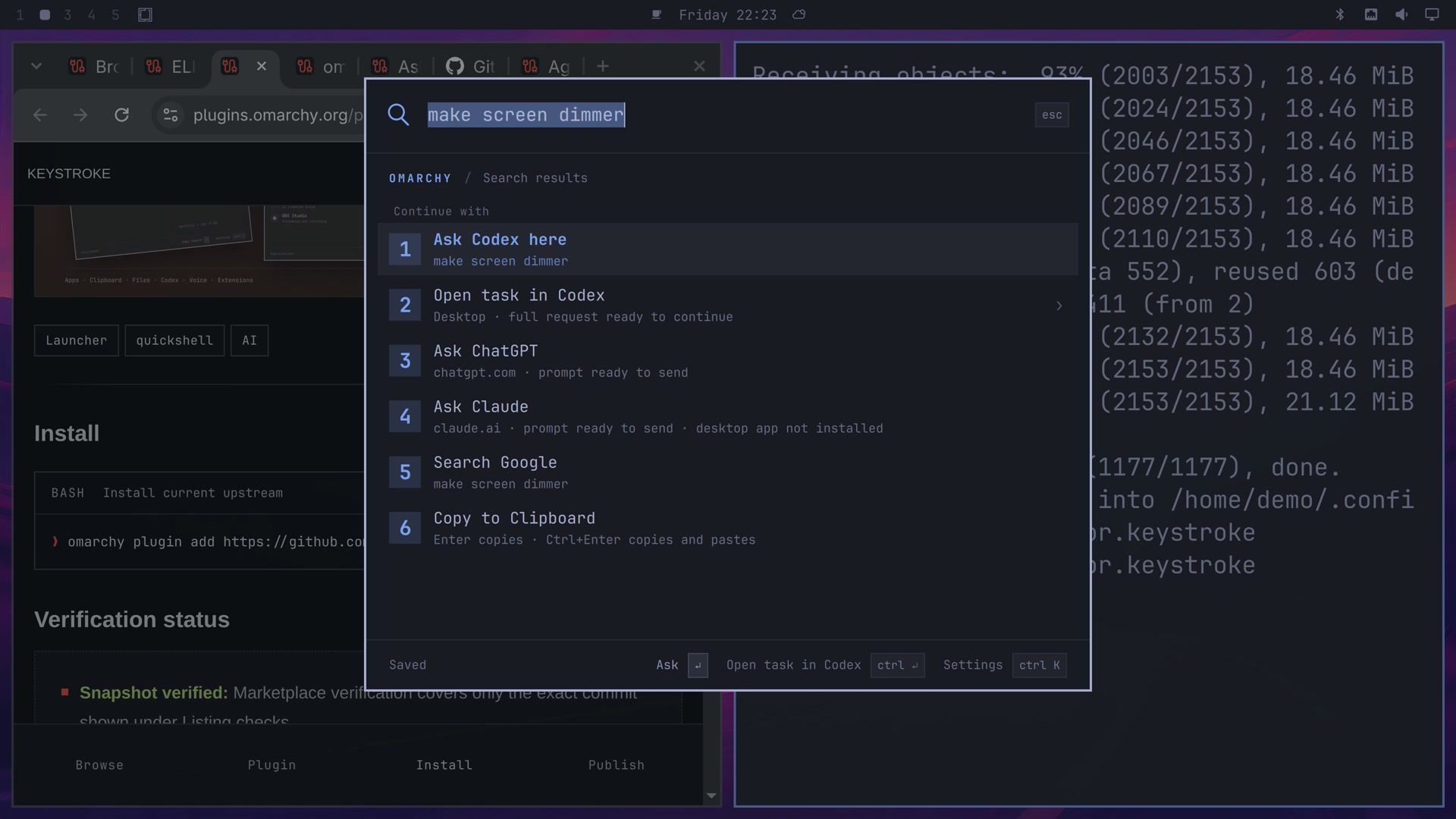
Smart Match does not get every phrase right. In Keystroke 1.5.0 it found the action for launch chrome and lock my computer, and missed turn off wifi and too loud. Keystroke can also answer Codex questions inside the palette; its README says that needs Codex 0.153.2 or newer.
omaSearch asks your agent from a glass search bar
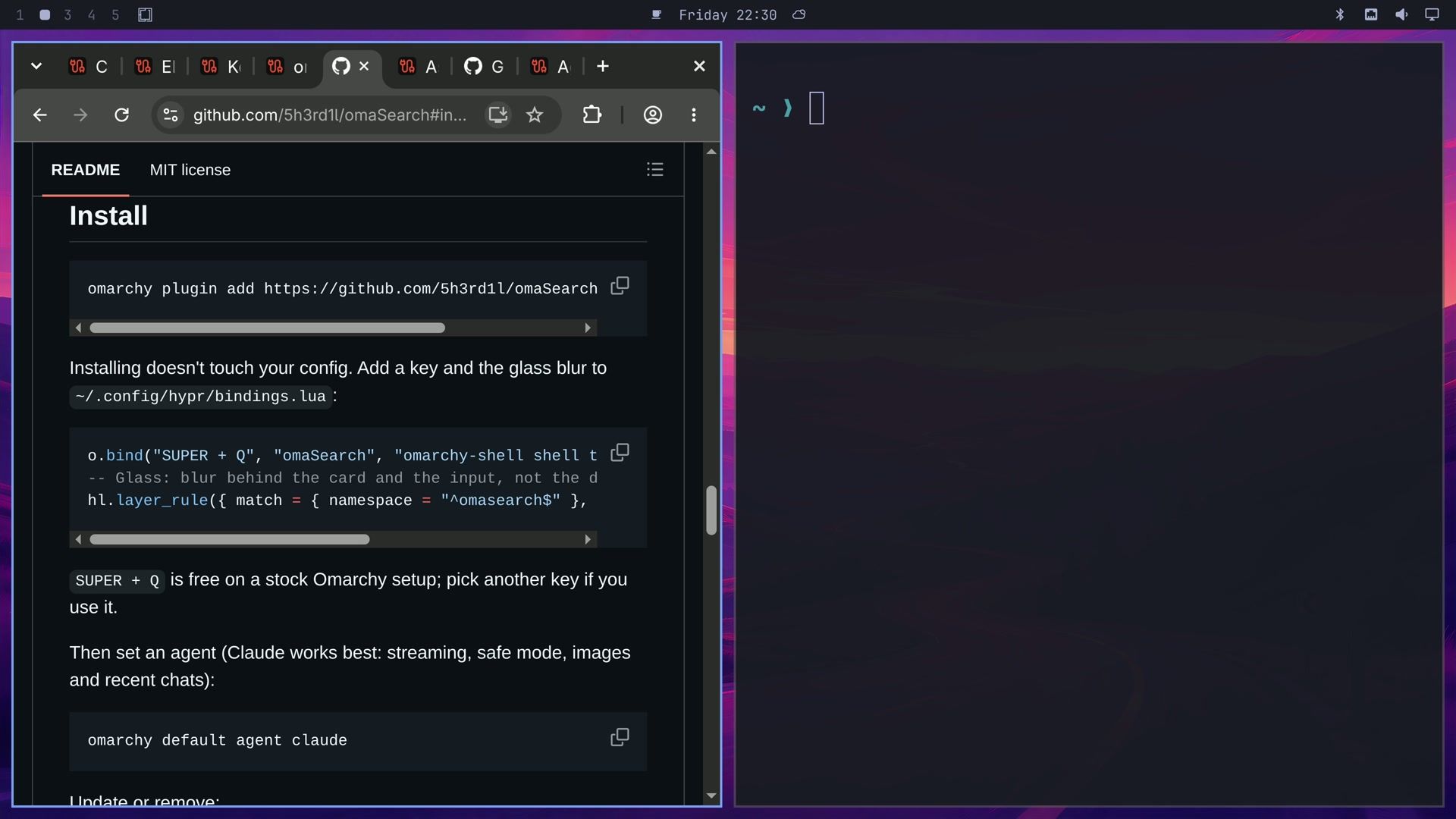
The omaSearch marketplace page says Manual setup and sends you to the GitHub README for the install command. Rubas Ali wrote omaSearch as a fork of omAsk by Ali Shabdar, as the README notes. The command is:
omarchy plugin add https://github.com/5h3rd1l/omaSearch.git --enable --yesThe --yes skips the confirmation prompt, so read the code before you run it. The install does not add a shortcut. The README gives these lines for the end of ~/.config/hypr/bindings.lua: the first binds super q , and the second adds the blur behind the bar.
o.bind("SUPER + Q", "omaSearch", "omarchy-shell shell toggle io.github.5h3rd1l.omasearch '{}'")
-- Glass: blur behind the card and the input, not the dimmed backdrop.
hl.layer_rule({ match = { namespace = "^omasearch$" }, blur = true, ignore_alpha = 0.45 })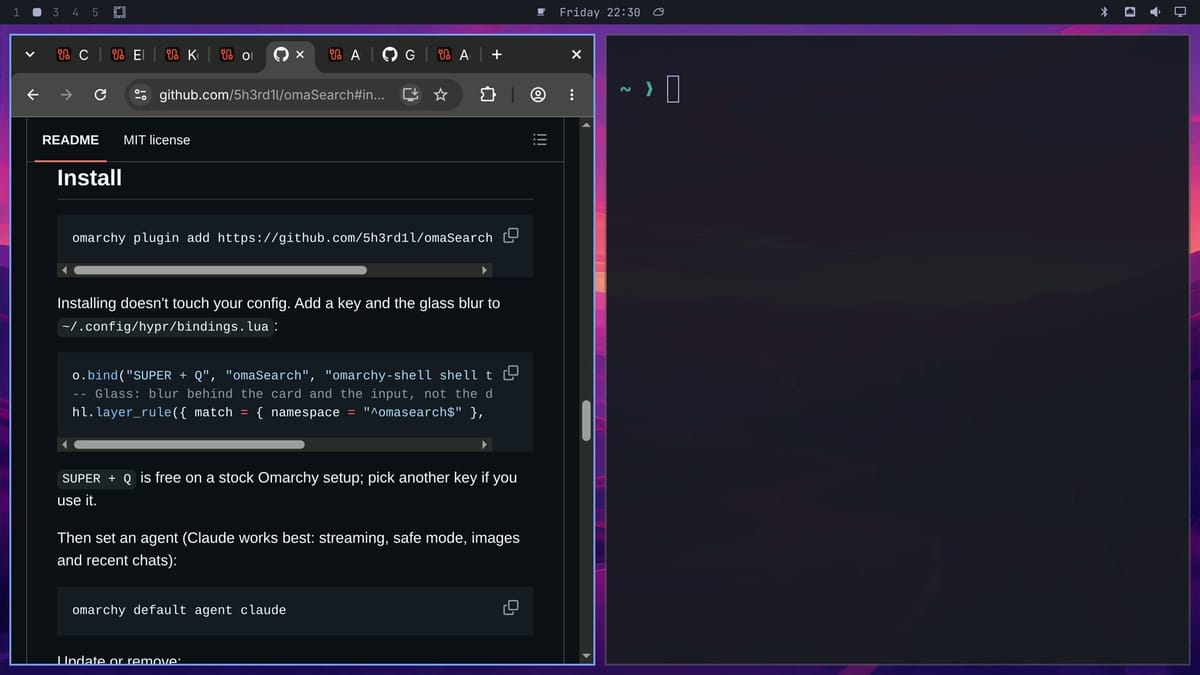
Hyprland reloads its config when you save the file. Press super q and a glass search bar opens. Type a question and press enter , and omaSearch sends it to your default agent. Codex answered “What is Hyprland? One sentence.” in about 3 seconds, and the box below takes a follow-up. ctrl enter sends the same words to Google in your browser instead.
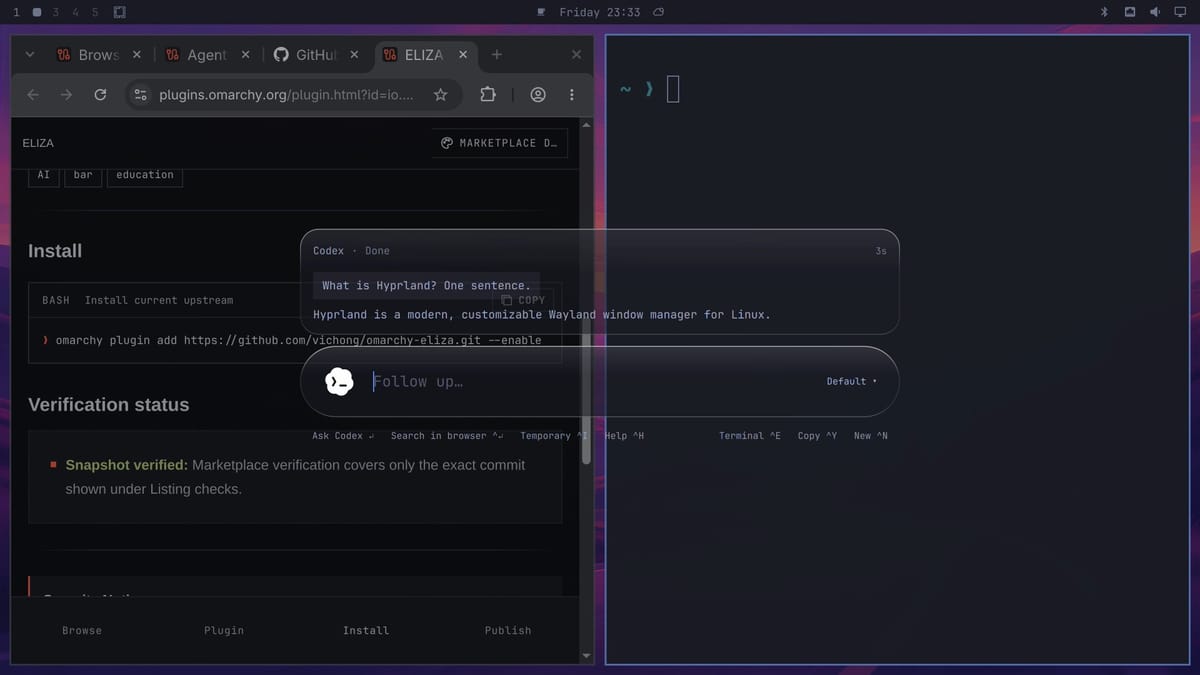
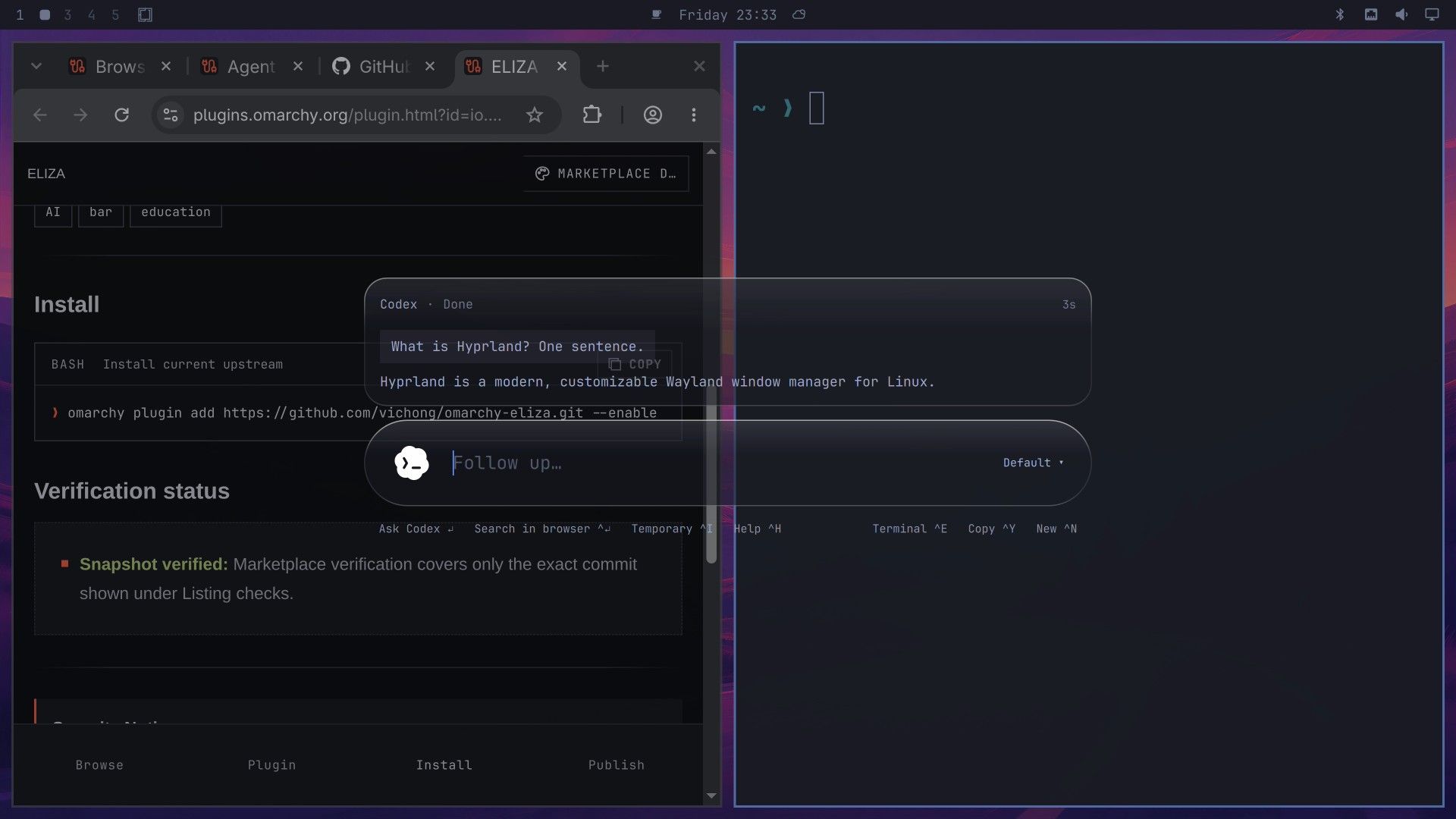
ctrl h lists every shortcut, and Safe mode is near the bottom. The README says it is on by default. With Claude as your agent, Safe mode asks before Claude runs a command, with Allow, Always in this chat, and Deny. With Codex, it keeps Codex in its read-only sandbox. Turned off, Claude runs commands without asking, “including passwordless sudo, if you have it”, and a red shield next to the model name shows it is off. The README recommends Claude as the agent, because streaming answers, Safe mode prompts, images, and recent chats work best with it.
omaSearch saves your last 25 chats in ~/.local/state/omasearch/history.json. ctrl i starts a temporary chat that it does not save.
Ask is a launcher and a question box in one
Ask, from Clickety Clacks, installs with the command on its marketplace page:
omarchy plugin add https://github.com/clickety-clacks/omarchy-ask.git --enableThe README adds a second step that downloads the helper packages Ask needs to talk to Codex or Claude Code. It needs Node.js and npm:
cd ~/.config/omarchy/plugins/clickety-clacks.ask/bridge
npm ci
As of October 9, 2026, npm ci for Ask 0.8.3 finishes with a report of 4 vulnerabilities (2 moderate, 1 high, 1 critical). npm audit traces all four to packages that Ask’s own dependencies pull in (proxy-addr, the MCP TypeScript SDK, ip-address, and fast-uri), not to packages Ask lists itself, and it lists a fix for each. The README does not mention them. Run npm audit in that folder to see the current list before you decide.
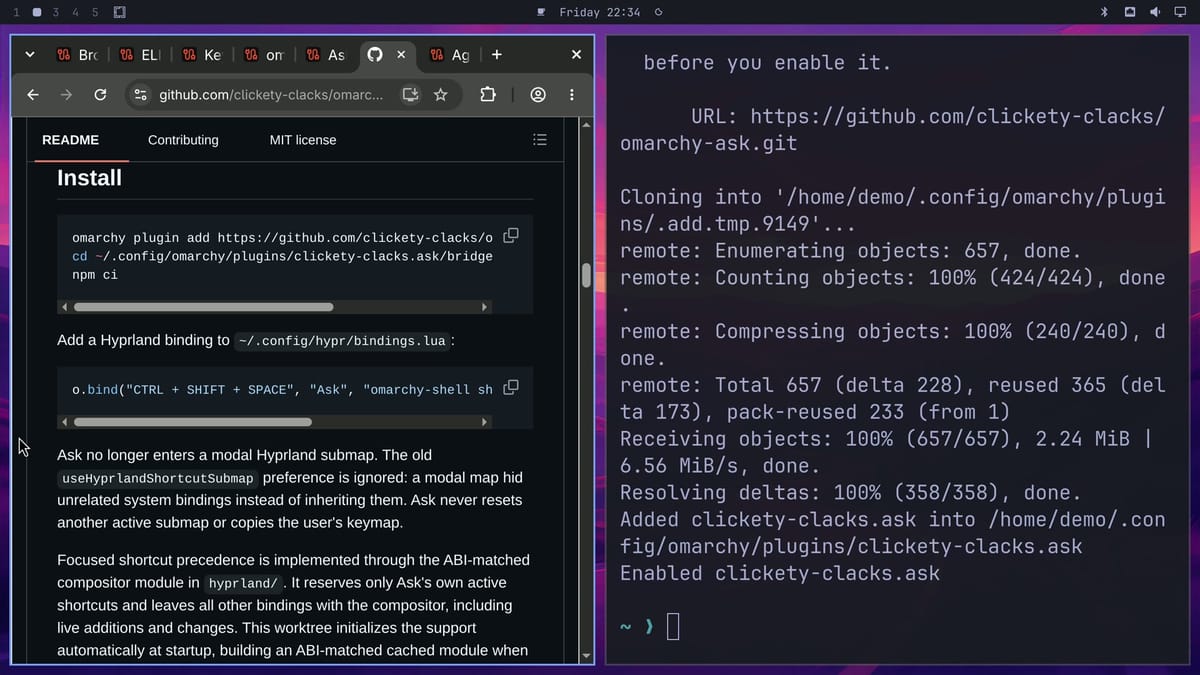
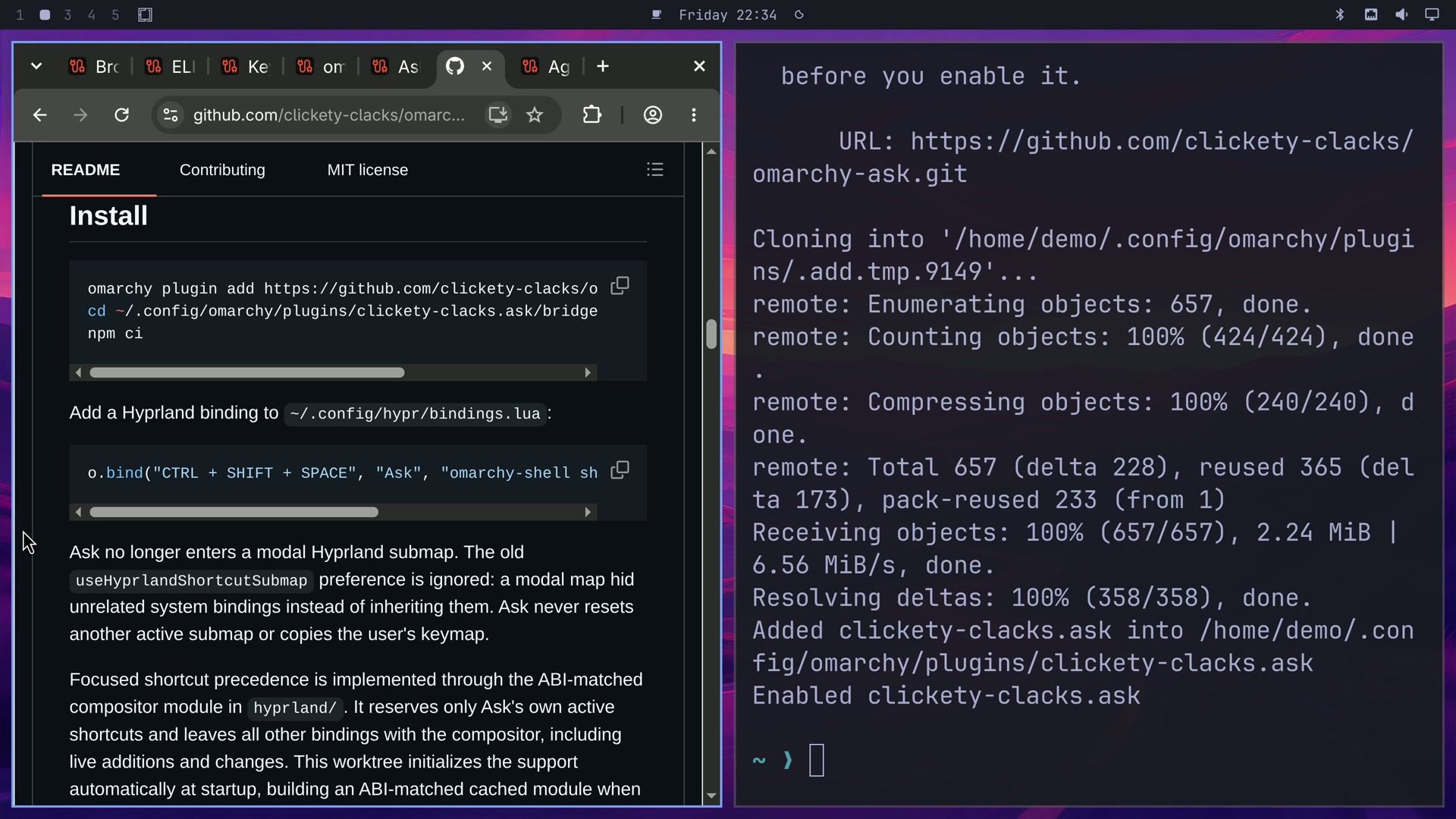
Like omaSearch, Ask gets its shortcut from a line in your keybindings file. This one from the README binds ctrl shift space :
o.bind("CTRL + SHIFT + SPACE", "Ask", "omarchy-shell shell toggle clickety-clacks.ask '{}'")Type app and the box lists menu rows, apps, and matching files, so it works as a launcher. If you arrow onto a row, enter opens that app or runs that menu item. Otherwise enter sends what you typed to your agent as a question. The answer to “What does a tiling window manager do? One sentence.” started streaming in about 2 seconds.
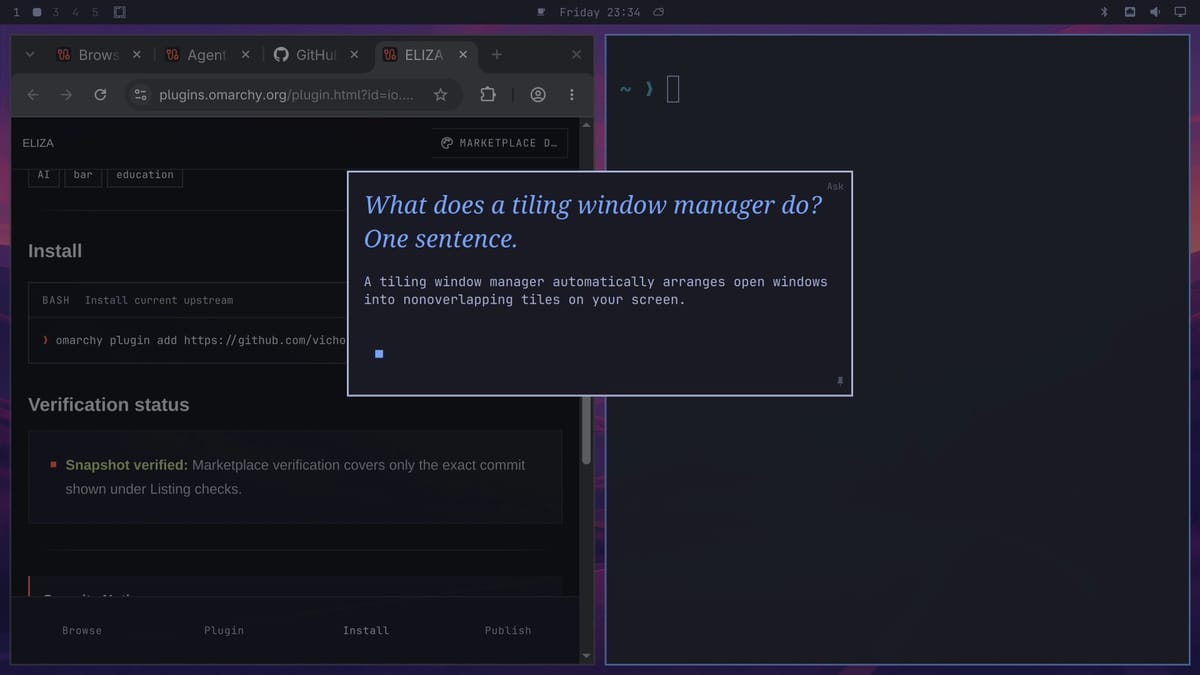
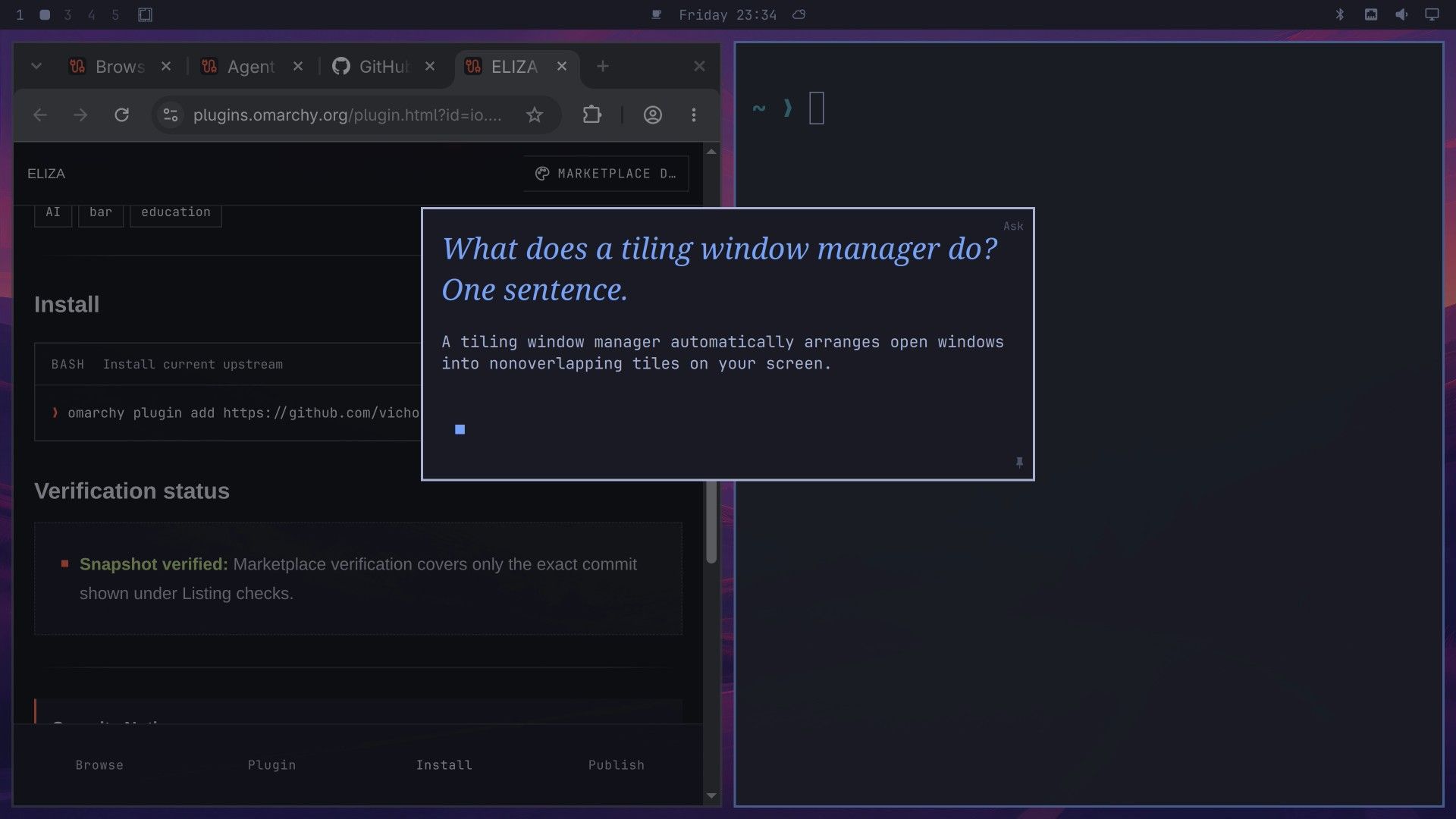
The word in the top right corner is Ask’s permission mode. Ask, the default, asks before the agent runs a tool, and you answer with y or n . YOLO lets tools run without another click. Ask keeps no transcript: the conversation ends when you press esc , though Codex and Claude Code keep their own session logs.
Agent Chat keeps a conversation going with pi
Robson Cassiano’s Agent Chat opens a window in the middle of the screen and talks to your default agent.
omarchy plugin add https://github.com/RandintN/omarchy-agent-chat.git --enableIt talks to pi, Oh My Pi, or the Antigravity CLI. Its README lists Codex and Claude Code as pending, so with Codex as the default the window says the adapter is not written yet. Set pi as the default agent, as shown above. The shortcut line from the README binds alt space :
o.bind("ALT + SPACE", "Agent chat", "omarchy-shell shell toggle robson.agent-chat")The badge in the top right corner shows the model pi uses. Ask for one tip for a tidy desktop, then type “Make it shorter.”, and pi keeps the context and shortens its own answer.
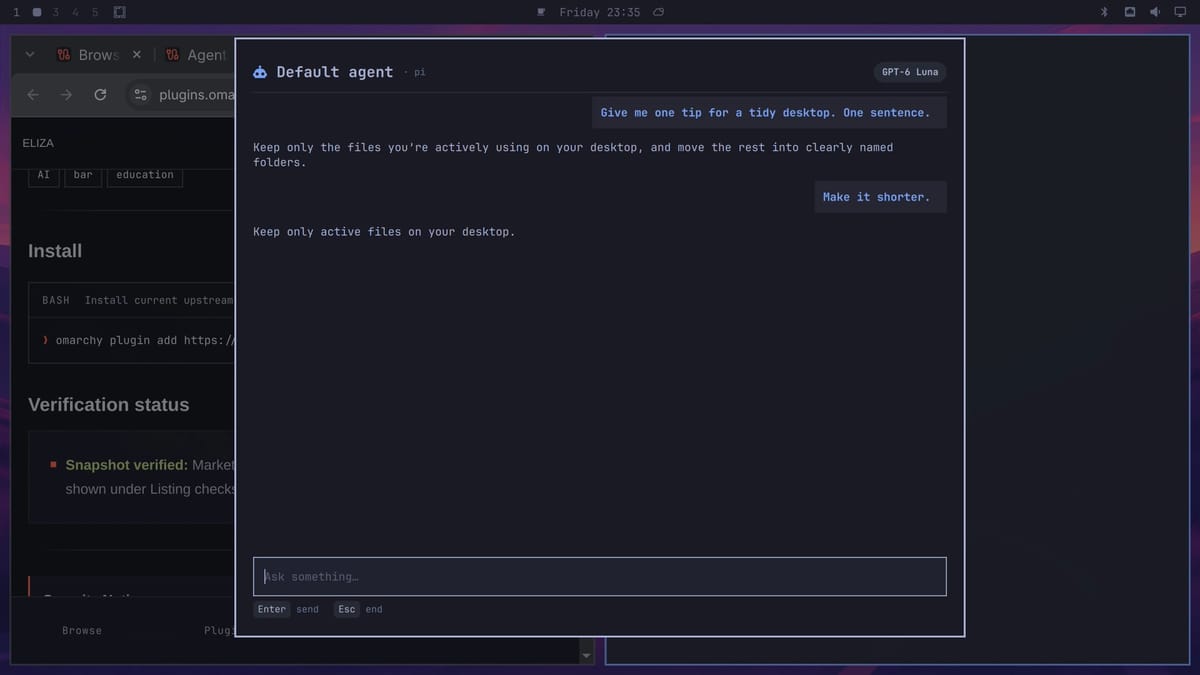
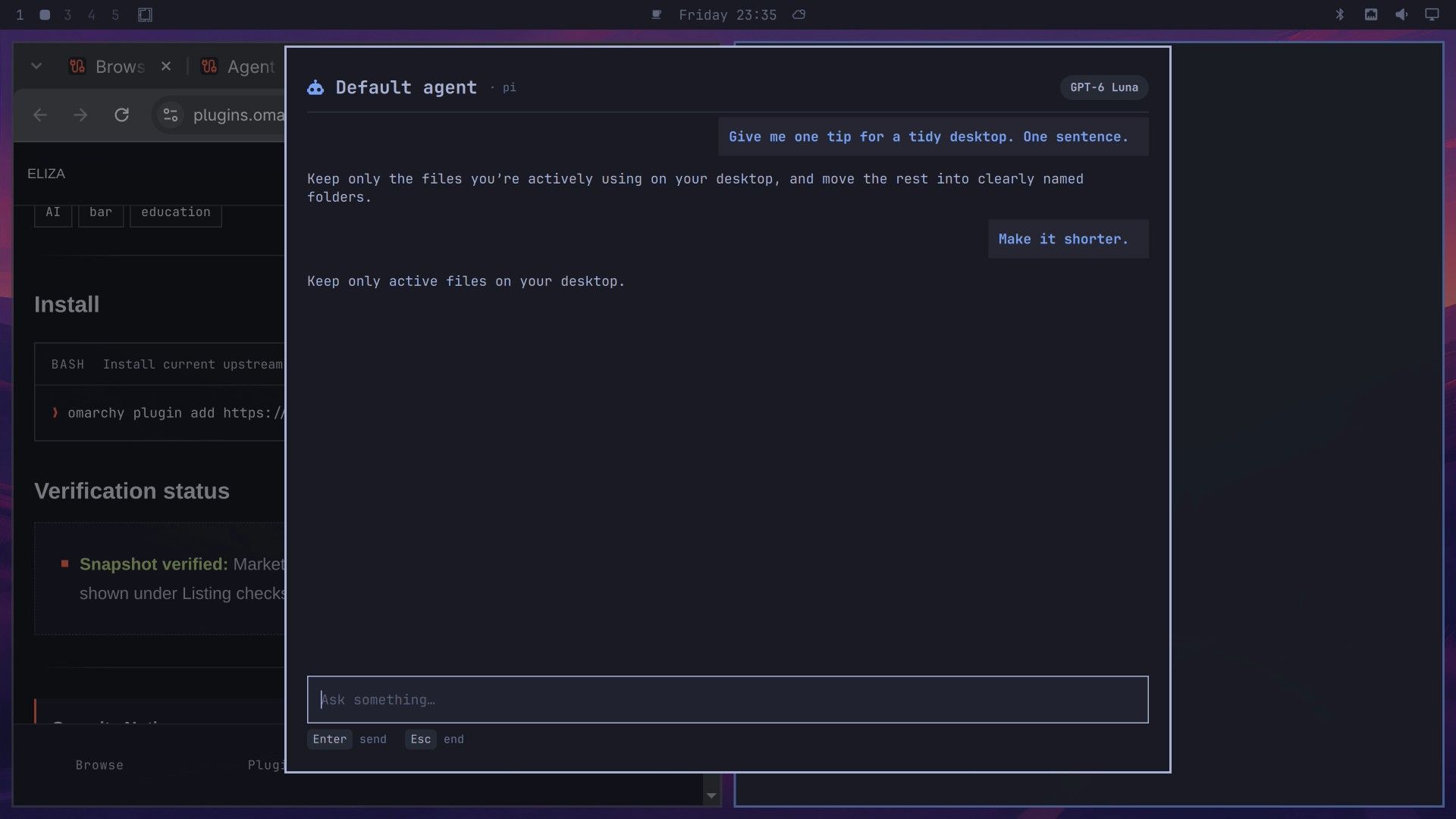
Pressing esc ends the chat and stops pi. Agent Chat starts pi with --no-session, so the conversation is not written to disk. The README says pi keeps its own permission settings, and the window does not bypass them. With the Antigravity CLI the plugin skips approvals and the agent saves transcripts, so read the README’s security section before you use that one.
Agent Activity charts what your agents did
Agent Activity reads the session logs your coding agents already keep and draws a dashboard from them. Angus Forbes wrote it. Its marketplace description names pi, Claude Code, and Codex, and its current README adds OpenCode. Everything is computed on your computer. By default, nothing is sent anywhere; the optional odv.py tag --jev command sends prompts to api.typesafe.ai with your own key.
omarchy plugin add https://github.com/angusforbes/omarchy-agent-activity-visualization.git --enableIt asks for a bar section (right is the default) and adds a chart icon to the top bar. Click it to open the dashboard: agent busy time, your time, prompts, tokens, an estimated cost, and how many agents ran at once, with charts below. Questions sent through omaSearch and Ask with Codex leave sessions in ~/.codex/sessions/, and the dashboard reads them from there. Agent Chat questions leave nothing, because Agent Chat starts pi with --no-session.
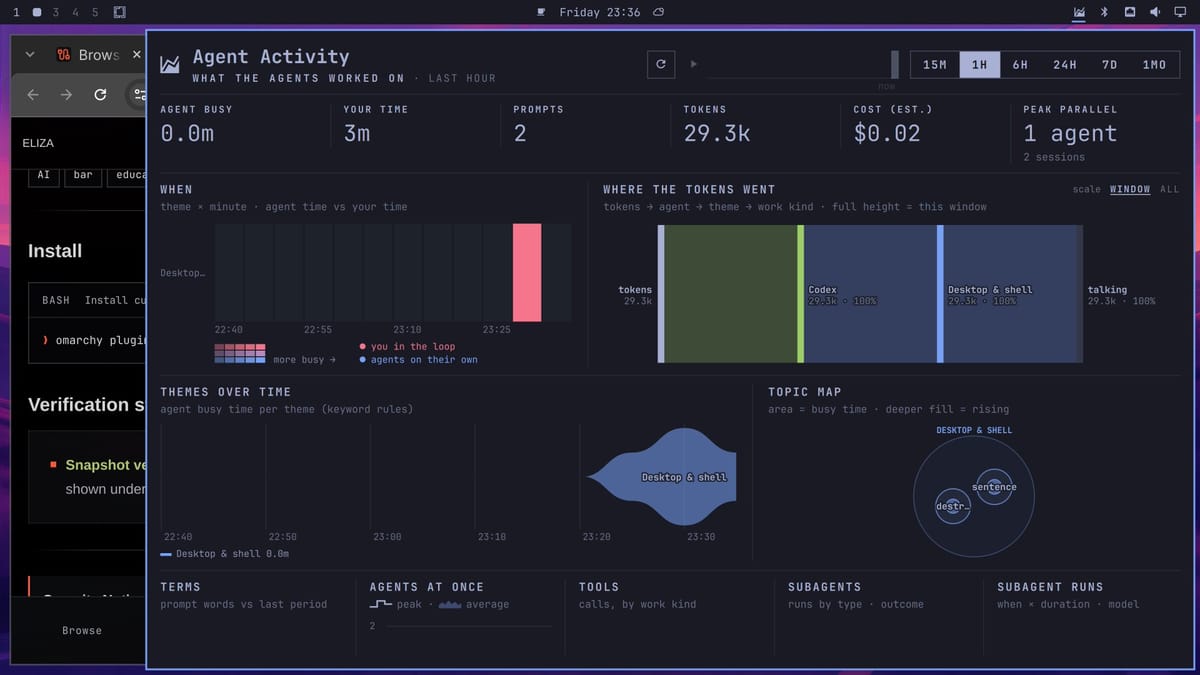
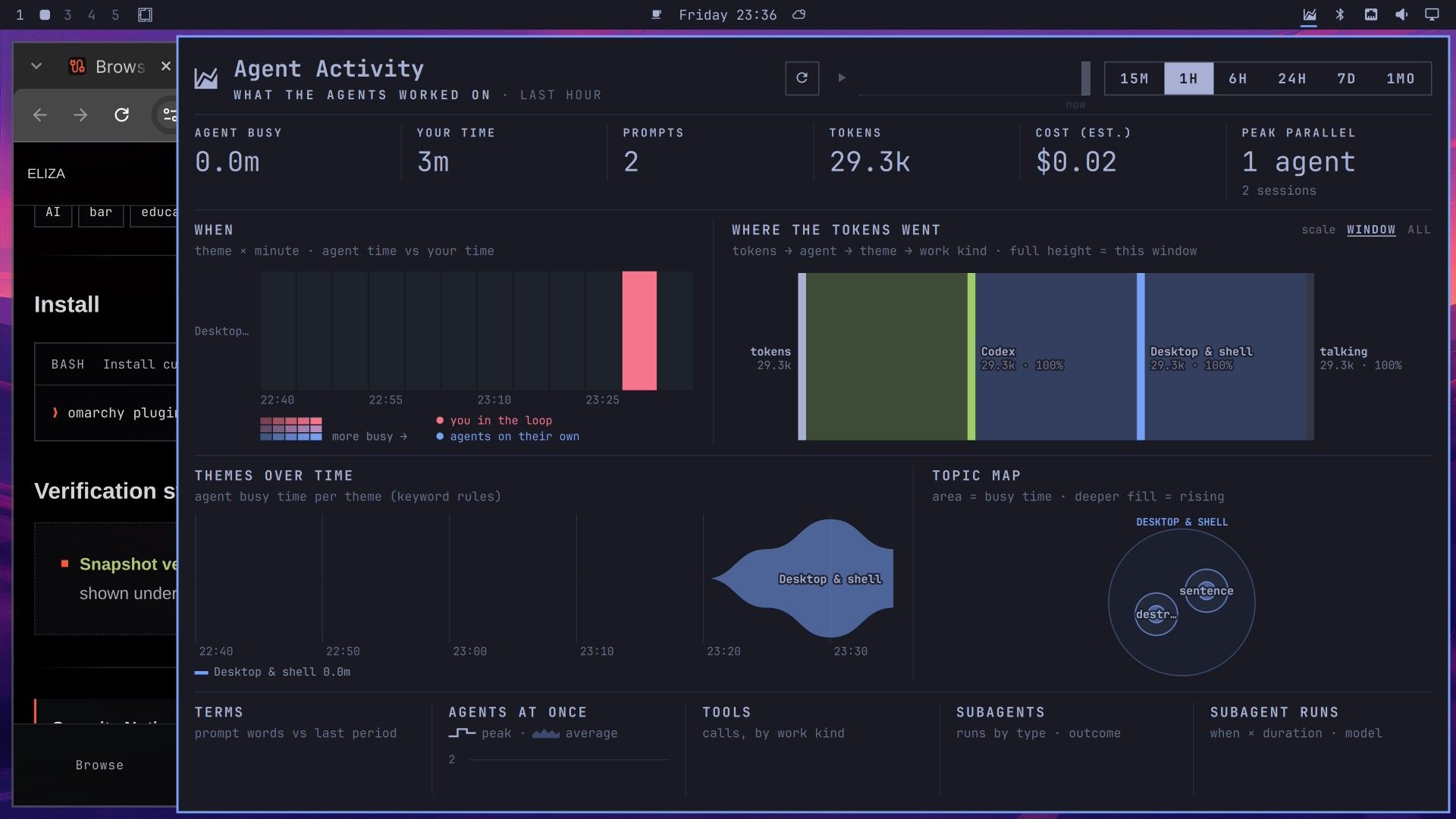
A few questions make a small chart, so pick a short range such as 1H at the top right. Press the refresh button (or r ) first and wait up to about 20 seconds while it builds the time slider; the play arrow stays gray until then. Then p plays it, and the charts fill in as the session happened. At 1H the slider moves in 10-minute steps, and it plays back only when your oldest activity is more than about 20 minutes old. The cost box is an estimate from per-token prices in its config file, not a bill; with a ChatGPT sign-in the questions count against the plan’s usage limits instead. The plugin saves what it reads, including your prompts and the agent’s replies, in ~/.local/share/omarchy-agent-activity/, which it keeps private to your user.
ELIZA puts the 1966 chatbot in the top bar
Joseph Weizenbaum published ELIZA in 1966, and this plugin puts a re-creation of it in a small chat panel behind a top bar button. Vic Hong wrote the plugin, and it uses Anthony Hay’s JavaScript re-creation of the original program and the DOCTOR script from Weizenbaum’s paper. It follows a fixed set of rules, with no model and no network.
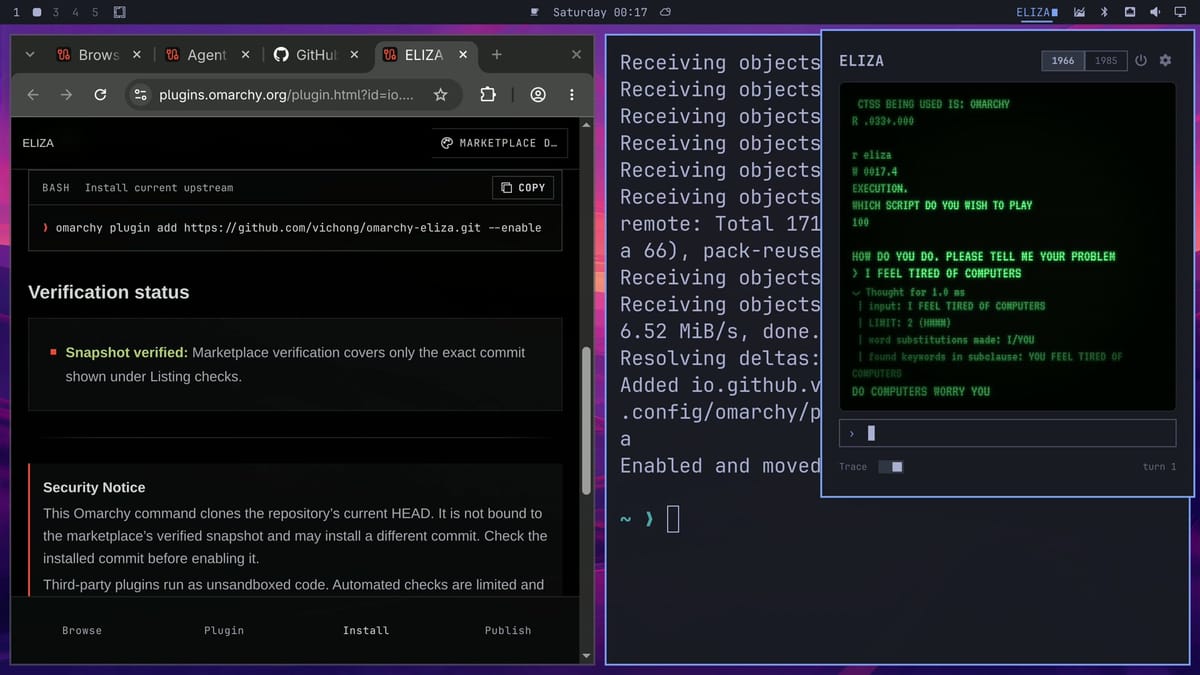
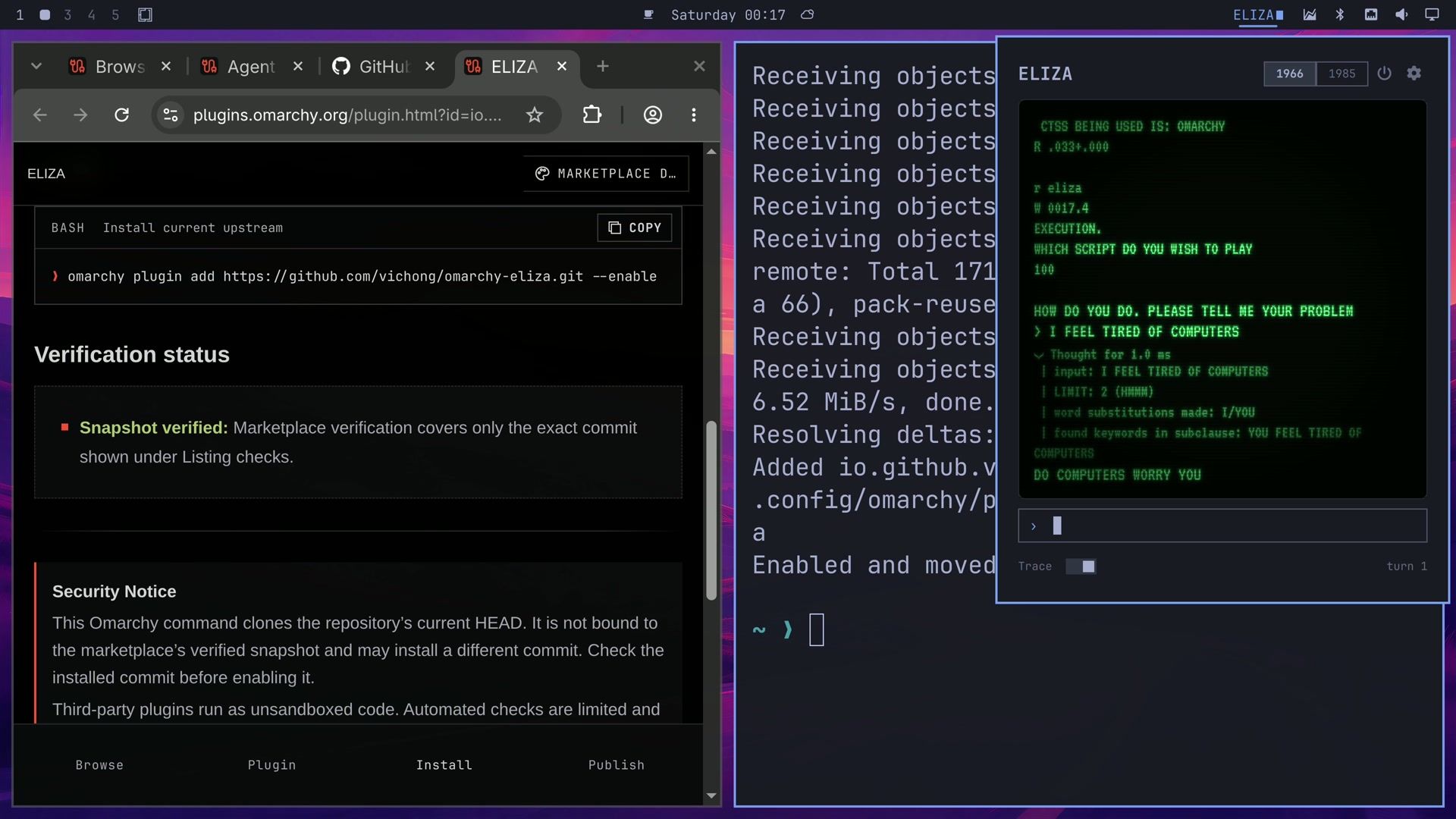
omarchy plugin add https://github.com/vichong/omarchy-eliza.git --enableClick ELIZA in the top bar to open a small green terminal, and press space to skip the login screen. ctrl t turns on the trace, which shows the rules behind each reply. Tell it “I feel tired of computers” and it answers “DO COMPUTERS WORRY YOU”. The trace says it thought for about a millisecond.
Remove a tool and its keybinding
The omarchy plugin remove command, followed by the plugin’s ID, takes any of these off. For the three tools with a keybinding, also delete the line you added to ~/.config/hypr/bindings.lua (for omaSearch, both lines).
| Plugin | ID |
|---|---|
| Keystroke | evindor.keystroke |
| omaSearch | io.github.5h3rd1l.omasearch |
| Ask | clickety-clacks.ask |
| Agent Chat | robson.agent-chat |
| Agent Activity | agf.agent-activity |
| ELIZA | io.github.vichong.eliza |
Removing Keystroke brings back the stock Omarchy menu. It leaves its model, settings, and usage history behind, and this deletes them:
omarchy plugin remove evindor.keystroke
rm -rf ~/.local/share/keystroke ~/.local/state/keystroke ~/.config/omarchy/keystroke.json
omaSearch keeps your saved chats and pasted images:
omarchy plugin remove io.github.5h3rd1l.omasearch --yes
rm -rf ~/.local/state/omasearch ~/.cache/omasearch
Ask leaves its settings file, so a reinstall keeps your choices:
omarchy plugin remove clickety-clacks.ask
rm ~/.config/omarchy/ask.json
Agent Chat writes nothing of its own. Agent Activity keeps its database, which holds your prompts:
omarchy plugin remove agf.agent-activity
rm -rf ~/.local/share/omarchy-agent-activity
ELIZA saves only its settings and never saves a conversation:
omarchy plugin remove io.github.vichong.eliza
rm -rf ~/.config/omarchy/eliza
rm -rf deletes without asking, so check each path before you press enter . Removing a plugin does not sign you out of Codex or pi; their own sign-in files stay where they are.
More Omarchy guides
The Omarchy AI manual lists every agent Omarchy can install and the agents panel in the top bar. For a desktop app instead of a plugin, our guide to installing Hermes Desktop on Omarchy covers Nous Research’s agent. If you are new to Omarchy, the first Omarchy keyboard shortcuts to learn covers the keys used above, and the Omarchy hardware guide covers the mini PCs and laptops that run it.


