
We hit four annoyances using Claude Code on Omarchy, so we asked Claude Code to extend itself and fix them. The tool for that is a mod: a plugin whose code runs inside Claude Code and changes its interface. Claude Code can write one for itself. It read Anthropic’s mods documentation, wrote all four mods as one plugin, tested them, and fixed the faults it found. On the day we filmed, Anthropic added themes for the Claude desktop app, so we also had Claude Code write a theme in our Omarchy colors.
Each section below follows the same order: the problem, what we asked Claude Code for, and what the mod does, first in the terminal and then in the Claude desktop app. The mods are examples, not software to install and depend on. We do not maintain them. Read them, build from them, or better, ask Claude Code for the mod you want. Every prompt we typed is in this guide.
We ran everything on Omarchy 4.5 on November 13, 2026: Claude Code 2.1.323 in the terminal, and the Claude desktop app 5.1231.2, which carries Claude Code 2.1.321, for the four mods. The theme needed a newer desktop app (more on that in its section). Claude writes its replies fresh each time, so your wording will differ from ours, but the cards and buttons come from the mods and show the same way.
How Claude Code wrote the four mods
A mod is made of JavaScript or TypeScript functions that Claude Code calls when something happens, such as a tool call or a part of the screen being drawn. Settings hooks, skills and MCP servers work from outside Claude Code: they run a script, or give Claude text or tools. A mod runs inside, so it can draw a pane beside the transcript, a band of text with buttons just above the prompt, or a card under a tool call, and it can hold a tool call before it runs. The docs rule out one thing: a mod cannot change what the permission prompt shows.
For each annoyance we told Claude Code the problem and what we wanted instead, in a sentence or two; each section below says what we asked for. It wrote one plugin with a file for each mod and one more file that holds every Omarchy command the mods call. Then it tested each mod and fixed what failed. Its first notification design also fired in auto mode, for tool calls that would have run without a prompt, so it moved the mod to an event that fires only when a permission prompt will show. On Omarchy, the floating terminal from a run button closed by itself, because the mod waited on the window longer than Claude Code lets a mod wait; Claude Code changed it to open the window and return at once.
Permission prompts that wait on another workspace
In manual mode, Claude Code stops and asks before it edits a file. If you have moved to another workspace, the prompt waits, and so does the work. We asked Claude Code for an Omarchy notification with Approve, Deny and Focus buttons.
Permission prompts only appear when Claude Code asks before it acts, so we switched to manual mode first: press shift tab until the footer reads manual mode on. Then we asked for a change to a small hiking site:
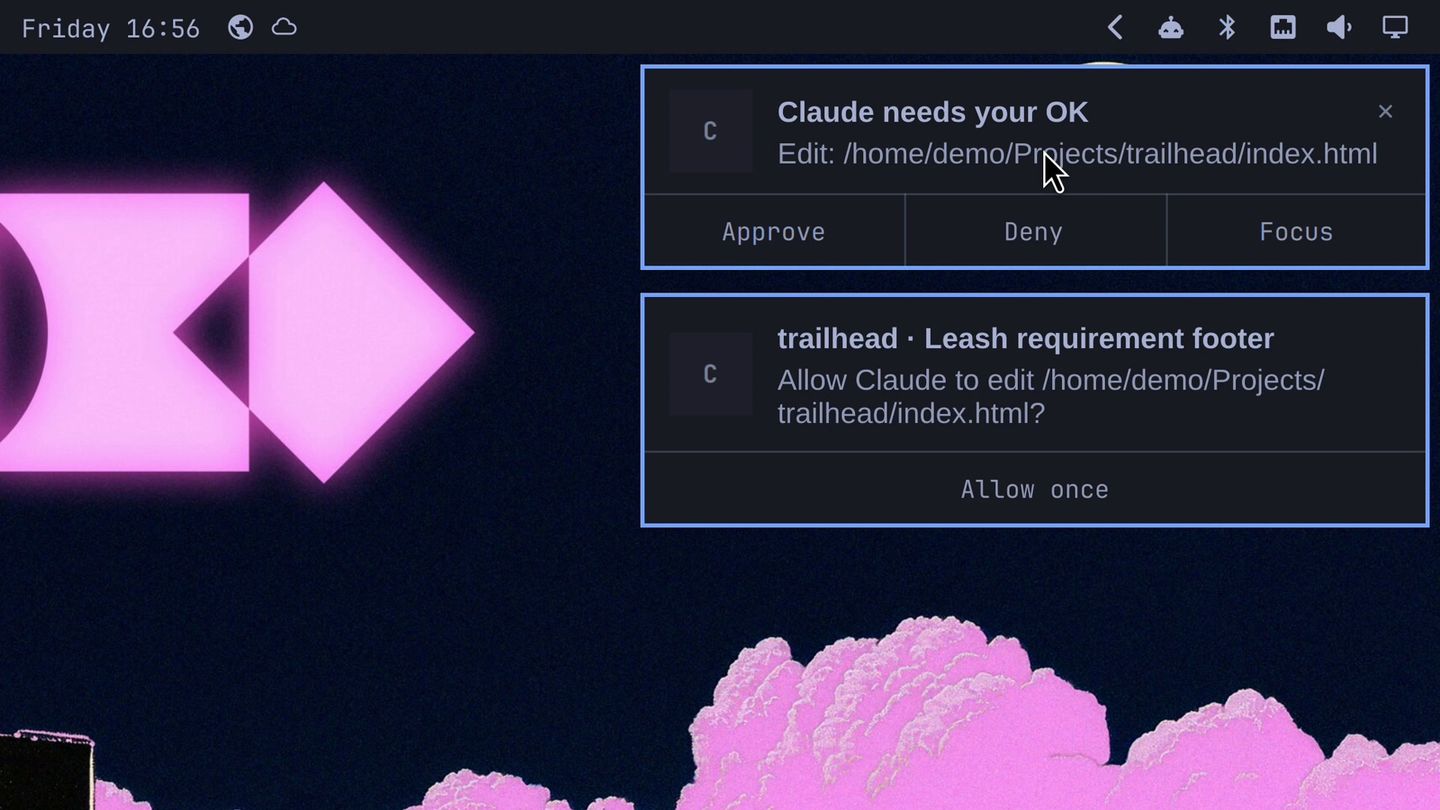
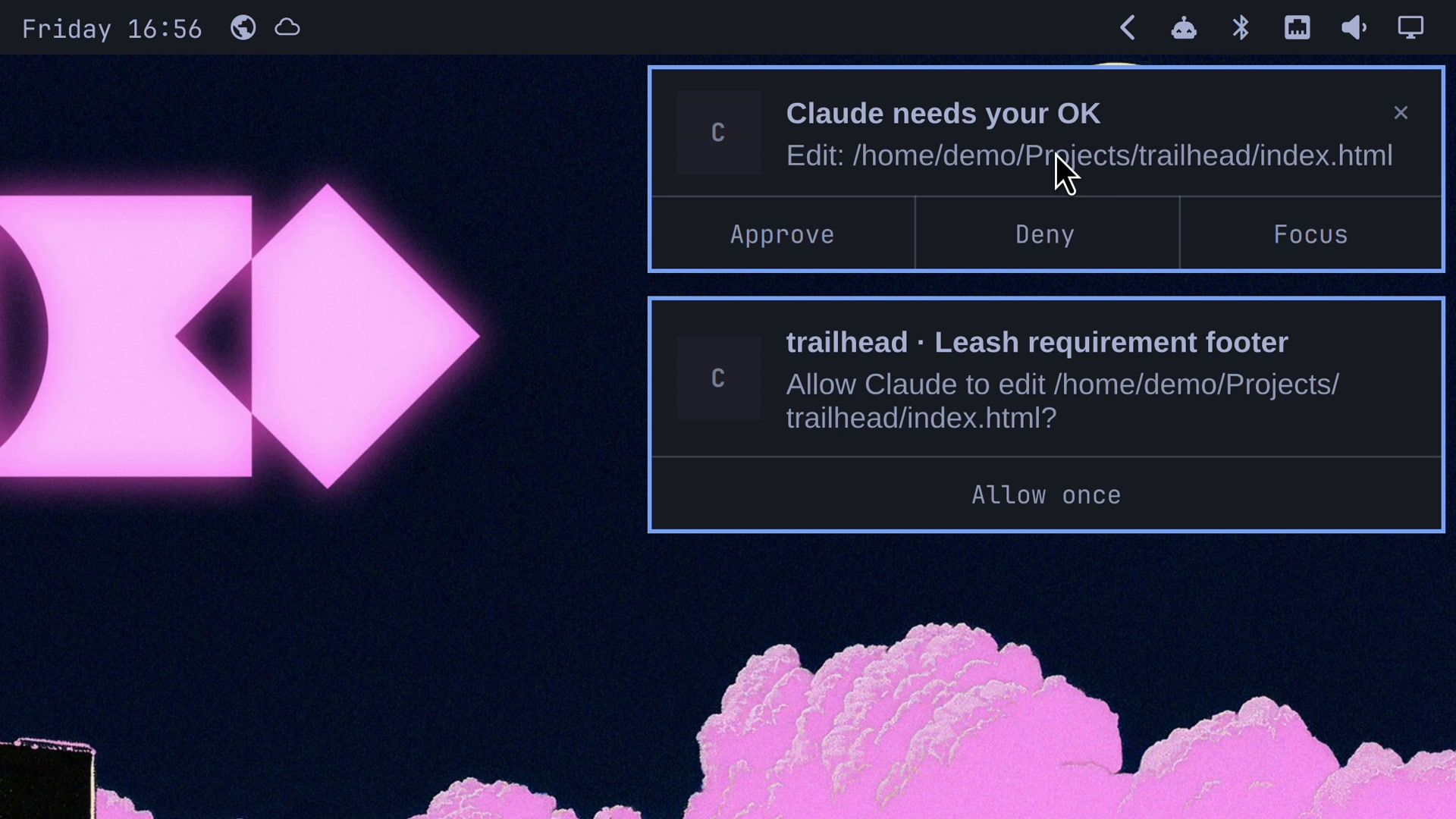
Add a footer that says dogs must stay on a leashWe moved to workspace 2 with super 2 , where the page was open in Chromium. When Claude wanted to edit the page, a card showed up at the top right. It reads Claude needs your OK and names the action and the file, with Approve, Deny and Focus under it.
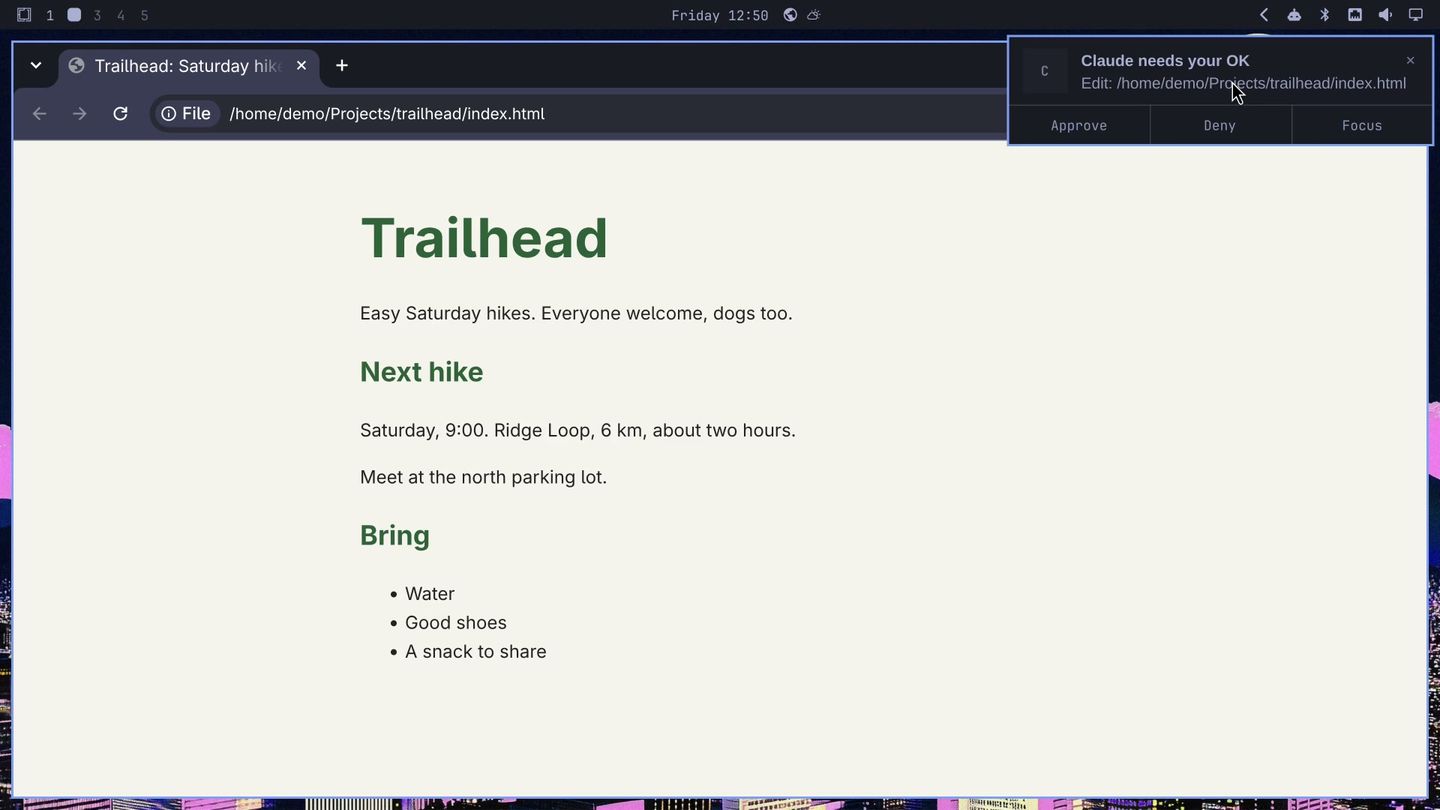
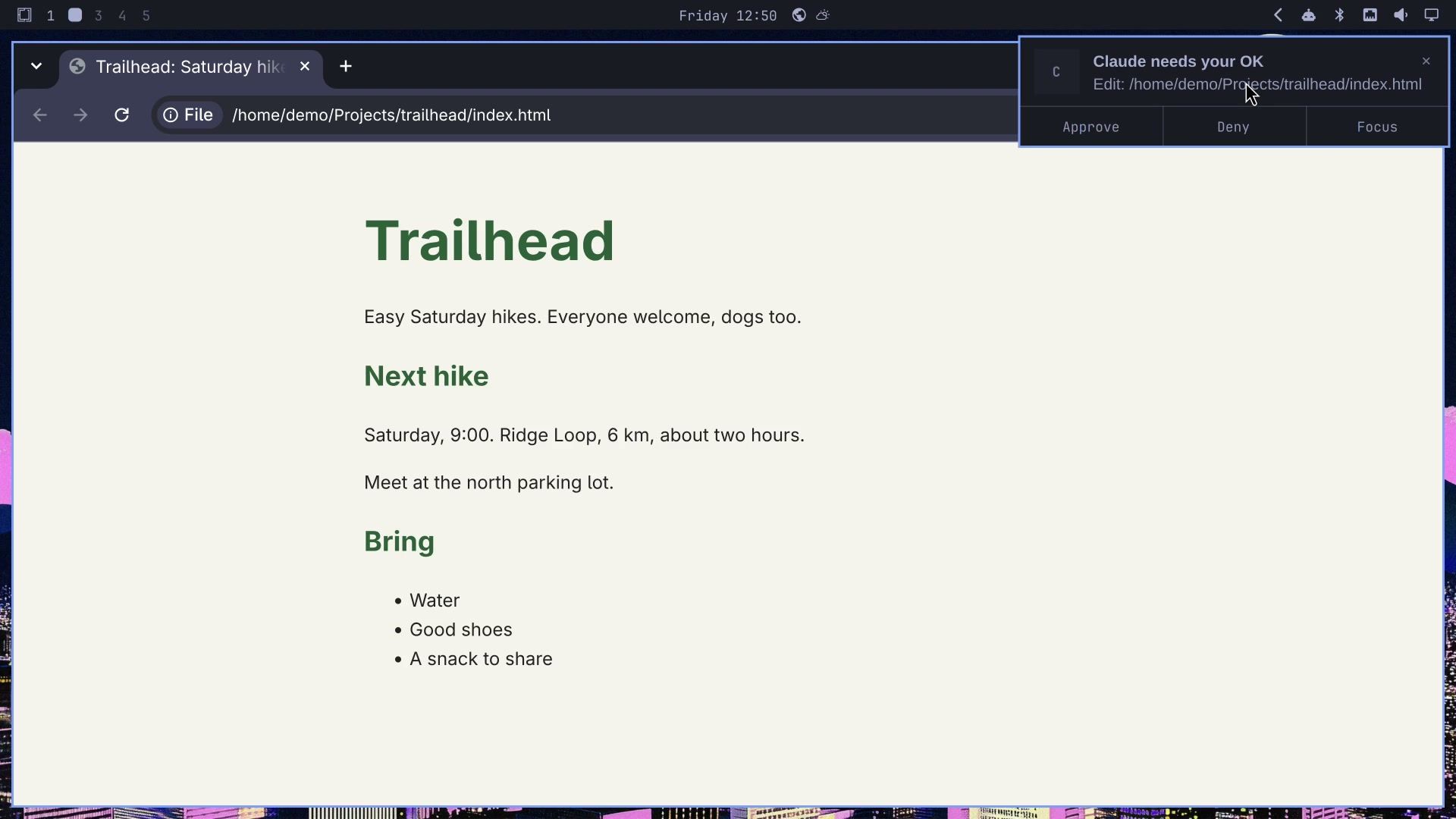
Approve let the edit through. Claude went straight on to a second edit, for the stylesheet, and a new card asked about that one. We pressed Deny. A reload of the page showed the new footer, “Dogs must stay on a leash.” Back in the terminal, Claude Code marks one edit “Allowed by PermissionRequest hook” and the other “Denied by PermissionRequest hook”, and Claude’s reply said the stylesheet was left alone because we declined that edit.
Focus is for a prompt you want to read first. We asked for one more change and left the terminal again:
Start a CHANGELOG.md with the footer changeWhen its card came, we pressed Focus. Omarchy switched back to the terminal, where the permission dialog showed the whole question, “Do you want to create CHANGELOG.md?”. We answered yes there, and the card cleared itself. A Claude finished card, with a Focus button, also shows when a reply is done.
In the Claude desktop app
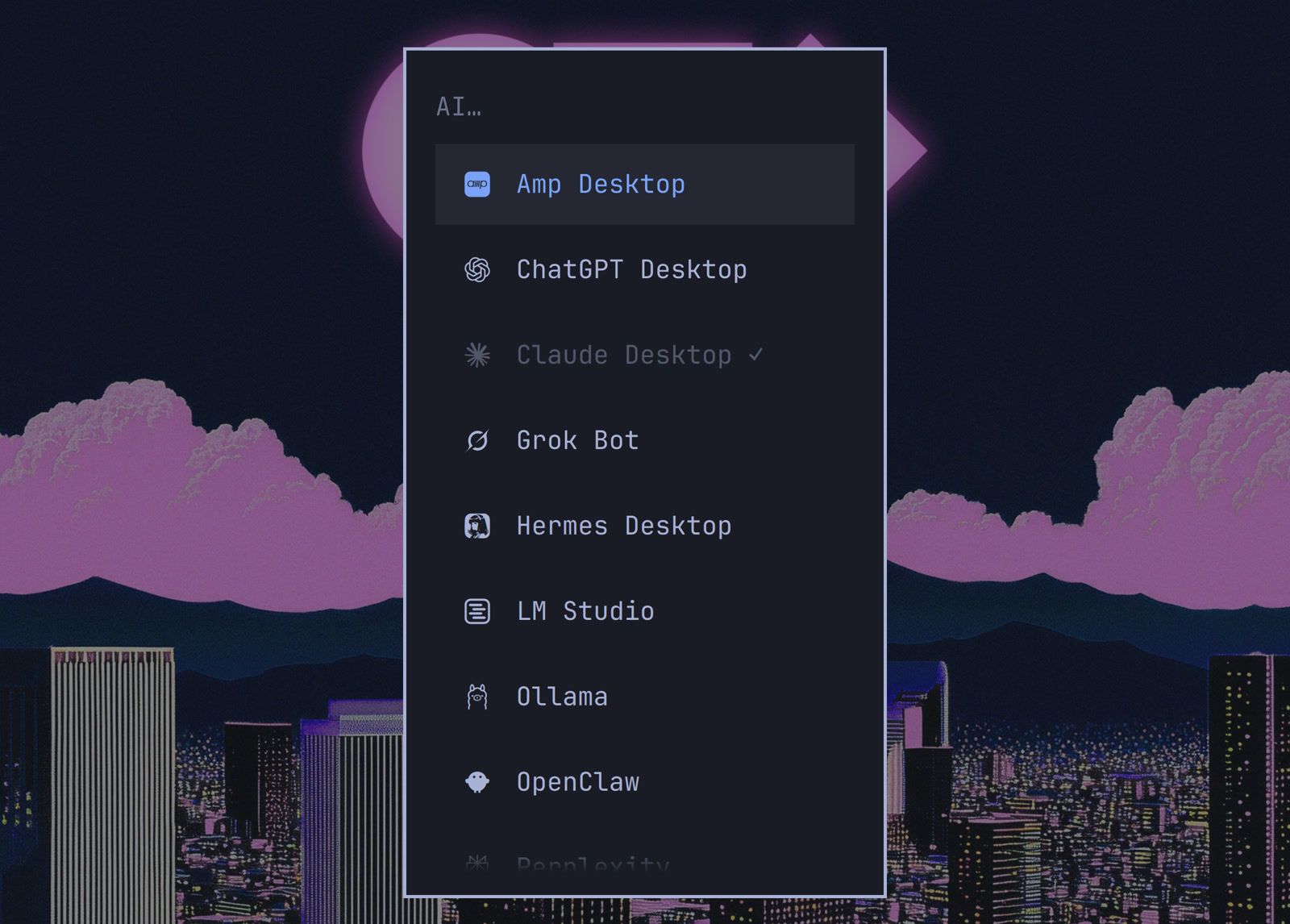
The Claude desktop app runs Claude Code too, in its Code tab. Omarchy installs it from its menu: press super space , then choose Install, AI and Claude Desktop. Once it is installed, the row shows a check mark. The app asks you to sign in on first start, since the terminal sign-in does not carry over.
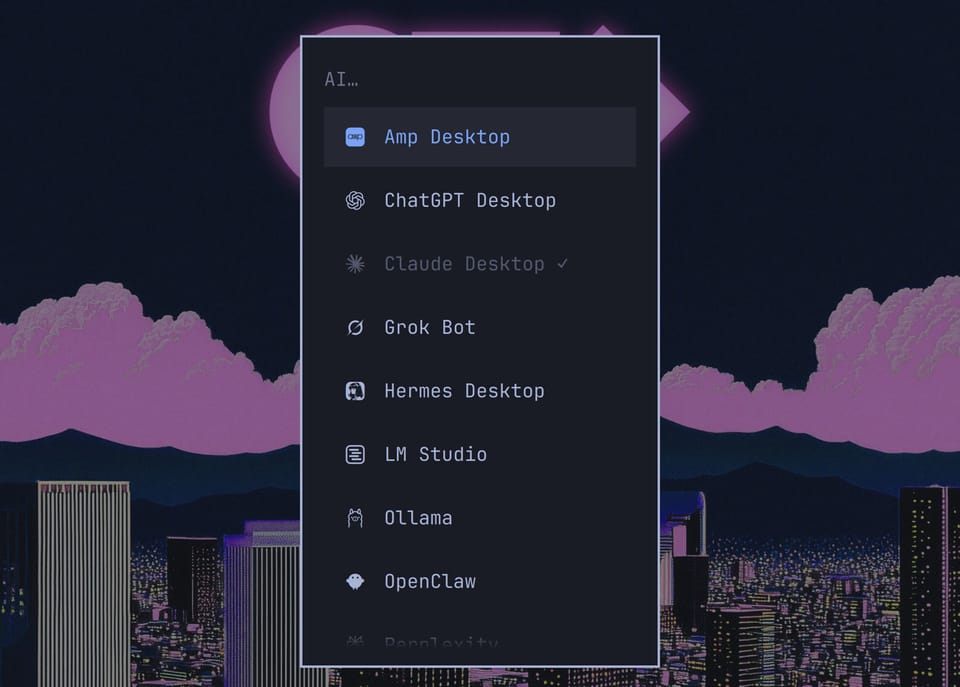
The plugin we had installed in the terminal, for our user, loaded in the app with no change. The cards and bands look the same, and their buttons can be clicked. The app has a permission-mode menu under the prompt in place of shift tab .
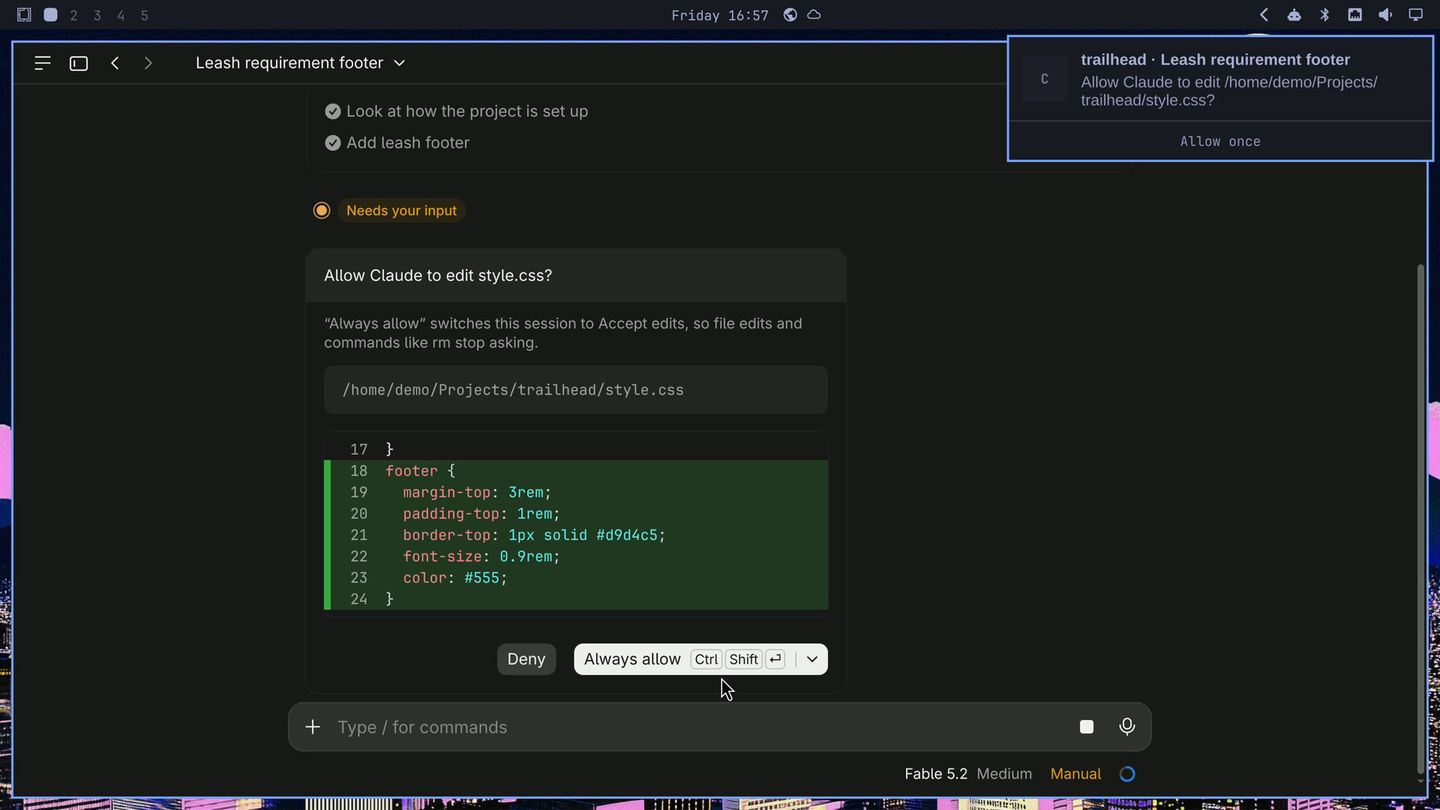
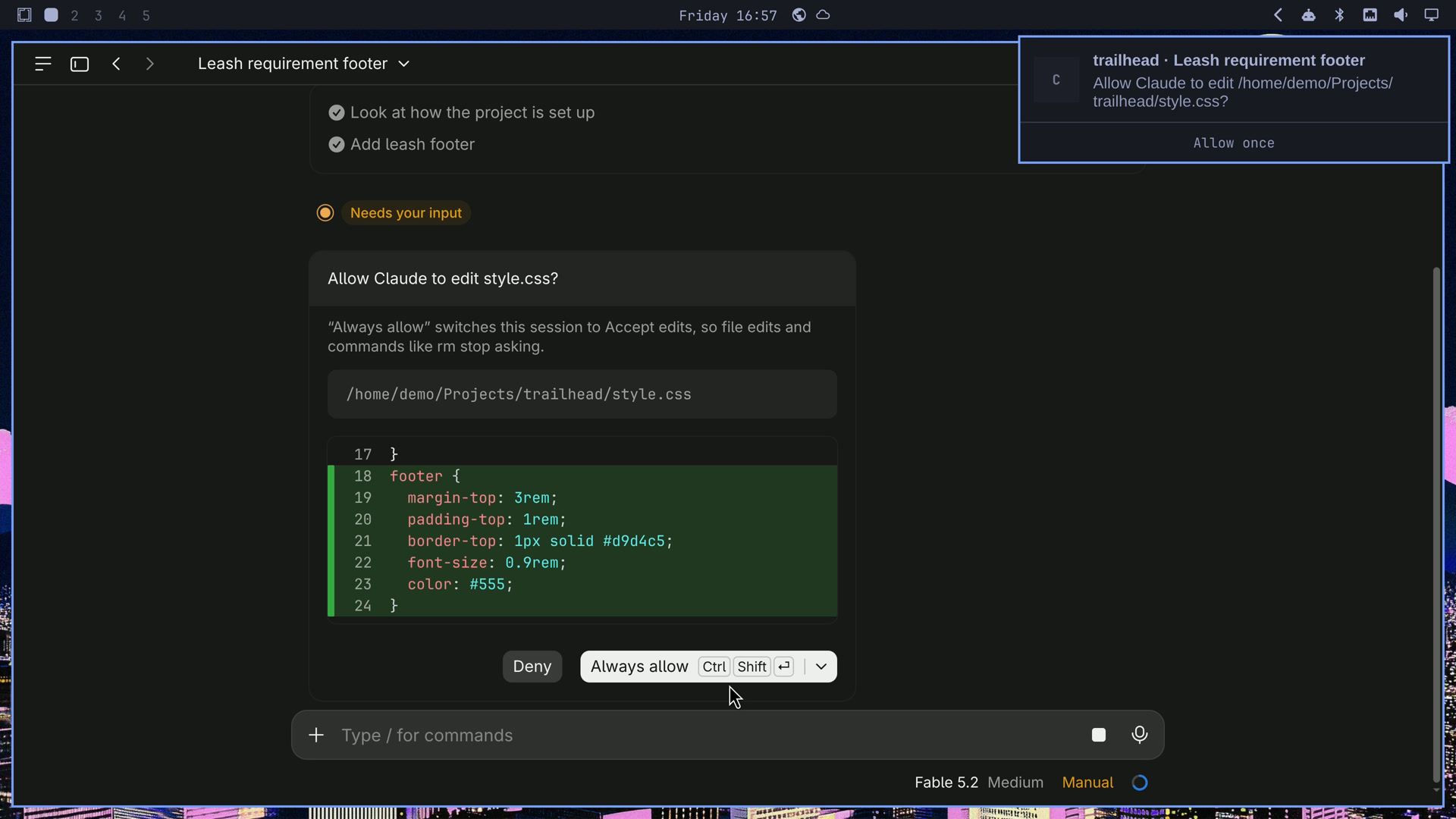
We picked Manual in that menu and typed the same footer request. When Claude wanted to edit the file, the mod’s card came with the same three buttons. The app also sends a notification for the prompt, but its only button is Allow once, so the mod adds Deny and Focus. Approve on the mod’s card answered the app’s prompt too.
For the stylesheet edit, we pressed Focus. Omarchy switched back to the app with its question open, Allow Claude to edit style.css?; one more click showed the change. We answered Deny in the app.
AUR installs with no review
In auto mode, a package install runs right away, and an AUR package builds from a PKGBUILD you haven’t read. We asked Claude Code for a card that says where each package comes from, and a hold on AUR installs until we review them.
First we asked Claude Code to install a package from the official repos:
Install figletClaude ran the install. The mod’s card under the command read pacman install: repo packages, no hold and named the repo, figlet extra repo. Packages in the official repos are built and signed by Arch’s packagers, so the mod lets them through with that note and no hold.
Next we asked for a package that is only in the AUR, where anyone with an account can upload a build recipe:
Install tty-clock from the AURClaude read the PKGBUILD itself first and called it clean before it ran yay. The mod held the install anyway, so the final call stays with you. Before you decide, the yellow card shows who maintains the package, its votes and last update, where the source downloads from, whether the checksums are set, and how long the build steps are.
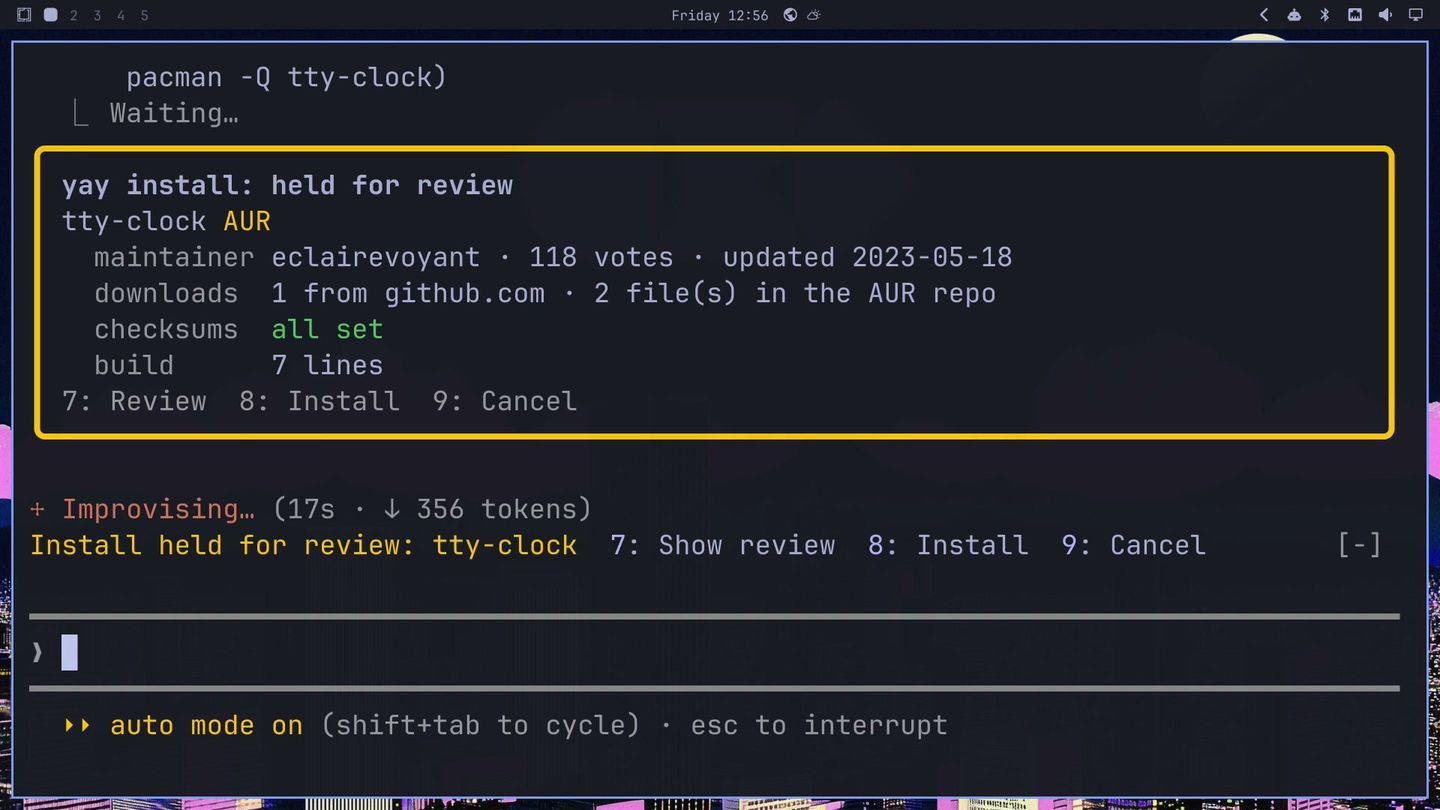
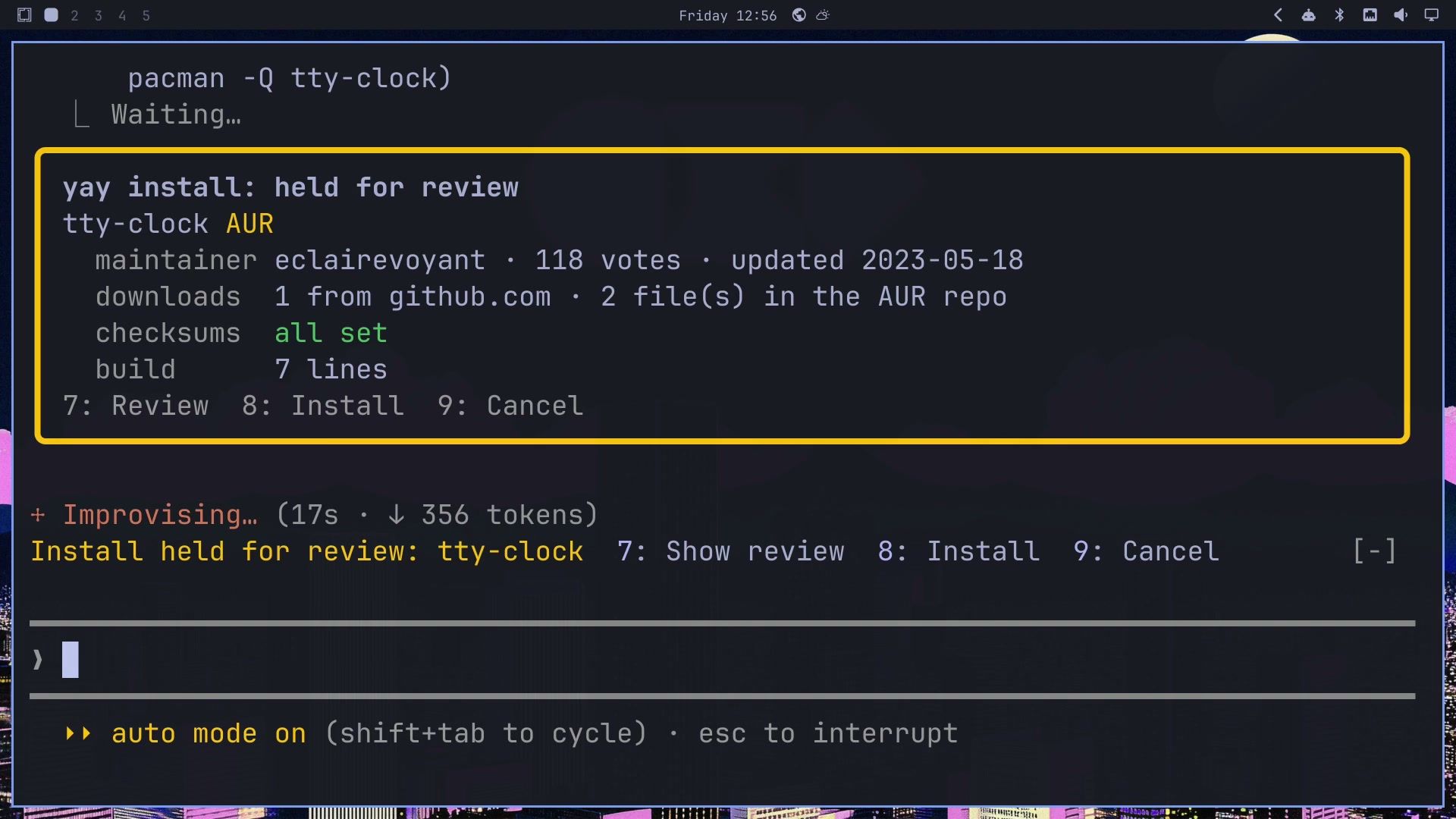
A band above the prompt offers 7: Show review, 8: Install and 9: Cancel; type the number into the empty prompt. The review lists the downloads, the checksums and the commands the build will run. We read it, chose Install, and yay built tty-clock. Then we asked for another AUR package:
Now install cbonsaiThe mod held it, and this time we pressed 9 for Cancel. Claude reported that nothing was built or changed.
The card is a summary to help you decide, not a safety check. It does not build in a sandbox and it does not judge whether a package is safe. Reading the review is still your job; our guide to installing AUR packages safely lists what to look for.
In the Claude desktop app
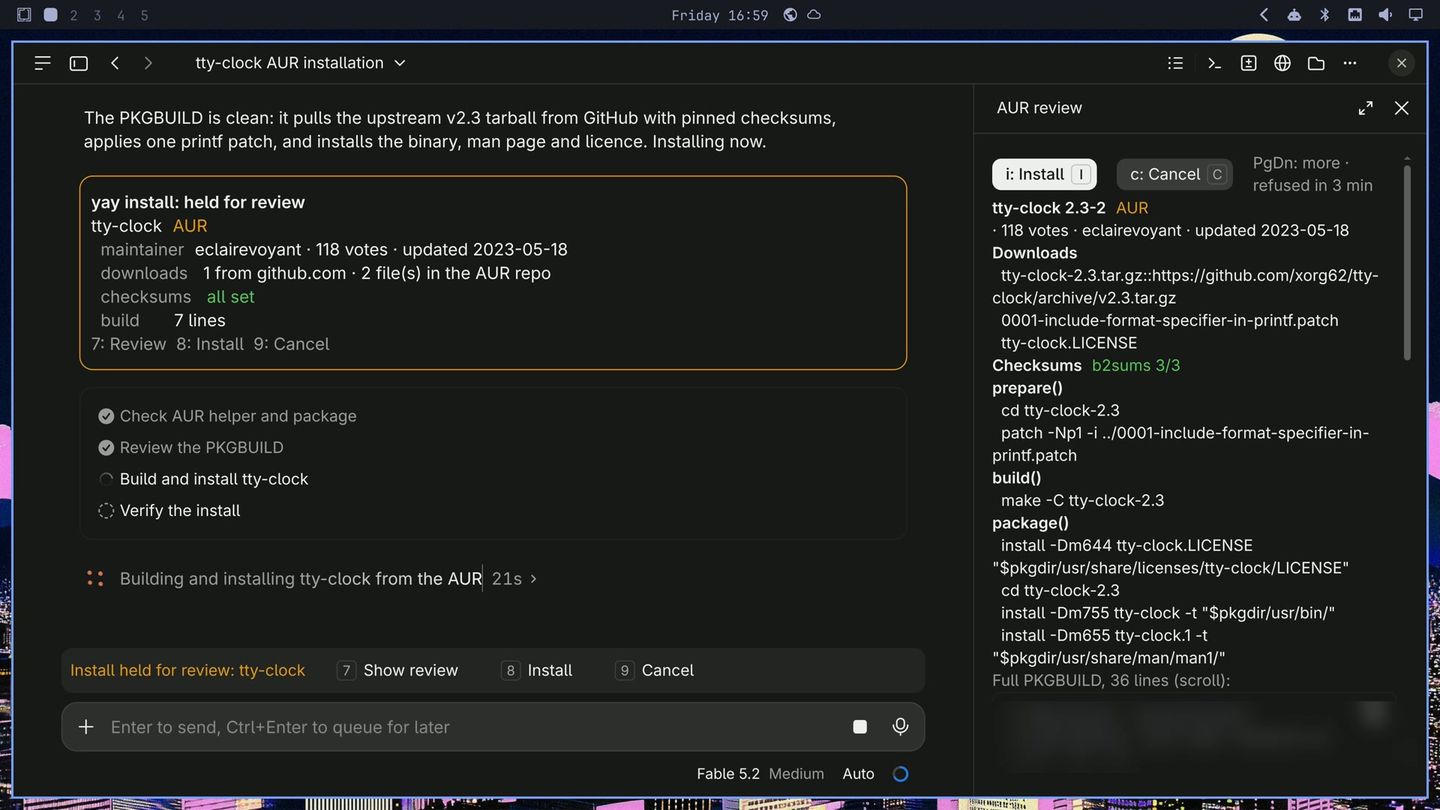
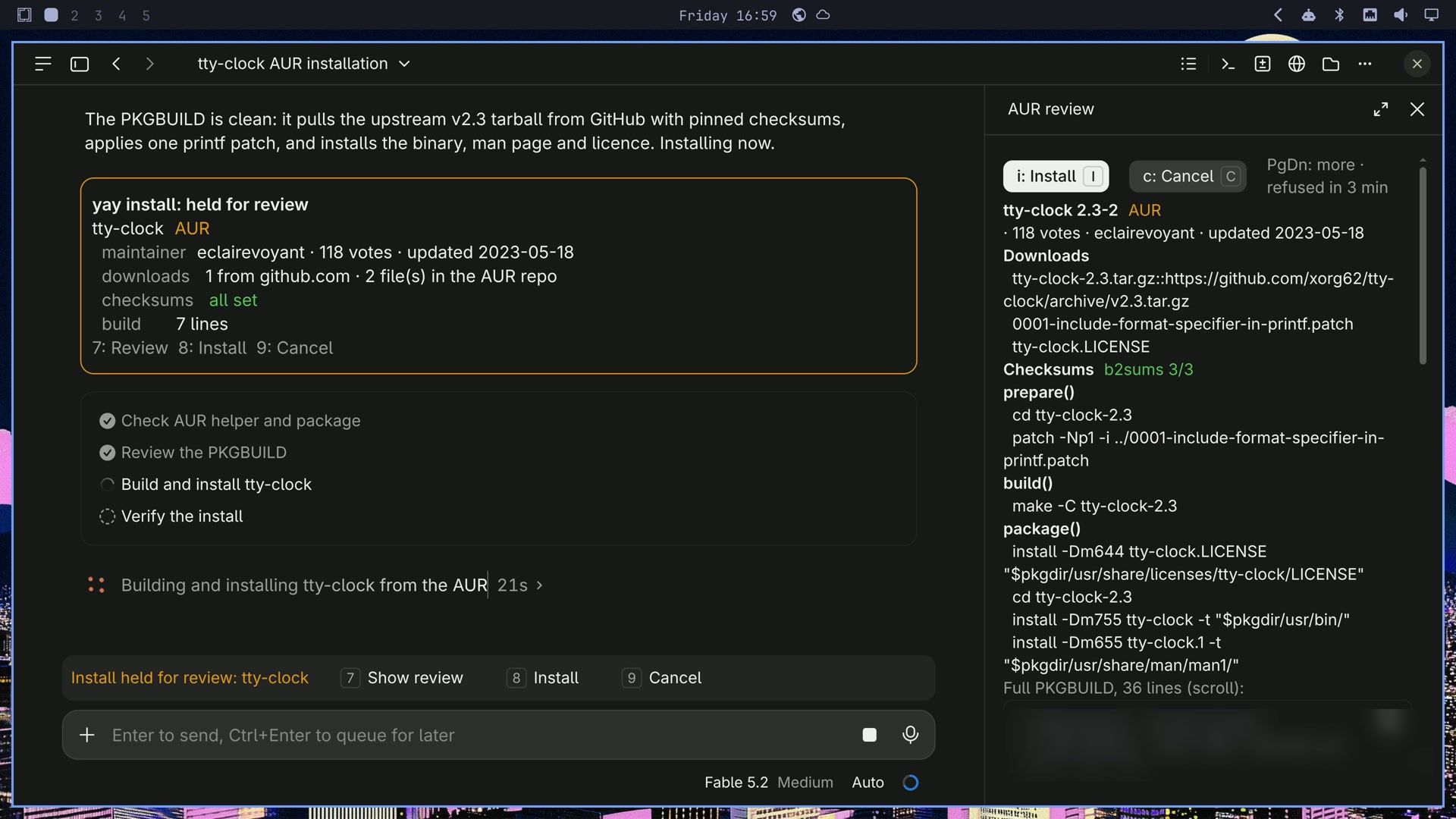
The same tty-clock request held the same way, and the review opened by itself in a pane beside the chat, with Install and Cancel buttons to click. After Install, the card read yay install: approved after review.
Commands that need sudo
We would rather type sudo passwords ourselves, so Claude Code hands us the command to copy. We asked Claude Code for a button that opens the command in a terminal, typed but not run. Then we asked for a firewall rule:
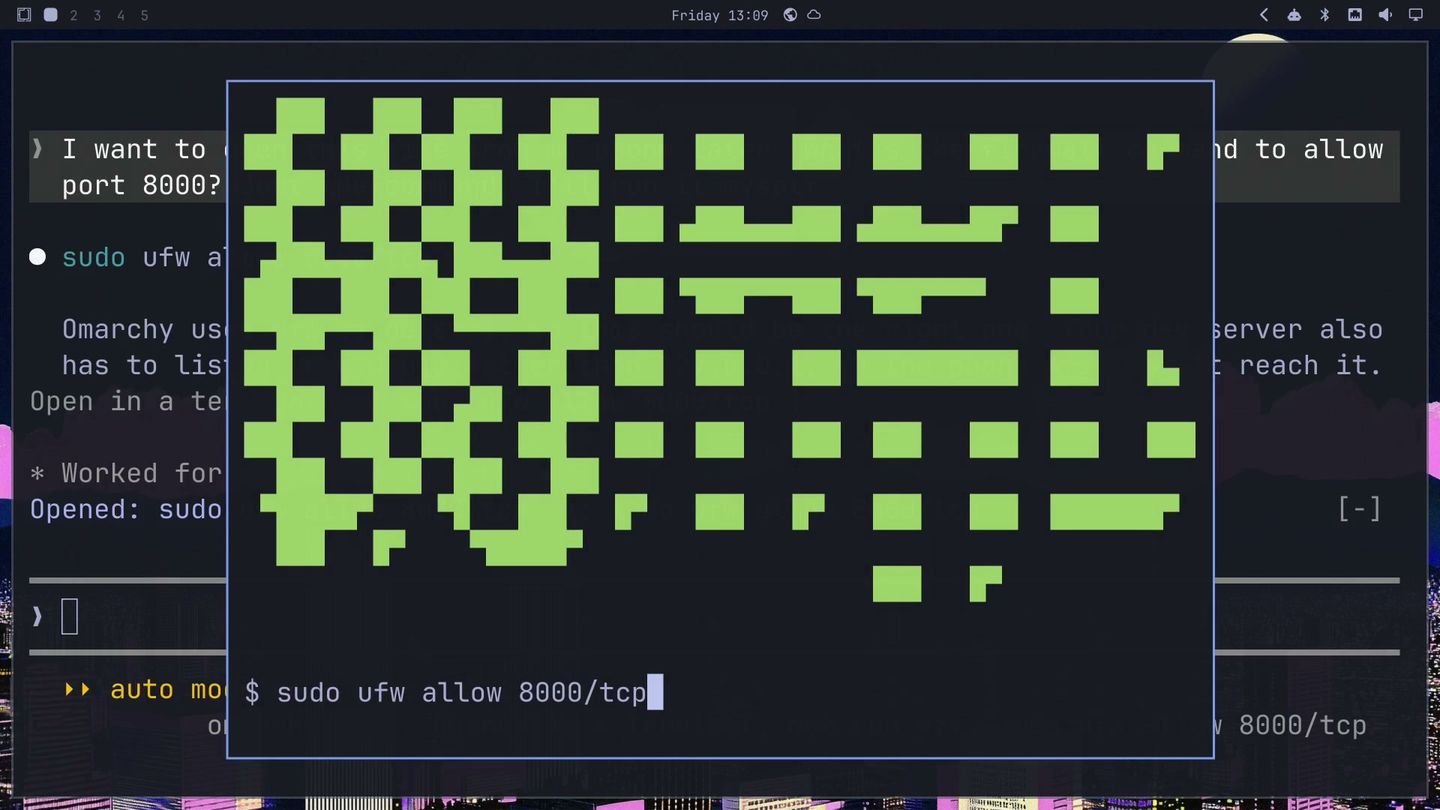
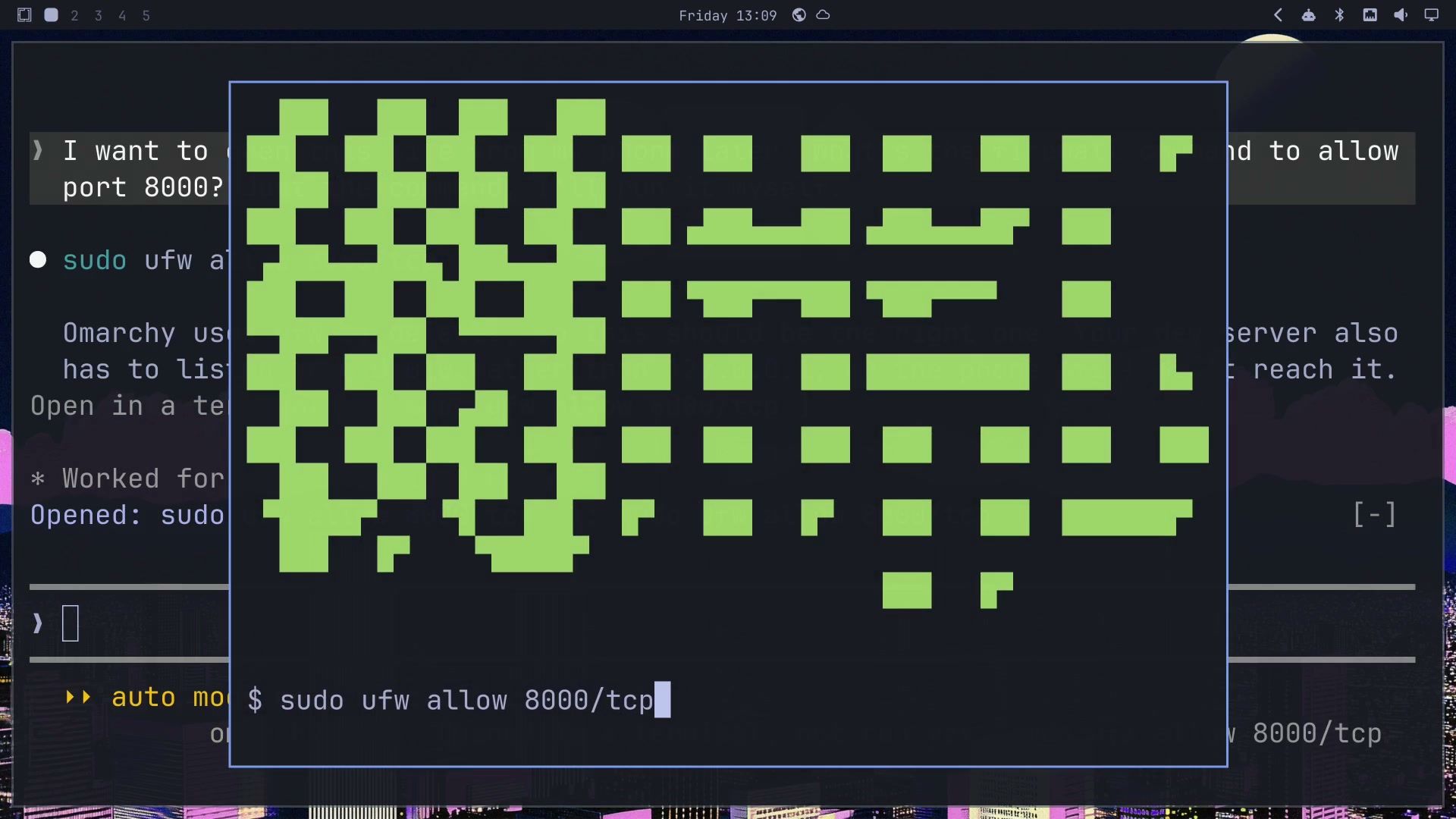
I want to open this site from my phone later. What's the firewall command to allow port 8000? Just the command, I'll run it myself.Claude answered with sudo ufw allow 8000/tcp and noted that Omarchy uses UFW as its firewall. Under the reply, the mod put that command on a button, and a band above the prompt offered it on the key 1 .
Pressing 1 in the empty prompt opened a floating Omarchy terminal with the command typed at the prompt and waiting. Press enter to run it, or ctrl c to drop it. We ran it, typed the password at the real sudo prompt, and UFW printed “Rule added”. Commands Claude runs itself get no button, only the ones it hands to you.
In the Claude desktop app
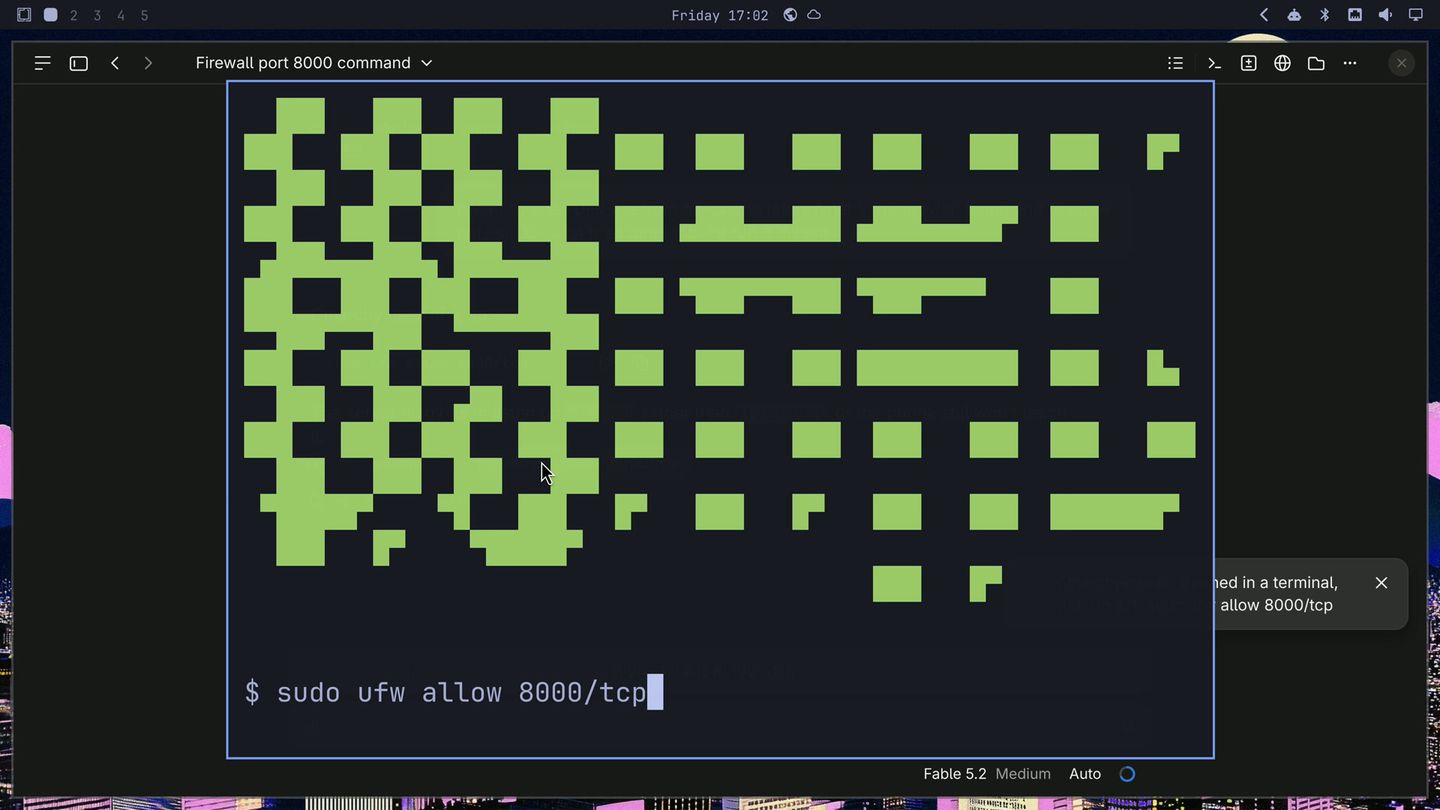
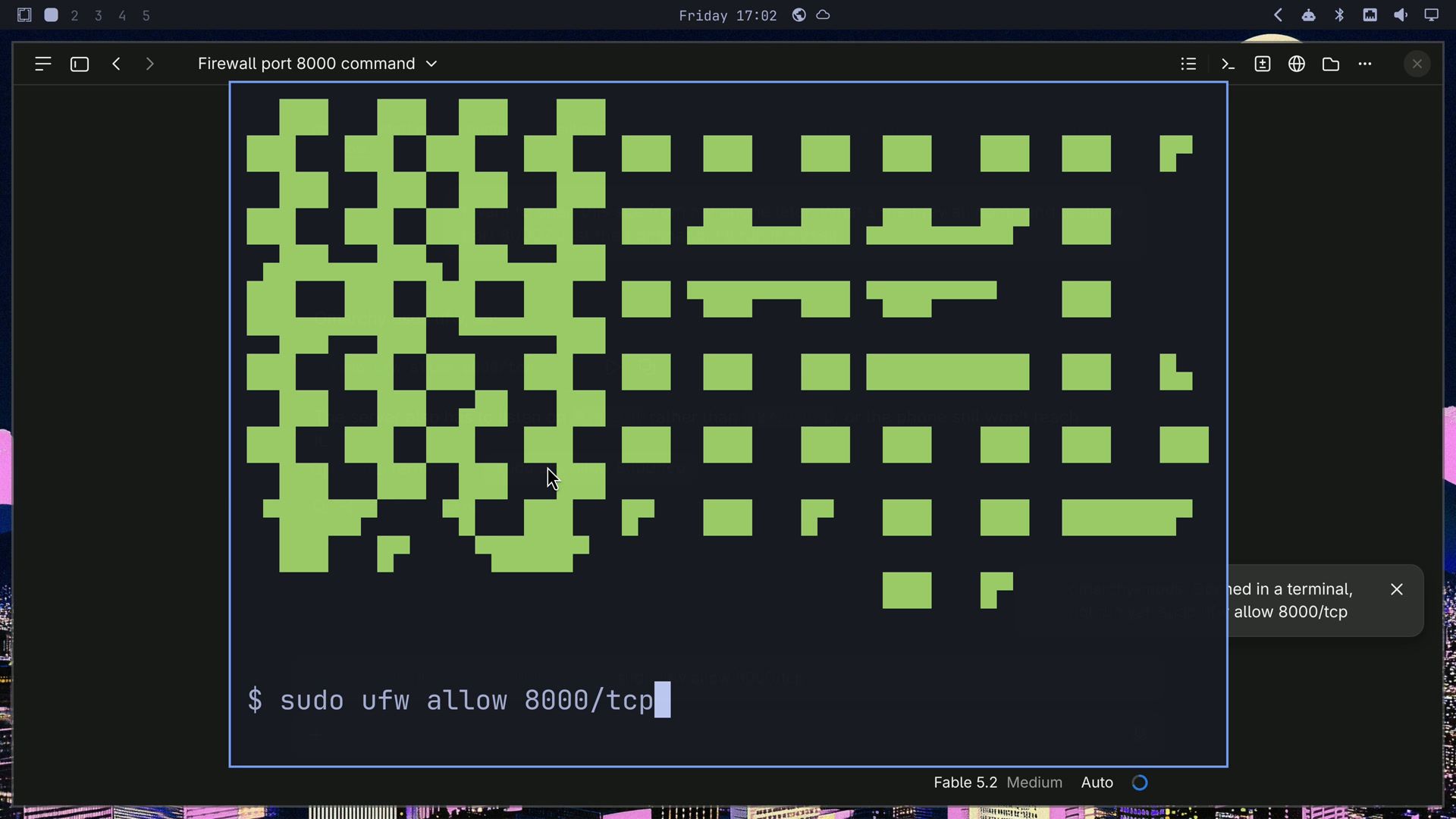
We clicked the mod’s Open in a terminal button under the reply. The same floating terminal opened over the app with the command typed, and nothing ran until we started it.
Dev servers we forget
Claude Code starts a dev server in the background, and later we forget it is still holding a port. We asked Claude Code for a list of the servers Claude started, with Open and Stop. Then:
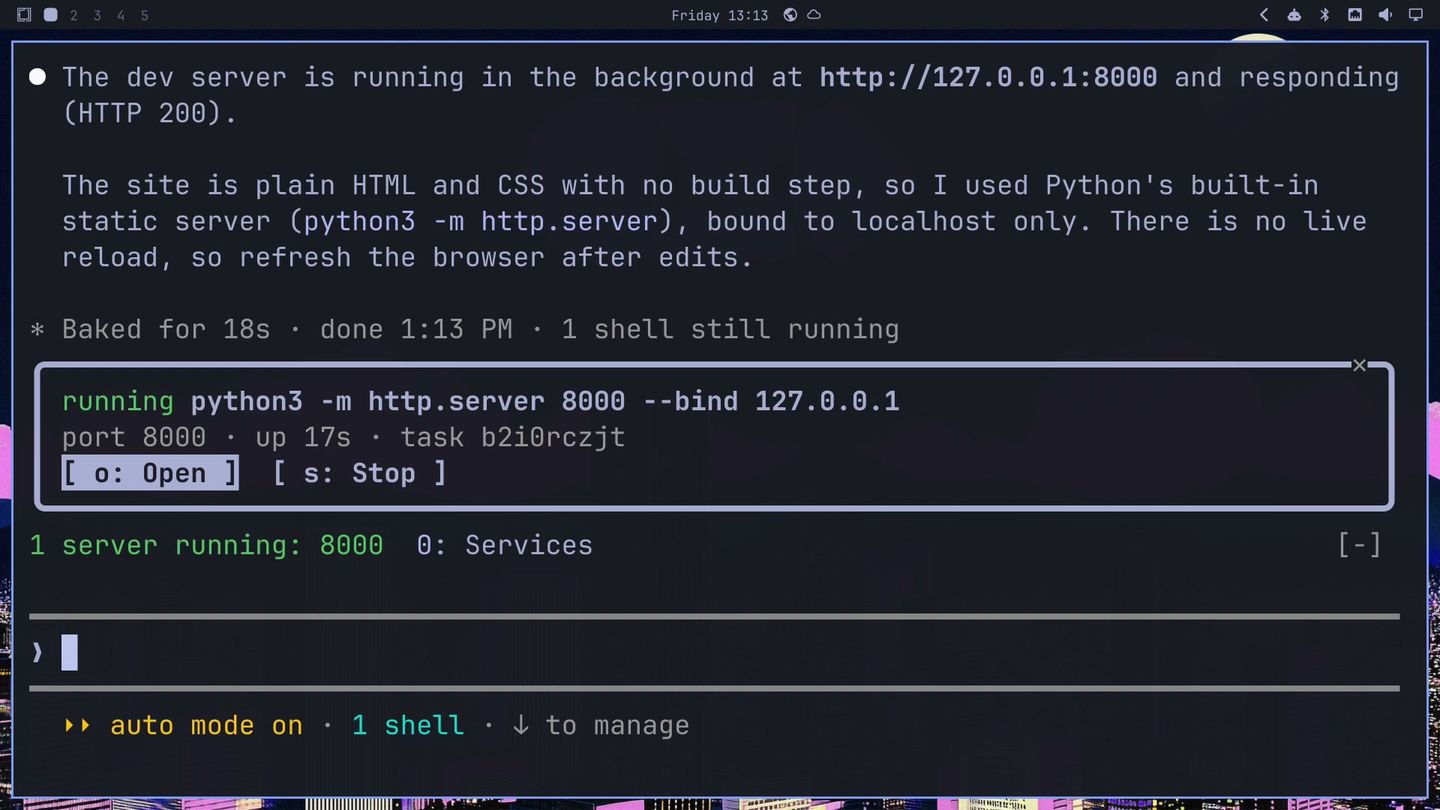
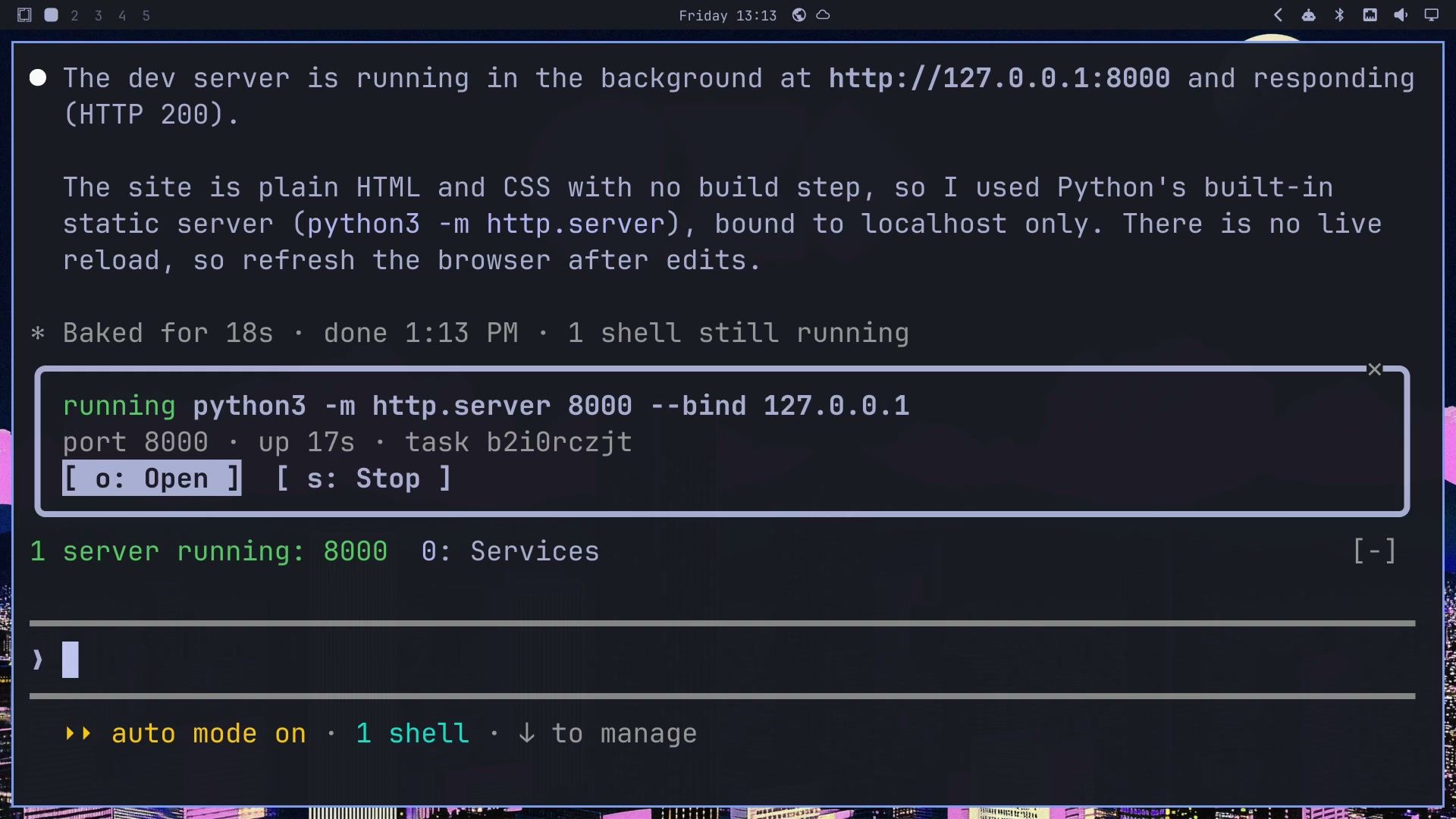
Start a dev server for this site in the backgroundClaude started Python’s built-in web server on port 8000 and checked that the page loaded. A band above the prompt showed 1 server running: 8000 with 0: Services, and pressing 0 opened the Services pane. It lists the command, the port and how long the server has been up. Open showed the site in an Omarchy web app window, and Stop shut the server down.
In the Claude desktop app
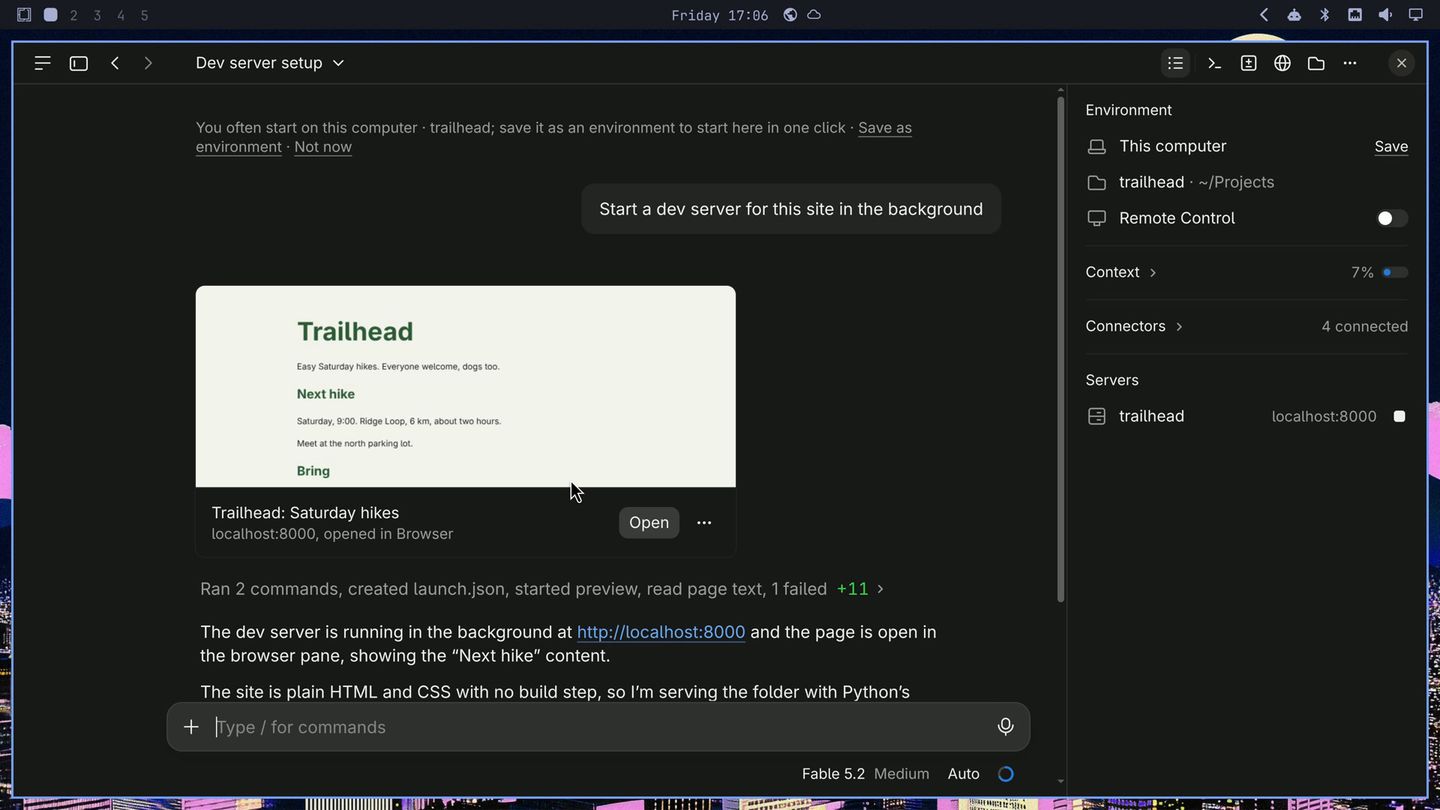
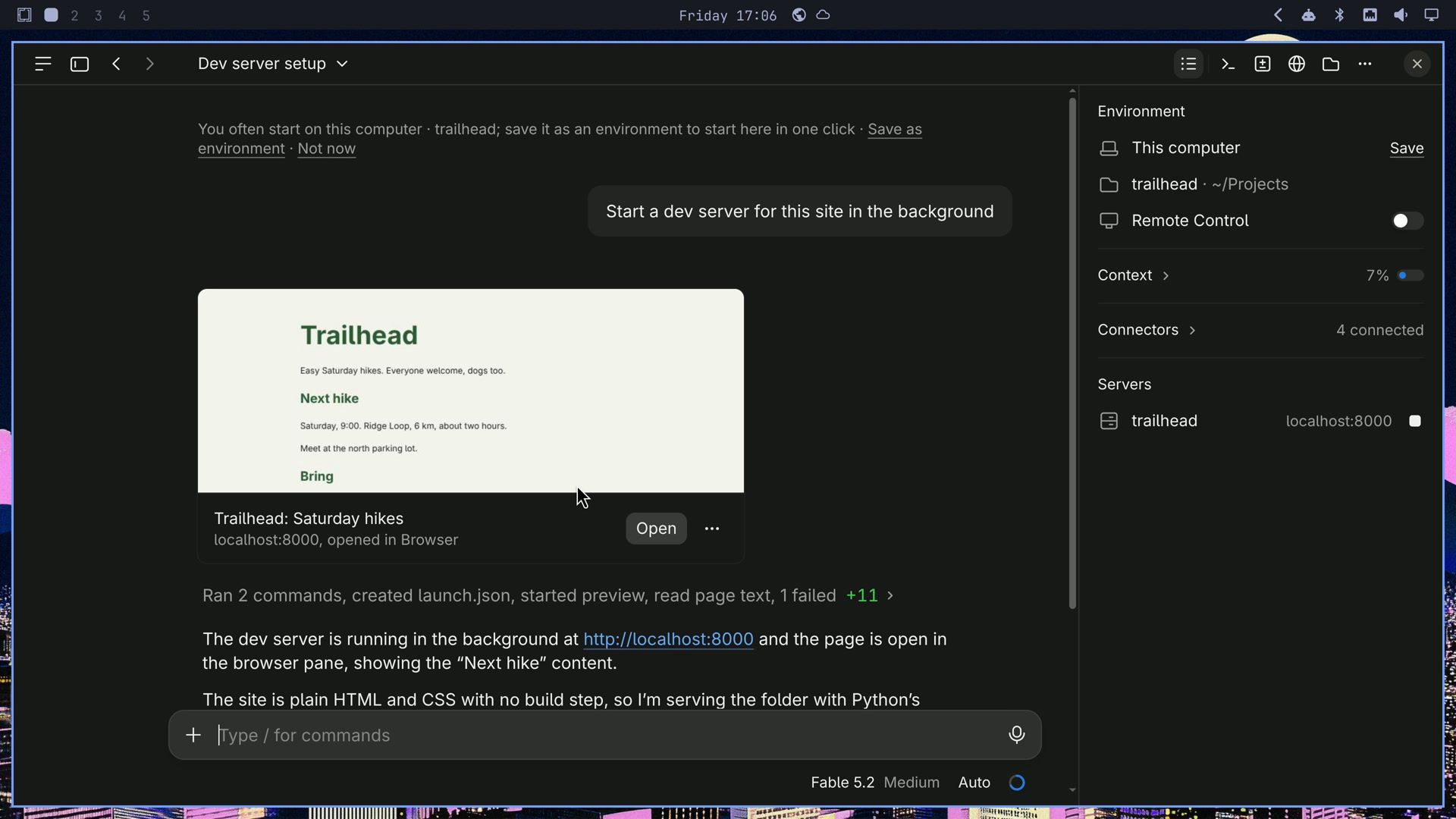
The same request went to the app’s preview server instead. The app showed the page and listed the server under Servers in its side panel, with a button to stop it. With that list, the app already covers this case, so the services mod is for the terminal.
A theme for the Claude desktop app
On November 13, 2026, the day we filmed, Anthropic announced themes for Claude Code in the desktop app, built with mods. A theme mod can set the colors of the app’s Code tab and draw a backdrop behind the conversation, and the backdrop can move. Anthropic’s theme-examples plugin, in the official plugin marketplace, has twenty animated backdrops to start from. The backdrop draws in the desktop app, not in Claude Code in a terminal.
Update the desktop app before you try one. Anthropic’s docs say a colors mod needs Claude Code 2.1.324 or later inside the app, and an older build of the app drew no theme at all in our tests. We filmed this part on the desktop app 5.11492.5, which carries Claude Code 2.1.325. The backdrop section of the mods docs explains how a theme mod works.
We started a new session in the app, in auto mode, and asked Claude Code to remake the Blueprint scene from theme-examples for our Omarchy setup: our Tokyo Night colors with the coral and violet from the wallpaper, both Omarchy logos, and a Tokyo skyline in thin outlines. These are the two requests we typed, word for word:
Take the Blueprint theme from theme-examples and make it Omarchy: my Omarchy theme's colors with the coral and violet from my wallpaper, the two logos from omarchy.org/brand with the wider OMA logo turned sideways up the right margin, and a Tokyo skyline in thin outlines that rises taller at the sides, with a few windows that light up. Keep the middle calm for the chat and give the prompt box, buttons, links and code blocks that coral. Animate it the way Blueprint does, with no screen-size @media rules.

I like it, but it barely moves. Put a soft coral and violet halo behind each logo that swells and fades every few seconds, and have more of the skyline windows light up and go dark, so the motion is easy to see. Keep everything else.
We added the last line of the first request because, in this app build, a backdrop whose styles had screen-size @media rules stood still, and the same backdrop moved once they were gone.
Claude Code read the Blueprint scene, took the colors from our Omarchy theme and wallpaper, fetched the two logos from omarchy.org/brand, and wrote the mod in about five and a half minutes. In auto mode, the app turns on the mods Claude writes without asking and loads them when the turn ends. Claude also noted that the brand page lists Omarchy as a pending trademark, so the logos are fine on your own machine but worth checking before you share a mod.
When the mod loaded, the Omarchy logo topped a tower at the left as a coral rooftop sign, and the OMA logo ran up the right margin. A skyline rose at both sides, with lit windows dotting the towers, and the middle stayed calm under the chat. It barely moved, so we sent the second request. After the reload, coral and violet halos swell and fade behind both logos, and lit windows come and go across the skyline.
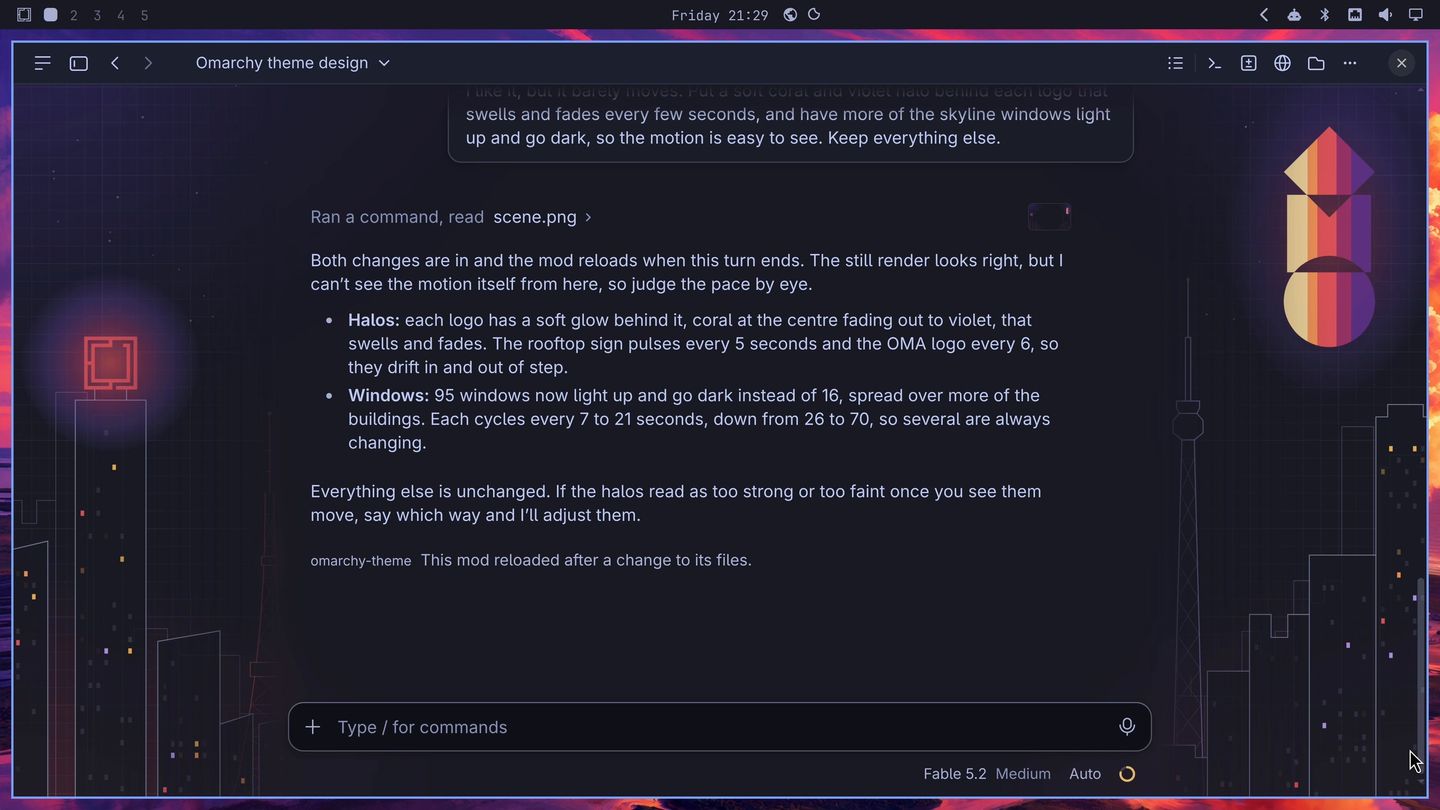
Claude Code cannot see the motion. Its reply said so: the still render looked right, but it could not see the motion itself, so we should judge the pace by eye. You watch the theme and tell Claude Code what to change, in plain words, as we did with the halos.
The theme’s colors are fixed to Omarchy’s Tokyo Night theme with coral and violet; they do not change when you switch Omarchy themes. We put the result in the same public repo as the mods, as a second plugin called omarchy-theme. The Omarchy logo and the OMA logo in it belong to Omarchy, and they are included as part of this example theme.
Ask Claude Code for your own mod
The next mod is yours. Think of what bugs you about Claude Code, and ask Claude Code to write a mod for it. Say what goes wrong and what you want to see instead, in a sentence or two. This is what we asked for:
- A permission prompt waits while we work on another workspace: we asked for an Omarchy notification with Approve, Deny and Focus buttons.
- AUR installs run with no review: we asked for a card that says where each package comes from, and a hold on AUR installs until we review them.
- Commands that need sudo: we asked for a button that opens the command in a terminal, typed but not run.
- Dev servers we forget: we asked for a list of the servers Claude started, with Open and Stop.
- The desktop app in our Omarchy colors: the two theme requests above.
And these are the prompts we typed to try the four mods, in the terminal and in the desktop app:
Add a footer that says dogs must stay on a leash
Start a CHANGELOG.md with the footer change
Install figlet
Install tty-clock from the AUR
Now install cbonsai
I want to open this site from my phone later. What's the firewall command to allow port 8000? Just the command, I'll run it myself.
Start a dev server for this site in the background
A mod runs with your permissions, inside Claude Code, and nothing sandboxes it, even when Claude Code wrote it for you. Anthropic’s docs list what that means: a mod can read and write your files, start programs, make network requests, see every prompt and tool call, and approve a tool call before you are asked. Before you keep a mod running, read its code, or ask Claude Code to walk you through it.
Try the example mods and the theme
Our four mods and the theme are in a public repo, starryhope/omarchy-mods, as two plugins: omarchy-mods and omarchy-theme. They are unmaintained examples to read and build from, not software for production or for a machine you depend on. The mods call Omarchy commands, so they need Omarchy 4.5, and the terminal needs Claude Code 2.1.287 or later. To try the mods on a test system, run these two commands in a Claude Code session:
/plugin marketplace add starryhope/omarchy-mods
/plugin install omarchy-mods@starryhope
Pick a scope (user scope gives you the mods in every project and in the desktop app), then confirm the options screen, where each mod has an on and off setting. To change them later, run /plugin configure omarchy-mods@starryhope.
The theme installs from the same marketplace:
/plugin install omarchy-theme@starryhopeIt needs the desktop app with Claude Code 2.1.325 or later inside. Start a new session in the app after the install, since the theme is set when a session starts. To take it off, disable or uninstall the plugin and start a new session. If the colors stay, open Settings in the Code tab, search for code appearance, and select Remove colors.
The repo’s README explains how to build your own from them: each mod is one file, so copy the one closest to what you want and change it, or point Claude Code at it as a starting point.
For more on Claude Code and coding agents on Omarchy, see how to let an AI agent run your computer with Claude Code, how we built an Omarchy plugin with a coding agent, and how Pi writes its own extension on Omarchy.


