

Listen to this article:
A disclosure before we begin: Starry Hope covers Chromebooks extensively, links to Chromebook products, and generally thinks they’re solid devices. You should weigh what follows knowing that we have a natural interest in Chromebooks being seen favorably. That said, the screen time research raises concerns that deserve an answer.
In November 2025, psychologist Jean Twenge published an op-ed in The New York Times titled “The Screen That Ate Your Child’s Education,” and it drew a wide response from parents and educators. Her core argument is blunt: the “every kid gets a Chromebook” idea has been a failure. Test scores are down. Screens are bad for learning. Kids use school-issued devices to watch streaming services, YouTube, and worse. Within weeks, it had been republished and debated across education outlets and blogs, and it fed directly into the broader NYT investigation reshaping school device policy that followed.
But declarations of failure deserve scrutiny, especially when they concern technology that 50 million students and educators use every day worldwide.
Screen Time Can Hurt Learning, Research Shows
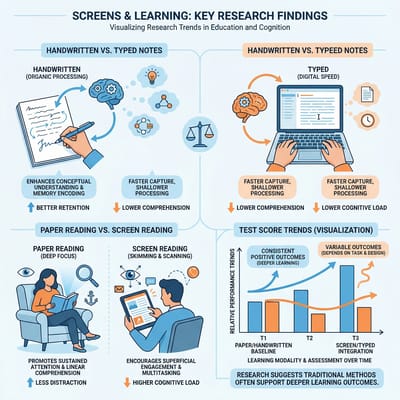
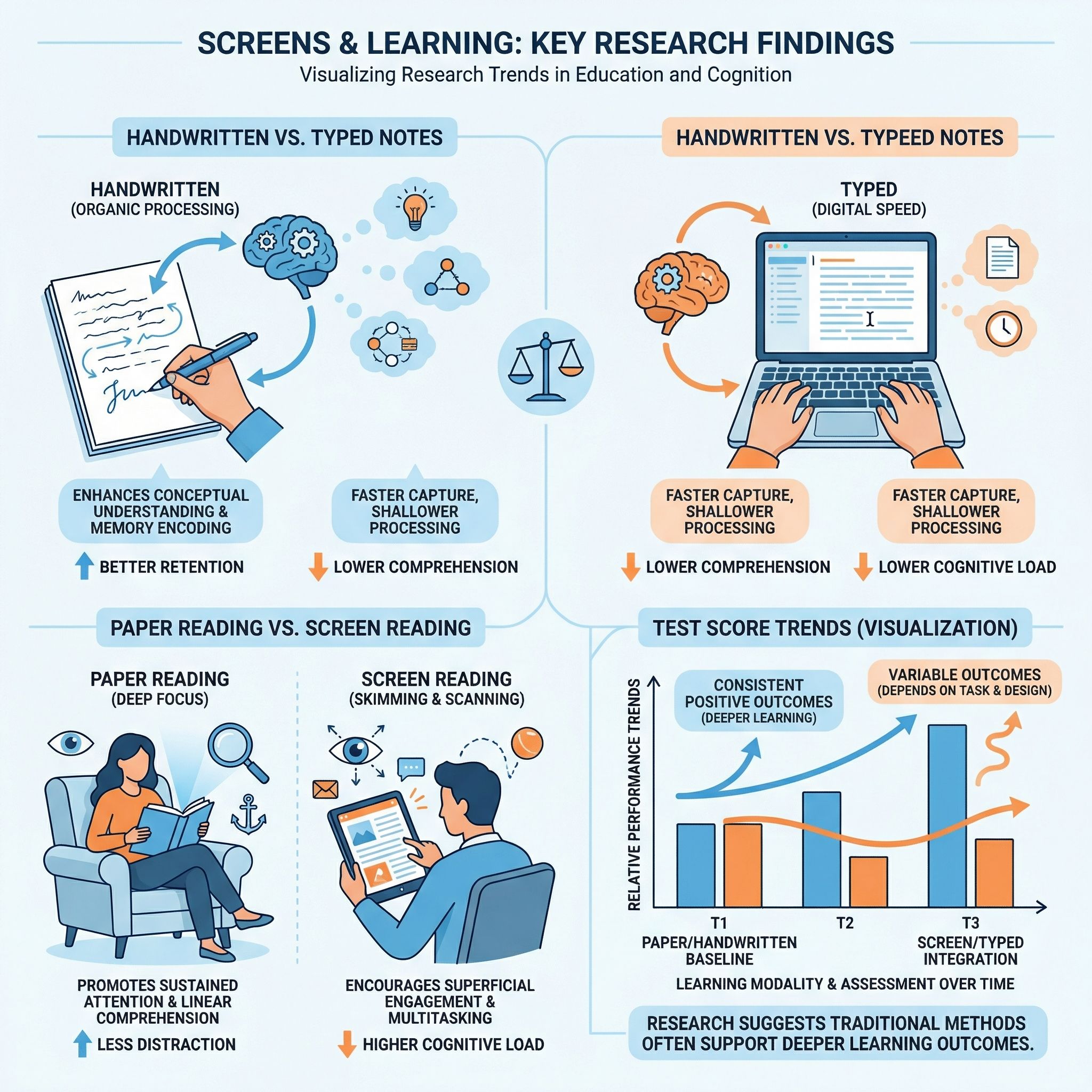
Dismissing the research on screens and learning because it’s inconvenient for anyone who writes about Chromebooks would be an evasion. A 2024 meta-analysis led by Abraham Flanigan analyzed 24 studies and found that college students who took handwritten notes were significantly more likely to earn higher course grades than those who typed on laptops. The researchers argue that handwriting’s slower pace forces students to process and synthesize what they hear rather than transcribing lectures verbatim. This research studied college students, not elementary schoolers, and the advantage appears driven by deeper cognitive processing rather than anything magical about pen and paper.
Similarly, a separate meta-analysis on reading comprehension found that students who read on paper consistently understand and remember more than those who read on screens. The effect is particularly pronounced for younger readers and for longer, more complex texts. Digital reading tends to encourage skimming rather than deep engagement, and the infinite distractions available on any connected device make focused reading harder.
UNESCO’s 2023 Global Education Monitoring Report reviewed the worldwide evidence and concluded that there is “little robust evidence” that digital technology adds value to education on its own. The report found a negative link between excessive device use and student performance, and it urged governments to regulate technology use in schools rather than embracing it uncritically. That is the United Nations’ education arm reviewing global data and raising a red flag.
Screens can undermine learning when they replace rather than supplement traditional instruction, and excessive, unstructured screen time correlates with worse outcomes.
Test Scores Started Falling Before Chromebooks Arrived
Twenge’s most powerful weapon is the NAEP data. The National Assessment of Educational Progress, often called “the nation’s report card,” showed steep declines in 2024. Twelfth-graders hit historic lows in both math and reading, with 45 percent failing to demonstrate even basic math knowledge. Reading scores fell below 1992 levels.
The decline in American test scores began around 2012, well before most schools adopted one-to-one Chromebook programs. The pandemic, which forced millions of students into isolation and disrupted two years of normal instruction, created a crater in learning outcomes that researchers are still trying to measure. Chronic absenteeism has reached unprecedented levels, with students simply not showing up to school at rates that dwarf pre-pandemic norms. Smartphones became ubiquitous among teenagers around the same time scores started sliding, introducing social media, short-form video, and constant notifications into the lives of developing brains.
Attributing the test score decline primarily to Chromebooks requires ignoring these confounding factors, and serious researchers are careful not to do so. We do not have causal evidence isolating school-issued devices as a primary driver of declining achievement. What we have is correlation alongside a dozen other plausible explanations, several of which have stronger evidence behind them.
Teachers Call Classroom Screen Time a Bigger Distraction Than Phones


An Education Week survey found that 56 percent of educators say off-task behavior on laptops and tablets is a major source of distraction, ranking it above cellphones as a classroom problem. In a separate EdWeek Research Center survey, 27 percent of teachers said their students spend more than five hours a day using ed tech. One teacher told Education Week she told her students to put their Chromebooks away for good, reverting to paper-based instruction entirely.
Daniel Buck, a former English teacher writing for the Fordham Institute, captured the frustration well. He describes watching students supposedly practicing math on educational software while actually playing online games. “Schools ban phones but allow access through one-to-one computing to many of the same diversions,” he writes. “Policy wonks might be unfamiliar with words such Slope, Dolphin Olympics, or Crazy Games, but these online games are a mainstay of modern classrooms.” His argument is that phone bans, while welcome, do not go far enough when students still have unrestricted laptops in front of them all day.
In Los Angeles, parents organized a campaign demanding that schools pull back on mandatory screen time after discovering their children were using school-issued devices to watch YouTube and play Fortnite during class. One parent reported that teachers acknowledged her son understood the material but simply could not stay on task with a screen in front of him. That frustration has hardened into the parent opt-out movement, with families in districts across the country demanding pen and paper instead. The district, which had spent heavily on devices during the pandemic, found itself facing the uncomfortable possibility that its technology investment was making some students’ problems worse.
Chromebooks Expand Access When Schools Use Them Well
Here is where I push back on the “Chromebooks have failed” narrative.
For millions of students from low-income families, the school-issued Chromebook is their only computer. It is how they access Google Classroom, connect with teachers outside school hours, and reach research materials that other students access from personal laptops at home. If a district serving predominantly low-income students pulls its devices without a replacement plan, those students lose access to digital learning entirely. “Just get rid of them” is not a serious policy position for schools where families cannot fill the gap themselves.
A Forrester study on Chromebook impact found that students gained 18 extra hours of instructional time per year from faster device startup and fewer technical interruptions, while teachers saved 42 hours annually on administrative tasks. Some districts reported double-digit growth in test scores after implementing Chromebook programs alongside structured Google Workspace for Education. I should note that this study was commissioned by Google, so you should weigh it accordingly, but the underlying data came from interviews with leaders at nine real school systems who reported measurable improvements.
The Chromebook vs. iPad debate for schools, which we have covered extensively, consistently comes down to affordability, manageability, and the physical keyboard. A complete Chromebook setup for school costs $250 to $350, including the keyboard, while a school-ready iPad runs $530 to $730 with necessary accessories. That price difference is not trivial when you are outfitting a district of thirty thousand students. And unlike phones or tablets, education Chromebooks are purpose-built for fleet management, with ruggedized designs, spill-resistant keyboards, and centralized administration tools that give IT departments control over what students can access.
Many Schools Deployed Devices Without a Usage Plan
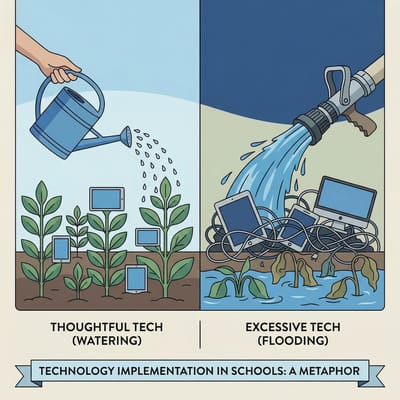
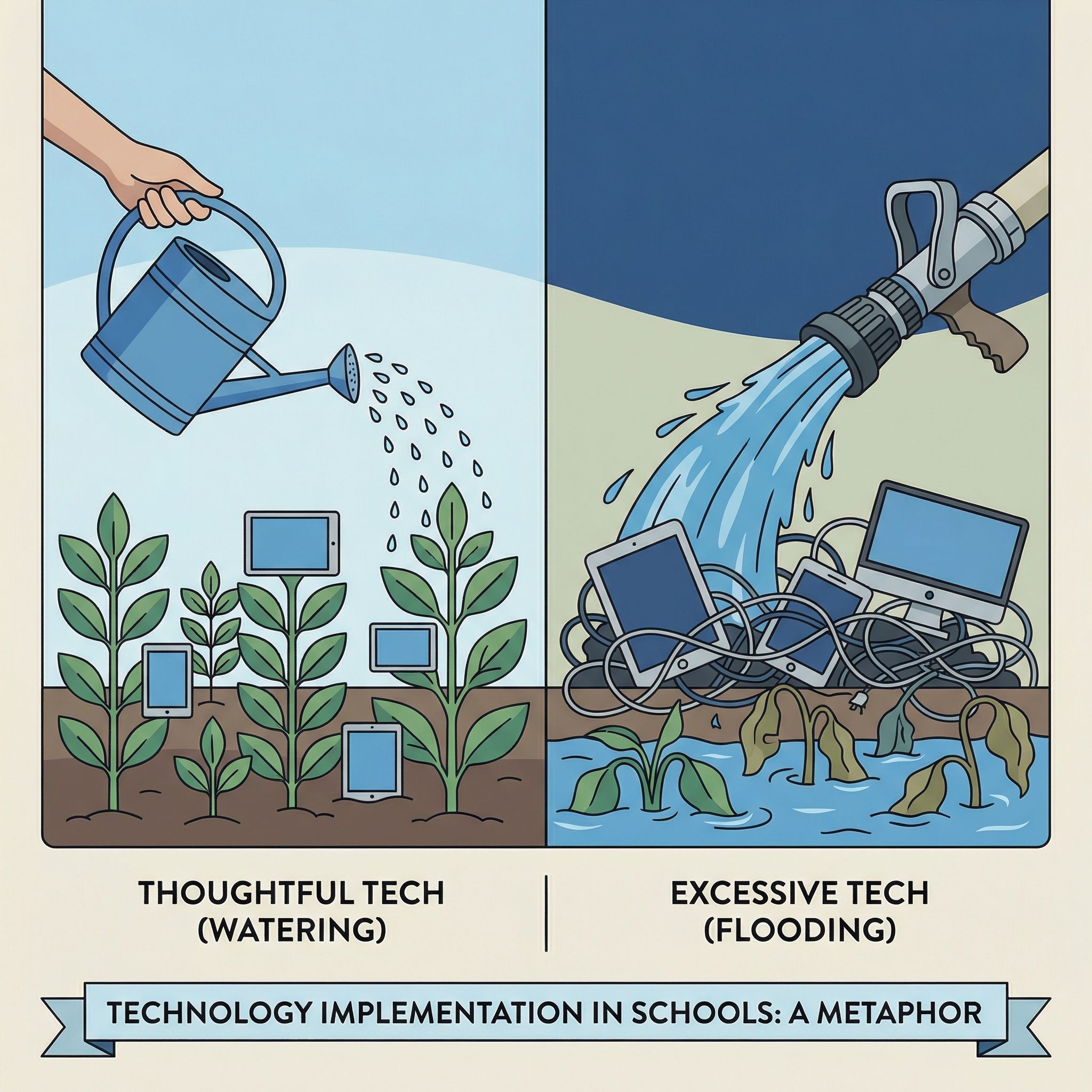
Daniel Buck offered an analogy in his Fordham piece that I think captures the situation: “Watering the grass can foster a healthy lawn; flooding the lawn can suffocate the grass.” The missing piece was a coherent plan for how to use the devices, when to use them, and when not to use them.
The UNESCO report found that technology helps as a supplement but hurts as a substitute for human instruction: extra practice opportunities, collaboration, and teacher support all sit on the helpful side of that line. Devices hurt when they replace direct instruction, when students spend entire class periods clicking through educational software instead of engaging with a teacher and their peers, and when schools deploy them without adequate teacher training or device management policies.
Before the pandemic, about 40 percent of elementary schools provided devices to students. After the pandemic, that number leapt to 84 percent. Districts spent tens of millions in COVID relief dollars on devices, software, and licenses, part of a long arc in which Google has treated schools as a user pipeline while the scale of national education bets like Japan’s keeps growing. But spending money on technology is not the same as implementing it well, and many schools handed out Chromebooks without rethinking their instructional approach, training teachers on device management, or establishing clear boundaries around when screens belong in the learning process and when they do not.
How Parents and Schools Can Manage Chromebook Screen Time
The Right Amount of Screen Time Depends on Grade Level
For younger students, lean heavily on paper. The research on handwriting and reading comprehension is strongest for elementary-aged children. Young students building foundational literacy and numeracy skills benefit from the physicality of writing letters, the focused attention that paper books demand, and the reduced distraction of an offline learning environment. Reserve devices in lower grades for tasks where technology adds value, such as a virtual field trip or an interactive science simulation, rather than digitizing worksheets for the sake of being digital.
For older students, teach intentional use. By middle and high school, digital literacy is a career skill. Students need to learn how to research online, collaborate through shared documents, and create presentations and projects that reflect how modern workplaces function. The key is structured use with clear expectations, not all-day open access to a connected device. A reasonable model might look like specific class periods designated for device use, with Chromebooks closed or collected during instruction, discussion, and reading.
Screen Time Controls at Home and at School
Use the management tools that already exist. Chrome OS offers granular device management. Through the Google Admin Console, administrators can:
- Restrict which websites and apps students can access
- Set time-of-day schedules that lock down devices during certain periods
- Push out classroom management tools that let teachers see and control student screens in real time
- Enforce content filtering that goes well beyond simple blocklists
If your school’s Chromebooks feel like unmanaged distractions, the fix is likely in the admin console.
Parents should set up parental controls through Family Link. Google’s Family Link lets parents:
- Set screen time limits on the device
- Approve or block apps and websites
- Set bedtime restrictions that disable the device
- Monitor activity on school-issued Chromebooks during out-of-school hours
Taking an active role in managing your child’s device use, especially at home, is one of the most immediate steps you can take.
Ask your school the hard questions. What device management policies are in place? How much class time is spent on screens versus analog instruction? Are teachers trained on classroom management software like GoGuardian? Has the district established clear guidelines on when device use is and is not appropriate? Schools that have thoughtful answers to these questions tend to be the ones where Chromebook programs work well.
Both Sides Are Partly Right
Twenge is right that unstructured screen time hurts learning and that many schools deployed devices without adequate planning. She is wrong to characterize the entire concept of school-issued computing as a failure when the evidence shows clear benefits from well-implemented programs and when removing devices would disproportionately harm students who have no other access to technology.
The education technology industry has the collaboration, equity, and administrative efficiency case right. They are wrong to downplay the growing body of evidence that too much screen time undermines the deep reading, handwriting, and focused attention students need to develop.
The 93 percent of US school districts that planned to purchase Chromebooks in 2025 were not making a mistake. But the ones that hand them out without clear usage policies, teacher training, and device management are setting their students up for exactly the failure that Twenge describes.
Frequently Asked Questions
Can I set screen time limits on a Chromebook?
Yes. Family Link sets screen time limits, adds bedtime restrictions that disable the device, and blocks specific apps and websites. On a school-issued Chromebook, administrators can also lock the device down during set periods of the day through the Google Admin Console.
Can you see screen time on a Chromebook?
Parents and teachers see different parts of it. Family Link reports activity on school-issued Chromebooks during out-of-school hours, which covers home use. In class, the management software a school pushes out through the Admin Console lets teachers watch student screens in real time.
Are Chromebooks safe for kids?
The documented risk is distraction, not the hardware. Parents in Los Angeles found their children streaming YouTube and playing Fortnite on school-issued devices during class. The same parental controls that set screen time limits also restrict which websites and apps a child can reach.


