
Crush is Charm’s coding agent for the terminal. You describe what you want, and it plans the work, writes the files and runs the commands. Charm also makes Bubble Tea, a Go toolkit for terminal apps, and Lip Gloss, its library for terminal styles, so we had Crush build something with them: a small star catching game where you slide a basket along the bottom and catch the stars that fall. Omarchy lists Crush as one of its built-in agents, so it is one shortcut away.
This guide opens Crush from Omarchy’s agent menu, writes a plan in plan mode, and switches models between the plan and the build. Crush then builds the game in three rounds, and we play each version before the next request. Last, Crush adds the game to Omarchy’s app launcher. Every prompt is here word for word, with what each round cost.
We followed these steps on Omarchy 4.5.0 with Crush v0.101.0 on November 12, 2026. Crush writes new code each time, so your game will look a little different from ours, but the steps hold.
What you need
You need Omarchy 4.5 and a way to pay for the models. We used an Anthropic API key, billed by the token. Crush can also sign in to a plan you already have; the next section covers both.
Crush does not have to be installed first. Omarchy declares its agents as lazy mise tools, and the Omarchy manual says the first launch installs the CLI and later launches reuse it. On our machine, the first crush call installed it in about two seconds.
The game is written in Go, so install Go and its language server, gopls. Open a terminal with super enter and run:
omarchy pkg add go goplsCrush runs go to build and test the game. It also starts gopls by itself when gopls is on your path and the project has a go.mod file, and the error count from gopls then shows in Crush’s header.
Give Crush a model
Crush needs a provider and a key before it can do anything. The Crush README covers four ways in.
An API key in the model picker. Start crush, press ctrl l to open the model picker, choose a model from your provider, and paste your key when Crush asks. The key shows in plain text as you paste it, so do this off camera if you record your screen.
An environment variable. Crush reads the usual variables, such as ANTHROPIC_API_KEY and OPENAI_API_KEY.
A crushrc file. A crushrc is Bash with a few Crush commands added, and Crush runs it at every start. We kept the key in a private file and loaded it from ~/.config/crush/crushrc, so Crush found the key whether it started from a terminal or from Omarchy’s agent menu:
. "$HOME/.config/crush-keys/env"
provider add anthropic --api-key "$ANTHROPIC_API_KEY"
The file ~/.config/crush-keys/env holds one line, ANTHROPIC_API_KEY= followed by your key. Make it readable only by you with chmod 600.
A sign-in. Run crush login to sign in instead of using a key. In v0.101.0 it takes hyper (the default), copilot, openai (ChatGPT) and grok, so a GitHub Copilot, ChatGPT or Grok plan works too. Charm Hyper, Charm’s own model service, is covered near the end.
Open Crush from the agent menu
Press super shift ctrl a . Super is the Windows key on most keyboards. Until you pick a default agent, the shortcut opens a Default Agent list, and Crush is on it.
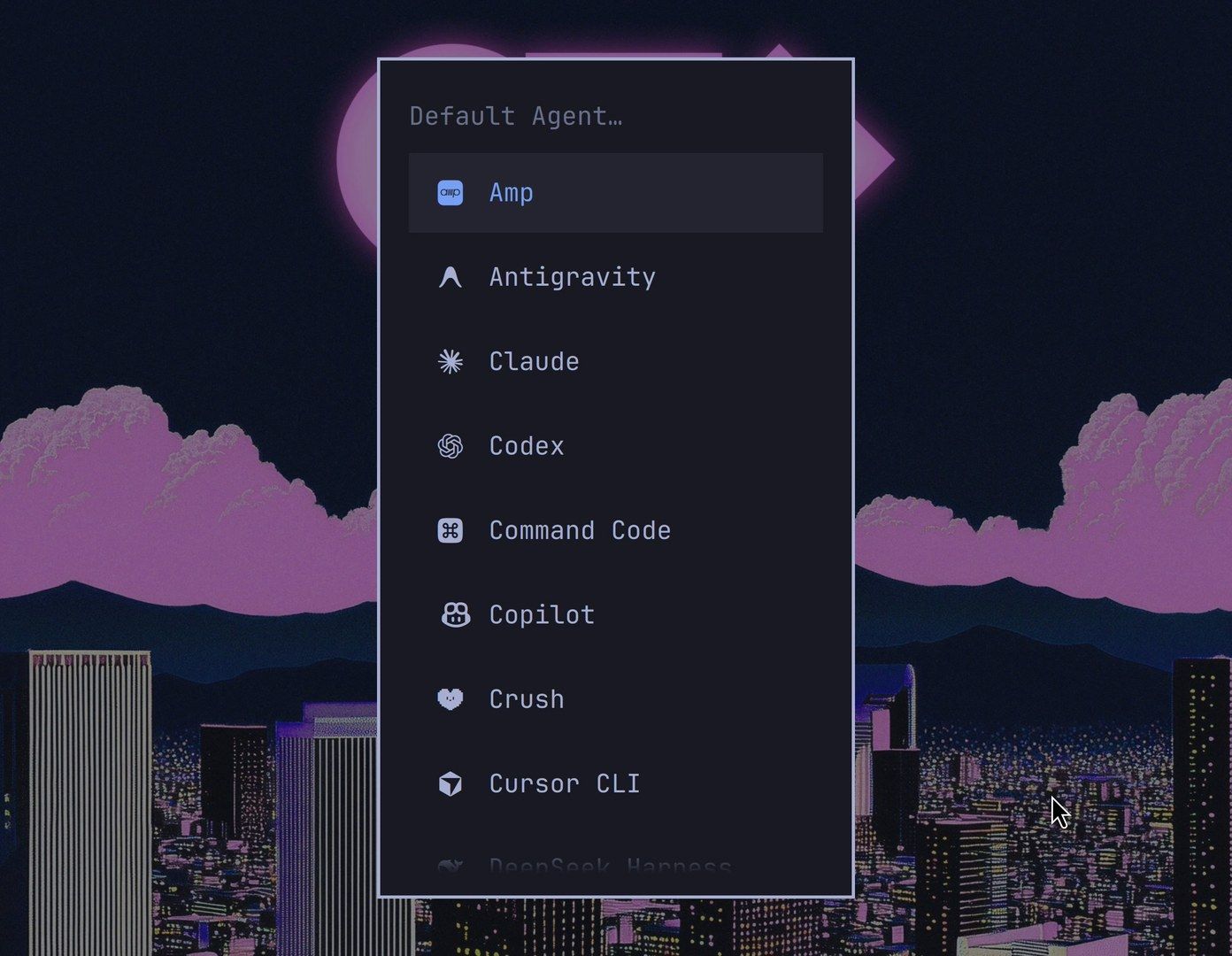
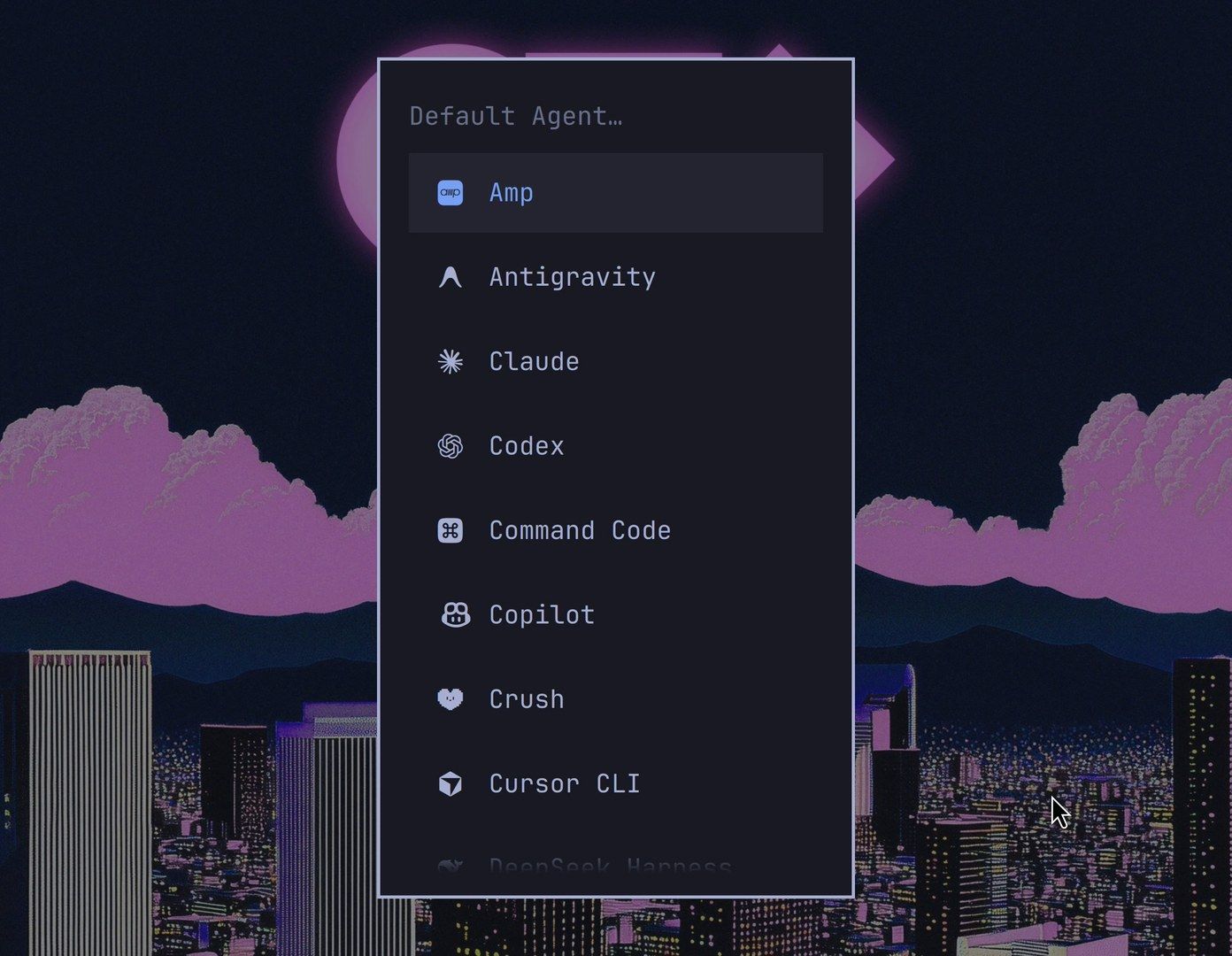
Pick Crush. That makes it your default agent, and Crush opens in a full window in your ~/Work folder with Charm’s pink and purple logo. Omarchy starts it with the --yolo flag, so the bar at the bottom reads YOLO MODE. From then on, the same shortcut opens Crush directly. You can also set the default from a terminal with omarchy default agent crush.
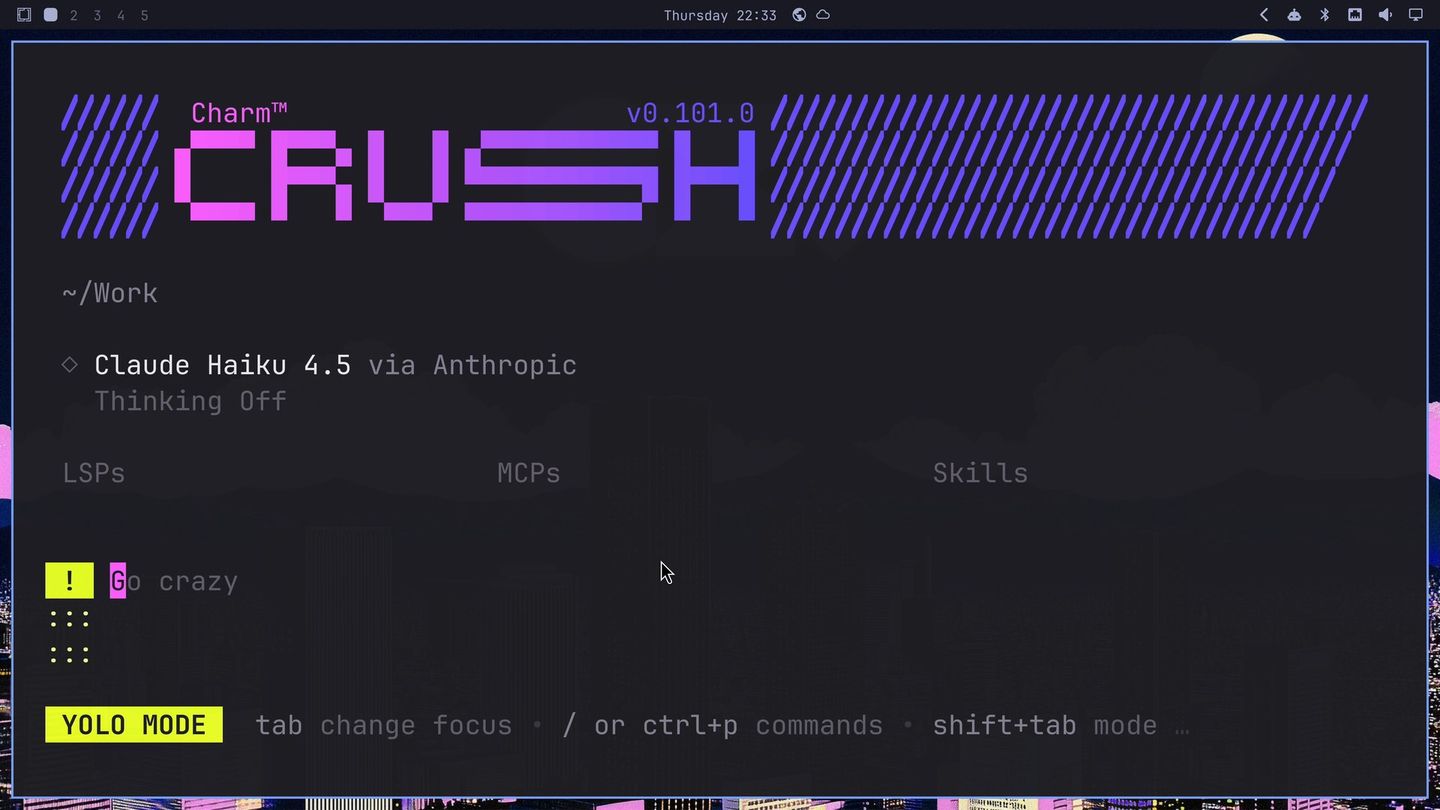
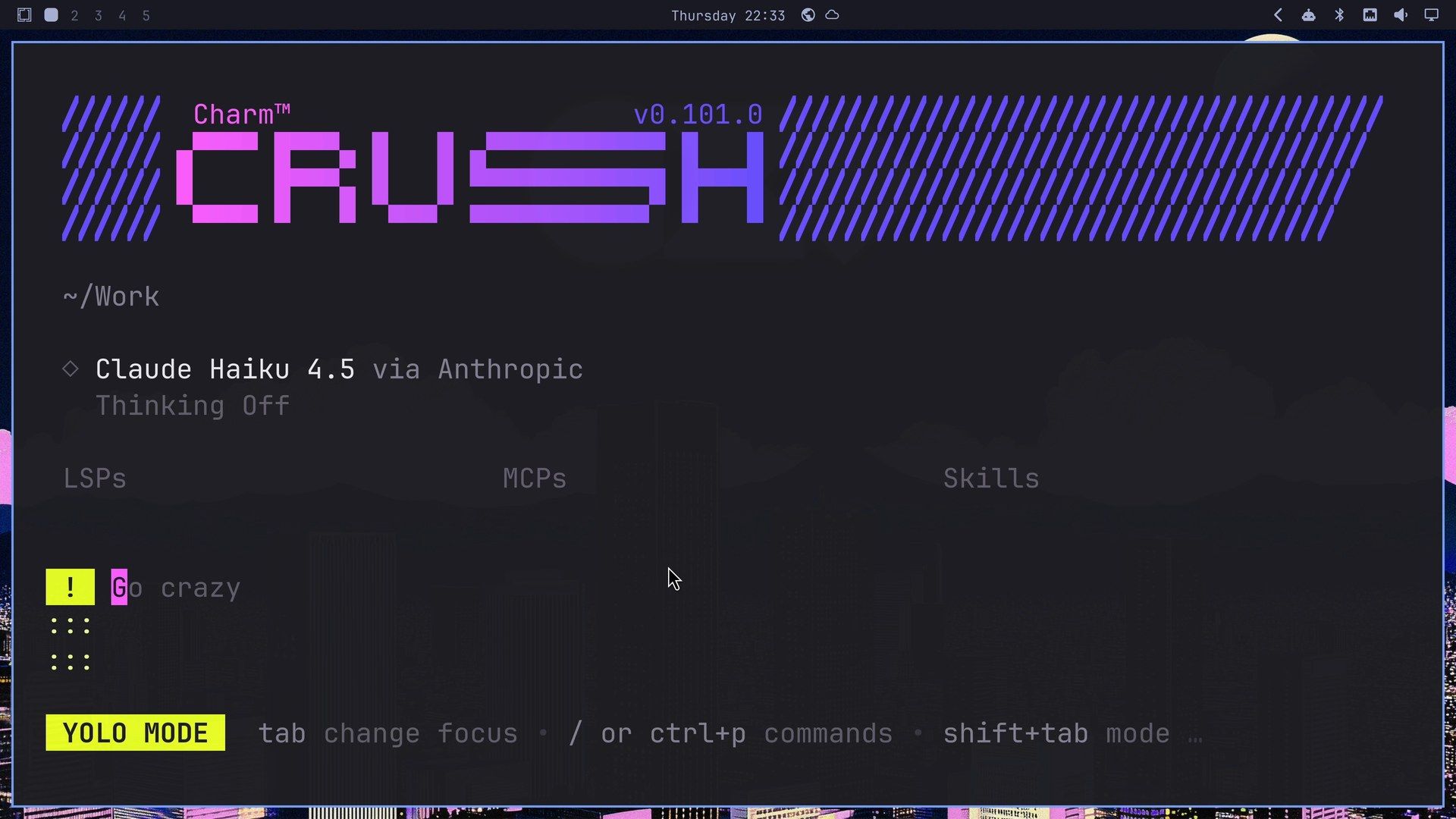
To quit, press ctrl c . Crush asks whether you’re sure, with Yep! and Nope; press y to leave, or ctrl c twice to quit without the question.
Plan the game in plan mode
The game gets its own project folder. Open a terminal and start Crush there:
mkdir -p ~/Work/stars && cd ~/Work/stars && crushThe first time Crush starts in a folder, it may offer to initialize the project, which writes an AGENTS.md file for later sessions. Either answer works here.
Crush has modes, and shift tab steps through them: yolo, sysadmin, the normal mode that asks before it acts, and plan. Press it until the bar reads PLAN MODE: Plan with Crush before generating any code. In plan mode, Crush can read files and look things up, but it changes no files and runs no commands.
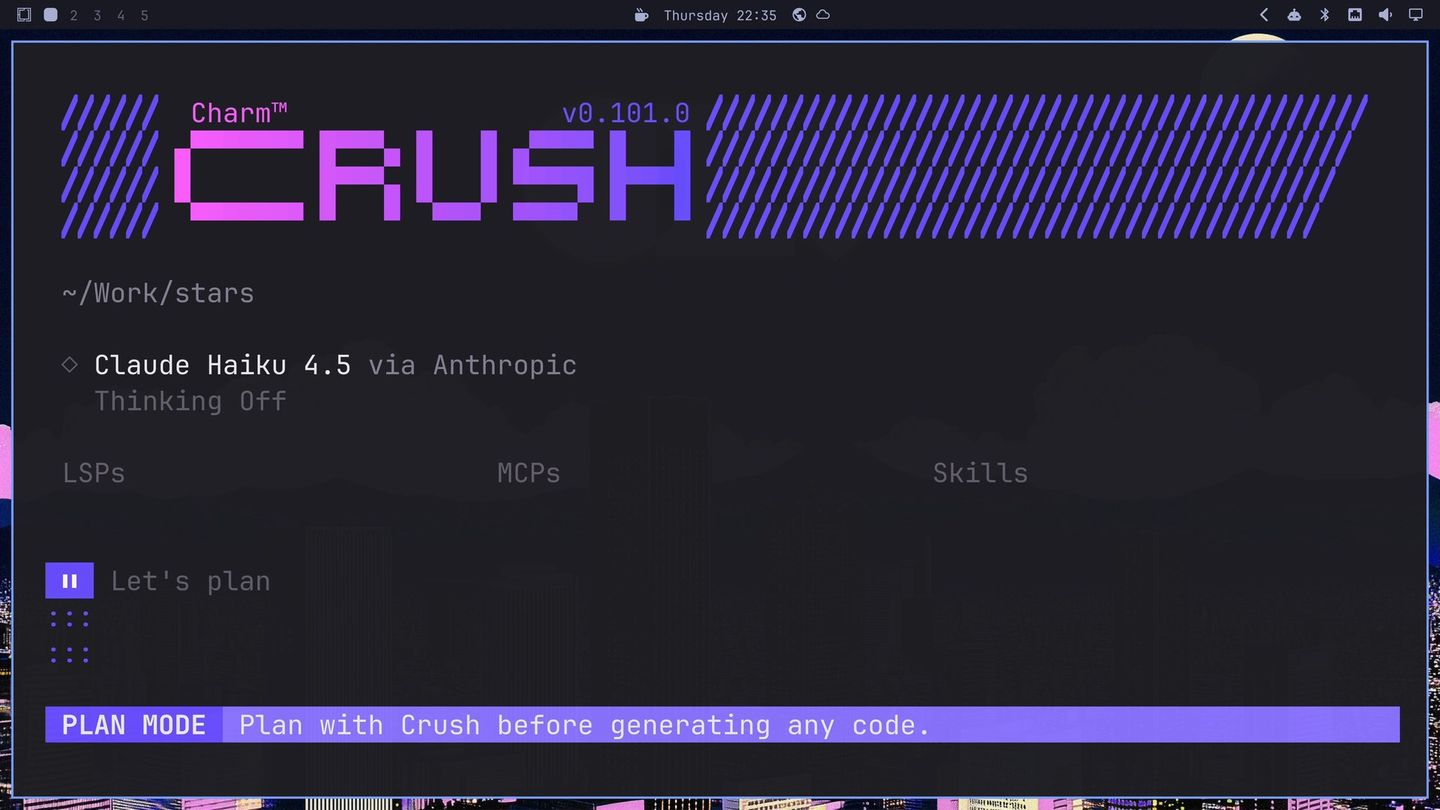
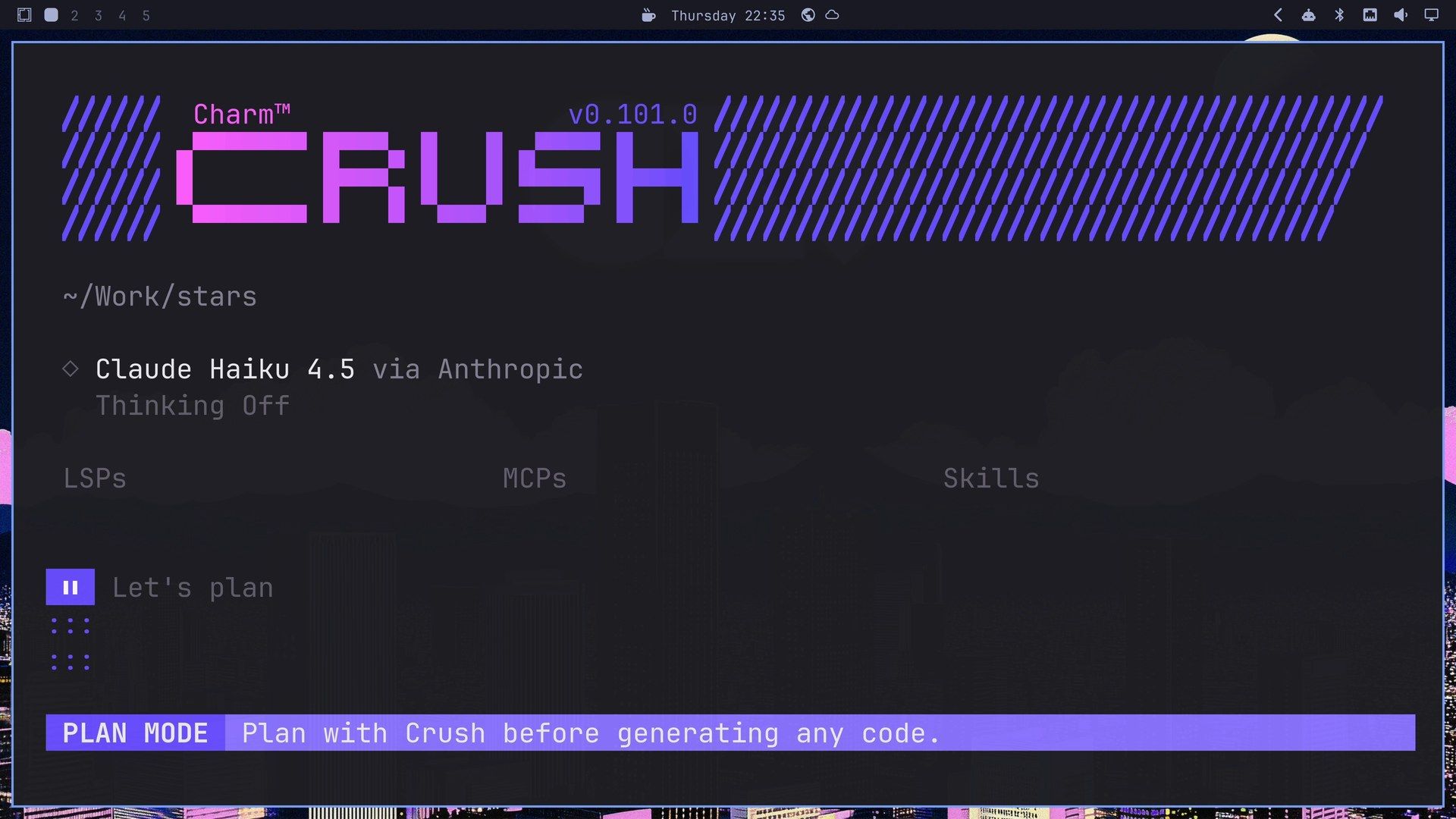
We planned with Anthropic’s small, fast Haiku model, which is plenty for a plan. Press ctrl l , type haiku 4.5, and press enter to make it the model for this step. Then send the request:
Let's make a little terminal game in Go with Bubble Tea and Lip Gloss, in Crush's own pink and purple colors. You move a basket left and right with the arrow keys and catch stars that drift down from the top, slowly and one at a time at first. Miss three and it's over. Keep it to one main.go, make it fit a 56 by 16 terminal and center itself in bigger ones, and q quits.Haiku searched public code on Sourcegraph for Bubble Tea examples, then wrote the plan in 1 minute 13 seconds. The plan had a part for the player (go run, the arrow keys, score and lives, a game over screen, q to quit) and a style list down to pink stars and a purple basket in a “candy-colored” theme. It ended with a question, Ready to start coding?, and three buttons: Start coding, Code with YOLO and Revise plan.
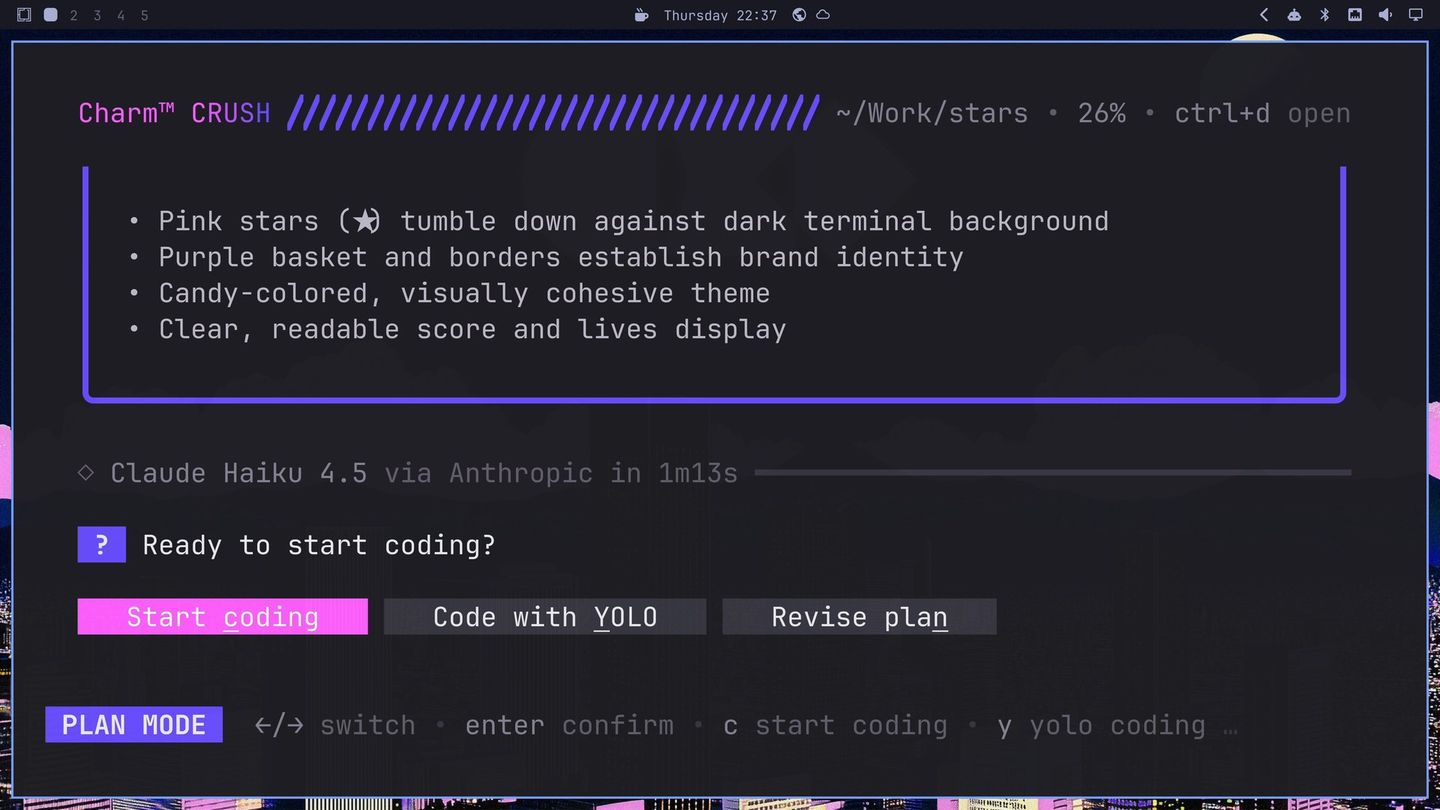
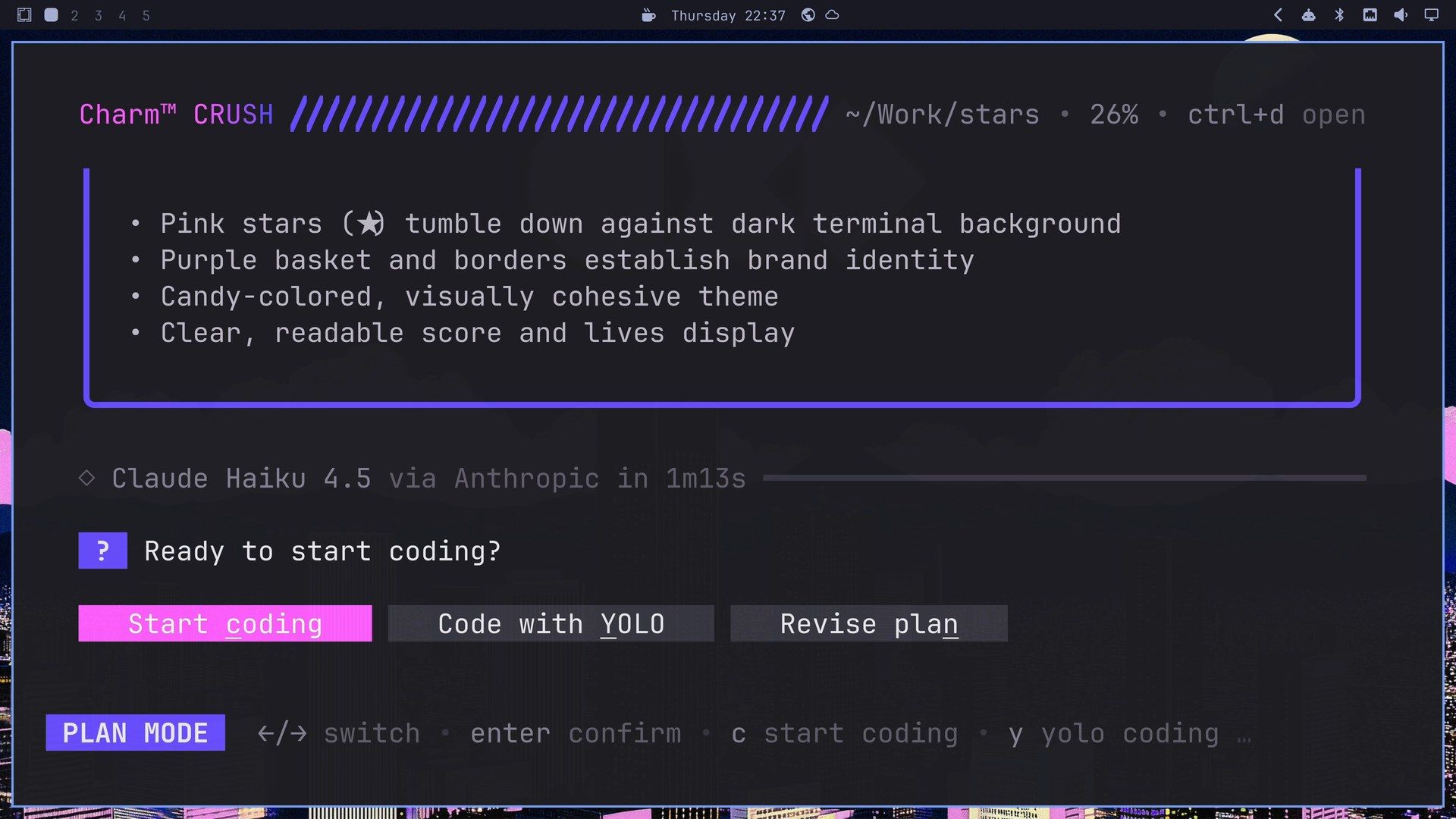
Press esc to move focus off the question and scroll the plan with the Page Up key before you answer.
Switch to a bigger model for the build
In our tests, Haiku’s builds looked finished but froze within seconds, so a bigger model does the build. Crush lets you change models in the middle of a job without losing the conversation.
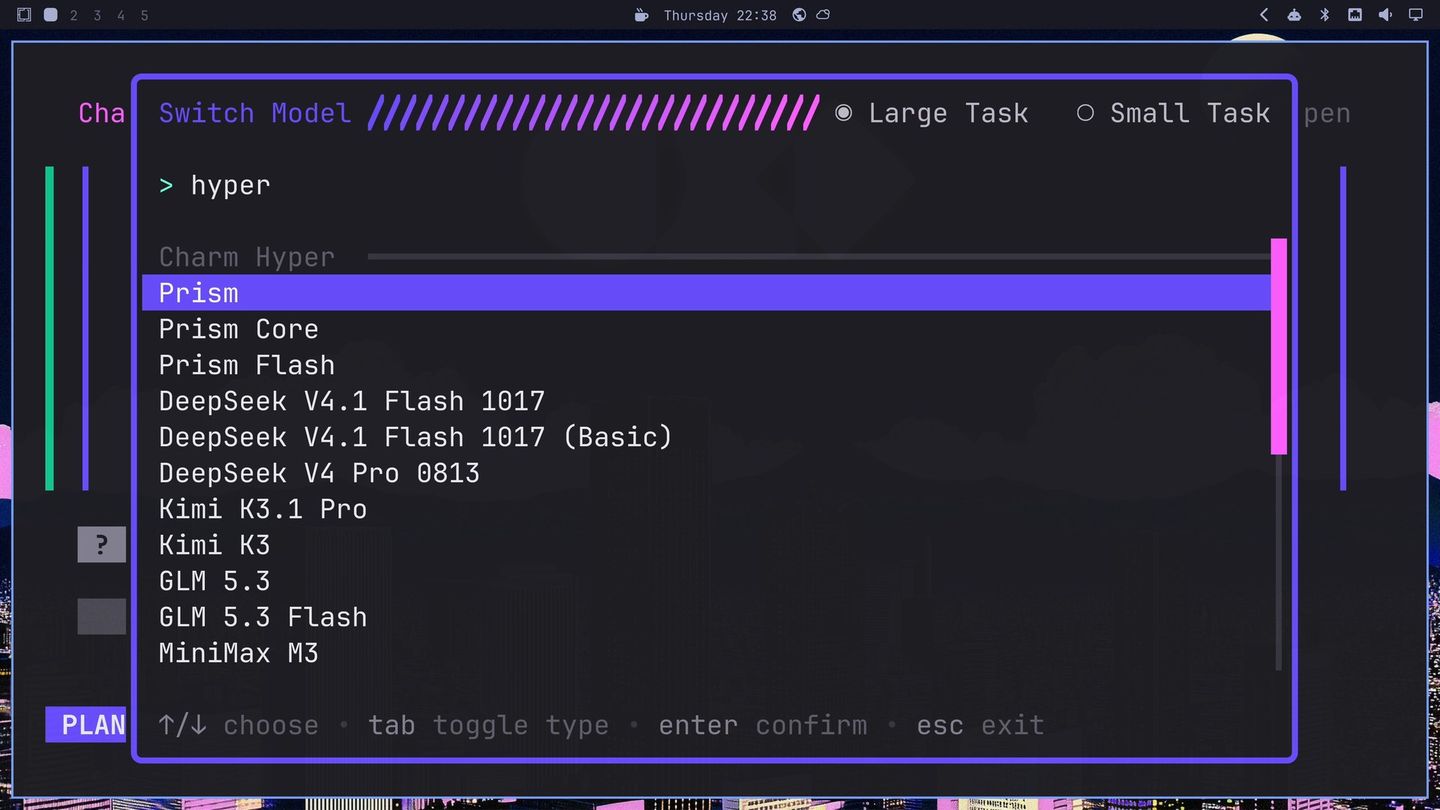
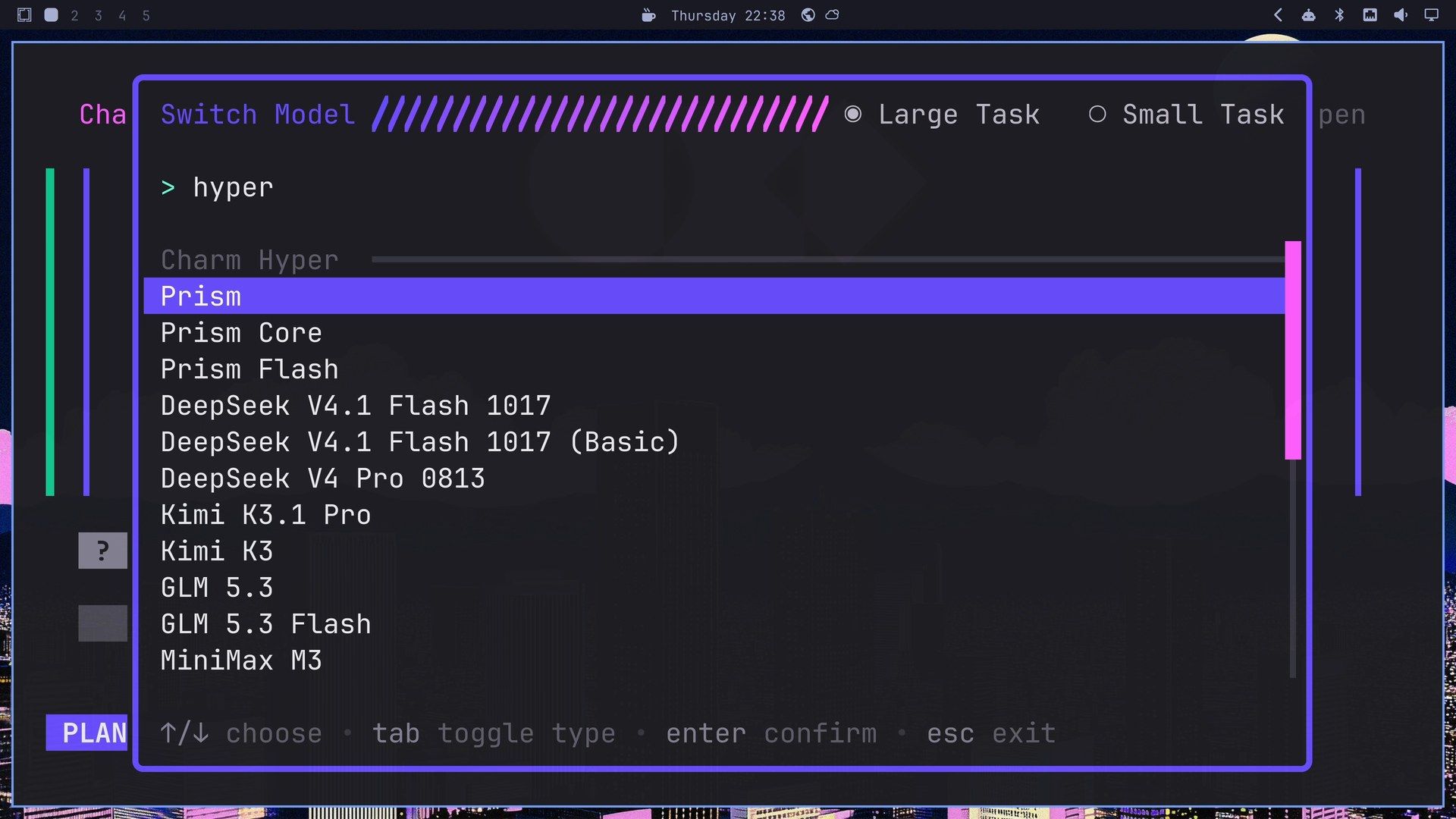
With focus off the question, press ctrl l . The Switch Model picker has two tabs, Large Task and Small Task, and you type to filter it. Typing hyper shows the Charm Hyper group: Prism, Prism Core and Prism Flash, then open-weight models such as DeepSeek, Kimi K3.1 Pro, GLM 5.3 and MiniMax. We only looked; we didn’t sign in to Hyper.
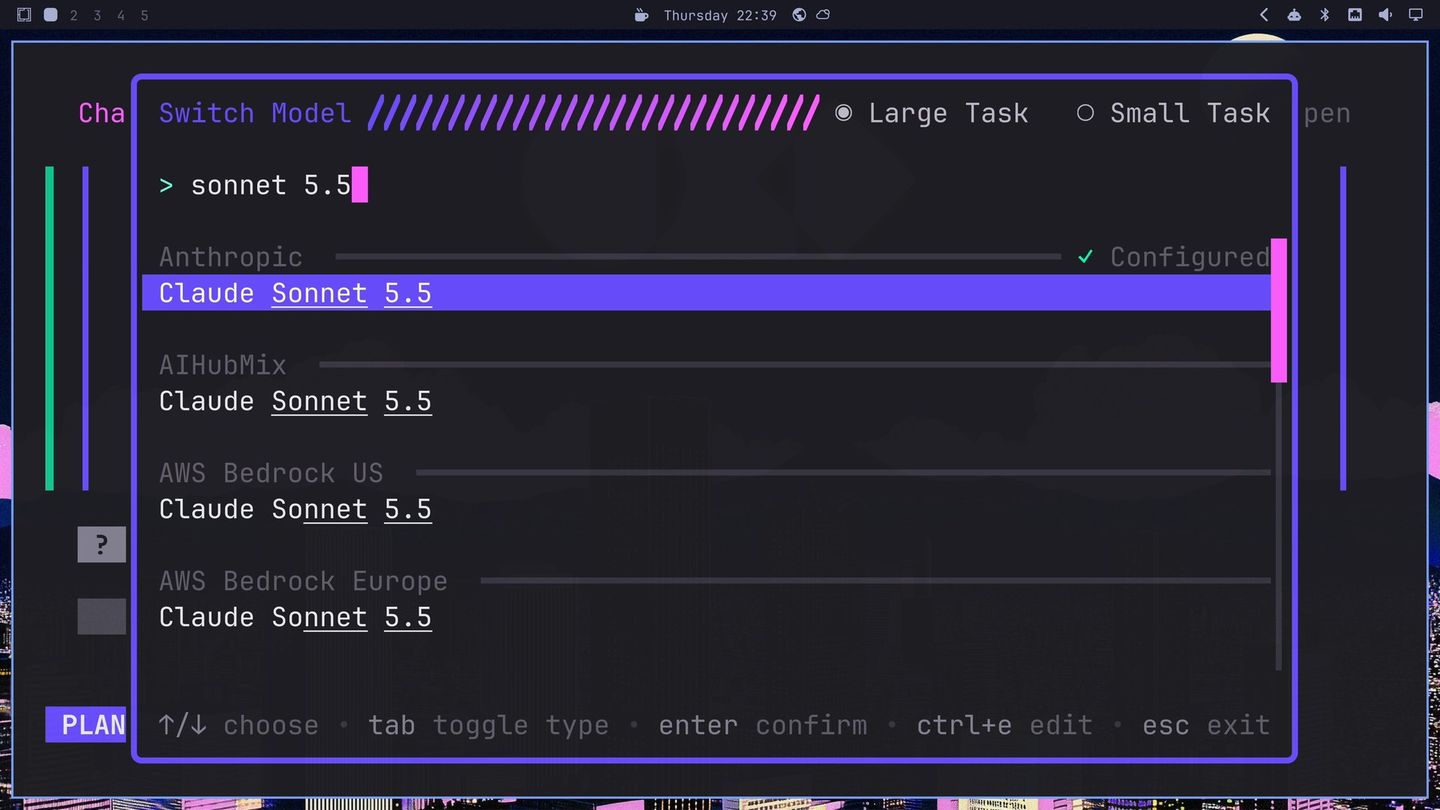
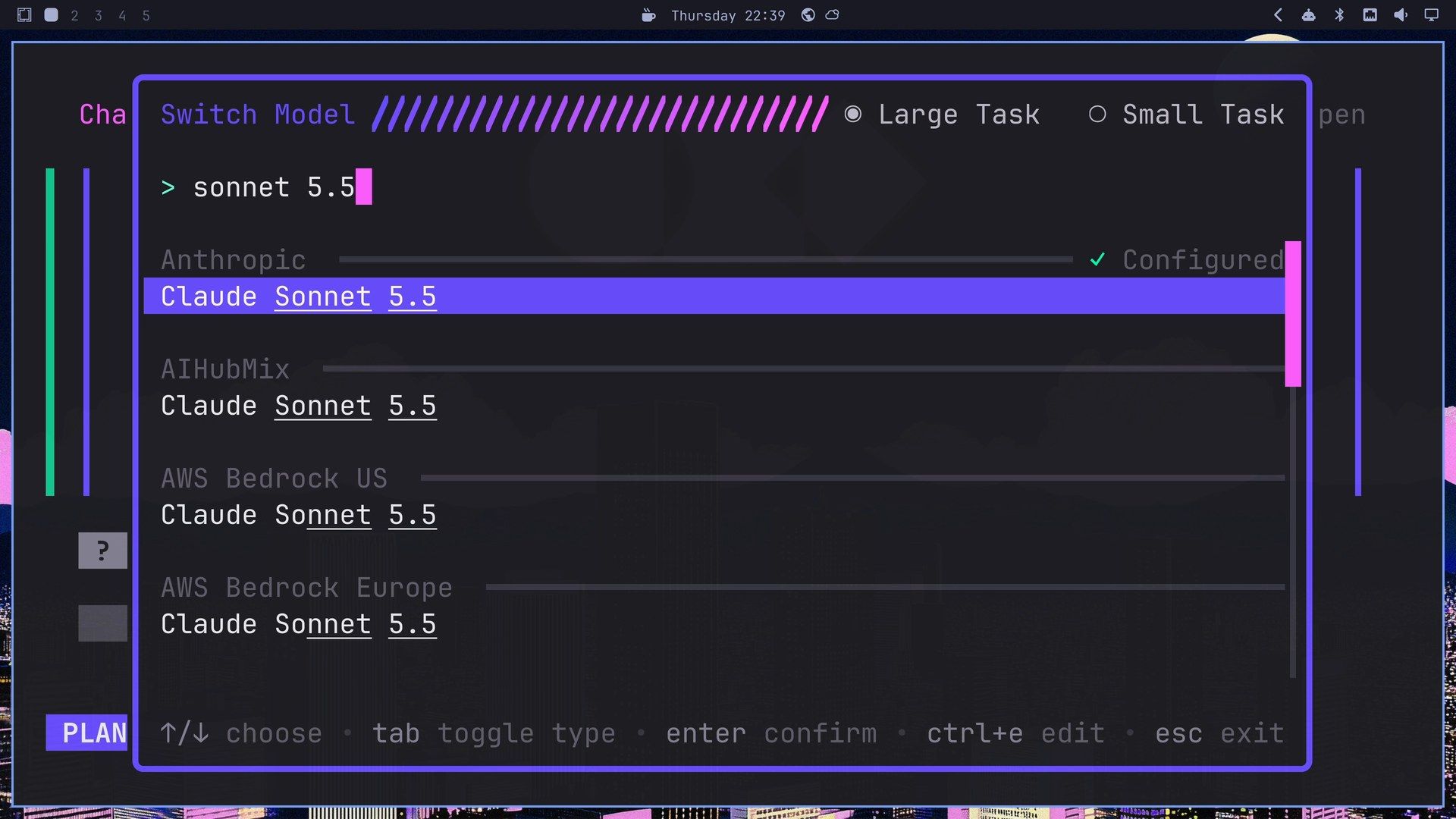
Clear the filter and type sonnet 5.5. The first row is Claude Sonnet under Anthropic, marked Configured because the key is set up there. The same model is listed under other providers such as AWS Bedrock; pick the one you have a key for.
Press enter . Crush confirms with OKAY! Large model changed, and the next reply comes from the new model in the same conversation. Each reply’s footer names the model that wrote it, so you can see where the switch happened.
Round one: the first build
Press tab to put focus back on the question, then pick Code with YOLO (or press y ). Yolo mode runs commands without asking first, but since v0.101.0 it blocks dangerous commands such as sudo without asking. The line above the input changes to Go crazy. If you’d rather approve each command, pick Start coding instead.
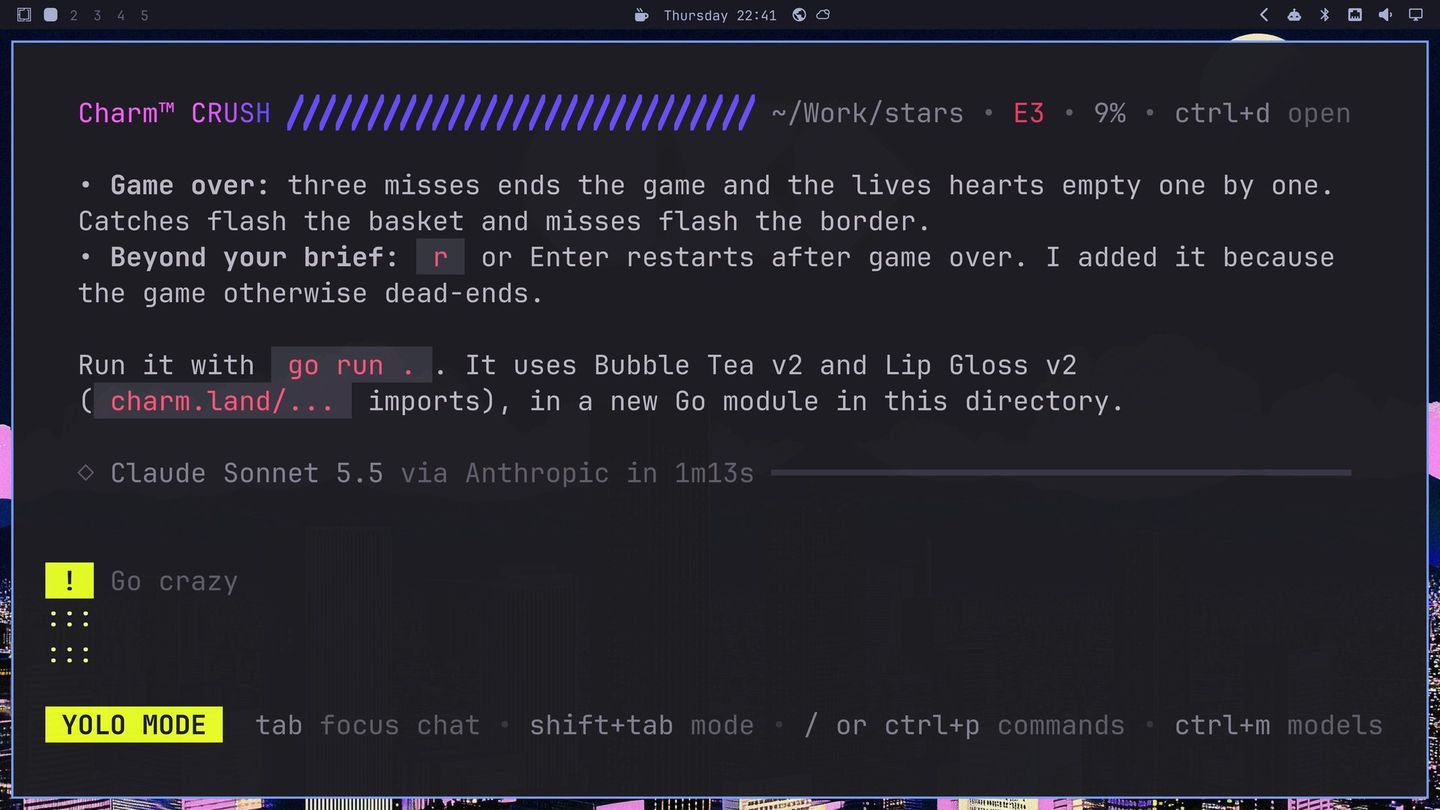
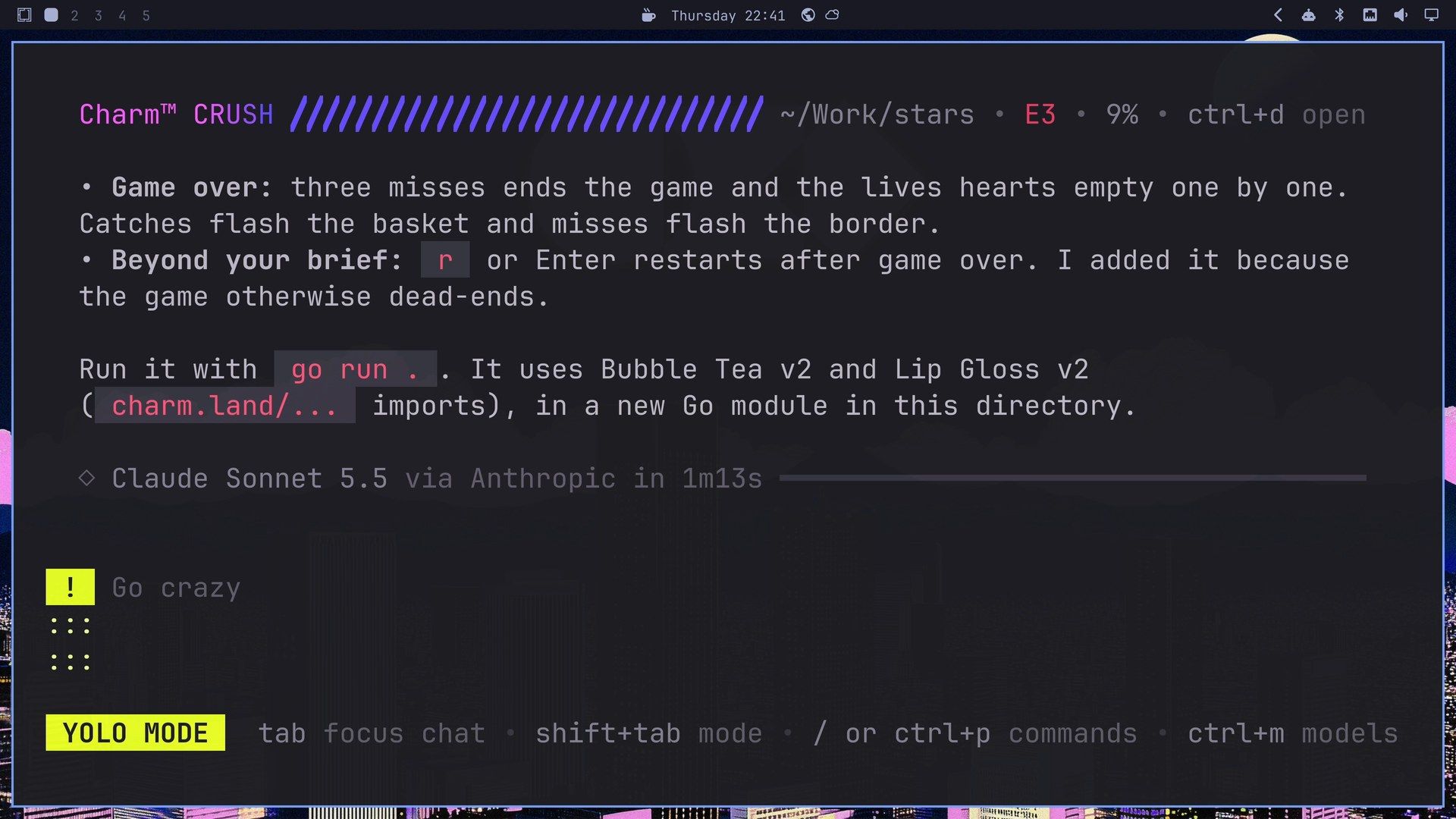
Sonnet wrote the whole game into one main.go with Bubble Tea v2 and Lip Gloss v2 in 1 minute 13 seconds. While it wrote, the header showed E3: three errors that gopls reported on the half-written file. Crush’s summary listed what it built and one thing beyond the brief: r or enter starts a new game after game over, “because the game otherwise dead-ends.” The plan and this build cost $0.46 together.
Play it in a second terminal. Press super 2 for another workspace, open a terminal, and run:
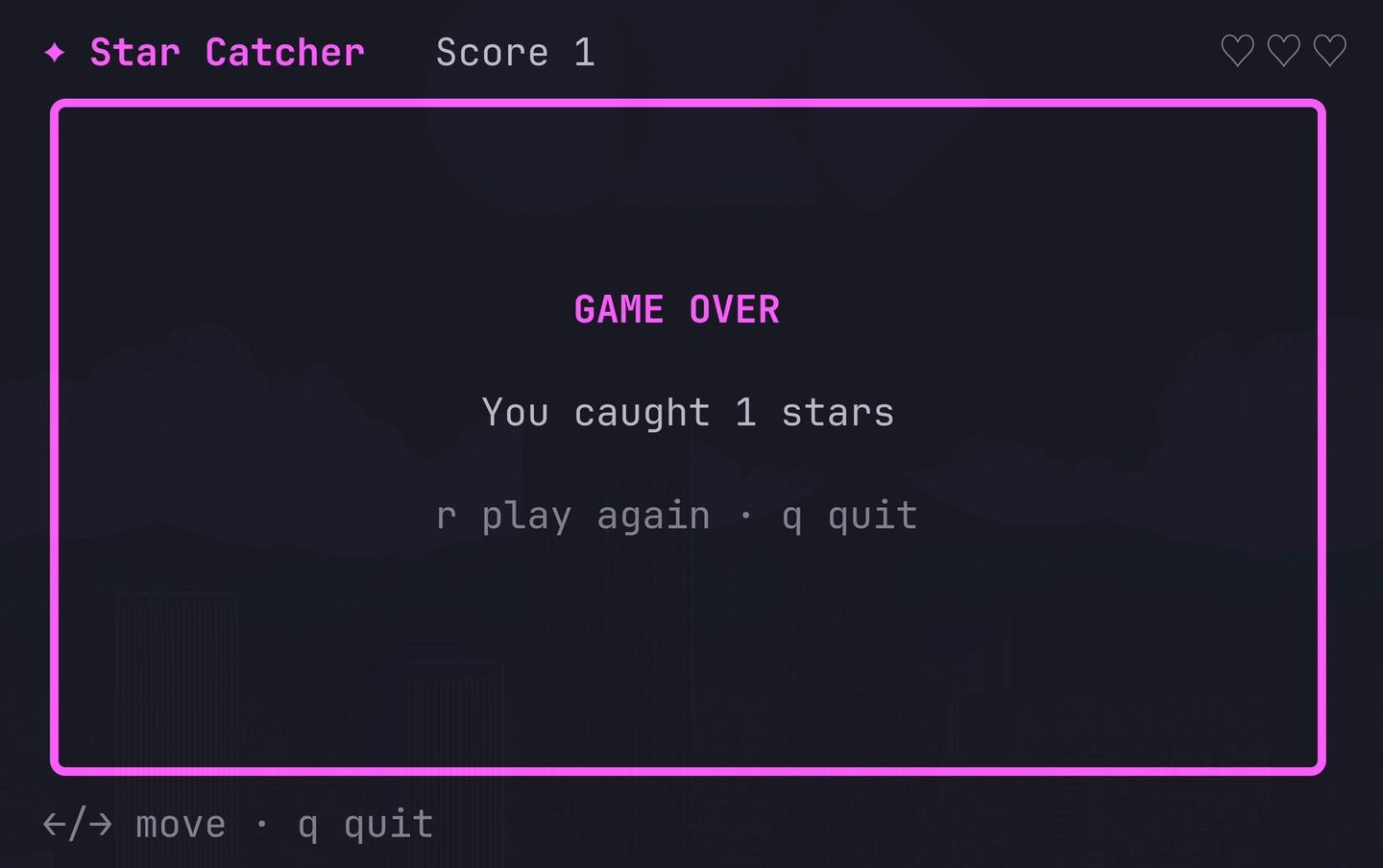
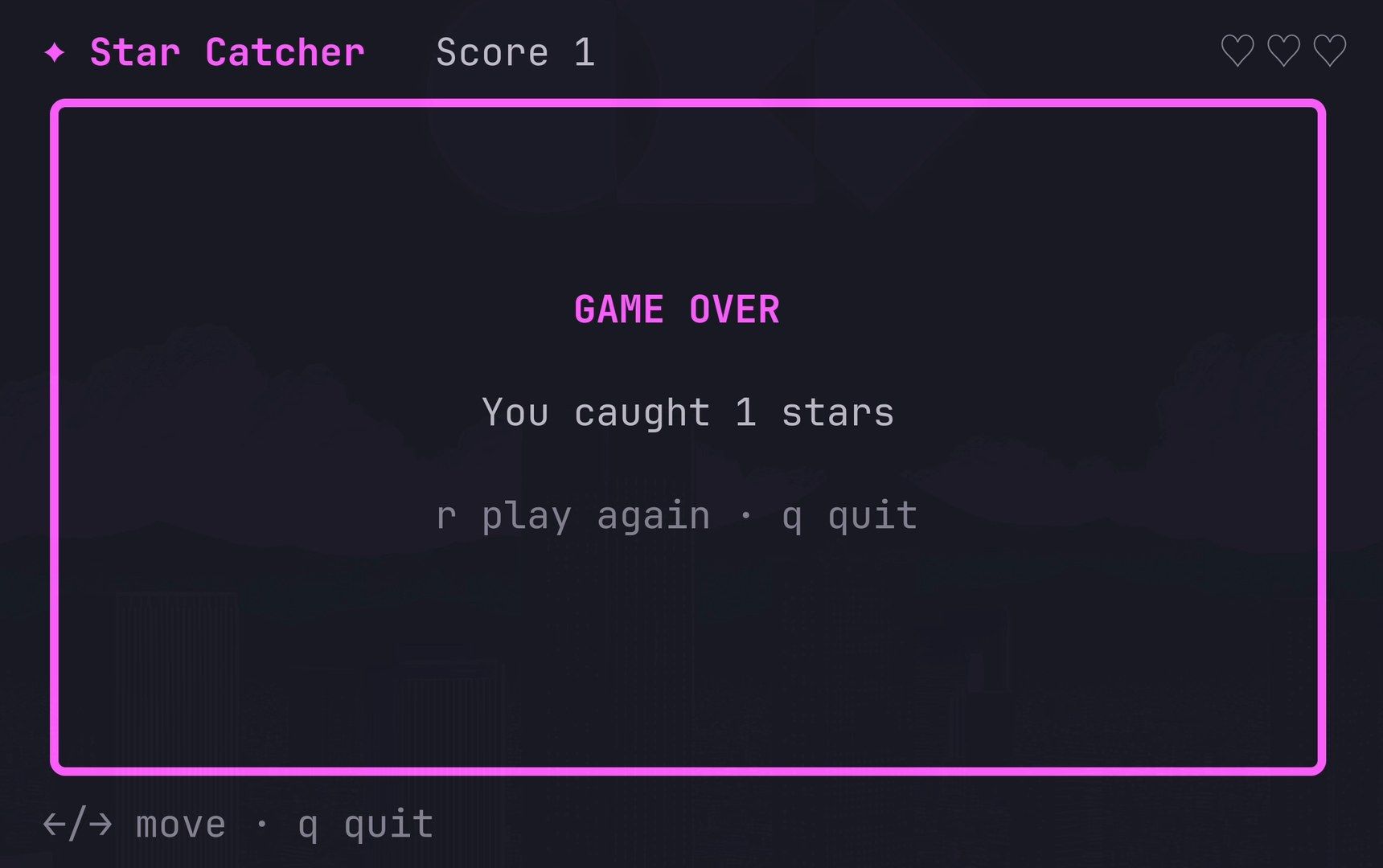
cd ~/Work/stars && go run .The game is called Star Catcher in its own header. A pink star drifts down into a purple frame, the basket moves with the arrow keys, and three hearts empty one by one as you miss. After the third miss, the border turns pink and GAME OVER shows. That screen had a slip: “You caught 1 stars.” The r key started another game at once, and Crush’s summary didn’t mention the plural.
Press q to quit the game and super 1 to go back to Crush.
Round two: sparkles, a best score and a subagent
The second request asks for something fun to watch, and hands the tests to a subagent. A subagent is a second Crush session that takes one part of the job and reports back.
Now make it fun to watch. Stars twinkle as they fall, a caught star bursts into sparkles, the stars speed up as the score climbs, and the game keeps your best score between games. Make the game-over screen big and glamorous in Charm colors. Give the tests for scoring and speed-up to a subagent.Once the game built clean, Crush wrote “Dispatching the test work to a subagent while I verify the visuals,” started the subagent, and ended its turn after 2 minutes 35 seconds with “I’ll report the test results when the subagent finishes.” About half a minute later, the report arrived from a subagent named Simon, and Crush wrapped up the round. Simon wrote the tests in main_test.go, and Crush reported that they passed.
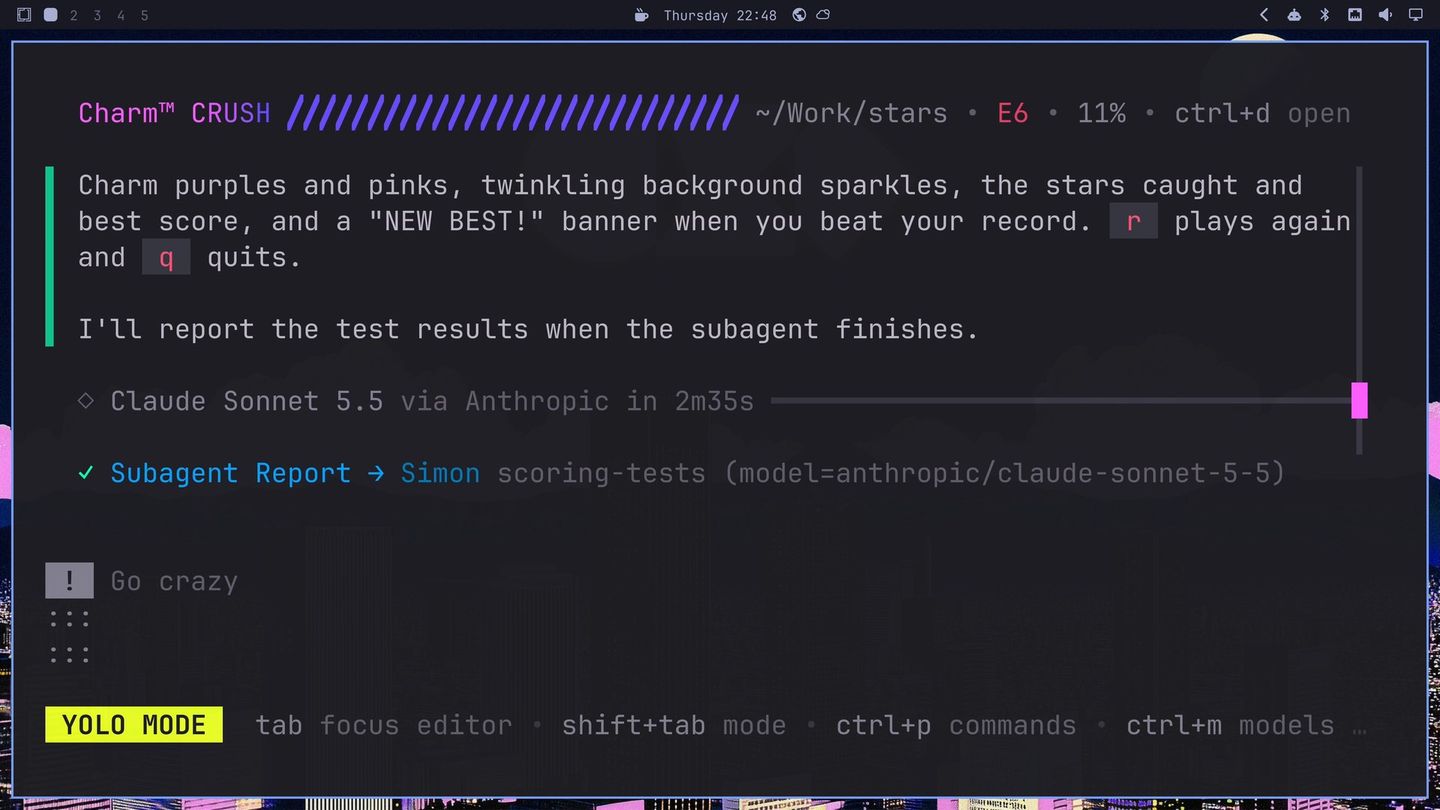
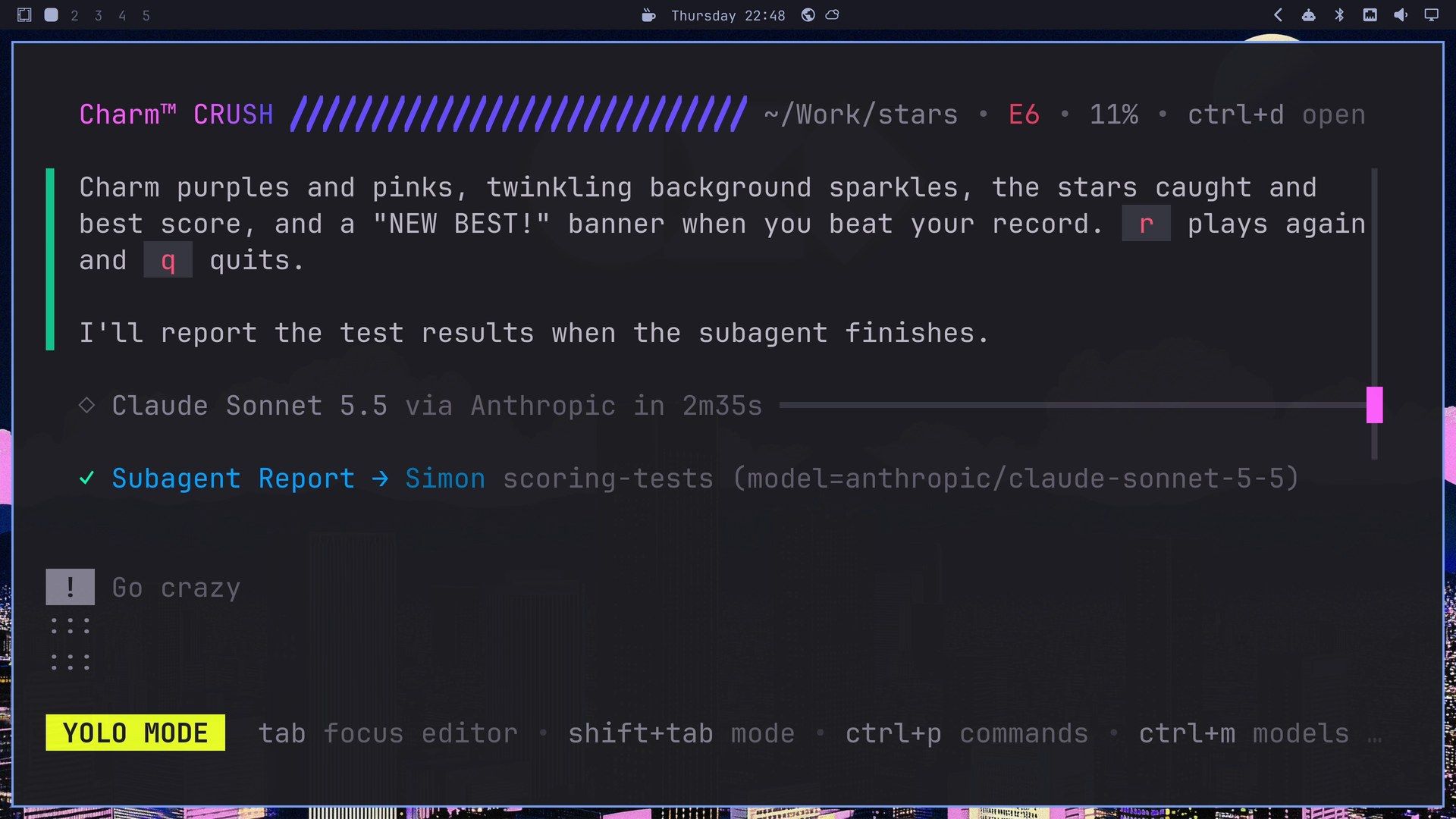
Round two cost $0.65 in the main session, plus $0.23 for Simon. In our run, the details panel at the end didn’t list the subagent, and the panel’s total leaves out its cost; Simon’s name showed only in the chat.
Run go run . again. The header now shows the score, the best score and a level, and five catches brought level 2. After the third miss, GAME OVER filled the field in big gradient block letters, with sparkles, the number of stars caught and NEW BEST! The best score is saved in ~/.config/star-catcher/ and loads on the next start.
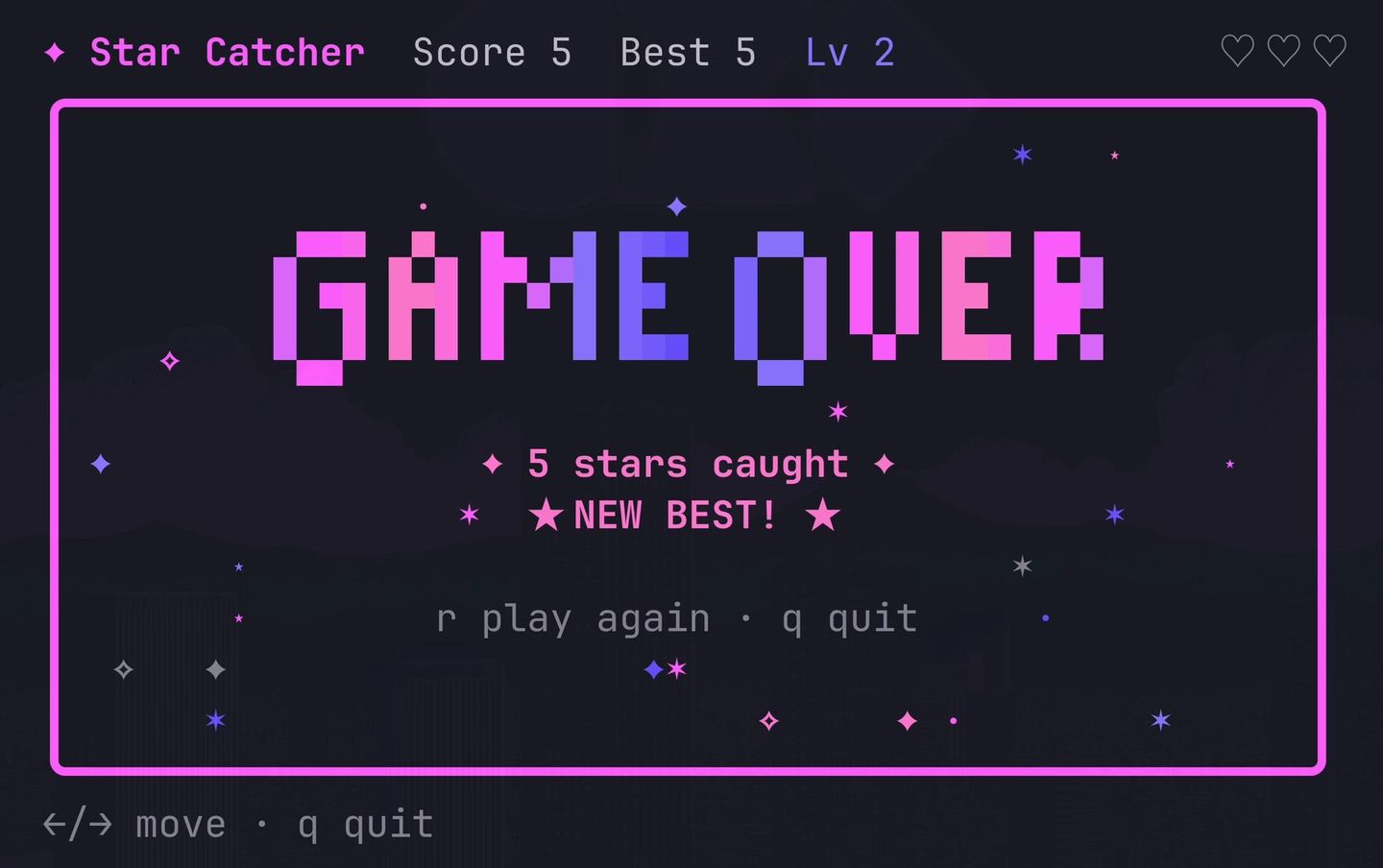
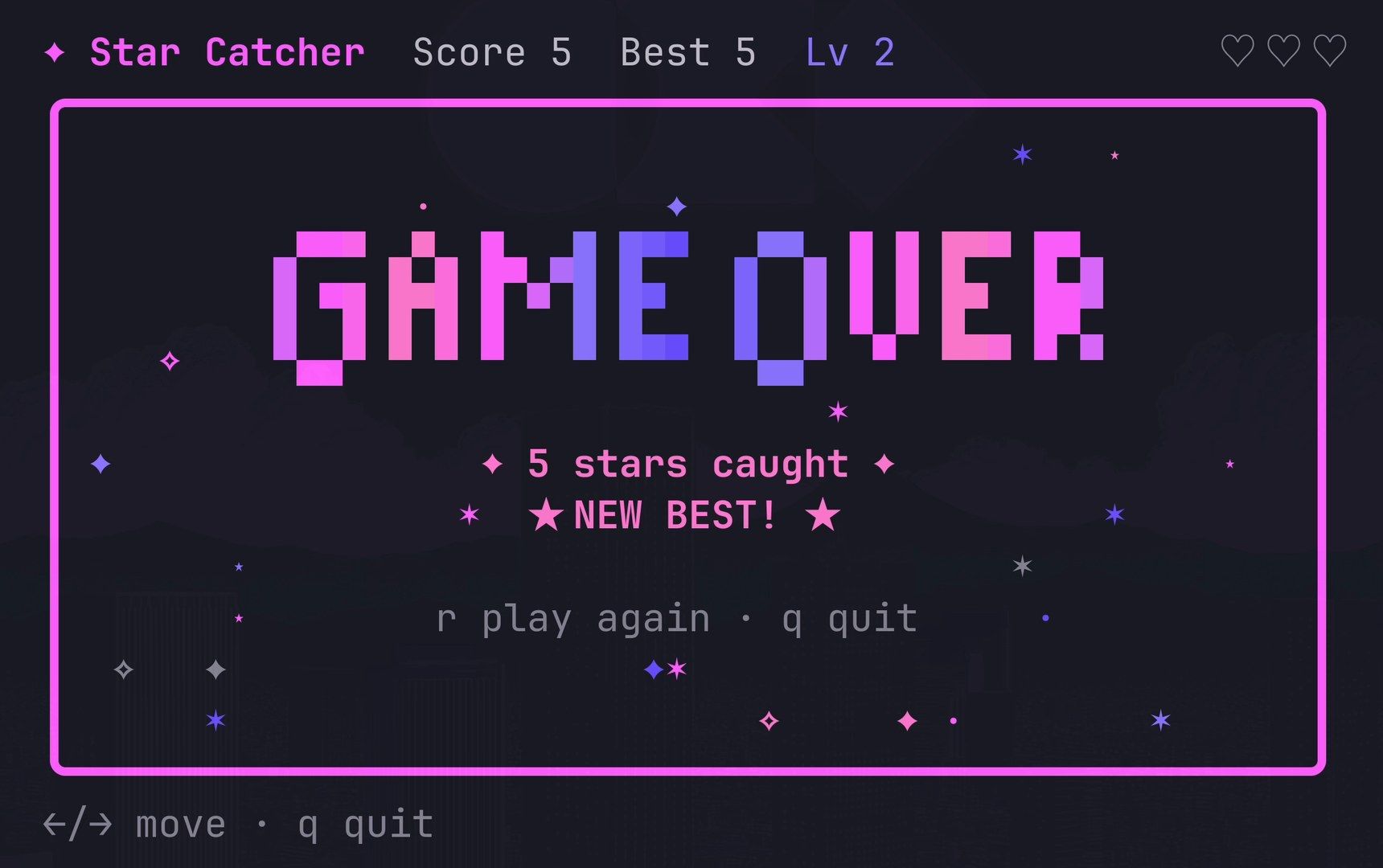
Look at the letters. The G and the O hang half a row lower than the rest, and the O looks almost like a Q. Crush’s summary didn’t catch it.
Round three: fix the GAME OVER letters
We read the font in main.go before writing the fix. The G and the O have rounded bottoms made of lower half blocks, which sit half a row below the line the other letters end on. The request names the fault and the cause:
One thing looks off on the game-over screen: the G and the O in GAME OVER hang half a row lower than the other letters, because their rounded corners use lower half blocks. Square those two letters off so the whole word sits on one line.Crush squared off the two letters in 14 seconds for under five cents. It printed a preview of the new letters in the chat, and it said that it had only printed the preview and had not run the game to look. So run it yourself: this time every letter of GAME OVER sat on one row.
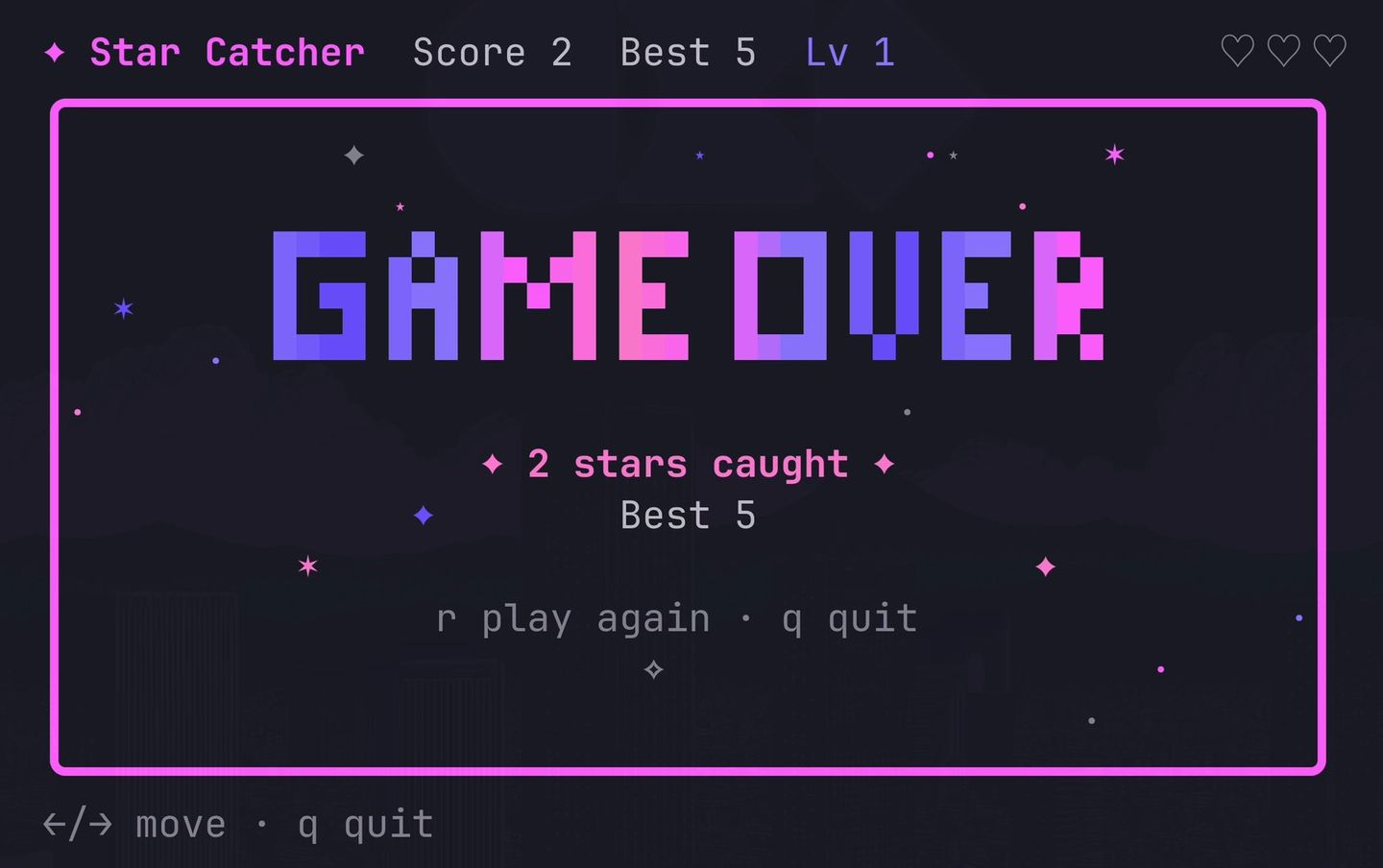
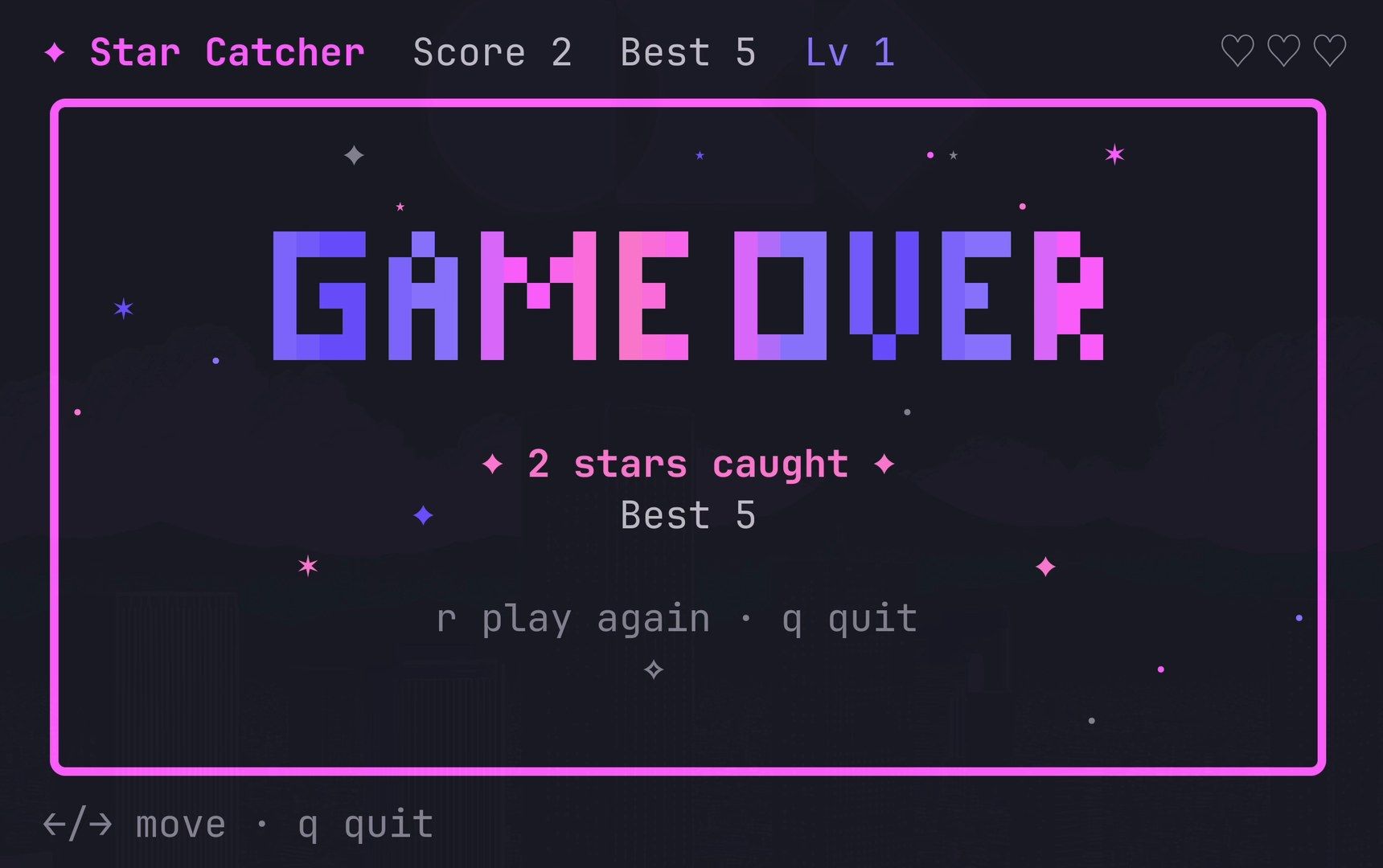
If your build shows a different fault, describe what you see and, if you can, why. A request that names the cause gives Crush less to guess.
Add Star Catch to the app launcher
Omarchy has its own command for adding a terminal app to the launcher, omarchy-tui-install. It takes a name, a command, a window style (float or tile) and an icon, and writes a .desktop file to ~/.local/share/applications/ (source). The last request asks Crush to use it:
Add the game to Omarchy's app launcher with omarchy-tui-install, as a floating window called Star Catch. Draw it a little star icon first.In 28 seconds, Crush drew a star icon, built the game into a program at ~/.local/bin/star-catch, and ran omarchy-tui-install. Its summary added a useful warning: the launcher runs that built copy, so after you change the code, run go build -o ~/.local/bin/star-catch . again, or the launcher keeps the old version. This request cost $0.14.
Press super space and type star catch. Star Catch shows under Apps with its pink and purple star icon.
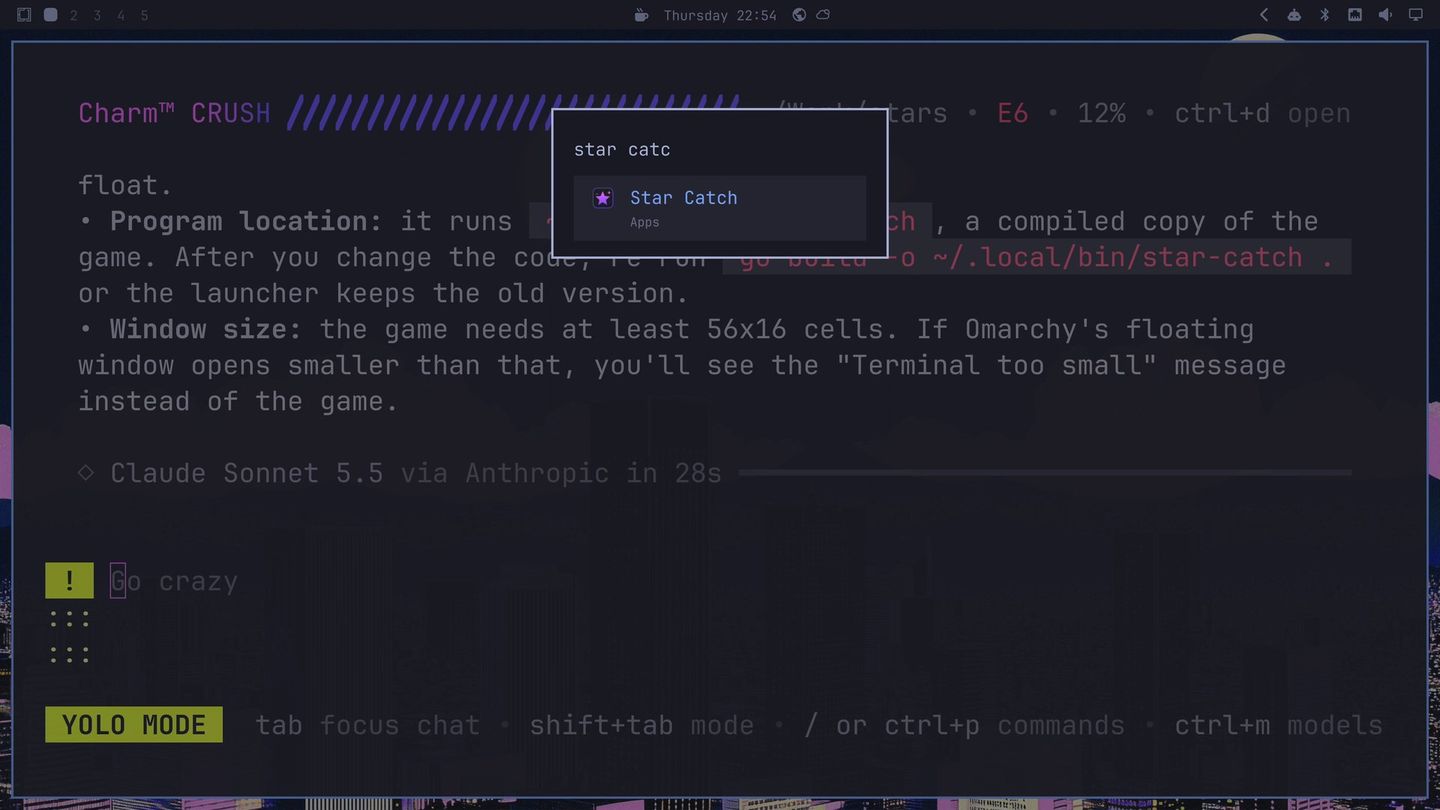
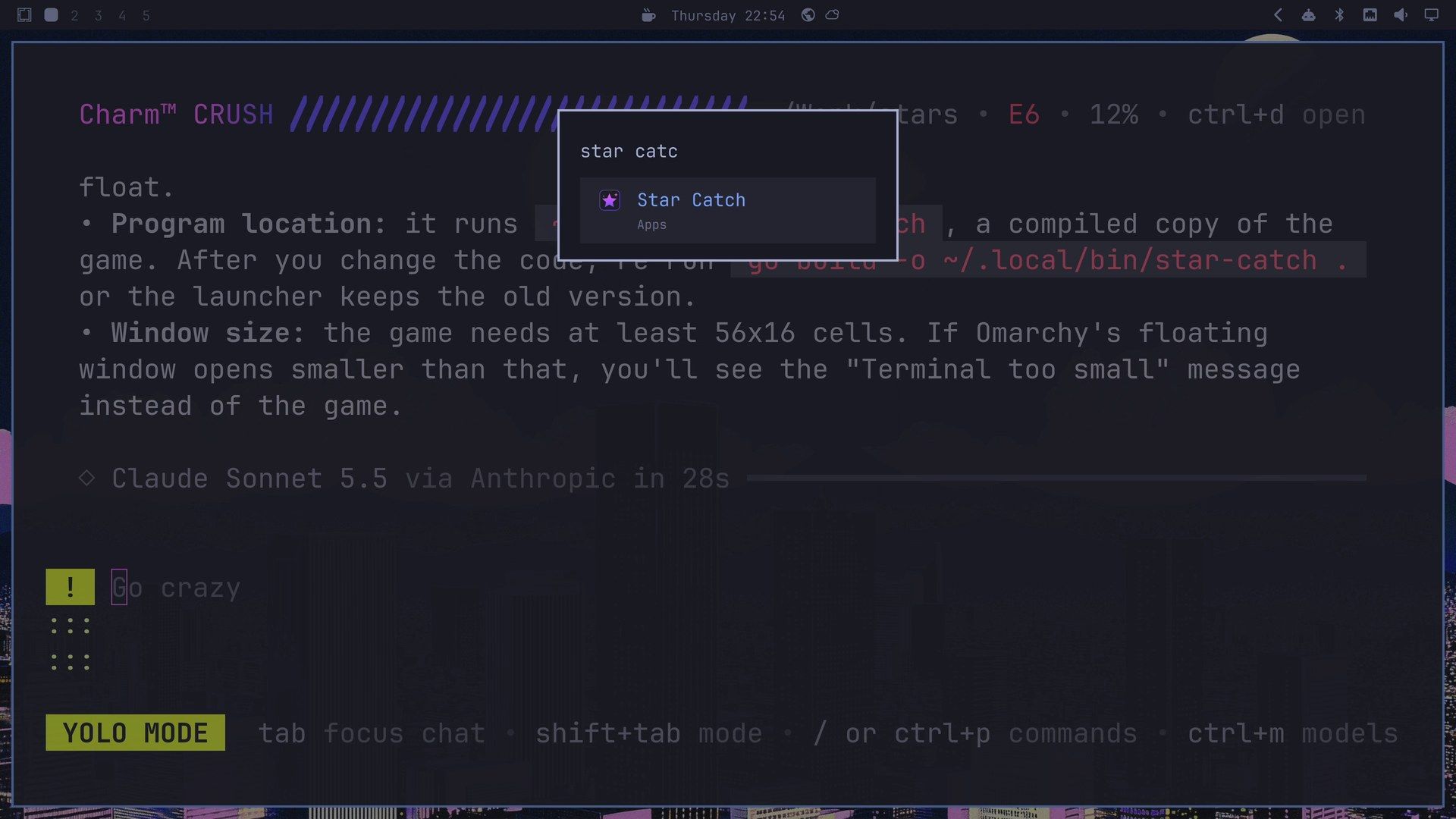
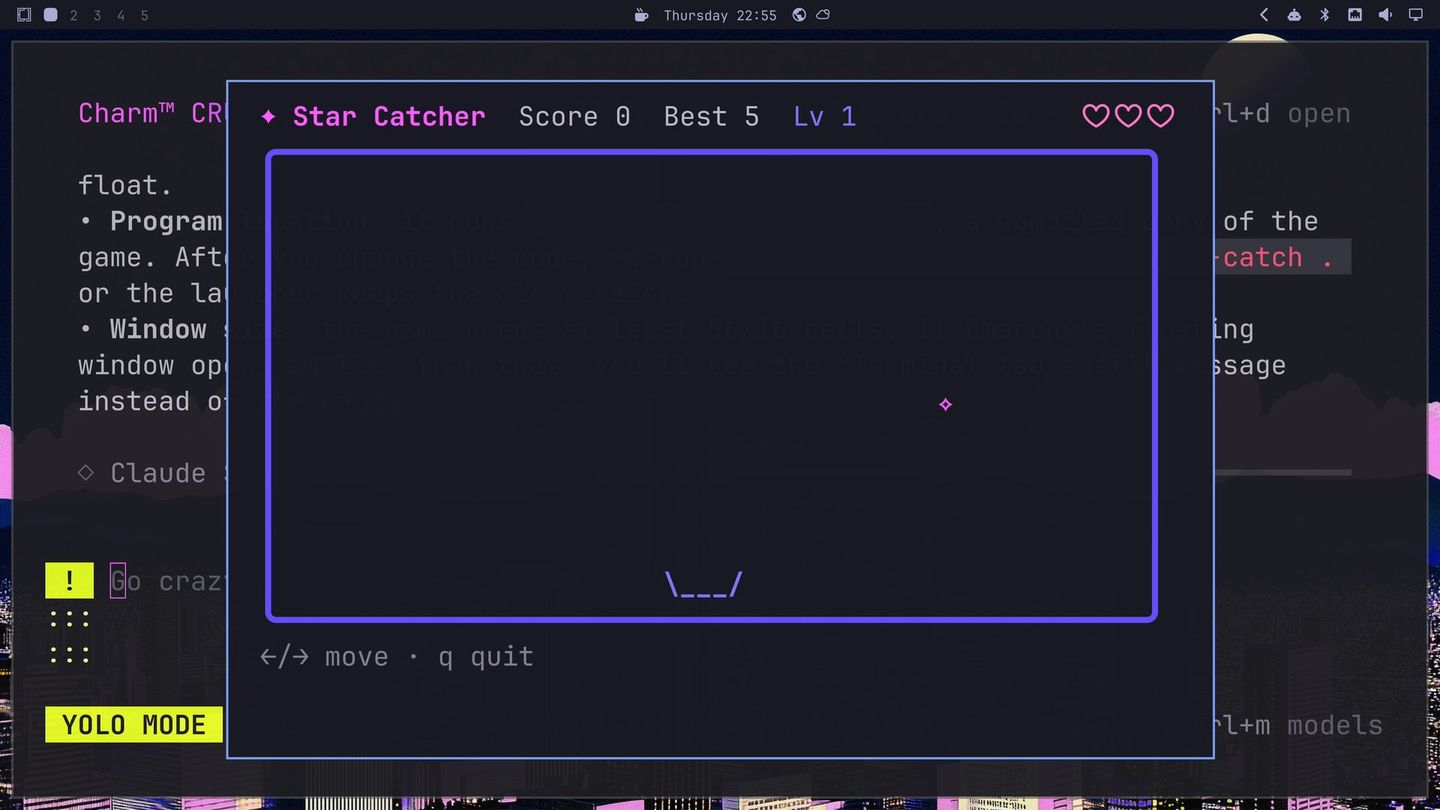
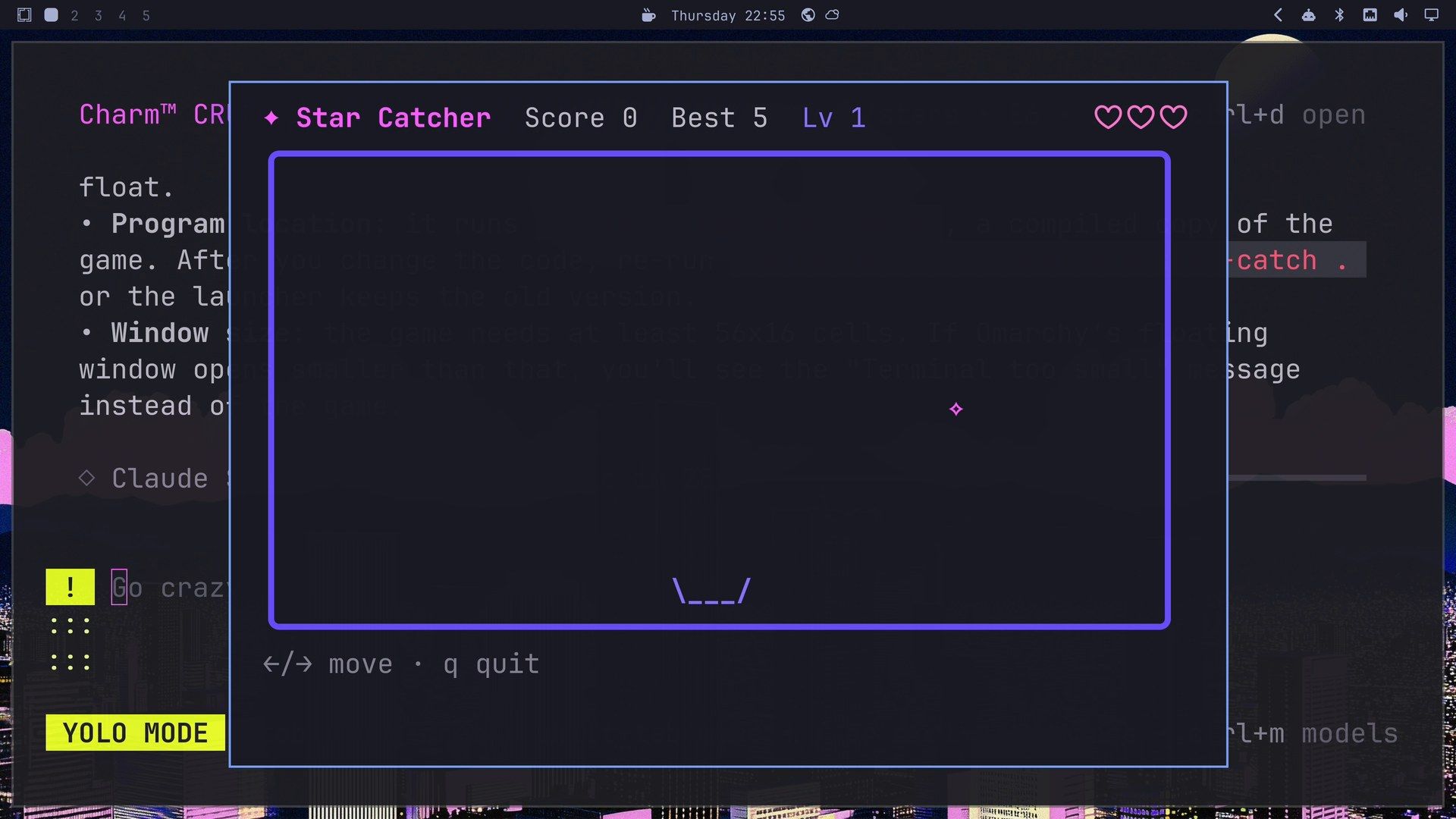
Press enter , and the game opens in its own floating window over Crush, with the best score of 5 from earlier still in the header.
What it cost
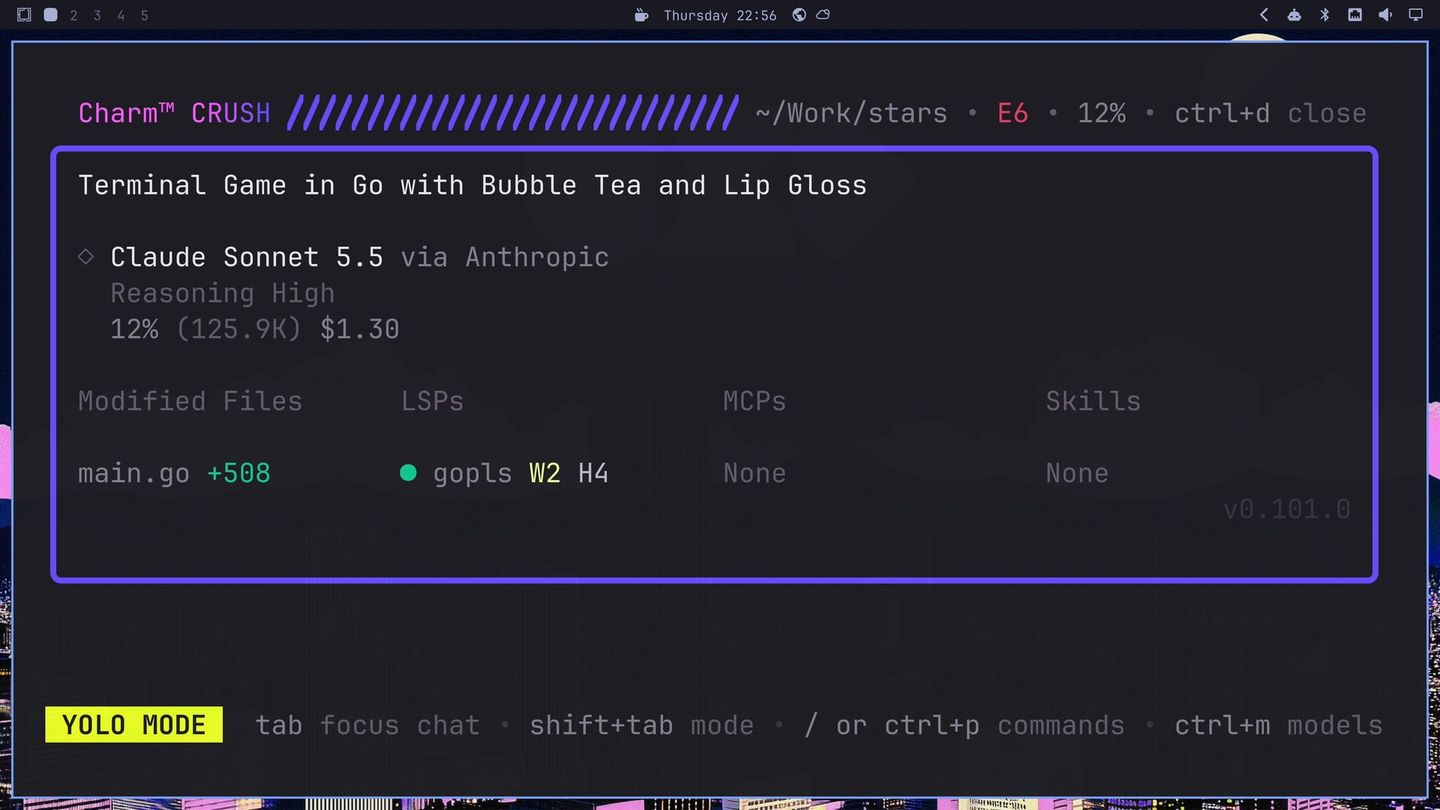
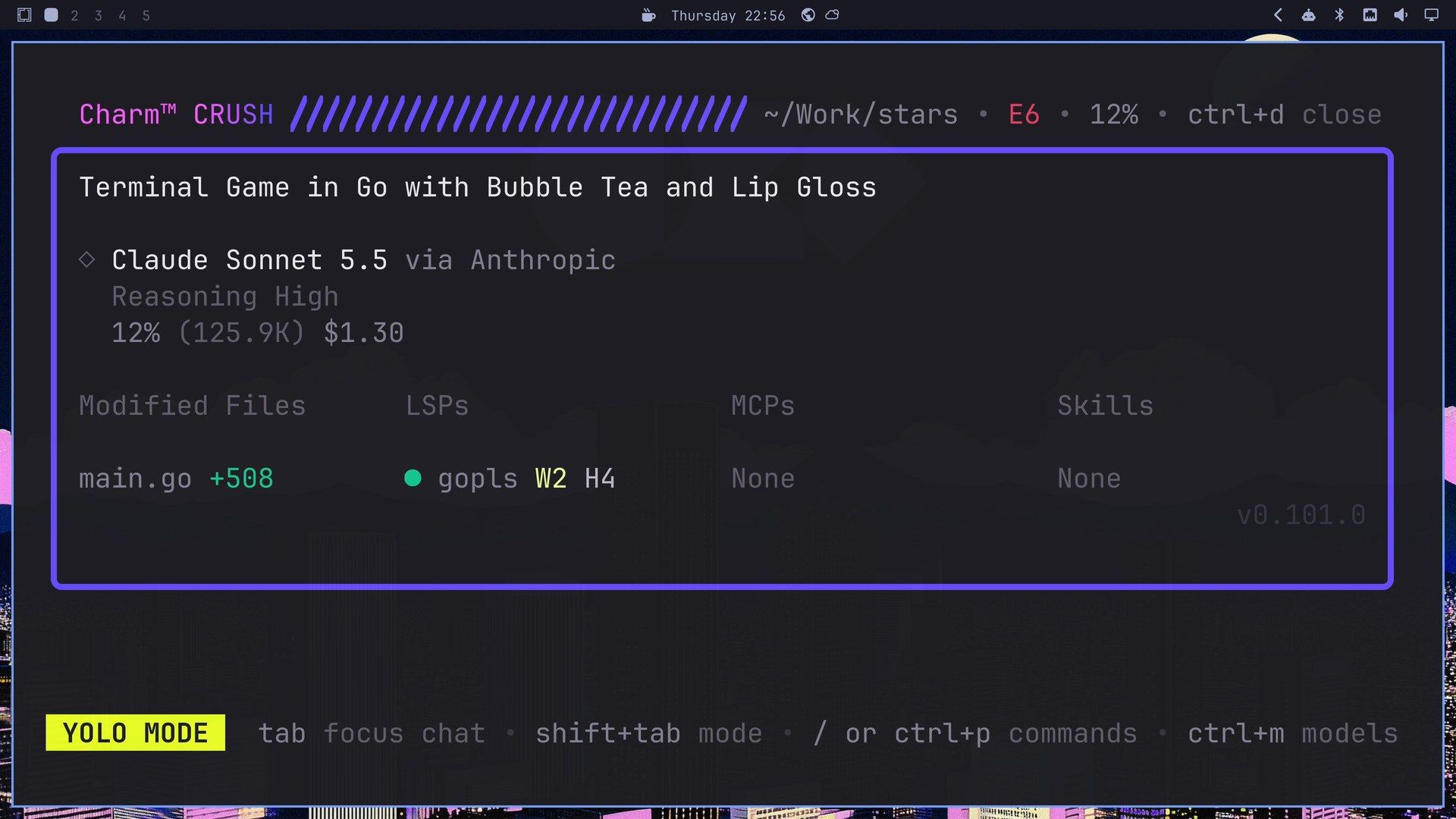
Press ctrl d in Crush for the details panel. It showed the session title Crush picked, “Terminal Game in Go with Bubble Tea and Lip Gloss”, the model, $1.30, the modified file (main.go, 508 lines added) and gopls under LSPs.
Crush keeps the cost per session, so we read it between requests. With Simon’s share, the whole build cost $1.53 on our Anthropic API key:
| Request | Model | Time | Cost |
|---|---|---|---|
| Plan and round one build | Haiku, then Sonnet | 1m13s each | $0.46 |
| Round two | Sonnet | 3m13s | $0.65 |
| Simon, the subagent | Sonnet | about 1m20s | $0.23 |
| Round three | Sonnet | 14s | $0.05 |
| Launcher | Sonnet | 28s | $0.14 |
| Total | $1.53 |
Charm Hyper, one way to pay
Charm Hyper is Charm’s own model service, and the Crush README calls it “the official model provider for Crush.” It runs open-weight models such as Kimi K3.1 Pro, GLM 5.3 and DeepSeek V4.1 Flash, plus Prism, a small model that routes each request. It does not offer Claude models.
The personal plans are called Shred and start at $10 a month (Shred Diet: 180 Hypercredits a week, at 5 cents a credit) and go up to $200 a month, according to Charm’s FAQ. Prepaid Pay As You Go credit starts at $5 and does not expire. There is no free tier. One difference matters if your code is private: Charm’s terms say prompts and responses on Shred plans may be used to train Charm’s models, while Pay As You Go, Business and Enterprise have zero data retention.
To use it, pick a Hyper model in the ctrl l picker and follow the sign-in steps, or run crush login.
Check the work yourself
Crush’s summaries missed both slips in this build: the “1 stars” plural and the low G and O. Its round two summary also said it had checked the visuals, which it did in a hidden terminal, not on your screen. Play each version before the next request, and read the code before yolo mode runs it.
Undo everything
- The game:
rm -rf ~/Work/stars ~/.config/star-catcher - The launcher entry, icon and program:
rm "$HOME/.local/share/applications/Star Catch.desktop" ~/.local/share/icons/hicolor/256x256/apps/star-catch.png ~/.local/bin/star-catch. Crush chose these paths in our run; its launcher summary lists yours. - The default agent: pick another with
omarchy default agent <name>. - Go and gopls, if you installed them for this guide:
omarchy pkg drop gopls go - The key: delete
~/.config/crush/crushrcand the key file, or remove the key from your environment.
Troubleshooting
The header shows no error count, or the LSPs column is empty. gopls isn’t on your path, or the folder has no go.mod yet. Crush starts gopls once both are there; the first build creates go.mod.
go run . says “go: command not found”. Install Go with omarchy pkg add go gopls.
The game shows a “too small” message instead of the field. Crush’s summary said our game needs at least 56 by 16 characters, the size the first prompt asked for, and shows that message in anything smaller. Make the window bigger or the font smaller.
The launcher still runs an old version. Run go build -o ~/.local/bin/star-catch . in ~/Work/stars after each code change.
The agent menu opens Crush in ~/Work, not in your project. That’s where Omarchy starts its agents. Start Crush from a terminal in the project folder, as above.
Related guides
Our other agent guides on Omarchy cover Codex, Pi writing its own extension, Claude Code and Goose. To run several agents from one terminal, see Herdr. For Go and other languages on Omarchy, our development setup guide walks through the Install menu.


