

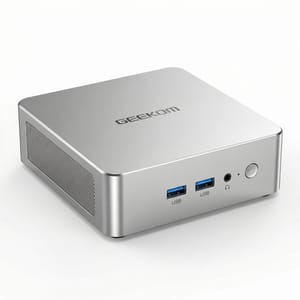
The GEEKOM A5 Pro 2026 Edition ships with an AMD Ryzen 5 7530U, 16GB of DDR4 RAM, and a 1TB NVMe SSD for $549 on Amazon. That’s roughly $150 more than the 2025 Edition sold for on a typical day, and only marginally faster on paper. CNX Software tested this one under Ubuntu.
CNX Software’s Jean-Luc Aufranc published a three-part review covering teardown and specs, Windows benchmarks, and Ubuntu 25.10 testing with hardware support checks and real-world power measurements. The results make the case for it as an always-on Linux machine, even if it’s hard to recommend as an outright bargain. All benchmarks and test data come from CNX Software’s review unless otherwise noted.
The AMD Ryzen 5 7530U 2026 Edition Adds Cooling and Drops the SATA Bay
The AMD Ryzen 5 7530U is the same Barcelo-R (Barcelo Refresh) architecture as the Ryzen 5 7430U in the 2025 Edition, with slightly higher boost clocks (4.5 GHz vs 4.3 GHz) and the same 16MB L3 cache. In practical terms, the performance difference between the two processors is modest. CNX Software measured Geekbench 6 scores of 1,980 single-core and 7,024 multi-core under Ubuntu, which is solid for a 15-watt chip but not dramatically ahead of its predecessor.
GEEKOM doubled the default SSD to 1TB with a PCIe Gen 4 drive that delivers 3,520 MB/s reads under Linux, and upgraded the cooling system to what they call “IceBlast 3.0” with dual copper heat pipes. CNX Software’s teardown found the industrial-grade metal chassis more substantial than the rose-gold 2025 model. The 2.5-inch SATA bay is gone, which matters for Linux home server builds. Where the previous A5 models offered triple storage expansion (NVMe + M.2 SATA + 2.5” SATA), the 2026 Edition drops to two slots. If you were planning to add a cheap bulk storage drive for media or backups, that option has disappeared.
In March 2026, shipping a $549 mini PC with DDR4-3200 memory feels like a generation behind. Competitors at this price point increasingly offer DDR5, which provides meaningfully better memory bandwidth for workloads like compilation, container management, and video editing. For basic desktop use and web browsing, you won’t notice the difference. But if you’re buying a Linux workstation for development work, the memory subsystem is a legitimate concern.
Every Component Works Under Ubuntu 25.10
Kernel 6.17 detected the hardware automatically, without BIOS modifications, driver hunting, or firmware workarounds. Aufranc installed it as a dual-boot alongside Windows 11 by booting from a USB drive and shrinking the Windows partition.
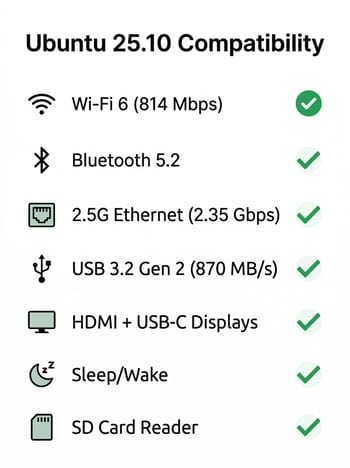
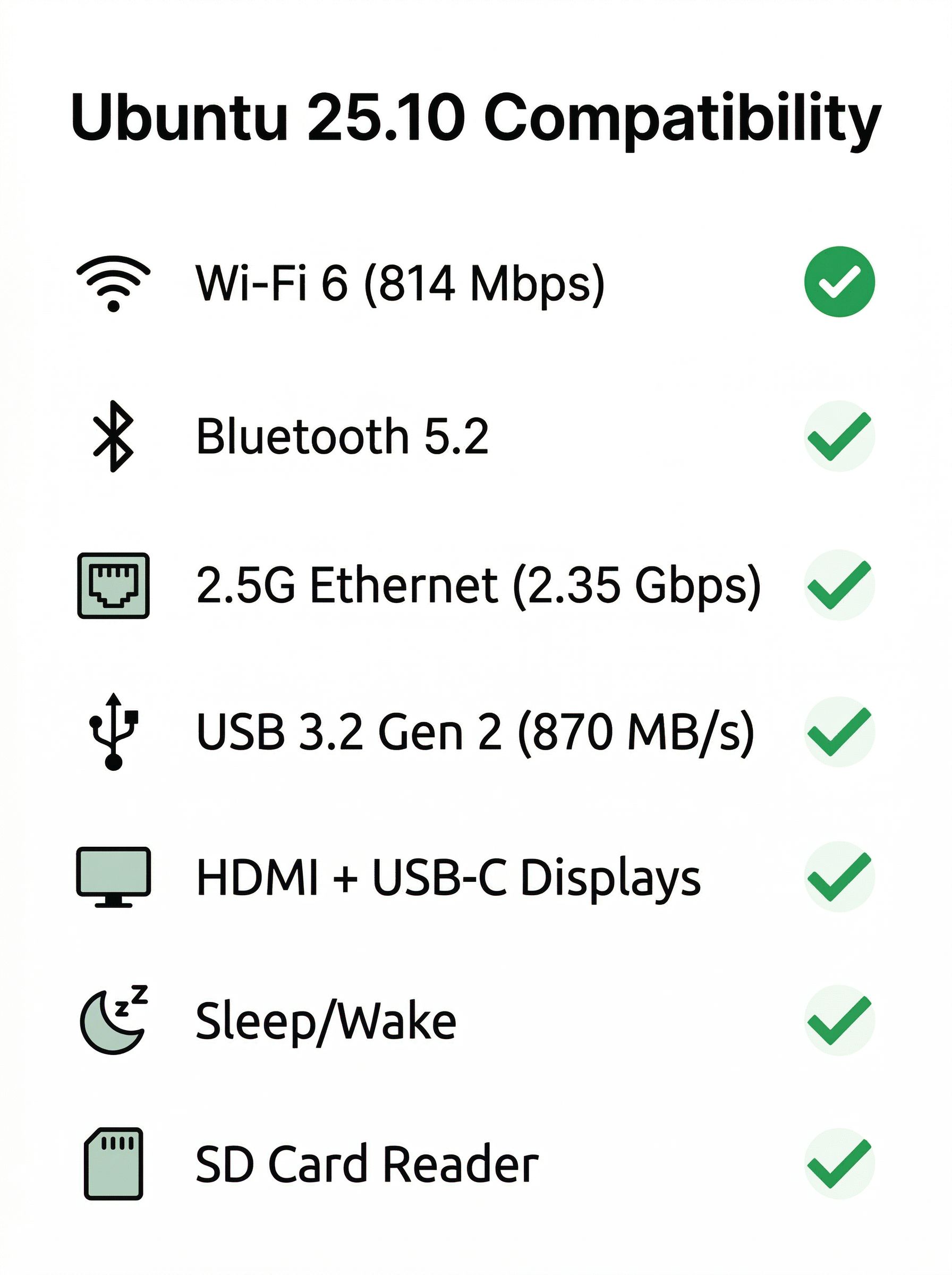
In CNX Software’s testing, all six USB ports work at their rated speeds, with USB 3.2 Gen 2 delivering 870-910 MB/s. The 2.5 Gigabit Ethernet hits near line-rate at 2.35 Gbps. Wi-Fi 6 through the Realtek RTL8852BE module pulls 814 Mbps down and 474 Mbps up on 5 GHz. Bluetooth 5.2 handles file transfers without issues. The SD card reader, sleep and wake, and multi-monitor output across HDMI and USB-C DisplayPort all work, the last with support for up to four displays.
Linux Runs Quiet Under Load and Fanless at Idle
Performance under Linux matches Windows almost exactly, with no throttling observed during sustained workloads. CPU temperatures peaked at 75.9 degrees Celsius under stress testing, and the fan noise settled to a quiet 39-40 dBA after an initial ramp. At idle, the fan shuts off entirely, leaving the machine drawing just 3.8 watts from the wall.
A machine that idles at under 4 watts and sustains around 24 watts under full load is attractive for always-on Linux use cases: a home server running Docker containers, a Pi-hole DNS filter, a media server, or a development machine you leave running overnight compiling code. Over a year of 24/7 operation at idle, you’re looking at roughly 33 kWh of electricity, which costs less than $5 in most US markets.
Older GEEKOM A5 Mini PCs Often Sell for Much Less
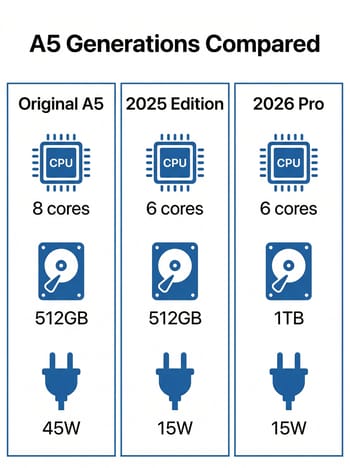
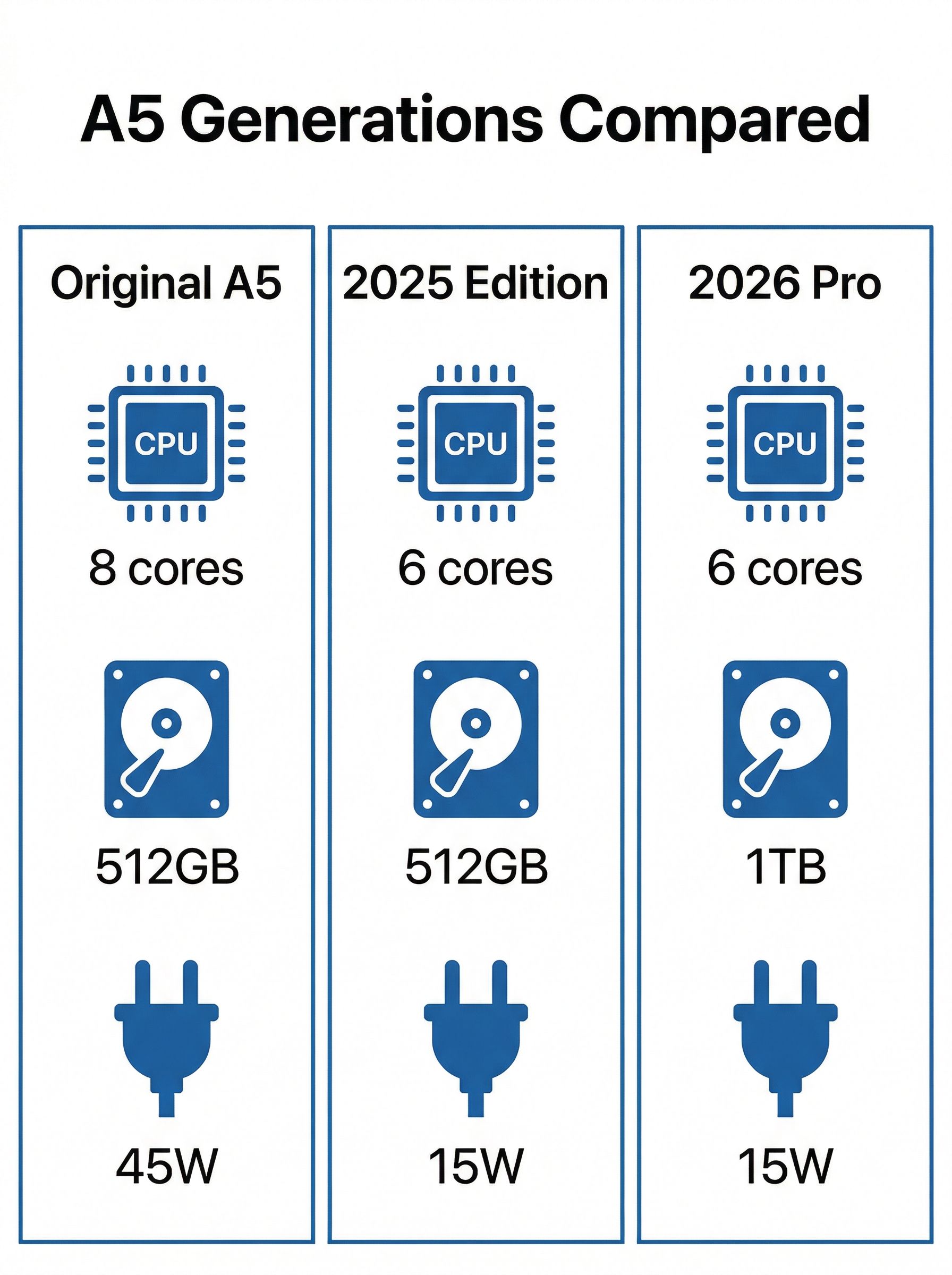
CNX Software’s own conclusion noted that “the earlier GEEKOM A5 looks like a better deal if you can live with a smaller capacity 512GB NVMe SSD.” The original GEEKOM A5 with its eight-core AMD Ryzen 7 5800H delivered better multi-threaded performance and included the 2.5-inch SATA bay, often available for under $400. The 2025 Edition with the AMD Ryzen 5 7430U frequently sold for around $279 during promotions, offering nearly identical performance to the 2026 refresh at half the price.
At $549, the A5 Pro is too expensive to be a casual recommendation over older A5 models, but not powerful enough to compete with eight-core machines from Minisforum and Beelink at the same price. The six-core, 15-watt AMD Ryzen 5 7530U is efficient and quiet, but it can’t match the raw throughput of H-series processors that competing mini PCs offer for similar money.
If you specifically want a Linux-compatible mini PC that runs quiet and power-efficient, with verified Ubuntu support and no hardware surprises, the field narrows.
The A5 Pro Fits Always-On Linux Work, Not Heavy Compiling
Power consumption and noise have to matter more to you than raw performance: a home server sitting in a living room, a quiet office desktop for web development and writing, or a media center connected to a TV. It draws 3.8 watts at idle with the fan off.
It’s a harder sell as a developer workstation for heavy compilation or container-heavy workflows. The six Zen 3 cores and DDR4 memory will feel limiting compared to what $549 buys in an eight-core, DDR5-equipped alternative. And if gaming is any part of your use case, the Vega 7 integrated graphics won’t run recent releases at playable frame rates.
GEEKOM A5 Pro
- +Verified Linux compatibility
- +3.8W idle power
- +silent fan-off at idle
- +1TB PCIe Gen 4 SSD
- +IceBlast 3.0 cooling
- -DDR4 memory in 2026
- -no 2.5-inch SATA bay
- -$549 is steep for 6-core Zen 3
For buyers on a tighter budget, the GEEKOM A5 2025 Edition remains the better buy. It delivers 90% of the performance at roughly 70% of the price, and closer to half during promotions and includes the 2.5-inch SATA bay the 2026 Edition dropped. The 2026 Edition’s advantages, a faster SSD, improved cooling, and marginally better CPU, are real but modest. The older model is the better value unless the larger default storage matters to you and you would rather not upgrade it yourself.
It would be an easy recommendation at $400, but at $549 you need to care specifically about its quiet operation and low power draw to justify choosing it over alternatives that offer more performance per dollar.
Frequently Asked Questions
Does the GEEKOM A5 Pro work with Linux out of the box?
Yes. Kernel 6.17 in Ubuntu 25.10 detected every component on the first boot, with no BIOS changes or driver hunting. USB, 2.5 Gigabit Ethernet, Wi-Fi, Bluetooth, the SD card reader, sleep and wake, and multi-monitor output all worked without manual setup.
Does the Wi-Fi need a driver on the GEEKOM A5 Pro under Linux?
No. Kernel 6.17 drives the Realtek RTL8852BE module without any extra work, and it measured 814 Mbps down and 474 Mbps up on 5 GHz.
How much power does the A5 Pro draw at idle?
3.8 watts, with the fan off. Full load sustains around 24 watts. A year of continuous idle operation comes to roughly 33 kWh, under $5 of electricity in most US markets.
Is the 2026 Edition worth the extra money over the 2025 Edition?
The 2026 Edition lists at $549 and the 2025 Edition has sold for around $279 during promotions, with close to the same performance. The extra money buys a larger default SSD and better cooling, and costs you the 2.5-inch SATA bay the 2026 Edition dropped. For most buyers the older model is the better value.


