
A distro, short for distribution, is a complete Linux system that’s ready to install. It runs your whole computer the way Windows or macOS does, and each one has its own look and its own apps.
This guide tours five: Linux Mint, Zorin OS, Omarchy, Ubuntu, and Fedora. For each one we cover who it’s made for, what its desktop looks like, and what stands out. After the tour come the steps to try four of them from a flash drive, then notes on NVIDIA drivers and older PCs.
A pick for each kind of user
Start with Linux Mint if you’re leaving Windows and want things where you expect them. It looks a lot like Windows, and it asks for only 2 GB of memory, so an older PC runs it too. Our guide for people leaving Windows 10 and our Fedora article both send Windows switchers to Mint as well.
Zorin OS is the better fit when you want a Windows look that you can change, or when you depend on a Windows app and want the system to help you with it. Omarchy is for someone who enjoys changing how a computer looks and wants to pick up keyboard shortcuts over time. Ubuntu and Fedora are the tried and true choices: Ubuntu lets you install once and stay on the same version for years, and Fedora gives you GNOME as its makers designed it, with an upgrade about once a year.
Here are the five side by side. Memory and disk are what each project asks for.
| Linux Mint | Zorin OS | Omarchy | Ubuntu | Fedora | |
|---|---|---|---|---|---|
| Version | 22.3 “Zena” | 18.1 Core | 4.5 | 26.04.1 LTS | 45 Workstation |
| Built on | Ubuntu | Ubuntu | Arch Linux | Debian | Its own base |
| Desktop | Cinnamon | Zorin’s own, built on GNOME | Hyprland | GNOME 50 | GNOME 51 |
| Updates until | April 2029 | June 2029 | Rolling updates | May 2031, or May 2036 with Ubuntu Pro | December 8, 2027 |
| Memory | 2 GB, 4 GB recommended | 2 GB | No stated minimum | 6 GB | 4 GB recommended |
| Disk | 20 GB, 100 GB recommended | 15 GB | 32 GB free beside another system | 25 GB | 40 GB recommended |
| Download | 3.09 GB | 3.91 GB | Over 6 GB | 6.48 GB | 2.93 GB |
Linux Mint looks a lot like Windows
Linux Mint calls itself one of the alternatives to Windows and macOS, and it says it’s “used by millions of people”. Clement Lefebvre started it in 2006, and the project says its focus is “quality vs quantity, on doing less to do it better”. It suits people who want a computer that works like the one they already know.
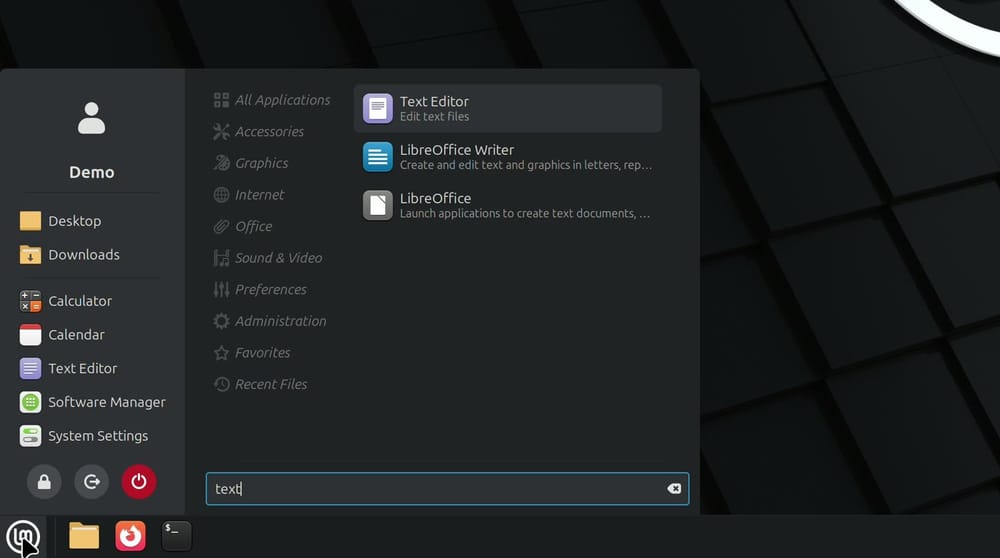
Mint puts a bar along the bottom of the screen with a menu button in the corner, pinned apps beside it, and the tray and clock on the right. If you’ve used Windows, you already know where things are. The version here is 22.3 “Zena” with the Cinnamon desktop, and it gets updates until April 2029. The next version, Linux Mint 27 “Adrien”, is scheduled for Christmas and will be built on Ubuntu 26.04. Mint is moving to one release a year, and its numbers now follow the year.
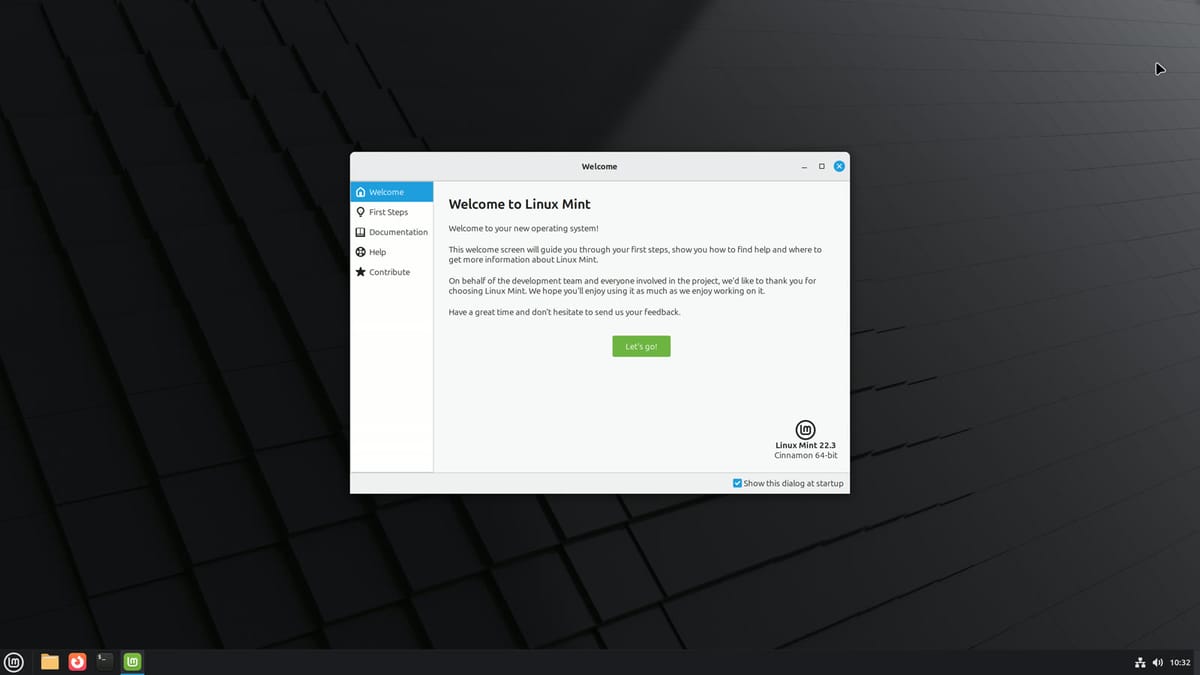
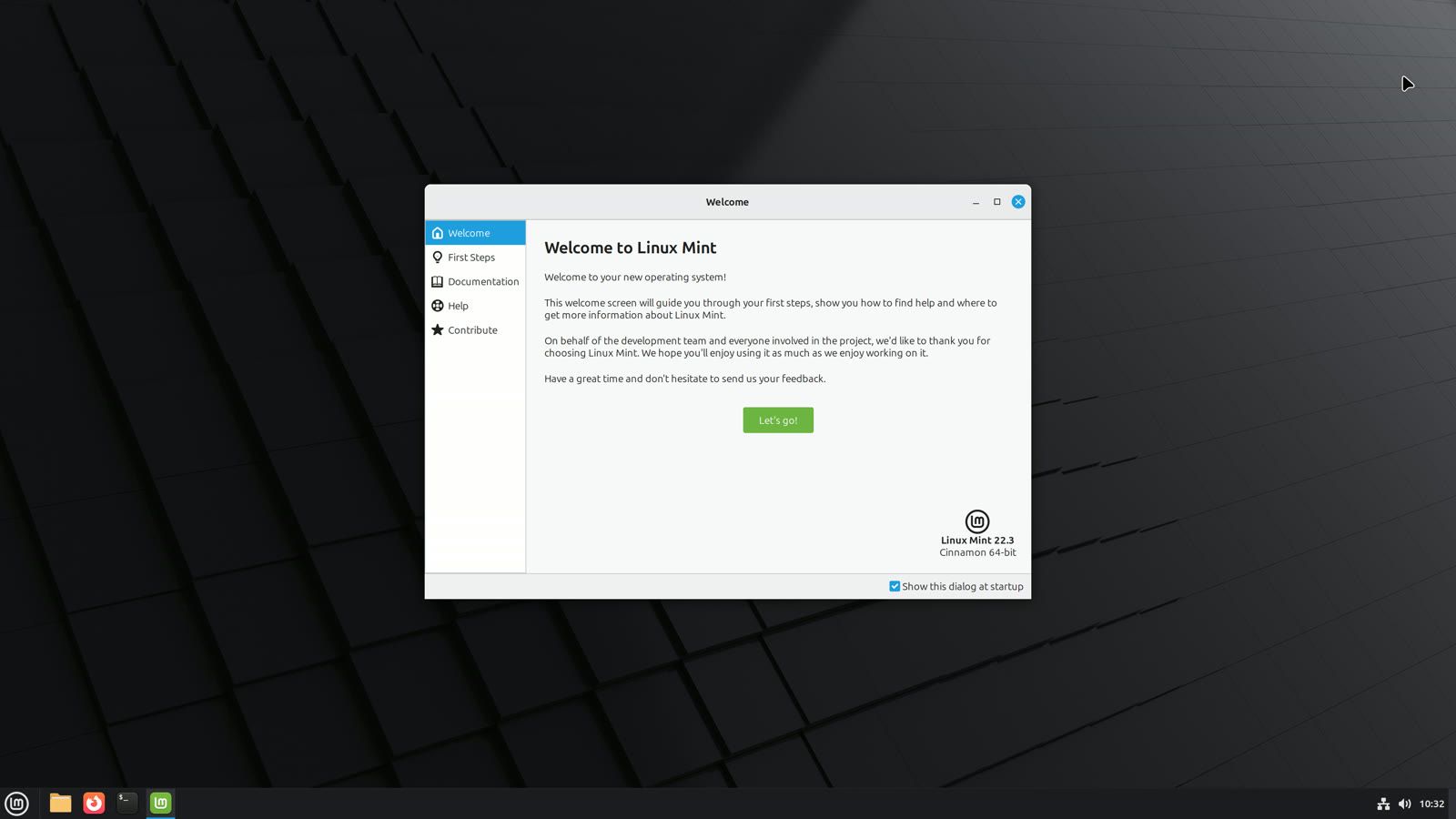
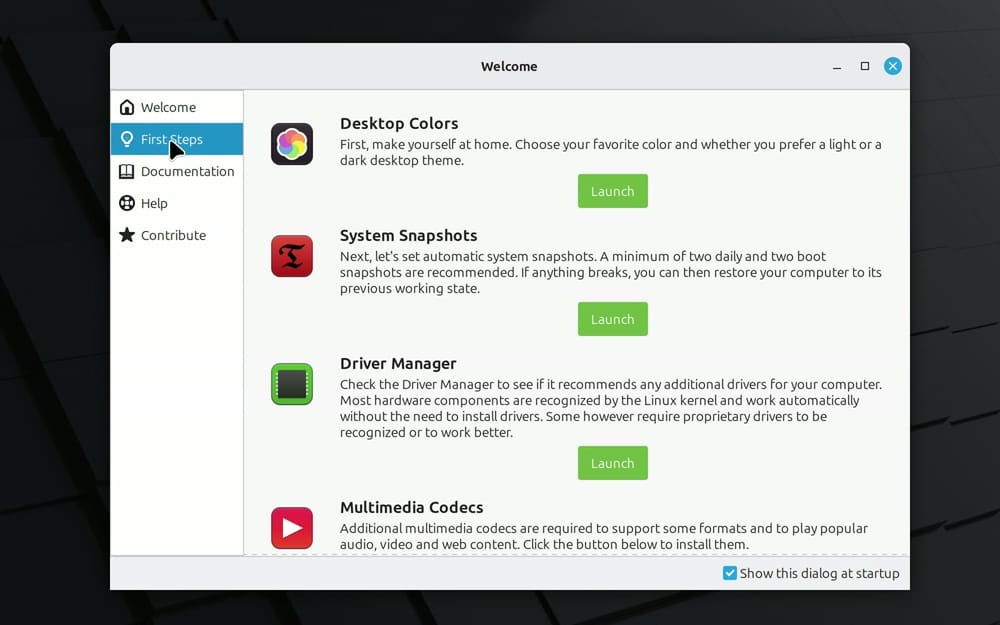
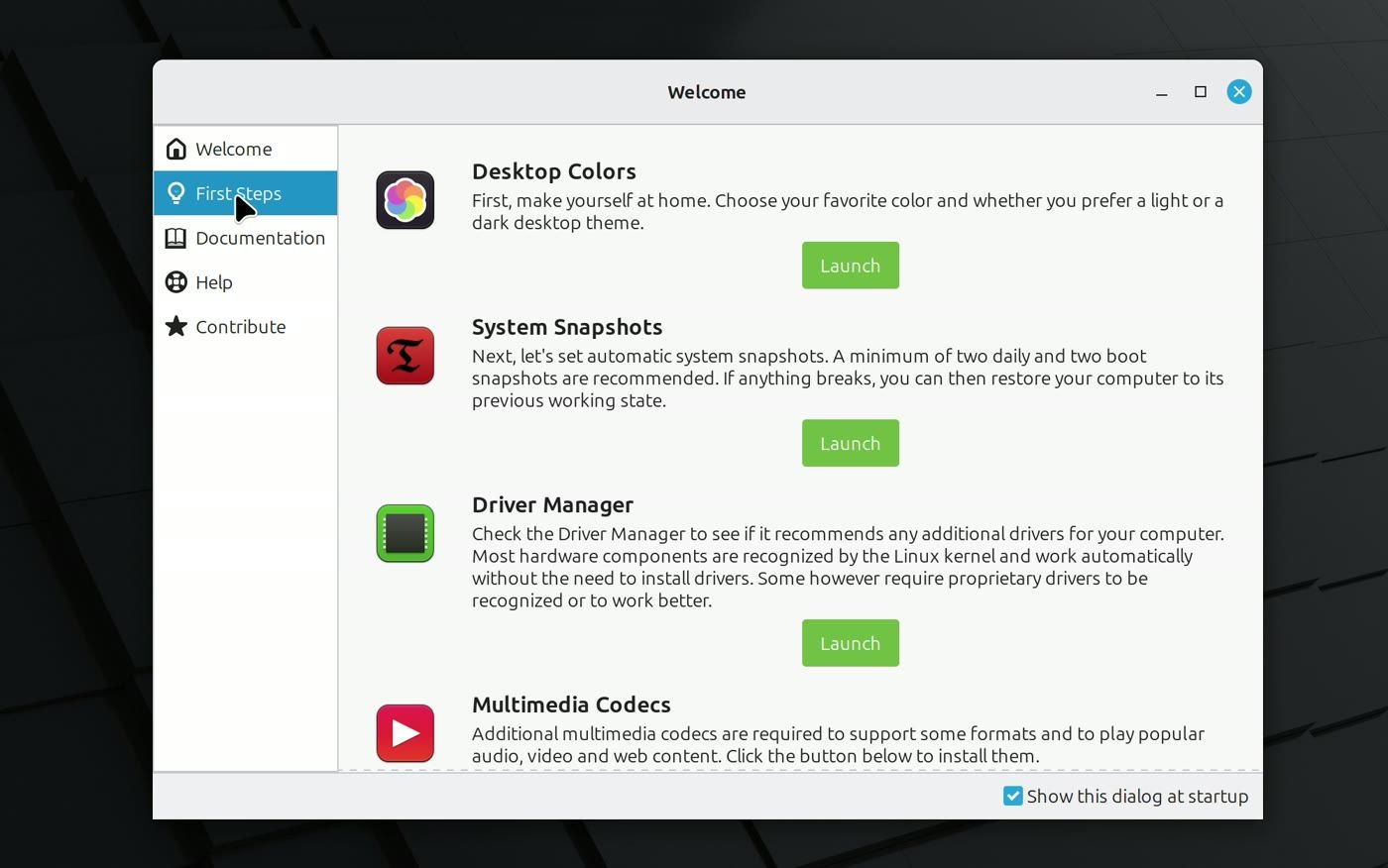
The first time you log in, a window called Welcome opens. Its First Steps page is the best place to start, because each tool gets a short paragraph and a Launch button, so you know what it’s for before you open it. The first one, Desktop Colors, lets you pick a favorite color and a light or dark theme. Another, Driver Manager, checks whether your hardware needs extra drivers.
The menu button does the job of the Start menu, and its search box is ready as soon as it opens. Typing text found Text Editor and LibreOffice Writer. LibreOffice, a free office suite for documents and spreadsheets, comes with Mint. The Files app opens your folders, and an MP4 video we opened from it played right away in Celluloid, the player that comes with Mint.
New apps come from Software Manager, which works like the app store on a phone. Mint’s Welcome window says about 60,000 apps are available. We added VLC, a free video player that also runs on Windows. Search for it, open its page, and press Install. Software Manager asks for your password, because this changes the system. When it finished, the button had changed to Launch, with a Remove button beside it.


Some apps come from Flathub, a big app store for Linux, and Software Manager shows those too. OBS Studio, a free app for recording video and live streaming, is one of them, and its page names its maker. Mint turns off unverified Flathub apps by default, and verified ones show their maintainer’s name, so you can see who an app comes from before you install it.


Zorin OS is made for people coming from Windows or a Mac
Zorin OS started in 2008, because its makers felt Linux systems “were generally built for engineers by engineers, with little consideration for regular users.” Its site calls it an alternative to Windows and macOS that stays “familiar and simple to use”. Zorin said version 18 passed 2 million downloads in under three months, and more than three quarters of those came from Windows users. A download isn’t an install, but the share from Windows shows who it’s reaching.
This is version 18.1 Core, the free edition, with updates until June 2029. The bar floats a little above the bottom of the screen with rounded corners, and the tray and clock sit at its right end. The Zorin menu works like the Start menu: kinds of apps on one side, your folders and Settings on the other, and typing searches both your apps and your settings. The Files button on the bar opens your folders, and Settings keeps Wi-Fi, sound, displays, and the other basics in one window.
New apps come from the Software app, which sorts them by what you want to do, like Create, Work, and Play. A search for VLC offered it from Flathub by default, with Zorin’s own package as the other choice, and that Flathub install didn’t ask for a password.
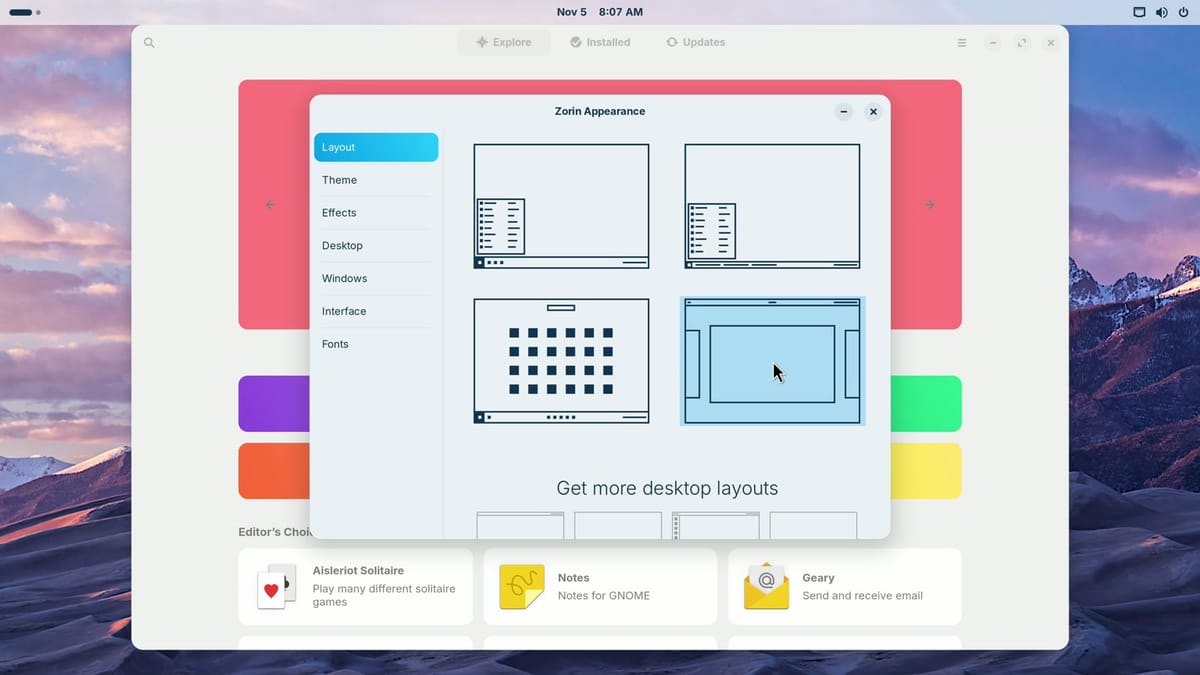
Zorin Appearance is the app that changes the layout. Its Layout page shows four pictures, and a click on one changes the whole desktop at once, with no restart. The first is the bar you start with, and the second adds window names to the bar. The third gathers your apps in the middle of the bar, and the fourth moves the bar to the top of the screen. The macOS-like and Windows 11-like layouts need the paid Pro edition.
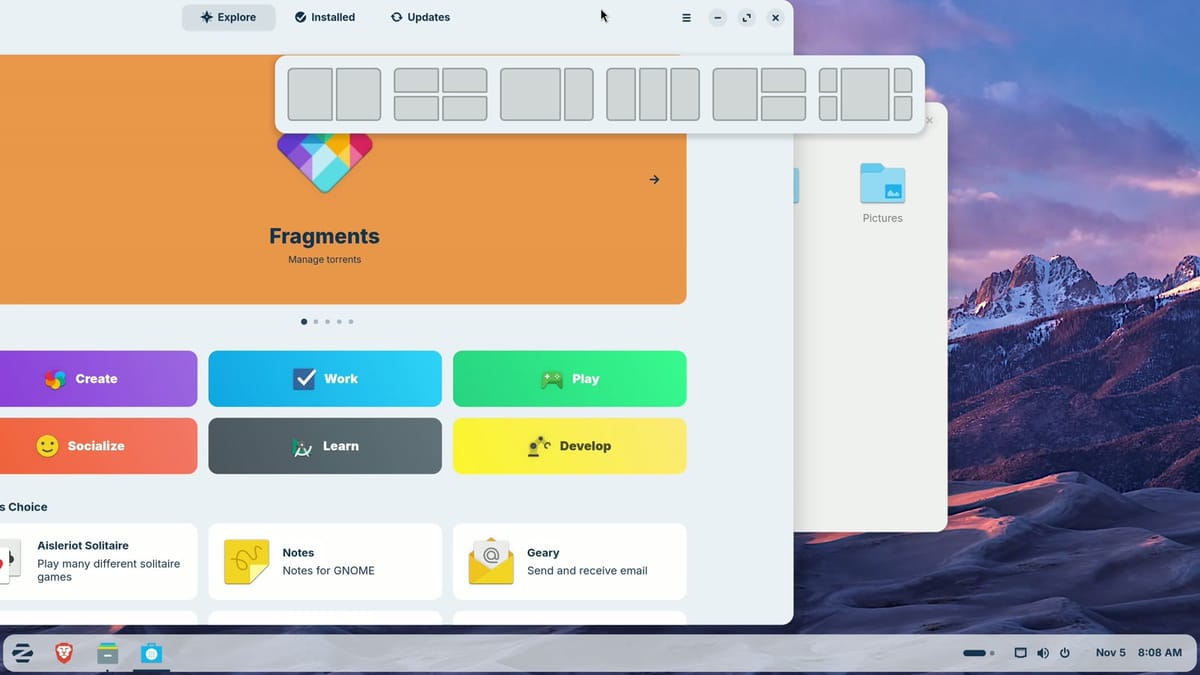
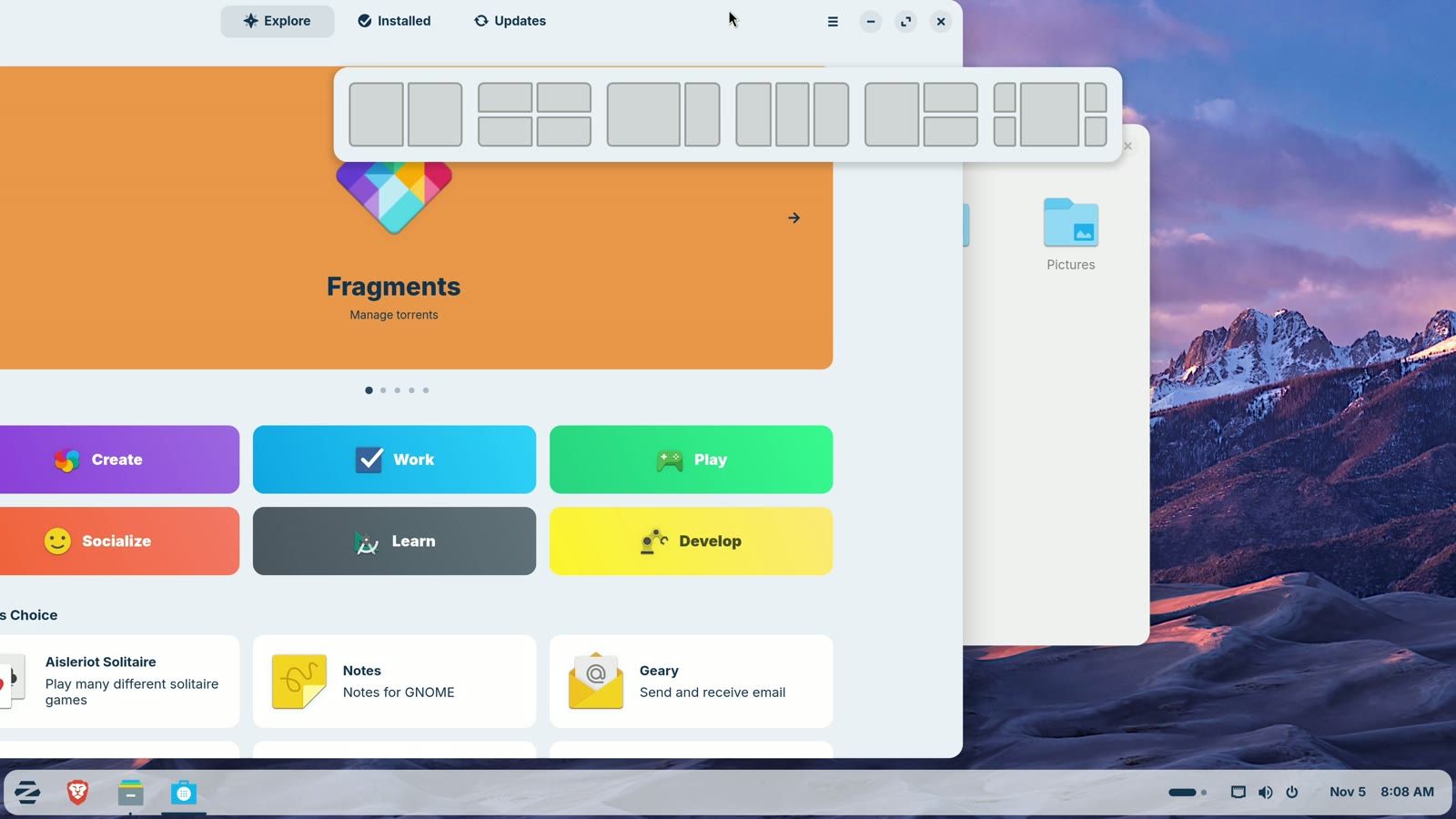
Zorin also has window snapping. Drag a window to the top of the screen and a strip of six layouts drops down. Let go over one part of a layout, and the window fills that part of the screen. Windows 11 has something similar, called Snap Layouts.
Zorin OS also helps when you open a Windows installer, the file you’d run to add a program on Windows. We double-clicked the installer for Notepad++, a free text editor. A window suggested Notepad Next, a Linux app that does a similar job, with a button to install it. The other button installs Windows App Support, which runs many Windows programs on Linux with two tools called Wine and Bottles. The same window calls the file “an unknown Windows app” and warns that some Windows apps may not work.
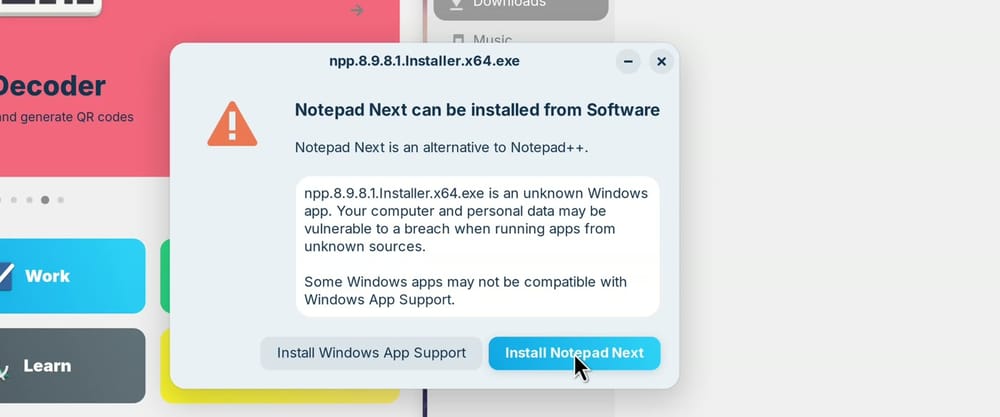
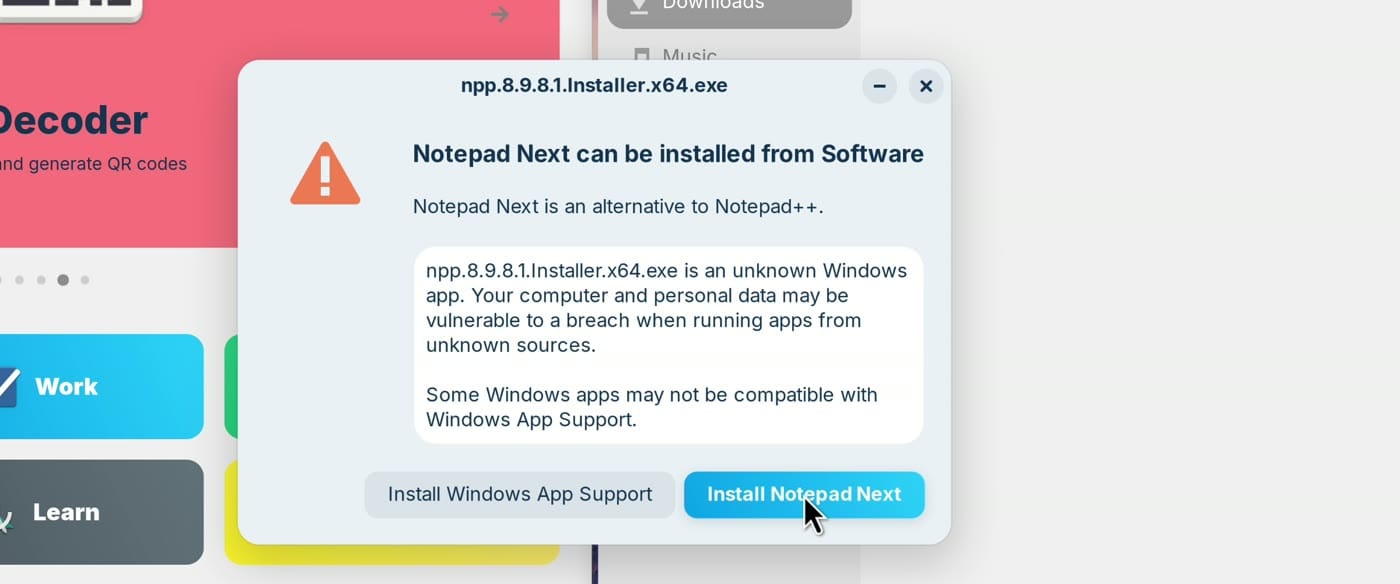
Zorin says its list of suggestions now “supports over 240 apps”. That list isn’t a promise that any Windows program will run. We tried the 7-Zip installer after adding Windows App Support, which took about five minutes, and it installed. Our guide for people leaving Windows 10 covers what doesn’t move across, such as Adobe’s apps and games with kernel-level anti-cheat.
Omarchy comes from DHH and is yours to change
Omarchy is a Linux system built on Arch Linux, set up and ready to use. It comes from David Heinemeier Hansson, known as DHH, who created Ruby on Rails, a toolkit for building websites. Its site says it’s “developed by developers for developers” and tells you “You’re free to change everything.” The same page counts 1,347,502 ISO downloads in its first year. Arch is a rolling release, so you keep updating the one install instead of moving to a new version every year or two.
Omarchy’s default layout is tiling, where each window gets its own part of the screen and nothing overlaps. Version 4.5, released on November 4, 2026, also has a floating layout, with overlapping windows you drag around and a dock. DHH calls it “a wonderful on-ramp for anyone arriving from macOS or Windows who isn’t ready to go all-in on tiling yet.” In the Omarchy menu, Appearance > Workspace Layout > Floating makes floating the default for new workspaces.
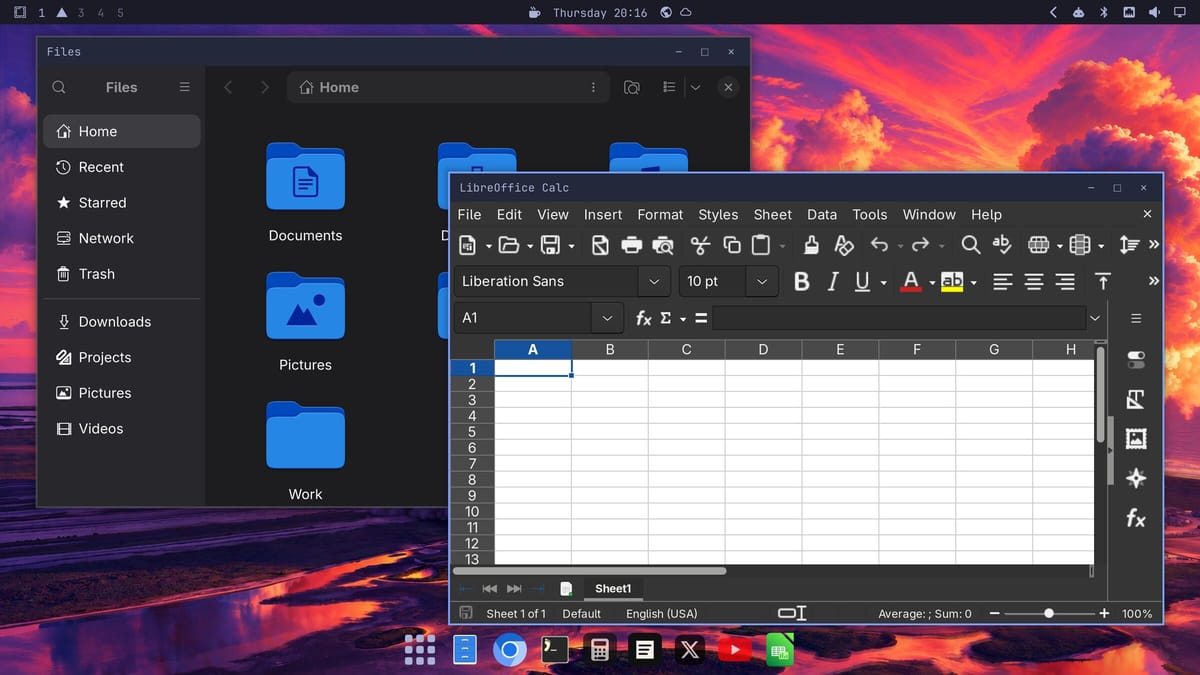
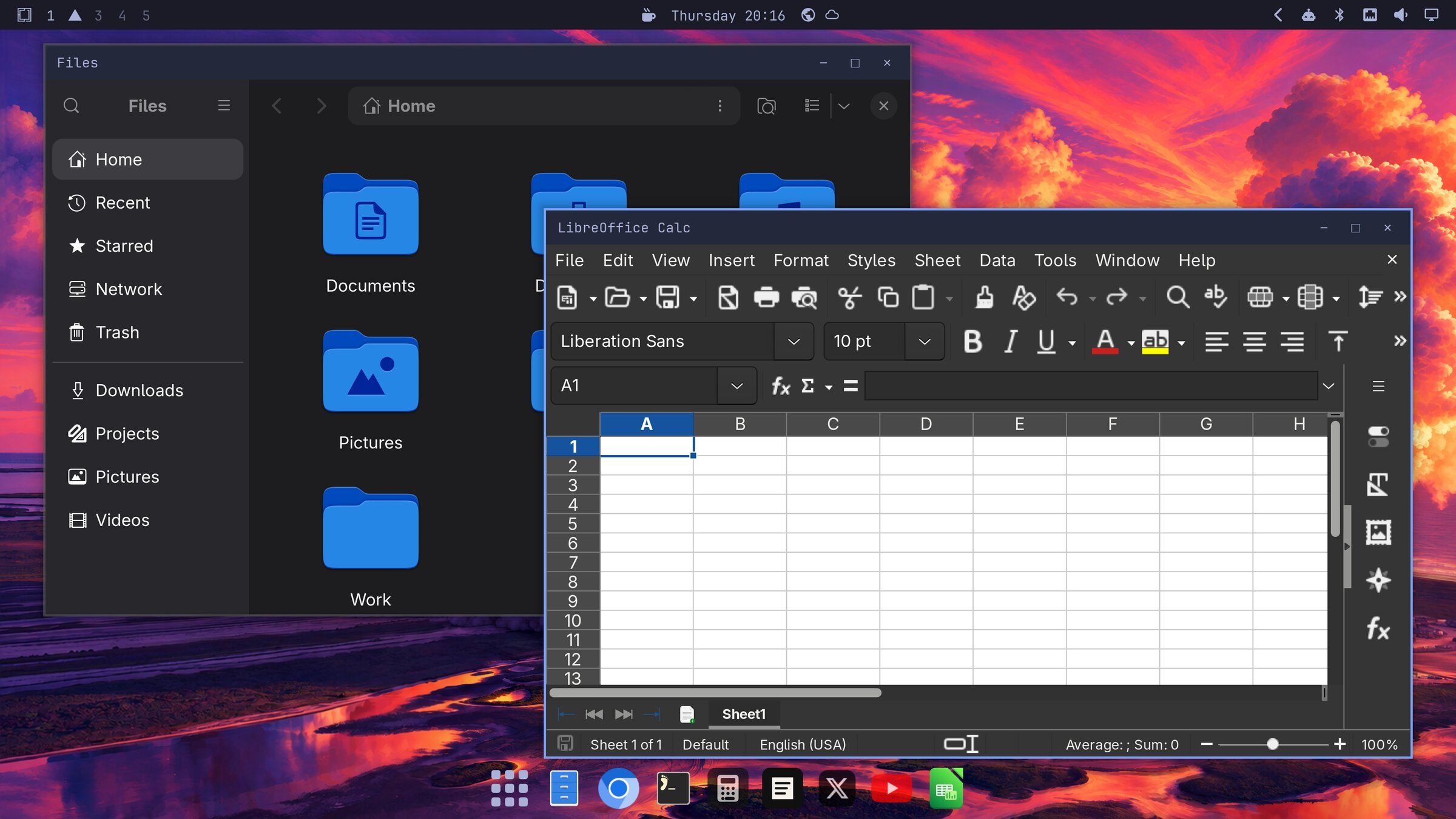
With floating on, each window has a titlebar with minimize, maximize, and close buttons on the right, where Windows puts them. The dock at the bottom holds your pinned apps and everything that’s running, so it does the job of a taskbar. Its first button opens a grid of every app, and typing narrows the grid down. All of that works with the mouse, so you can start without learning any shortcuts. Our guide to Omarchy’s floating windows and dock goes through each button.
Themes are a big part of Omarchy, since one pick changes the wallpaper, the window colors, and the top bar together. When you want to learn the keyboard side, super k lists every shortcut on the system (Super is the Windows key), and our list of Omarchy shortcuts to learn first picks out the useful ones.
Omarchy installs differently from the other four. Its installer takes a whole drive, or at least 32 GB of free space beside another system, and Secure Boot has to be off in the BIOS. The installer asks a few questions, and on an Intel N100 mini PC the install itself took between 54 seconds and 2 minutes 19 seconds. Our guide to installing Omarchy on a mini PC covers each step, from writing the USB stick to the first update.
Ubuntu is the tried and true choice with the longest support
Ubuntu comes from a company called Canonical, and its mission is “to bring free software to the widest audience”. Mint and Zorin OS are both built on it. Dell, HP, and Lenovo sell computers with Ubuntu already installed. When Stack Overflow’s 2025 survey asked developers which system they work in, about 28% named Ubuntu, more than any other Linux distro on the list.
The version to pick is 26.04.1 LTS, a long-term support release. The newer Ubuntu 26.10 is only supported until July 2027, so a beginner has little reason to start there.
The dock on the left stays on screen and holds your main apps, a bit like a taskbar standing on its side. The Ubuntu logo at the bottom of the dock shows every app, like All Apps in the Start menu. The small button at the top left opens Activities, which shows every open window, a lot like Task View on Windows, and typing there searches your apps. The Appearance page in Settings switches between light and dark, and accent colors change the highlights.
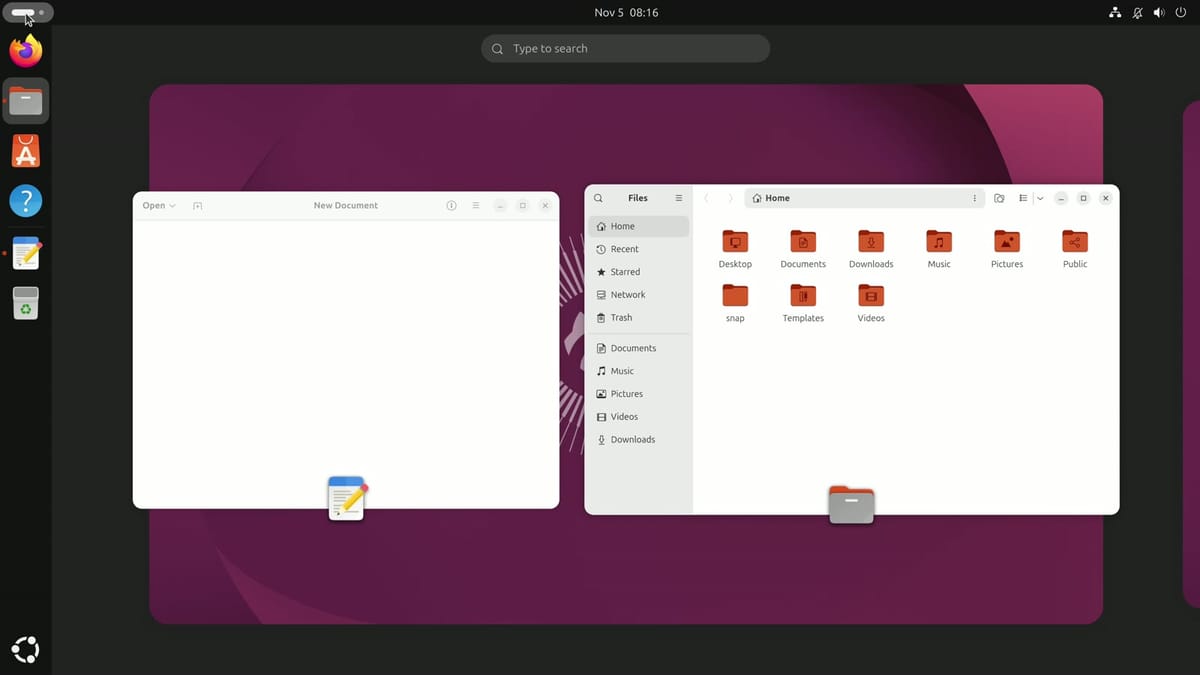
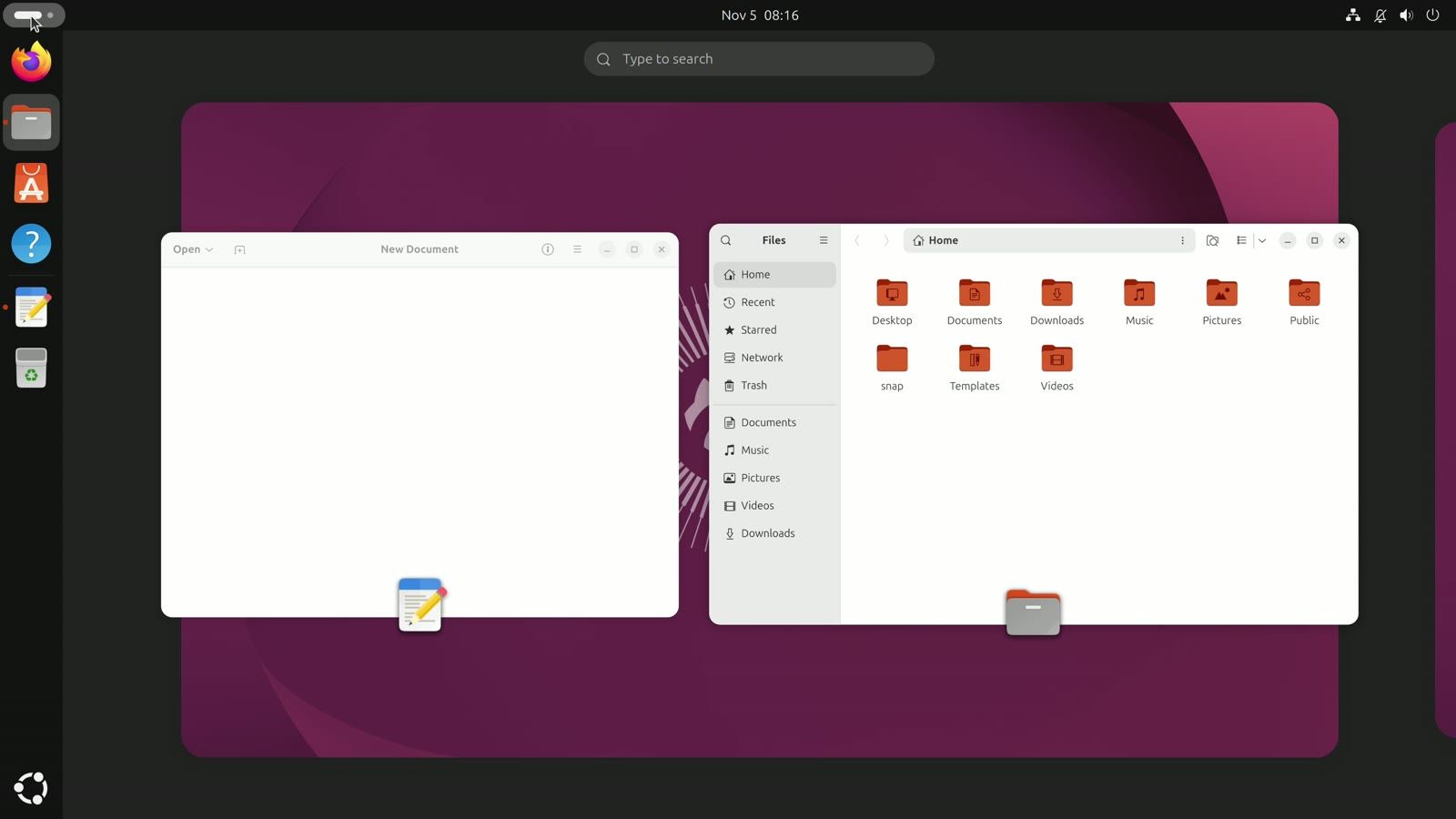
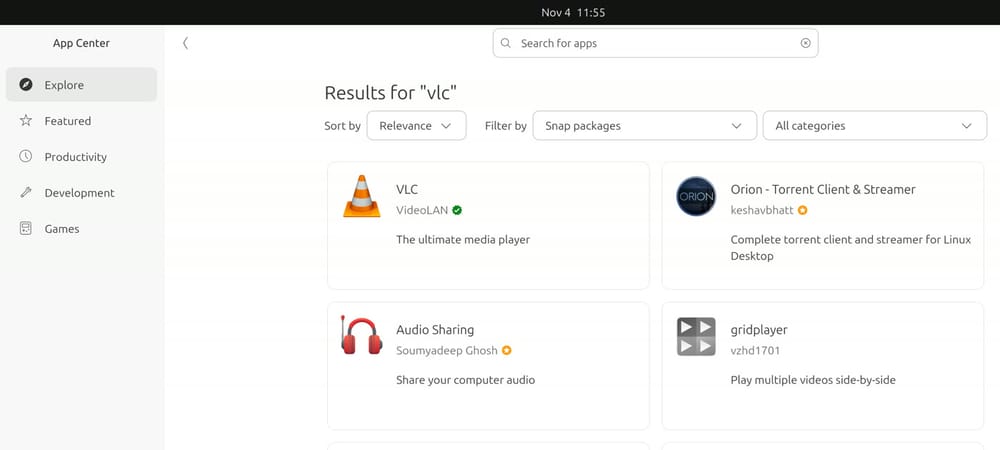
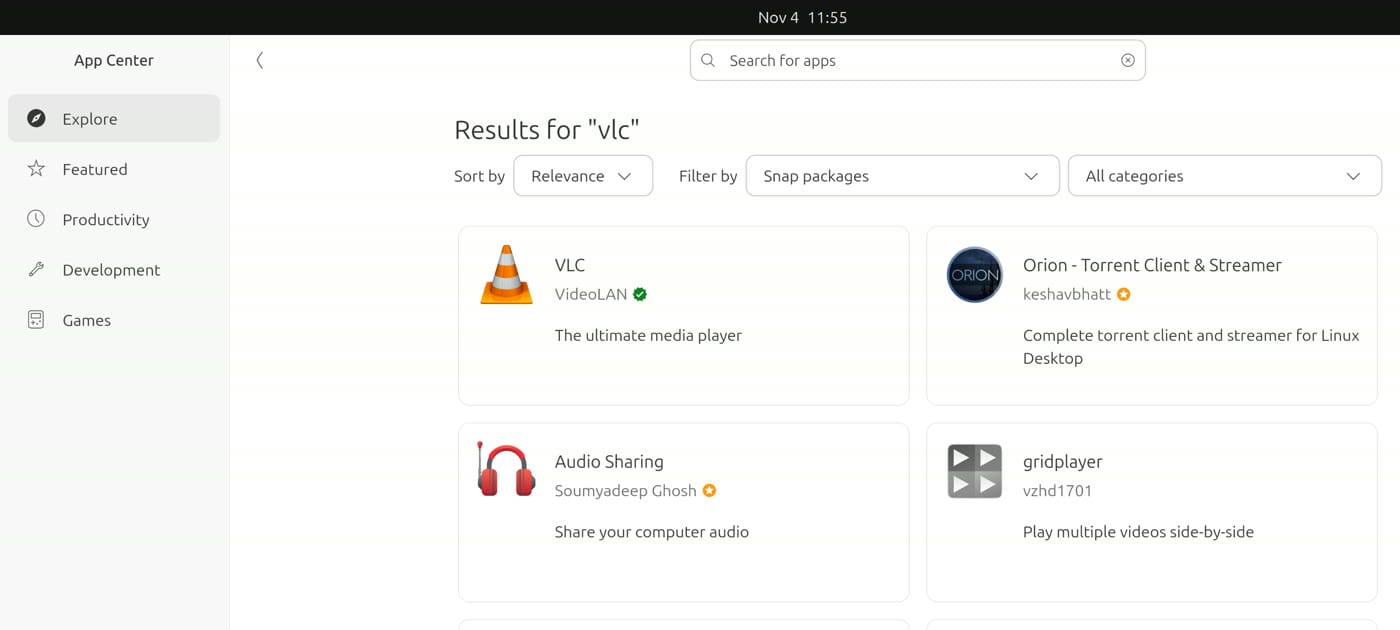
App Center is Ubuntu’s app store, and it’s a good first stop, because the default install has no video player. Its search found VLC from VideoLAN, the people who make it, with a green check beside the name. The check marks a verified publisher, so you can tell it’s the real app.
Years of security updates are the big reason to pick Ubuntu. Canonical’s release table gives this version security updates until May 2031. Ubuntu Pro, “free for personal use on up to 5 physical machines”, extends that to May 2036. The updates install by themselves, so you can set it up once and stay on the same version for years. Our Omarchy or Ubuntu guide goes further into Ubuntu’s welcome window, its updates, and turning on Pro.
Fedora is the steady choice backed by Red Hat
Fedora’s main sponsor is Red Hat, a company that sells Linux to businesses, and Fedora is the community project that Red Hat Enterprise Linux grows out of. Fedora’s mission names “software developers and community members” as who it’s for. Linus Torvalds, who started Linux, uses it, and in a 2025 video he said he wants a distro that “just installs and just works”.
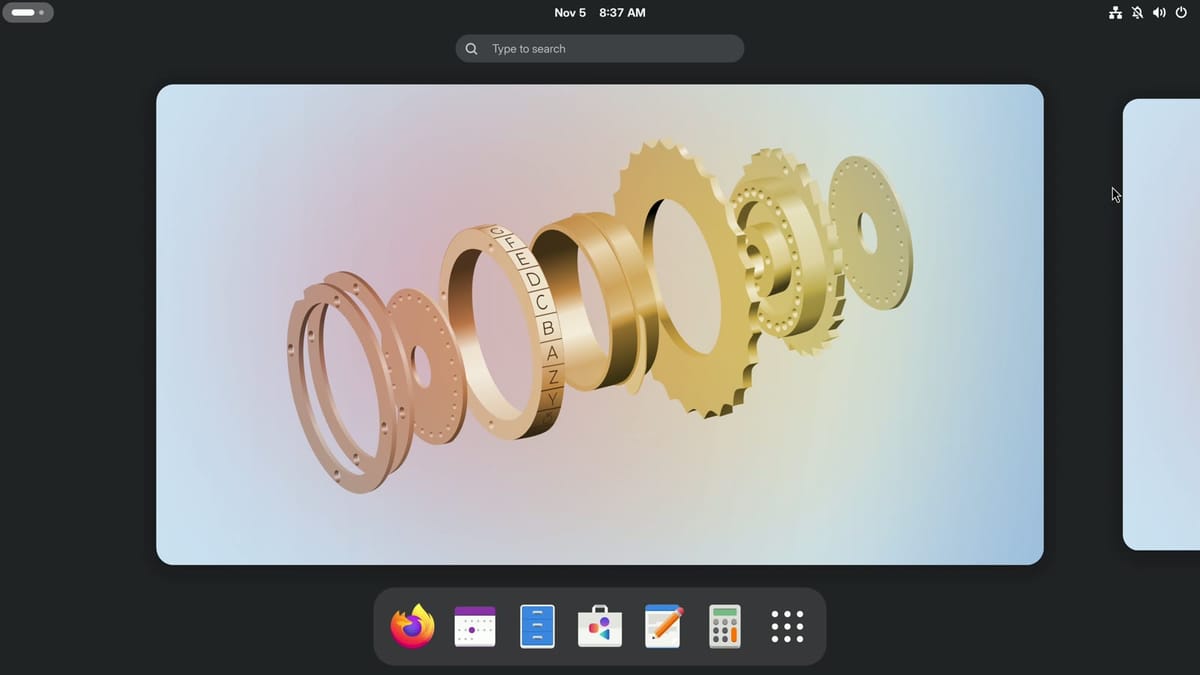
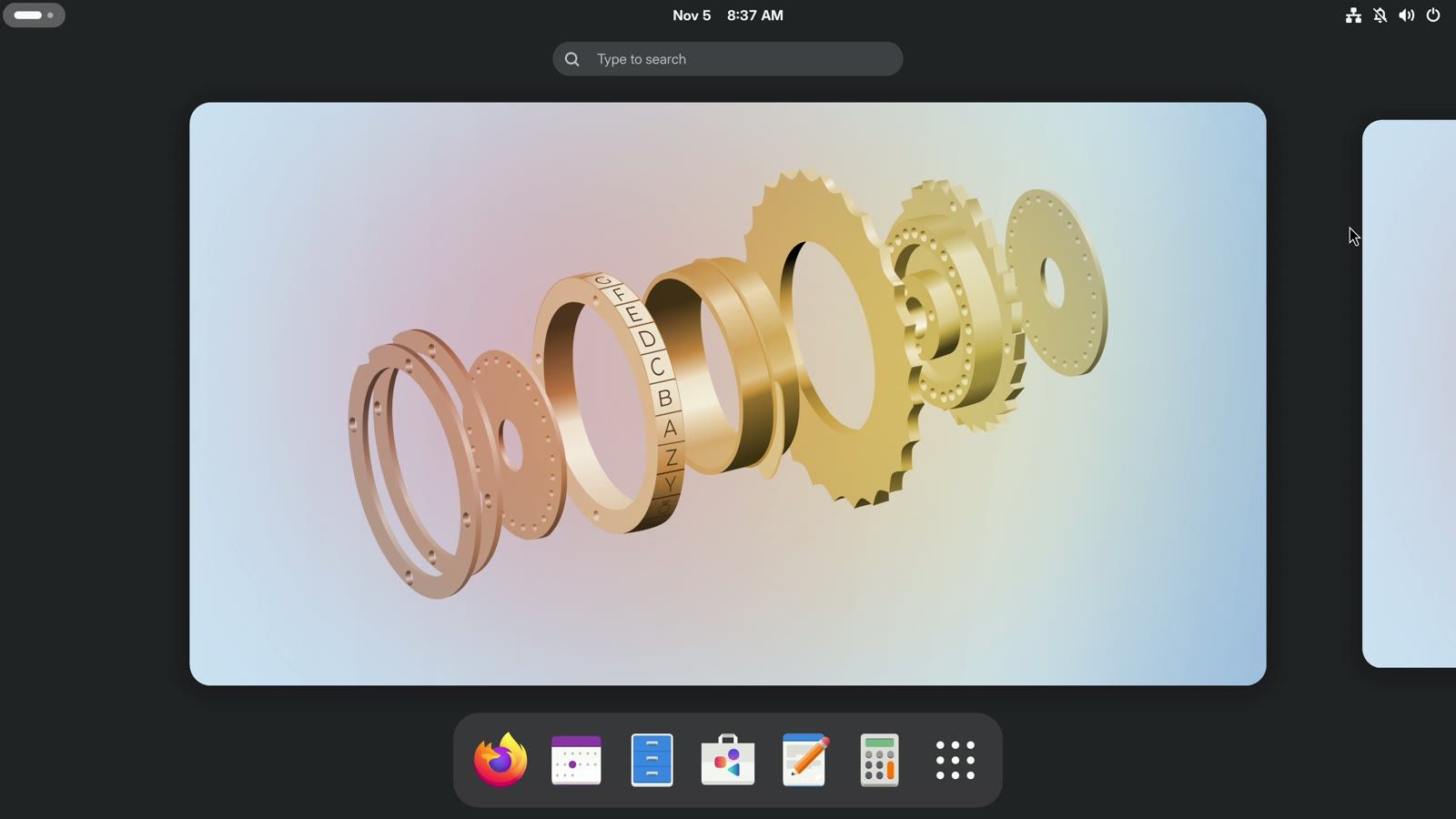
The desktop is GNOME as its makers designed it, clean and with no taskbar, so your windows get nearly the whole screen. Fedora opens on a screen called Activities, with a search box, your desktop, and a row of apps. The Windows key brings that screen back whenever you want it, and with a few windows open it spreads them out, so you can click the one you want. The last button in the row opens a grid of every app, with Maps, Weather, and LibreOffice already installed. The menu at the top right has a Dark Style button, and Settings lists Wi-Fi, Displays, Sound, and the rest down one side.
The Software app is Fedora’s store, with tiles like the ones on Zorin OS. A search found VLC, and its page says it comes from Fedora Flatpaks, Fedora’s own source of apps.


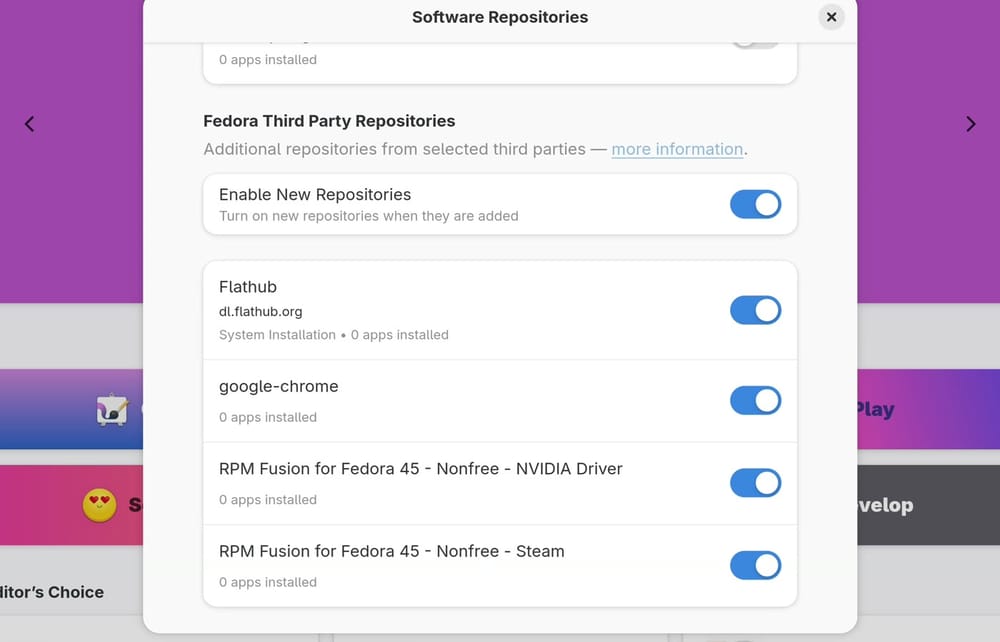
Third-party software, meaning software from someone other than Fedora, has its own switches. The store’s menu opens a page called Software Repositories, and the switches are near the bottom of it. Turning them on adds Flathub, Google Chrome, the NVIDIA graphics driver, and Steam to the store. Fedora’s first setup asks about them, and this page lets you change your mind later. Our Fedora 45 install guide walks through that setup, the first updates, and the rest of the install.
Fedora 45 came out on November 3, 2026 with GNOME 51. A new version comes about every six months, and each gets about 13 months of updates. Fedora 45’s updates end on December 8, 2027, so you move up about once a year. The Software app offers each upgrade.
Try Mint, Zorin OS, Ubuntu, or Fedora from a flash drive first
A flash drive lets you test a system on your own computer before you install it. You’ll see whether your graphics, Wi-Fi, sound, and battery work, and nothing on your disk changes. Mint, Zorin OS, Ubuntu, and Fedora all run this way. Omarchy’s stick starts its installer instead, so the steps for it are in our Omarchy install guide.
Those four downloads fit on an 8 GB flash drive, though Canonical recommends 12 GB or more for Ubuntu. Writing to it erases what’s on it, and a plain file copy won’t start a computer, so use a tool made for the job.
- Download the system. The downloads are on the Linux Mint, Zorin OS, Ubuntu, and Fedora sites. Each is one large ISO file.
- Write it to the flash drive. balenaEtcher runs on Windows, macOS, and Linux, and it’s what Mint’s guide suggests. Fedora also has its own Fedora Media Writer, covered in our install guide.
- Start the computer from the flash drive. Plug it in, restart, and open the boot menu. The key depends on the maker: Esc, F1, F2, F8, F10, F11, F12, or Delete.
- Choose to try it, not to install it. On Mint, press Enter at the first menu. On Zorin OS, pick “Try or Install Zorin OS”, then the Try option. On Ubuntu, pick the option to try it, which Canonical says “doesn’t alter your computer’s configuration in any way”. On Fedora, choose Not Now in the welcome window.
Once it’s running, connect to your Wi-Fi, play some sound, try your printer, and check that the screen looks right. Zorin warns that a system runs slower from a flash drive than after an install, so don’t judge speed this way.
If you want to be sure the download is intact, each project publishes checksums. Mint’s guide explains how to check one, and our Fedora guide shows the Windows command.
A test clip played on Mint and Zorin OS but not on Ubuntu
We double-clicked an MP4 clip on a fresh install of Mint, Zorin OS, and Ubuntu. Mint played it in Celluloid, even with its “Install multimedia codecs” box left unticked in the installer. Zorin OS played it in Videos, with its third-party box ticked, which is the default. Ubuntu said “There is no app installed for ‘MPEG-4 video’ files”, with its installer’s extra software boxes left unticked. We didn’t rerun this on Fedora, but in our Fedora 45 testing an H.264 file asked for a missing plugin, and our Fedora guide has the commands that fix it.
That was one common format, so treat it as a sign of how each system starts, not a full test. Mint’s First Steps page has a Multimedia Codecs entry for other formats.
Installing NVIDIA drivers on each system
On Mint, you open Driver Manager, choose the NVIDIA drivers, and reboot. Zorin OS has a separate start-up entry for NVIDIA cards made after 2013, and it says you may need to turn off Secure Boot for those drivers to work fully. Ubuntu’s installer offers the drivers, and after the install the command is sudo ubuntu-drivers install --recommended. On Fedora, the driver comes from the NVIDIA switch shown earlier, and our Fedora article covers why that takes more work.
Older PCs have lighter choices
Mint and Zorin OS both ask for 2 GB of memory, and Mint also comes in lighter Xfce and MATE editions, while Zorin OS has a Lite edition. Omarchy’s site says “Even a 2011 ThinkPad X220 with 2GB of RAM can run Omarchy”. Ubuntu asks for 6 GB, which any new computer has, but an older machine may not. If you want Ubuntu on one of those, Canonical points to Xubuntu or Lubuntu for systems with 2 GB of RAM or more.
More memory makes daily use easier on any of them, and our guide to RAM for Linux mini PCs goes through how much. If you’re buying a machine for this, our guides to used laptops for Linux and new Linux laptops cover the options.
Start with Mint unless another pick fits you better
If you came here wanting one name, it’s Linux Mint: it looks like what you already know, it asks for little, and its Welcome window explains each tool. Try it from a flash drive before you change anything on your disk. If it feels wrong, Zorin OS gives you a layout you can change and help with Windows apps. Omarchy rewards people who like to make a computer their own. Ubuntu and Fedora are the steady pair, with Ubuntu’s long support and Fedora’s clean GNOME desktop.


