

A built-in HDMI port means no dongle in the bag when you plug into a hotel TV, a classroom projector, or the monitor at home. These are the current models that have one, grouped by HDMI version, because the version decides what the port can drive.
List prices are for reference; current prices are on each product page.
Chromebooks and Googlebooks with HDMI 2.0 or 2.1
| Model | Screen | HDMI | USB-C video | List price |
|---|---|---|---|---|
| Acer Chromebook Plus Spin 714 | 14 inch | 2.0 | 2x Thunderbolt 4 | $699 |
| ASUS ExpertBook CX54 Chromebook Plus | 14 inch | 2.1 | 2x Thunderbolt 4 | From $699.99 |
| Lenovo Googlebook 15 | 15.3 inch | 2.1 | 2x Thunderbolt 4 | From $1,099.99 |
| ASUS Googlebook 14 | 14 inch | 2.1 | 2x Thunderbolt 4 | $1,299 |
HDMI 2.1 on these laptops does not mean 4K at 120Hz. Lenovo’s spec sheet for the Googlebook 15 says “HDMI supports up to 4K@60Hz” and saves 8K at 60Hz for its Thunderbolt ports. ASUS lists the Googlebook 14’s port as “HDMI 2.1 TMDS”, which names the older 18Gbps signaling that tops out around 4K at 60Hz. Plan on 60Hz from the ExpertBook CX54 too; ASUS says only that it connects up to three 4K displays.
The ASUS Chromebook Plus CM34 Flip and the Acer Chromebook Plus 516 GE also list HDMI 2.1, but both are hard to find new, so we left them out of the picks.
Chromebook Plus models with HDMI 1.4
| Model | Screen | HDMI | USB-C video | List price |
|---|---|---|---|---|
| Lenovo Chromebook Plus i 15 | 15.3 inch | 1.4b | 2x, up to 4K 60Hz | $530 |
| Lenovo Chromebook Plus 2-in-1 14 | 14 inch | 1.4b | 2x DisplayPort 1.4 | From $579 |
| Acer Chromebook Plus 514 (CB514-5H) | 14 inch | 1.4b | 2x DisplayPort | $549.99 |
| Acer Chromebook Plus 514 (CB514-6H) | 14 inch | 1.4 | 2x DisplayPort | $449.98 |
| Acer Chromebook Plus Spin 514 | 14 inch | 1.4b | 2x DisplayPort | From $549.99 |
| ASUS Chromebook Plus CX34 (CX3402CVA) | 14 inch | 1.4 | 2x DisplayPort | $490 |
| Acer Chromebook Plus 516 | 16 inch | 1.4 | 2x DisplayPort | $479 |
| Samsung Galaxy Chromebook Plus | 15.6 inch | Not published | 2x DisplayPort | $774.99 |
Google’s Chromebook Plus requirements do not cover ports, so the badge tells you nothing about HDMI. A machine with HDMI 1.4 can still suit a 4K monitor when its USB-C port reaches 4K at 60Hz. Lenovo’s sheet for the Plus i 15 spells out the split: “HDMI supports up to 4K@30Hz” and “USB-C supports up to 4K@60Hz”, with two external monitors at once. Plan on 1080p from the Samsung’s port, since Samsung gives no version number.
Mainstream Chromebooks with HDMI 1.4
| Model | Screen | HDMI | USB-C ports | Updates through | List price |
|---|---|---|---|---|---|
| ASUS Chromebook CM15 | 15.6 inch | 1.4 | 2 | June 2036 | From $269.99 |
| ASUS Chromebook CX15 | 15.6 inch | 1.4 | 2 | June 2033 | From $199 |
| Acer Chromebook 315 (CB315-7) | 15.6 inch | 1.4 | 2 | June 2033 | $299 |
| Lenovo Chromebook m 15 | 15.3 inch | 1.4b | 2 | June 2036 | From $350 |
| Lenovo Chromebook m 14 | 14 inch | 1.4b | 2 | June 2036 | From $350 |
| Acer Chromebook Spin 314 | 14 inch | 1.4 | 1 | June 2033 | From $429.99 |
| Acer Chromebook Spin 312 | 12.2 inch | 1.4 | 1 | June 2033 | $449 |
| Lenovo Flex 3i Chromebook 12 | 12.2 inch | 1.4 | 1 | June 2033 | From $349 |
Lenovo’s sheet for the Chromebook m 15, which runs the MediaTek Kompanio 540, lists one external monitor and 4K at 30Hz on both HDMI and USB-C. Moving the cable to USB-C gains nothing on that machine, and the ASUS CM15 uses the same chip, so expect the same limit there.
For school fleets, the Lenovo 500e Yoga Chromebook Gen 4 has HDMI 1.4, and the HP Fortis G1i 14 has a full-size port with no published version. Both connect to a classroom projector without an adapter.
Current Chromebooks and Googlebooks without an HDMI port
Rule these out if you want to plug in directly. All of them need a USB-C cable or an adapter.
| Model | Screen | Chip |
|---|---|---|
| Lenovo Chromebook Plus 14 OLED | 14 inch | MediaTek Kompanio Ultra 910 |
| HP Chromebook Plus 15a | 15.6 inch | Intel Core i3-N305 |
| Acer Chromebook 315 (CB315-5H) | 15.6 inch | Intel Processor N100 |
| Acer Googlebook 14 | 14 inch | Intel Core Ultra 5 325 |
| HP Googlebook 14 | 14 inch | Qualcomm Snapdragon X Elite |
| Dell XPS Googlebook | 13.4 inch | Qualcomm Snapdragon X Elite |
On the Lenovo Plus 14 OLED, only the right-side USB-C port reaches 4K at 60Hz. “Left side was maxed at 30hz,” u/treedor wrote on r/chromeos after swapping the cable across.
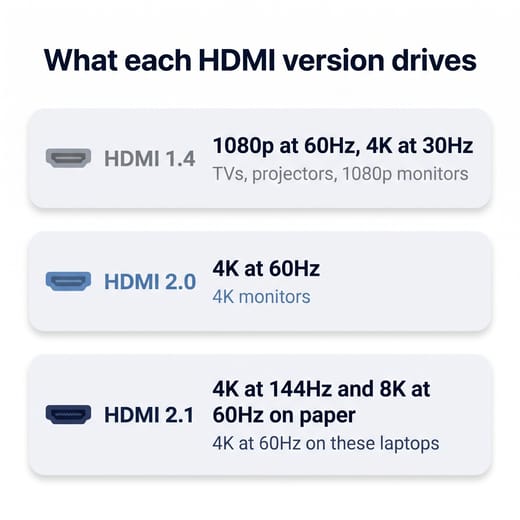
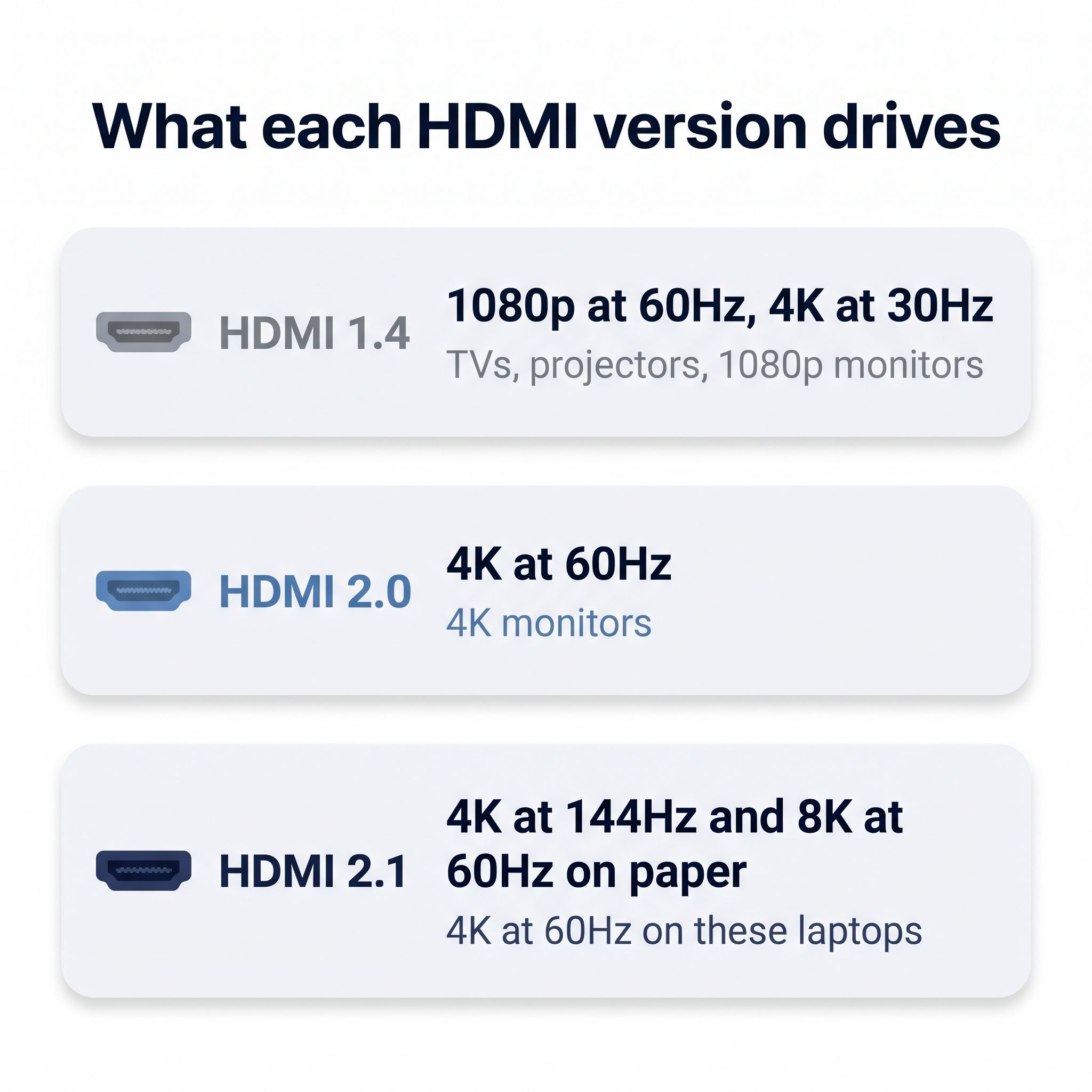
What each HDMI version drives
| HDMI version | Peak video | Good for |
|---|---|---|
| 1.4 and 1.4b | 1080p at 60Hz, 4K at 30Hz | TVs, projectors, 1080p monitors |
| 2.0 | 4K at 60Hz | 4K monitors |
| 2.1 | 4K at 144Hz and 8K at 60Hz on paper | 4K at 60Hz on these laptops |
The peak figures come from MakeUseOf’s comparison of the three standards; a laptop’s chip can set a lower limit, as the Googlebook 15 shows.
For anything up to 1080p, HDMI 1.4 is enough, and the version number should not steer your purchase. It starts to matter when you sit in front of a 4K monitor all day, since windows and the cursor move at half the rate of a 60Hz screen. Connect that monitor over USB-C on a machine that supports 4K at 60Hz there, or buy one of the HDMI 2.0 or 2.1 models above. A video or a film at 24 frames per second looks fine on either, so a 4K TV in a hotel room is not a problem at 30Hz.
If you want more than one extra screen, Google says Chromebooks support one to three external monitors, depending on the model. Two screens over one cable is a separate question, and our docking station guide covers it.
Our picks by use
For a 4K monitor over HDMI
The Acer Chromebook Plus Spin 714 pairs HDMI 2.0 with two Thunderbolt 4 ports, so it can run a 4K monitor over HDMI while one Thunderbolt port charges and the other takes a second screen. It has a Core Ultra 5 115U, a touchscreen that folds into a tablet, and updates through June 2034. Memory is a soldered 8GB, there is no card reader, and both Thunderbolt ports sit on the same edge. The ExpertBook CX54 has the same chip, a sharper 2560x1600 screen, and a lower weight, but new stock was thin in early November, so the Spin 714 is our pick.
Acer Chromebook Plus Spin 714
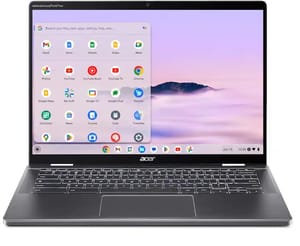
- ✓HDMI 2.0 and two Thunderbolt 4 ports
- ✓Core Ultra 5 115U
- ✓touchscreen 2-in-1 with USI pen support
- ✓updates through June 2034
- ✗8GB of soldered memory
- ✗both Thunderbolt ports on one edge
- ✗no card reader
- ✗no pen in the box
For a large screen at a desk
The Lenovo Chromebook Plus i 15 suits a home desk: a 15.3-inch screen, a number pad, and HDMI on the right edge with a USB-C port on each side, so the charger can come from either direction. Lenovo supports two external monitors at once. Our 8GB or 16GB guide covers whether its fixed 8GB is enough for you. Keep the charger close: GEEKSPIN’s reviewer did not expect the battery to last a full workday. The base panel covers only 45% of NTSC color.
Lenovo Chromebook Plus i 15
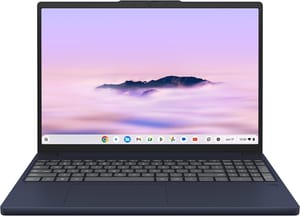
- ✓HDMI 1.4b
- ✓two USB-C ports with 4K 60Hz output
- ✓microSD reader
- ✓number pad
- ✓updates through January 2036
- ✗One reviewer did not expect a full workday on battery
- ✗keyboard is not backlit
- ✗weak bottom-firing speakers
For a 14-inch Chromebook Plus
The Acer Chromebook Plus 514 (CB514-5H) has a Core i3-1315U, an NVMe SSD instead of slower UFS storage, and an aluminum lid. HDMI sits on the right, away from the two USB-C ports on the left, so the charger always comes in from the left side of the desk. Updates end in June 2033, about two years before the CB514-6H, which uses an Intel Core 3 N355 and puts one USB-C port on each side. If you plan to keep the laptop past 2033, the 6H is the better buy.
Acer Chromebook Plus 514 (CB514-5H)
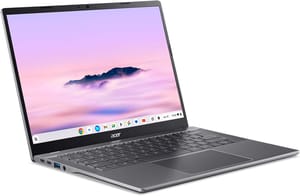
- ✓HDMI 1.4b
- ✓two USB-C ports with DisplayPort
- ✓Core i3-1315U
- ✓256GB SSD
- ✓Wi-Fi 7
- ✗Both USB-C ports on the left
- ✗no card reader
- ✗panel covers about 45 percent of NTSC
- ✗updates end June 2033
For hotel TVs and projectors on a budget
A hotel TV or a projector needs little hardware, and HDMI 1.4 handles both. A recent r/chromeos thread asked about exactly that, a cheap 15-inch machine where “HDMI would be nice for taking on trips where I could hook it up to hotel TVs and stream from my Plex server at home.” The poster was considering the ASUS Chromebook CM15 and worried about its 4GB of memory, and that worry is reasonable. The 8GB and 128GB build is the one to get, because memory and storage are soldered and the 4GB and 64GB base model cannot be upgraded later.
The CM15 gets updates through June 2036 and has a matte 1080p screen and a number pad. All of its ports sit on the left edge, so plan the cable run to the TV around that, and its chip struggles with heavy multitasking. Chrome Unboxed made the case for the port at this size while testing the similar CX15: “please just put an HDMI port on here instead of forcing people to use a dongle.”
If the picture scales badly on a TV, try the resolution setting under Displays in ChromeOS. One commenter in the same Reddit thread had that trouble on an unnamed Chromebook.
ASUS Chromebook CM15 (CM1505)
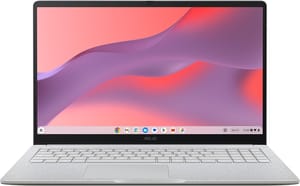
- ✓HDMI 1.4 and two USB-C ports
- ✓15.6-inch anti-glare 1080p screen
- ✓8GB memory on this build
- ✓updates through June 2036
- ✗One 4K external display at 30Hz is the likely limit
- ✗Kompanio 540 is slow for heavy multitasking
- ✗720p webcam
- ✗every port on the left edge
If you are shopping for a Googlebook
Googlebooks run Googlebook OS, Google’s new Android-based system, instead of ChromeOS, and start at $899. Two of the five launch models have HDMI: the Lenovo Googlebook 15 and the ASUS Googlebook 14, which weighs about 2.2 pounds and adds a second USB-A port. Tom’s Guide, How-To Geek, and Gizmodo all hit software bugs on the Lenovo, which counts against it, and the port alone does not justify the price. If the port is the main draw, the Spin 714 reaches the same 4K at 60Hz for less money.
How to check any other model
Read the ports line on the maker’s specification page for the exact model. Lenovo’s PSREF sheets have a “Monitor Support” row that gives the limit for each port. ASUS lists the version in its I/O Ports row. Some makers write “HDMI” with no number, and then a review with a full port list is the best second source. Treat a seller’s Amazon title as a hint only, because it may leave the version out or describe a different build.
Every Starry Hope product page lists the HDMI port in its specs, and the Chromebook comparison chart has an HDMI filter under Ports.
If your pick has no HDMI port
A USB-C to HDMI adapter or cable connects the same screens, as long as the USB-C port carries video. Check for DisplayPort support on the spec sheet, and look for a 4K 60Hz rating on the adapter if your monitor needs it. Google warns that a USB-C cable must be fast enough for the connection, and ChromeOS shows a “Cable may not support displays” message when it is not. The adapter takes up a USB-C port, so on a two-port laptop you are left with one for charging. That works until a second accessory turns up, and the adapter has to be in the bag on the day you need it.
Which one to buy
Start with the screen you plan to connect. For a TV, a projector, or a 1080p monitor, any model with an HDMI port does the job, so choose on price, screen size, and update date, and skip the 4GB builds. For a 4K monitor, the Spin 714 is the simple answer over HDMI, and the Plus i 15 costs less if a USB-C cable is fine. Rule out the Kompanio 540 models if you need 60Hz at 4K, because their limit applies to both ports.


